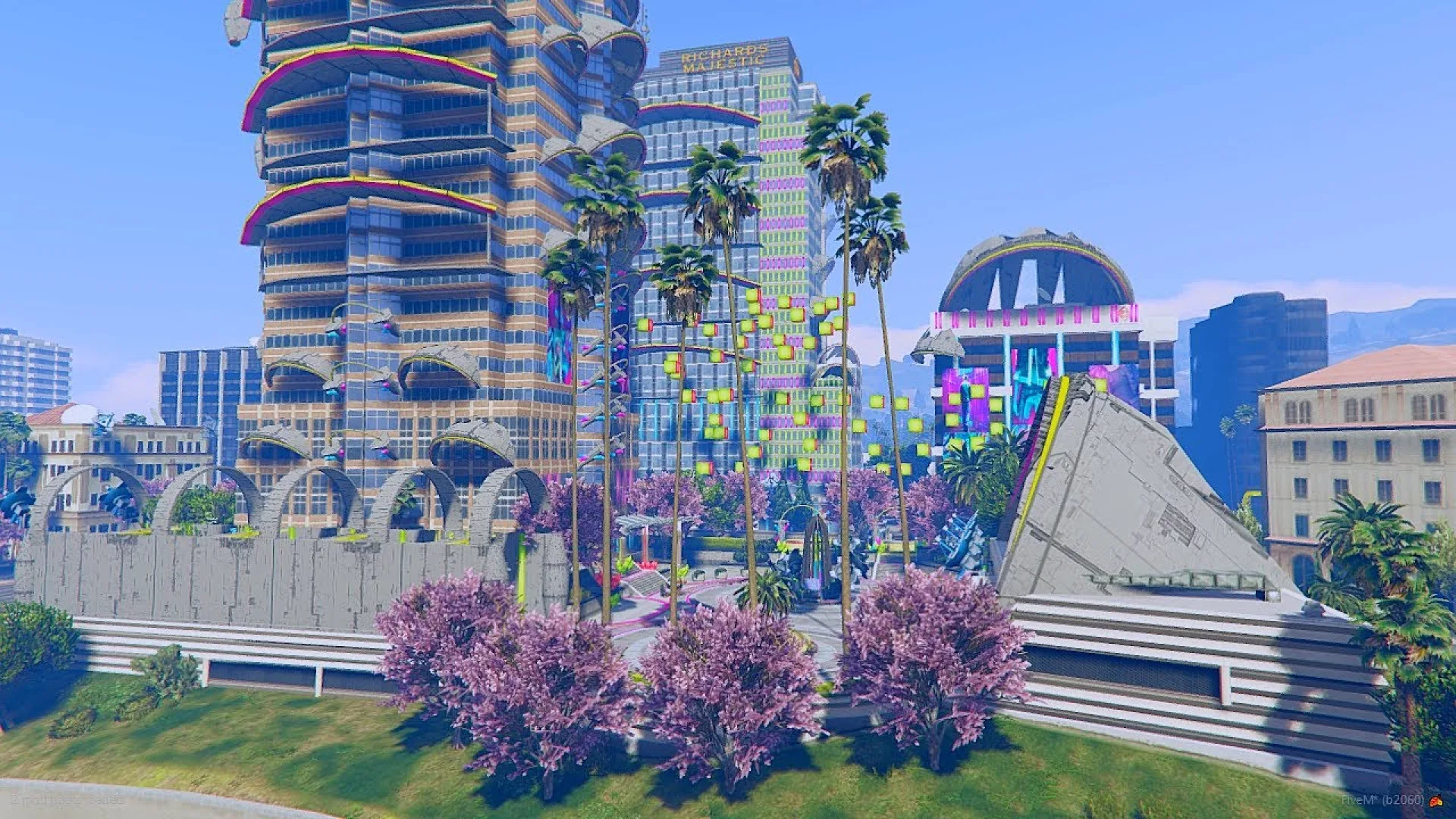
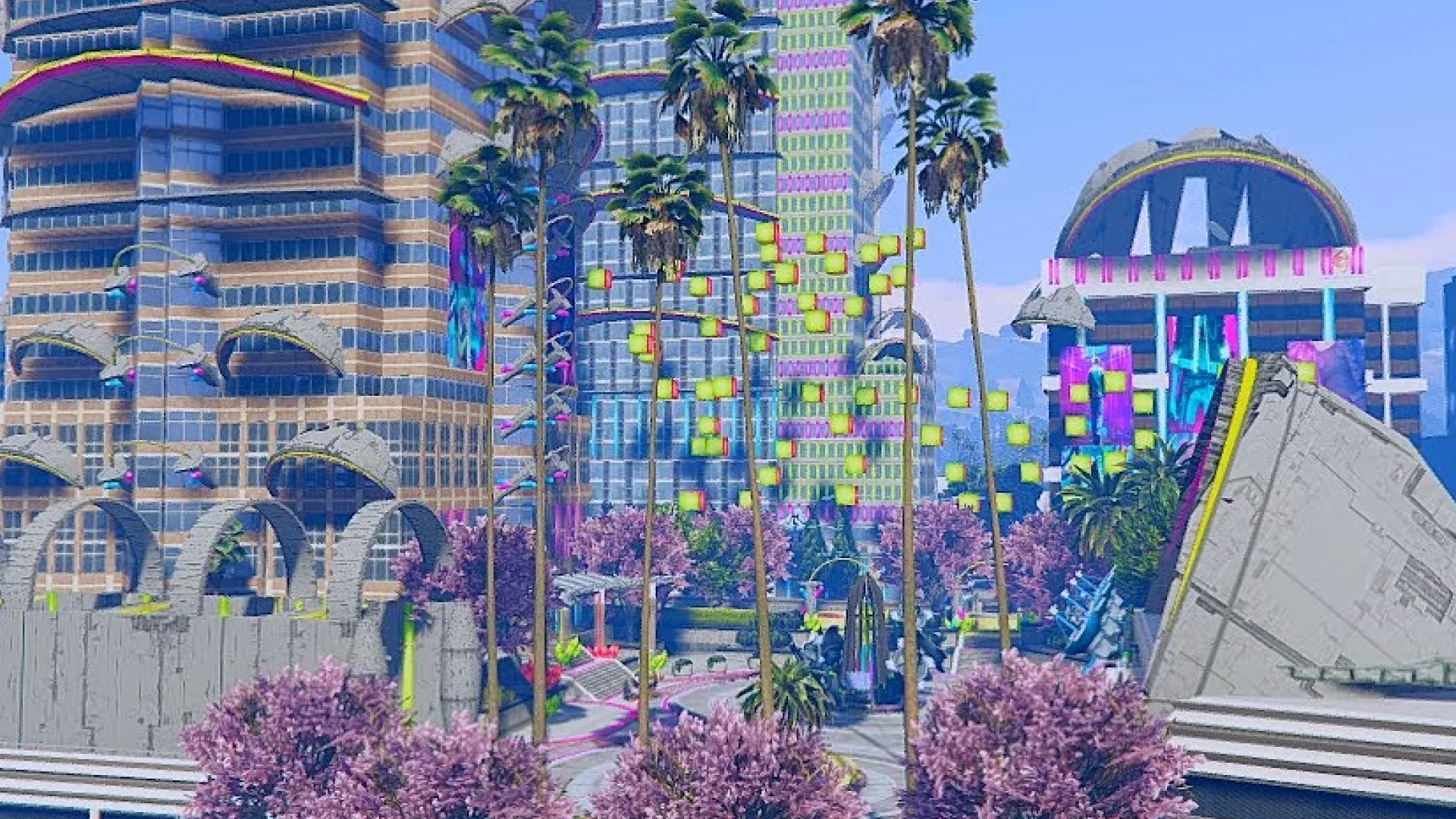
The Universe Store CyberPunk V1 MLO brings a glowing, neon-saturated space to FiveM. The interior leans into layered emissive materials, mixed lighting temperatures and reflective floors, so even a quick walk-through delivers the kind of visual mood that fits sci-fi roleplay, nightlife events and futuristic shop concepts. The space is tuned to look as good on streamed clips as it does in day-to-day RP, which gives event hosts a venue that pulls weight on social media without extra post work.
Inside the Universe Store CyberPunk V1 MLO
The build mixes lounge seating, a bar counter and tech-styled props into a tight, cinematic layout. Multiple themed rooms let roleplayers move between a public area and quieter back zones, giving event hosts and content creators plenty of camera angles to work with. The interactive counters are positioned so job scripts can latch onto them for drink service, retail or members-only check-ins without the owner having to reposition props.
- Neon-lit cyberpunk interior with layered emissive panels
- Bar area with usable, script-ready counter positions
- Lounge seating and themed back rooms
- Reflective flooring and tuned materials for showcase footage
- Works as a shop, club or private venue depending on scripts
- Multiple themed rooms for cinematic sightlines
- Clean collision and LODs for stable server performance
- Drag-and-drop resource layout compatible with modern FiveM gamebuilds
The MLO fits straight into existing retail or nightlife scripts and leaves the surrounding world untouched. Server owners can brand the interior as a tech store, a futuristic bar or a members-only club by tweaking signage and script data, which keeps the same build serving multiple roles across a server's lifetime. Install is the standard FiveM MLO flow — unpack into resources, add the resource name to server.cfg and ensure it, then wire your retail, nightclub or members-only job script at the bar counter and lounge zones. Clean collision and tuned LODs keep the interior streaming smoothly on busy servers running an already-long resource list on ESX, QBCore or Qbox. For more mood-driven interiors check the Maps and MLOs collection.
Quick specs
- Type: MLO / interior
- Category: Restaurant & Business MLOs
- Framework: Any framework - ESX, QBCore, Qbox or standalone
- Install: Drag and drop into resources, ensure in server.cfg
- Delivery: Instant download after payment
Frequently asked questions
Does Universe Store CyberPunk V1 MLO work with QBCore and ESX?
Yes. Universe Store CyberPunk V1 MLO is a framework-independent restaurant and business MLO, so it runs on ESX, QBCore, Qbox and standalone servers. Your existing job, door-lock and target scripts can use it straight away.
How do I install this MLO?
Drop the folder into your resources directory, add ensure with the resource name to server.cfg and restart the server. The location streams automatically when players get close.
Will it hurt server performance?
No. The interior uses LODs and streaming-friendly textures, so it stays light even on busy servers with many custom maps.