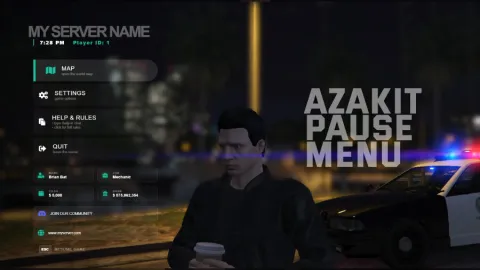
Cool ox warehouse fivem scripts work best when the storage, the inventory and the look all match, so this guide shows how to build a themed area with them. The cover is a warehouse system, and the rest of the list gives you inventory bases, skins and redesigns to pair with it.
This cool ox warehouse fivem scripts list gives each pick its own section, with what the script changes and who it suits. A comparison table and three common questions follow. Every detail comes from the product listings, so check each page for dependencies before you install.
Cool ox warehouse fivem scripts for a themed storage area
A simple build order keeps the area consistent:
- Choose the warehouse as the anchor for the area.
- Pick one inventory base that fits your framework.
- Add one skin or redesign so the menus match the warehouse look.
Cool OX Warehouse
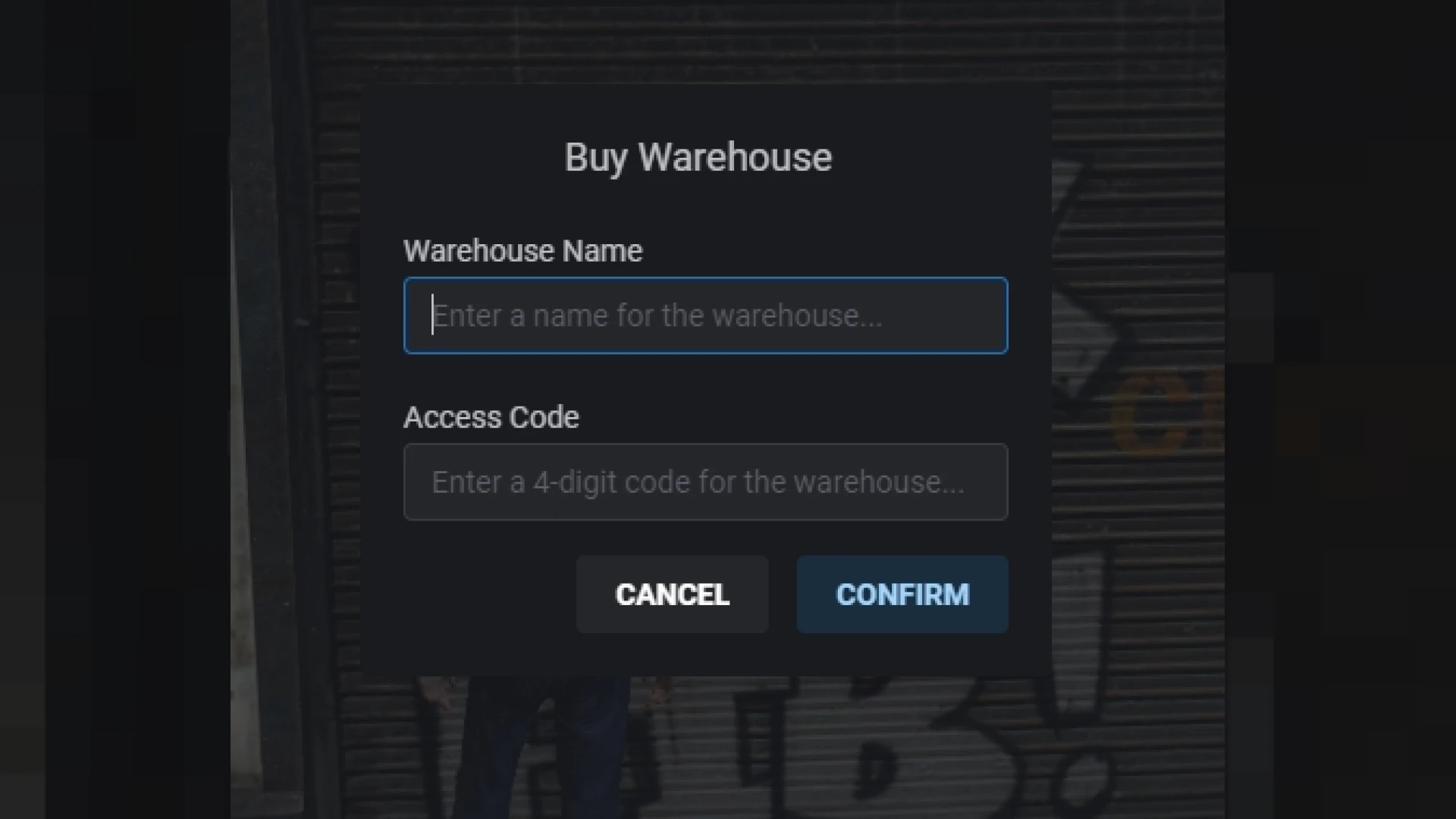
The Cool OX Warehouse gives players ownable storage built on ox_lib and ox_inventory. Each warehouse acts as a shared stash where approved players drop off and pick up goods.
Because warehouses can change hands, they become tradable assets in the economy, and crews can rent space for a job.
Best for: storage-led economies and crew logistics.
Inventory V5
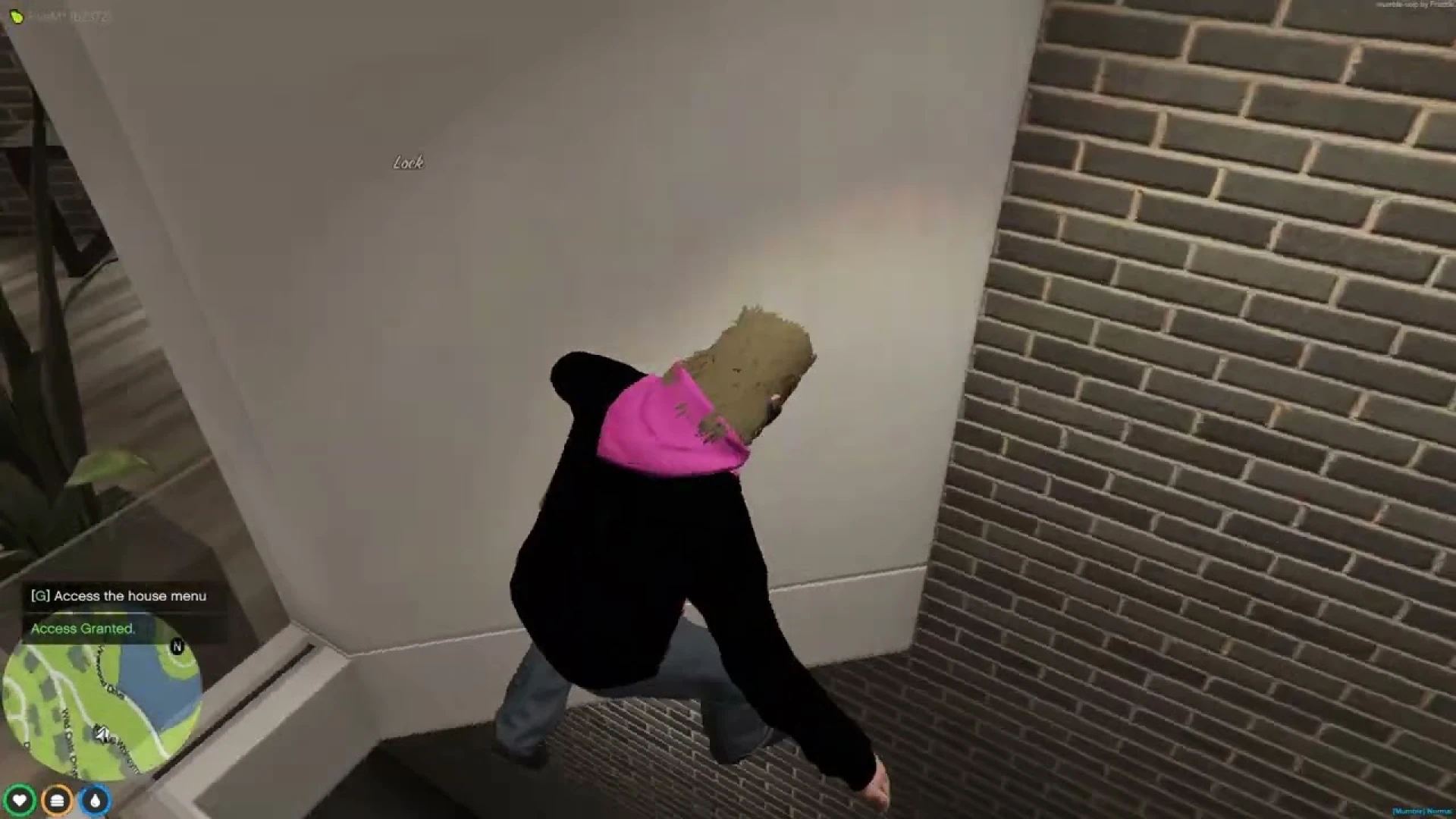
The Inventory V5 is a drag-and-drop grid inventory and ESX inventory script that manages items, weight, hotbar and secure storage for every player.
The interface and the data layer are designed to be readable, configurable and easy to extend.
Best for: ESX servers that want a readable grid inventory.
PinkFrog Ox_Inventory Redesign
The PinkFrog Ox_Inventory Redesign turns the familiar ox_inventory panel into a polished, modern interface. It keeps the layout players already know while sharpening the presentation.
It is a UI layer over ox_inventory, so the underlying behaviour stays with the trusted base resource.
Best for: ox_inventory servers that want a fresh look.
Inventory NoPixel 4.0
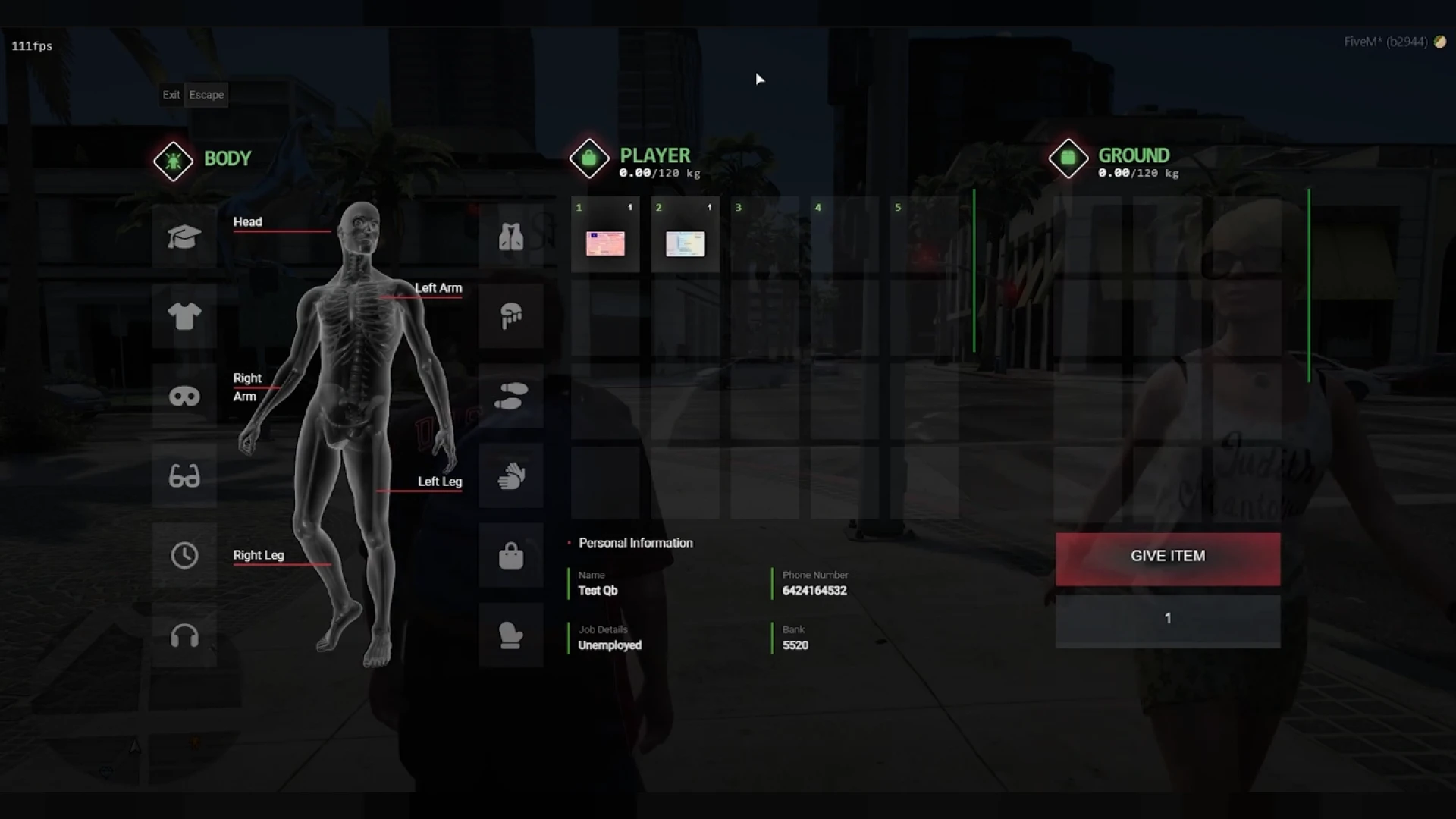
The Inventory NoPixel 4.0 recreates the tight grid, weight bar and hotbar strip that viewers recognise, built for QBCore servers.
It gives your city an interface players already associate with well-known roleplay, without months of custom UI work.
Best for: QBCore servers that want a familiar grid.
OX Inventory UI Skin
The OX Inventory UI Skin refreshes the standard ox_inventory interface with a high-contrast, modern layout that stays calm during busy scenes.
It is a drop-in visual upgrade, and players keep the same slot-based inventory, metadata handling and shop support.
Best for: servers that want a new skin without changing the gameplay.
Awesome OX Inventory
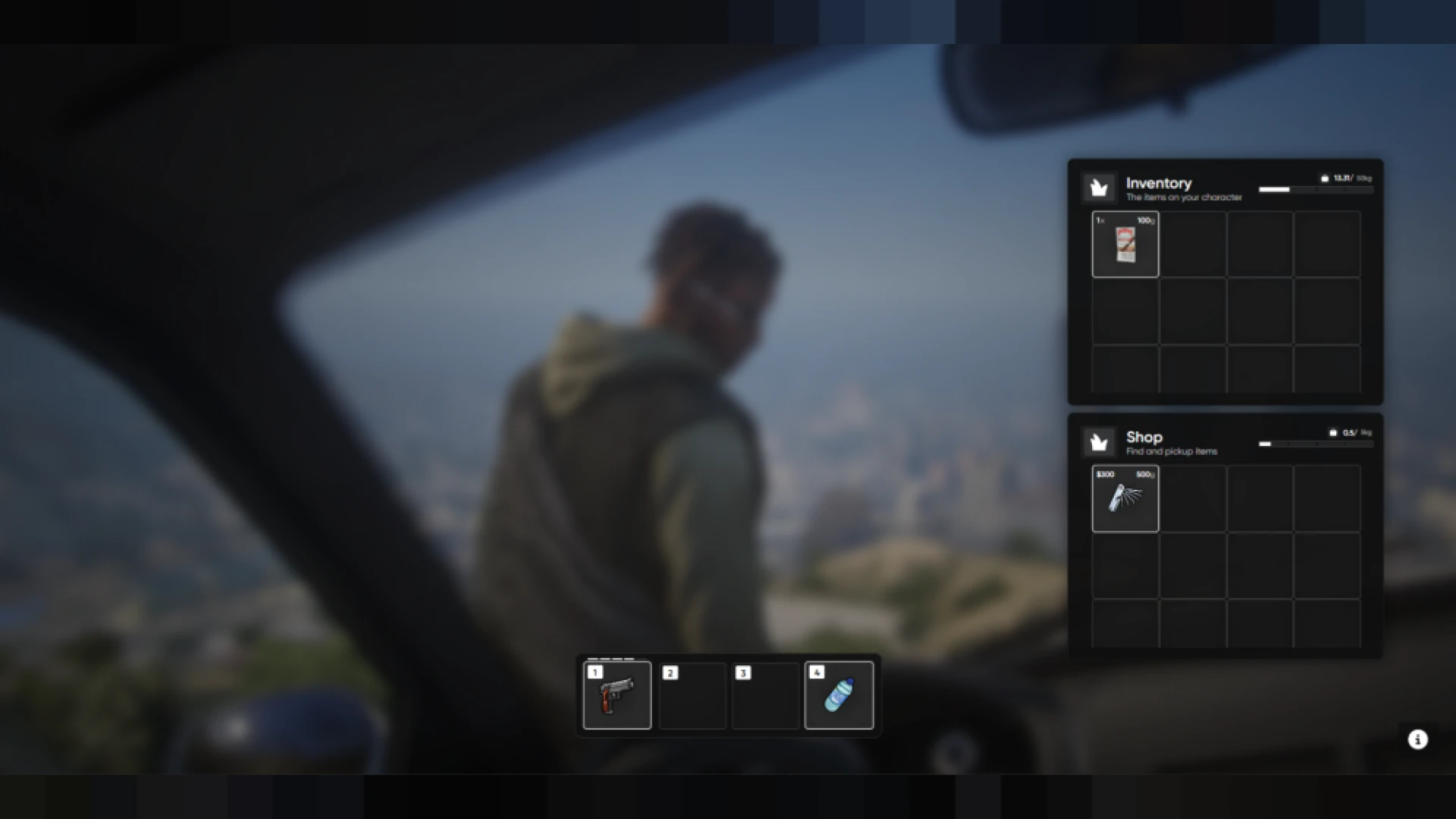
Awesome OX Inventory is a custom reskin of ox_inventory that keeps its features and gives it a cleaner, more modern presentation.
The redesign focuses on the interface, so the underlying logic and stability of ox_inventory stay as they are.
Best for: servers that like ox_inventory but want a new look.
EyesStore | Inventory Theme Remastered
The EyesStore | Inventory Theme Remastered gives the classic QBCore inventory a modern, high-contrast makeover while keeping the familiar drag-and-drop workflow.
It is a visual overhaul, and the underlying system behaves as it did before.
Best for: QBCore servers that want a refreshed classic.
QB Inventory
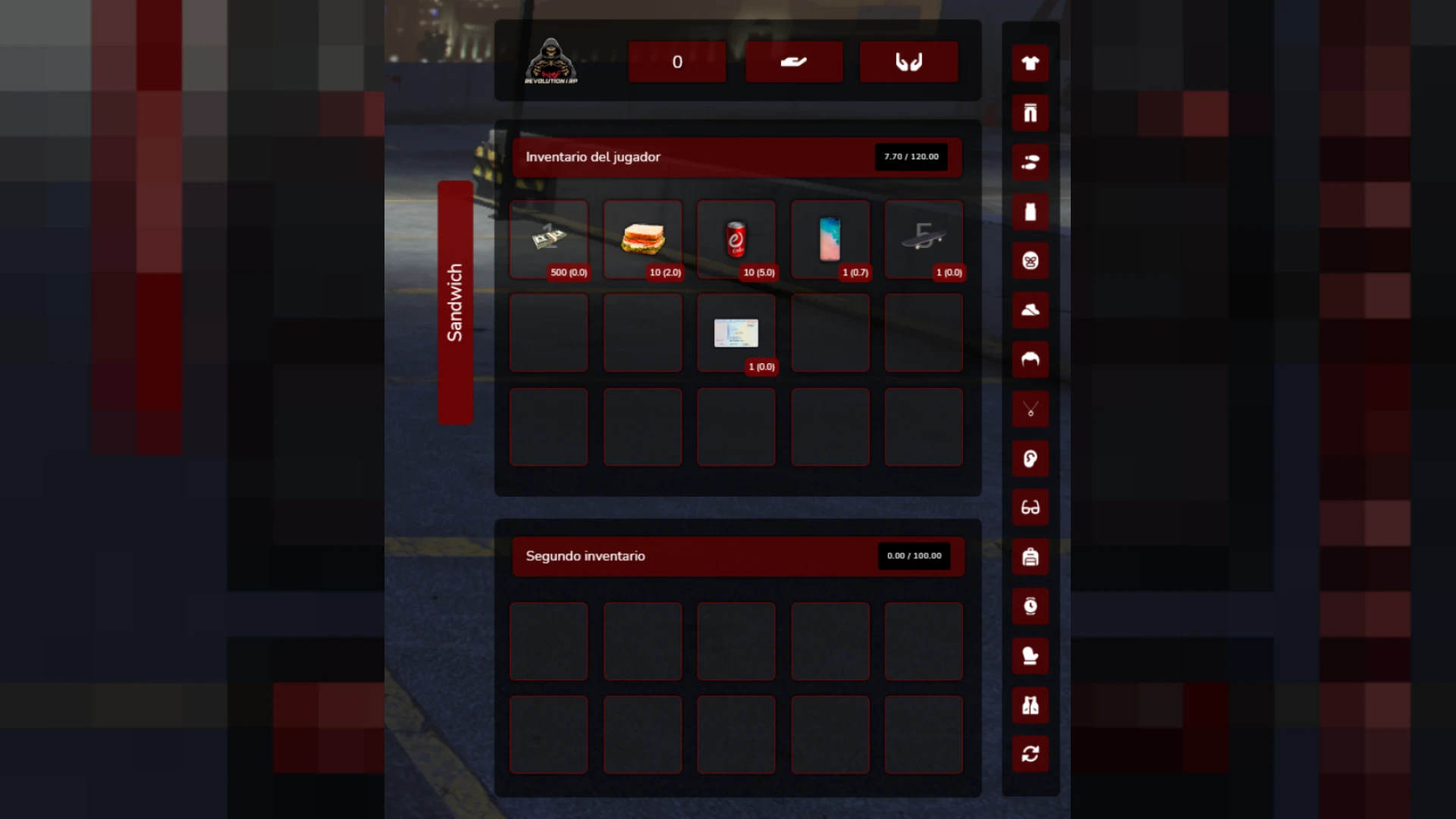
The QB Inventory replaces the default GTA V inventory with a drag-and-drop interface built for QBCore roleplay servers. Items, weapons and storage sit in one grid where weight, stacking and quick slots behave as players expect.
Trunk and stash storage, shop integration and crafting are included, so one system covers several everyday needs.
Best for: QBCore servers that want one all-in-one inventory.
Inventory V6
The Inventory V6 replaces the default item menu with a fast, slot-based grid built around smooth drag-and-drop handling.
Weight, stacking and item metadata stay in sync between client and server, so items stay in the right place during a busy session.
Best for: busy roleplay cities and smaller close-knit communities.
King Inventory
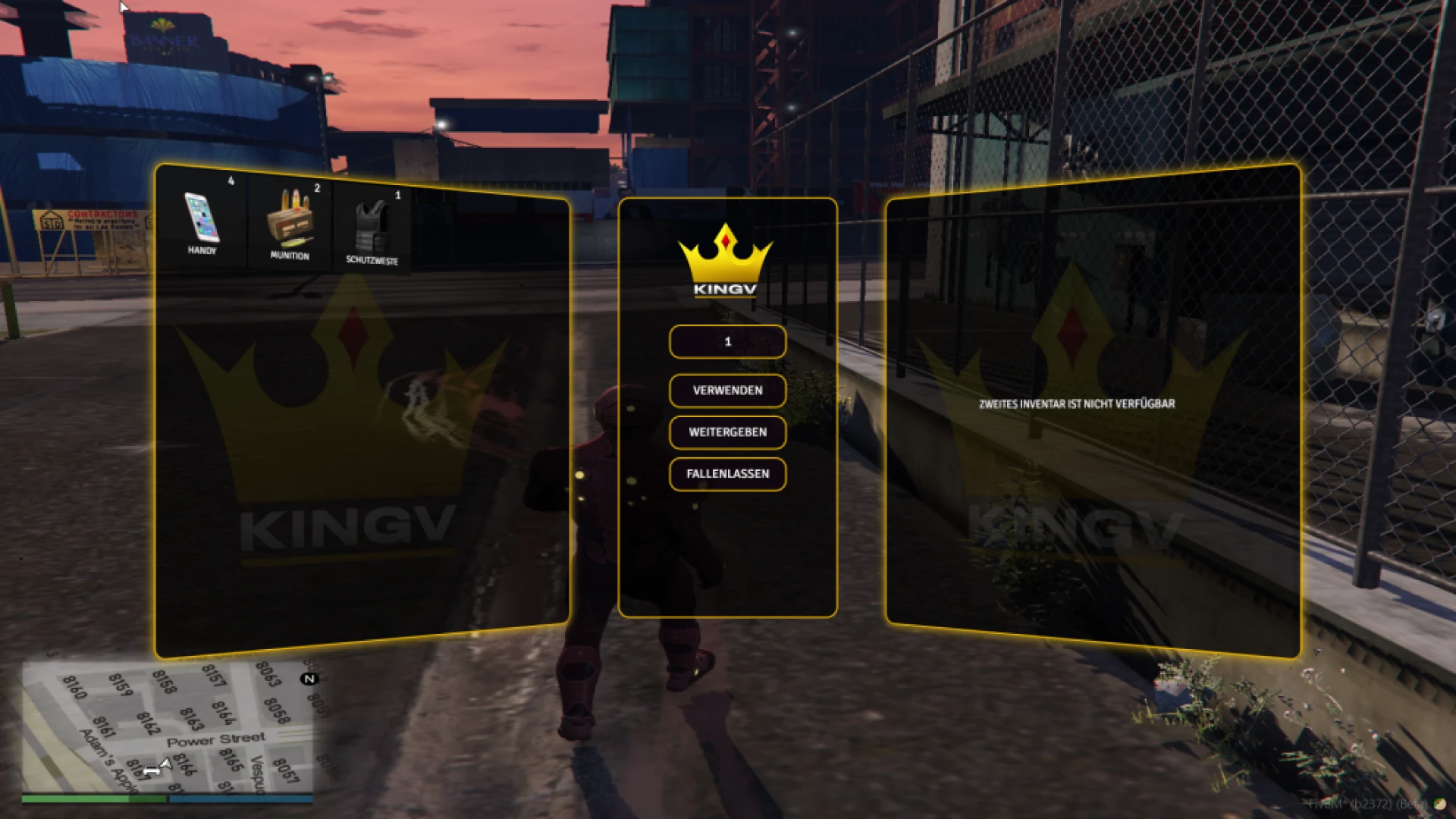
The King Inventory is a modern slot-based inventory with weight limits, item metadata, a hotbar and smooth drag-and-drop handling.
Each item has its own slot, weight and optional metadata, so durability and serial numbers stay with the item.
Best for: servers replacing an older inventory.
Overextended | OX Inventory
The Overextended | OX Inventory is a slot-based inventory that has become a community standard. It stores each item in its own slot with customisable metadata, so every object carries its own details.
Built on ox_lib and designed to be framework agnostic, it suits ESX, QBCore and fully custom setups.
Best for: servers that want a flexible, framework-agnostic base.
NoPixel 2.0 Inspired Inventory
The NoPixel 2.0 Inspired Inventory brings a grid-based item system to QBCore, modelled on the clean look of popular roleplay communities.
It includes a hotbar with quick slots and in-world item interactions, and it ties together the everyday systems players rely on.
Best for: QBCore servers that want a familiar grid look.
| Product | Category | Best for |
|---|---|---|
| Cool OX Warehouse | Inventory & Crafting Scripts | Storage-led economies |
| Inventory V5 | Inventory & Crafting Scripts | ESX servers wanting a grid inventory |
| PinkFrog Ox_Inventory Redesign | Inventory & Crafting Scripts | A fresh ox_inventory look |
| Inventory NoPixel 4.0 | Inventory & Crafting Scripts | A familiar QBCore grid |
| OX Inventory UI Skin | Inventory & Crafting Scripts | A new skin without gameplay changes |
| Awesome OX Inventory | Inventory & Crafting Scripts | A cleaner ox_inventory presentation |
| EyesStore | Inventory Theme Remastered | Inventory & Crafting Scripts | A refreshed QBCore classic |
| QB Inventory | Inventory & Crafting Scripts | All-in-one QBCore inventory |
| Inventory V6 | Inventory & Crafting Scripts | Busy roleplay cities |
| King Inventory | Inventory & Crafting Scripts | Replacing an older inventory |
| Overextended | OX Inventory | Inventory & Crafting Scripts | A framework-agnostic base |
| NoPixel 2.0 Inspired Inventory | Inventory & Crafting Scripts | A familiar QBCore grid look |
Common questions about these inventory and warehouse picks
Do these cool ox warehouse fivem scripts need ox_inventory?
The Cool OX Warehouse builds on ox_lib and ox_inventory, and the OX skins and redesigns are layers over ox_inventory. Confirm those dependencies on each product page before you install.
Which inventory fits a QBCore server?
The QB Inventory, Inventory NoPixel 4.0 and the EyesStore theme are built with QBCore in mind. Check each product page to confirm compatibility with your setup.
How do I build a themed area with cool ox warehouse fivem scripts?
Pick the warehouse first, then one inventory base and one skin that matches its look. Keep the colour palette consistent across the menus players see.
Browse the full range in the inventory and crafting scripts collection at FiveM Shops. Choose one inventory base before you add a skin, and test the warehouse and the inventory together on a staging server. A cool ox warehouse fivem scripts setup works best when every part of the look agrees.