If you are putting together a server and want ffn reshade fivem mods that look good from the first spawn, you need a sensible starting set. Graphics presets change how the city looks, while siren and sound packs change how it feels during a chase or a call. This guide walks through twelve client-side picks from FiveM Shops, starting with the FFN Reshade preset as the foundation.
Each entry explains what each of these ffn reshade fivem mods changes, who it suits and why it matters for a live roleplay server. Several of these packs only change your own view, so the server and other players are not affected. Product links go to the full listing, where you can check the details before you install anything.
Building your first set of ffn reshade fivem mods
FFN Reshade
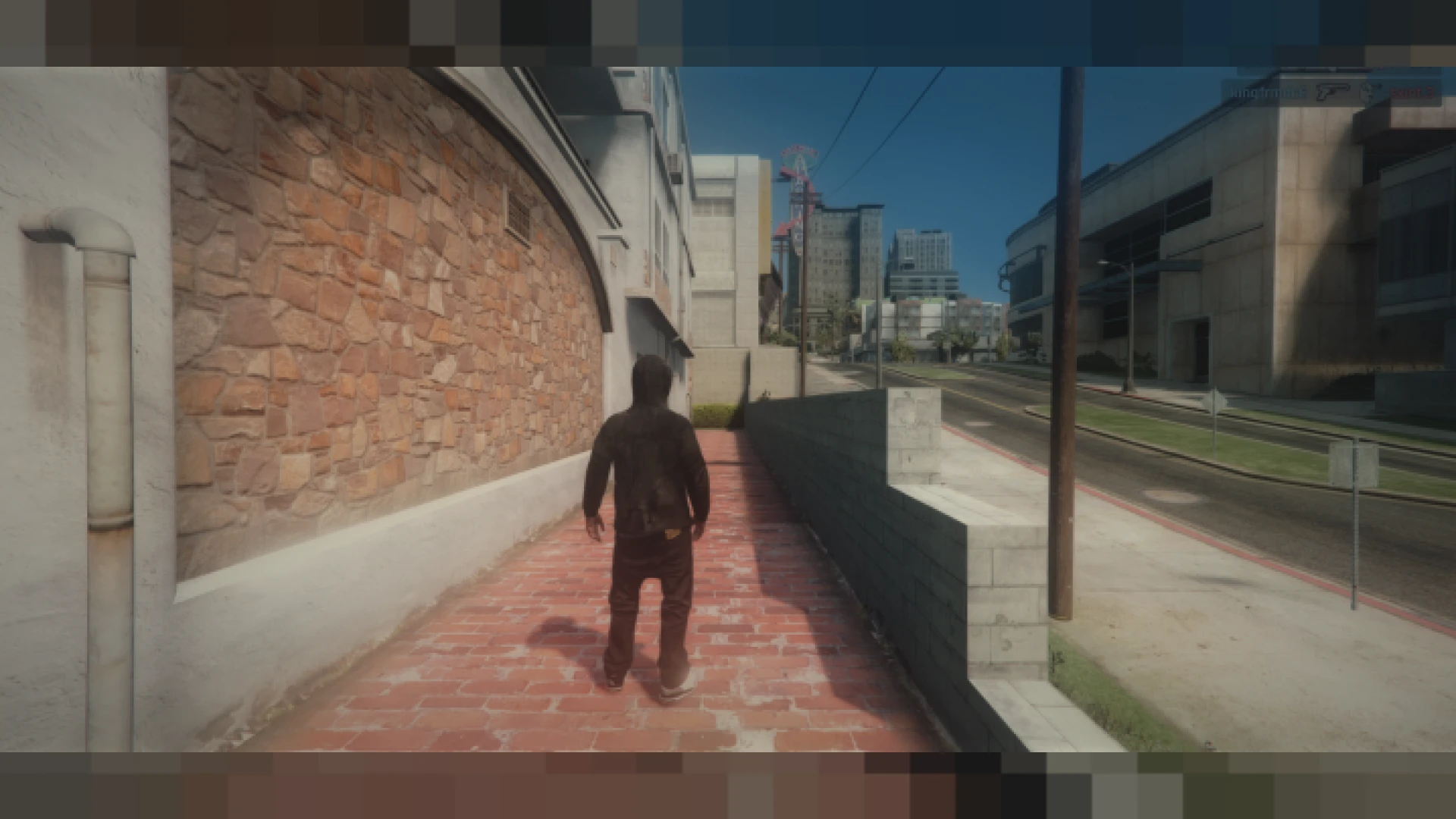
The cover pick, FFN Reshade, is a clean, balanced graphics profile. It leans toward natural colour and gentle sharpening, so the city keeps its familiar mood while gaining clarity, depth and contrast. It is aimed at players who want something comfortable for hours of play rather than a showcase that tires the eyes.
Best for: a default look that suits long roleplay sessions.
Soloty V12 Graphics Pack
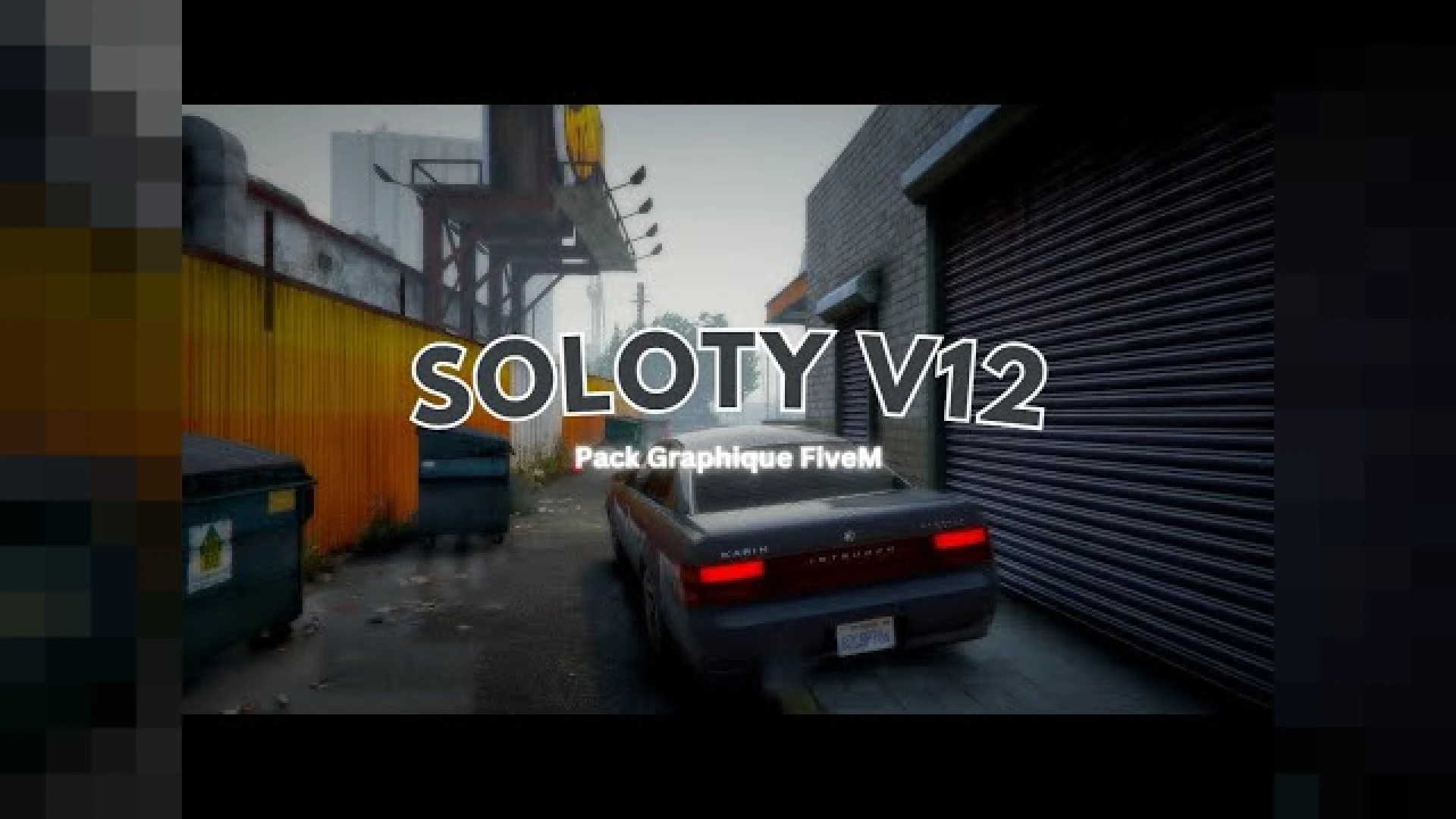
The Soloty V12 Graphics Pack is a ready-to-run release that reworks lighting, tone mapping and colour grading. Your city reads sharper and more cinematic on screen. The files are organized and the notes are clear, so you can install it without a long configuration session.
Best for: servers that want a noticeable upgrade with little setup.
Chromatix Shaders
The Chromatix Shaders is a cinematic overhaul that replaces flat default lighting with richer colour and deeper contrast. It reworks tone mapping, ambient light, bloom and reflections, so streets, interiors, skies and vehicles read with more depth across the day cycle.
Best for: players who want a stronger atmosphere at night and during storms.
YBN Graphic Pack
The YBN Graphic Pack brings richer colour, cleaner lighting and sharper clarity through a client-side overhaul. It is a fast, low-effort way to move away from the washed-out default look. Because it changes only your personal view, it is useful for players who want better screenshots and streams without changing the server.
Best for: a quick visual upgrade for streamers and screenshot takers.
Server Sided Sirens
The Server Sided Sirens pack syncs every siren tone through the server, so nearby players hear the same sound at the same moment. That removes the desync that often breaks immersion during pursuits and multi-unit responses. For law enforcement and EMS roleplay, a coordinated convoy sounds the way the scene should.
Best for: police and EMS fleets that run pursuits and convoys.
Realistic Sirens NYPD Edition
The Realistic Sirens NYPD Edition adds real emergency-service tones to your fleet. It installs as a client-side siren audio pack that any server can add quickly. The original release was shared only as a video preview, so check the listing media before you build around it.
Best for: patrol units that need a recognizable siren sound.
Venkey | Volumetric Particles
The Venkey | Volumetric Particles replaces flat smoke, fog and light sprites with fuller, more three-dimensional effects. Headlights cut proper cones through night air, and gunfire and explosions kick up thicker clouds. It is a client-side visual mod, so it adds atmosphere without touching how the server runs.
Best for: night scenes, fog mornings and action set pieces.
MVP Preset
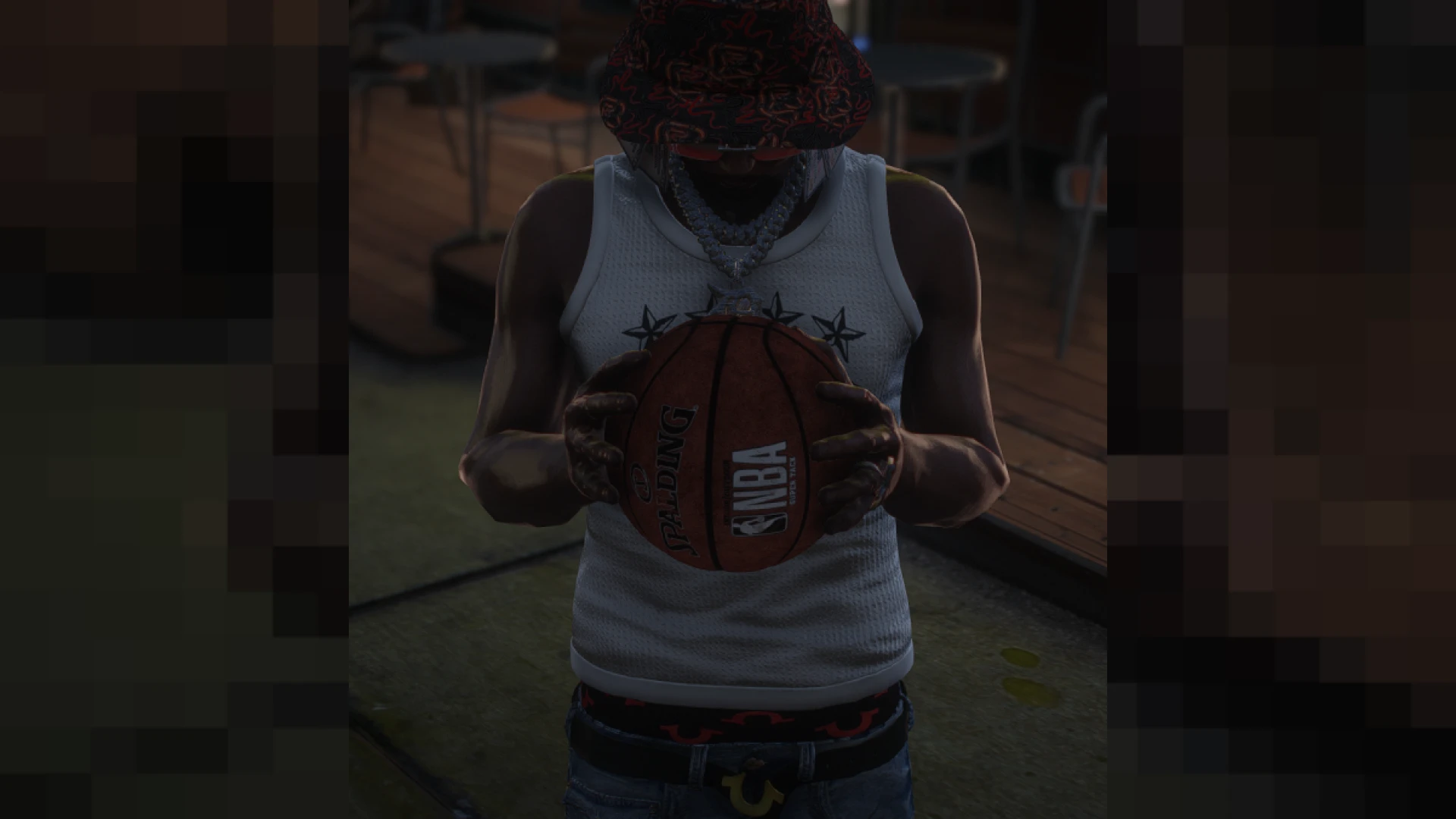
The MVP Preset is a ReShade overhaul with crisp colour grading, balanced contrast and adaptive sharpening. It lifts the view without touching the server or how other players experience the session. Light, shadow and saturation read more grounded from the moment you spawn in.
Best for: roleplayers who also capture cinematic clips.
CoreFX Graphics
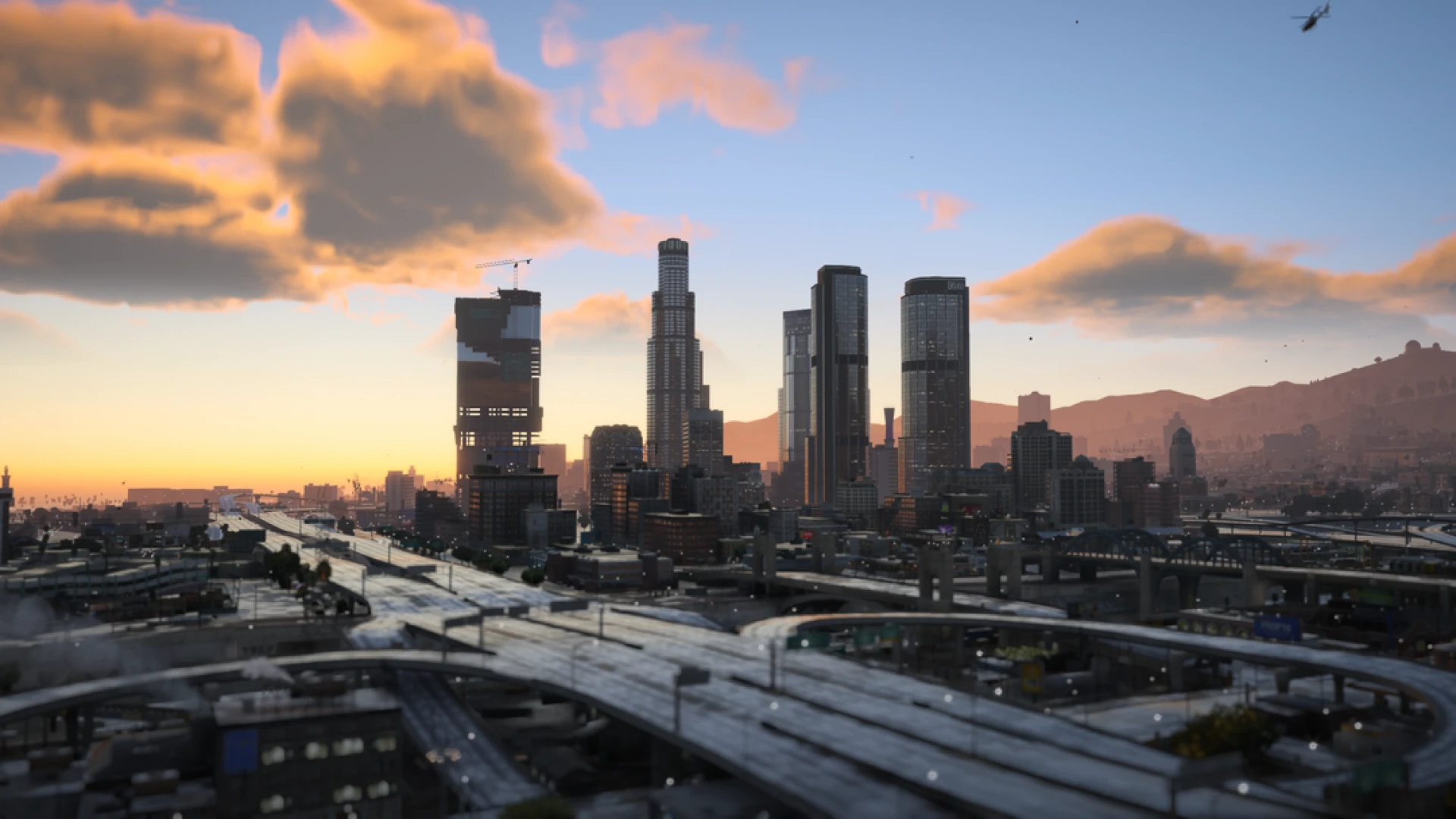
The CoreFX Graphics suite reworks shaders, weather and textures of the base game. It adds a new weather system with rolling fog and dynamic clouds, plus lens flares, colour grading and motion blur. The result is a cinematic Los Santos that suits a film-style roleplay city.
Best for: servers that want the heaviest visual overhaul on this list.
HQ Realistic FiveM Sound Pack
The HQ Realistic FiveM Sound Pack overhauls how weapons and scenes sound. It installs as a client-side audio pack that any server can add in minutes. Like the siren packs, the original release was shared only as a video preview, so confirm the contents on the listing.
Best for: servers that want a fuller audio layer for gunfire and scenes.
Radiant Presets
The Radiant Presets bring punchy colour, deeper contrast and cleaner highlights to your sessions. The listing says it is tuned to sit on top of QuantV, so the scene keeps its natural weather while gaining a filmic finish. The preset holds tone across the whole day cycle, where stock lighting can wash out or turn muddy.
Best for: servers already running QuantV that want a filmic finish.
Realistic Reshade
The Realistic Reshade delivers a balanced, natural colour grade. It refines contrast, tone mapping and sharpness so daytime scenes look true to life and night scenes keep detail in the shadows. It avoids the blown-out saturation that many heavier presets rely on.
Best for: a natural look for daytime roleplay and night scenes.
The table below groups the picks by role in a starter set, so you can build a short list before installing.
| Product | Category | Best for |
|---|---|---|
| FFN Reshade | Client-Side Mods | Long sessions, natural colour |
| Soloty V12 Graphics Pack | Client-Side Mods | Quick cinematic upgrade |
| Chromatix Shaders | Client-Side Mods | Night atmosphere |
| YBN Graphic Pack | Client-Side Mods | Screenshots and streams |
| Server Sided Sirens | Client-Side Mods | Synced police and EMS sirens |
| Realistic Sirens NYPD Edition | Client-Side Mods | Patrol siren tones |
| Venkey | Volumetric Particles | Client-Side Mods | Smoke, fog and headlights |
| MVP Preset | Client-Side Mods | Capture-ready grading |
| CoreFX Graphics | Client-Side Mods | Heaviest visual overhaul |
| HQ Realistic FiveM Sound Pack | Client-Side Mods | Weapon and scene audio |
| Radiant Presets | Client-Side Mods | Filmic finish on QuantV |
| Realistic Reshade | Client-Side Mods | Natural daytime and night |
Frequently asked questions about ffn reshade fivem mods
Do these mods change the server for other players?
Most of these listings describe client-side mods that change only your own view or audio. The Server Sided Sirens pack is the exception, because it syncs siren tones through the server so nearby players hear the same thing. Check the product page for the exact install steps before you add it.
Which pack should I install first on a new server?
Start with one graphics preset, such as FFN Reshade, so your team agrees on a visual baseline. Add the siren packs once your emergency roleplay is ready. Test each mod on your own client before you roll it out to the whole community.
Do these work with QuantV?
The Radiant Presets listing says it is tuned to sit on top of QuantV. For the other graphics and sound mods, the descriptions do not state QuantV compatibility, so check each product page before you combine them.
Browse the full client-side mods collection to see more graphics, sound and siren packs. Pick one preset and one siren pack to start, then expand as your server grows. FiveM Shops lists these mods in one place so your starter set is easy to compare, and the ffn reshade fivem mods at the top of this guide are a good place to begin.