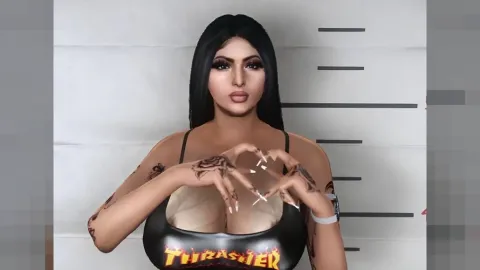
Tattoo shop FiveM scripts cover more than ink, from clothing menus and barbershops to the character selection screen that greets every player. This roundup from FiveM Shops looks at twelve underrated picks in the character and appearance category and explains where each one earns its place.
The scripts are grouped in the character and appearance scripts collection. The sections below start with the tattoo parlor, then move through wardrobe, creation and login systems. A comparison table near the end gives a quick overview of the tattoo shop fivem scripts range.
Underrated picks among the tattoo shop fivem scripts
Tattoo Shop
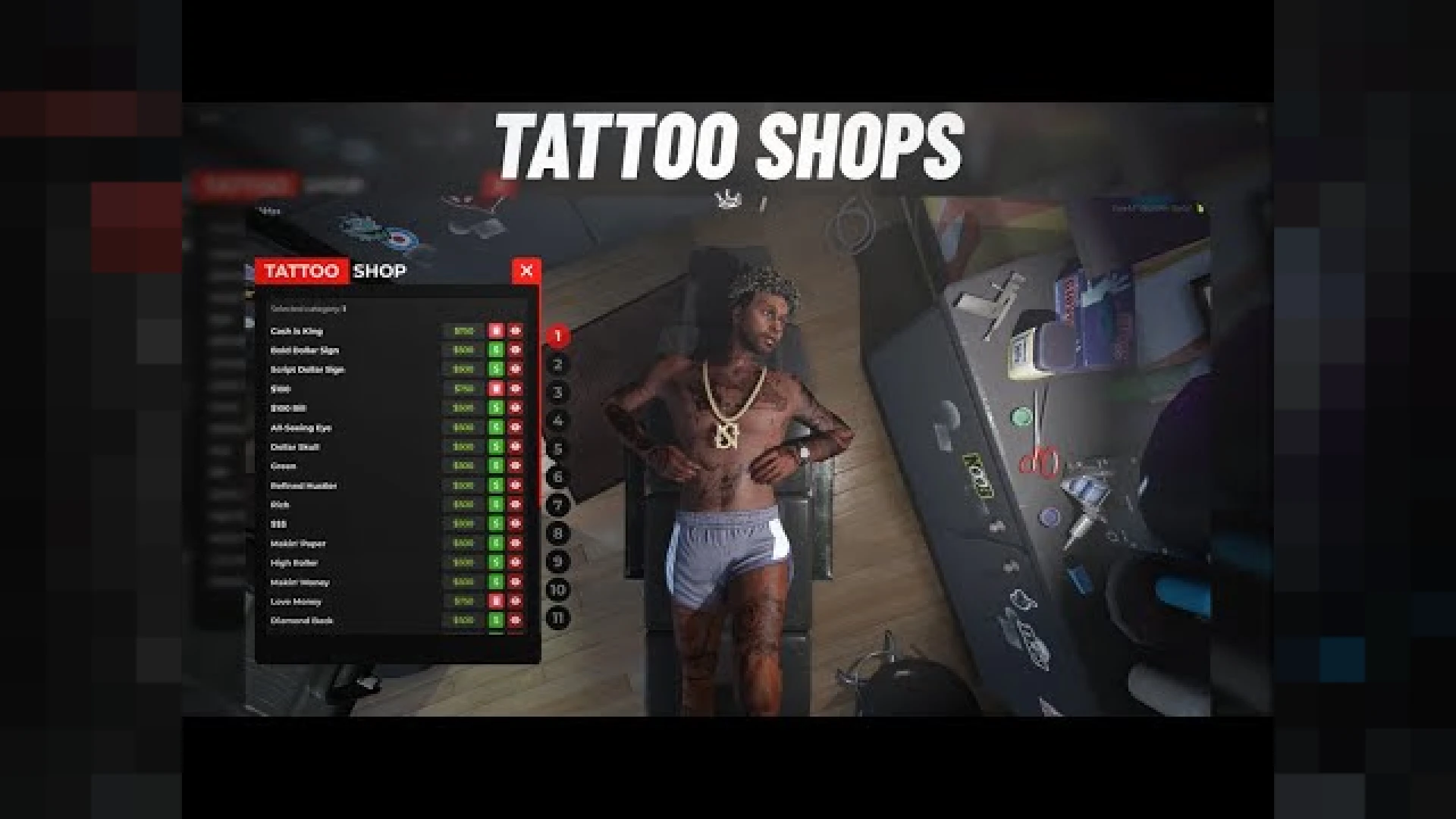
The Tattoo Shop is an interactive parlor where players browse designs, preview them live on the body, choose placement and pay the artist. It gives character customisation a permanent, personal layer. It also turns the tattoo artist into a genuine profession on your server, and it stands out among tattoo shop fivem scripts.
Best for: tattoo artist roles and players who want lasting character detail.
SN Clothing Menu
The SN Clothing Menu wraps GTA clothing options in a menu with tops, bottoms, shoes, hats and accessories in clear categories. Instant preview makes putting together an outfit quick. It is designed for ESX and QBCore servers.
Best for: ESX and QBCore servers that want a tidy wardrobe menu.
Multichar V3
The Multichar V3 replaces the default character screen with a modern flow. Players hold several characters in separate slots and switch between them without confusion. It turns the login screen into a confident welcome for new arrivals.
Best for: servers that want a polished first impression.
Multichar
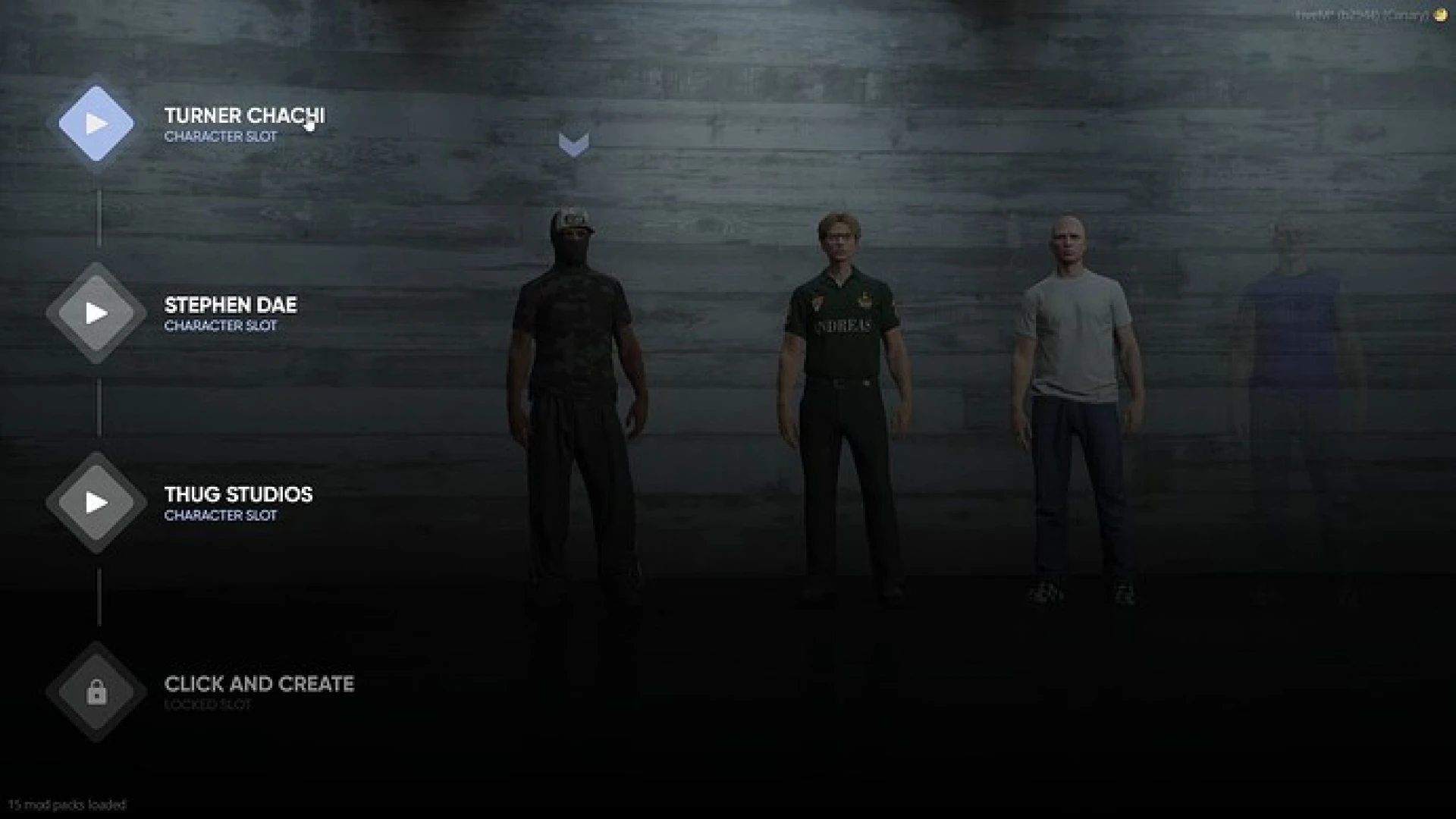
The Multichar lets each player keep several distinct identities, each with its own money, job and evolving story. Switching between a cop, a criminal and a business owner is quick through a modern selection screen. It suits players who want more than one life on a server.
Best for: players who run several characters at once.
Karat Character Creator
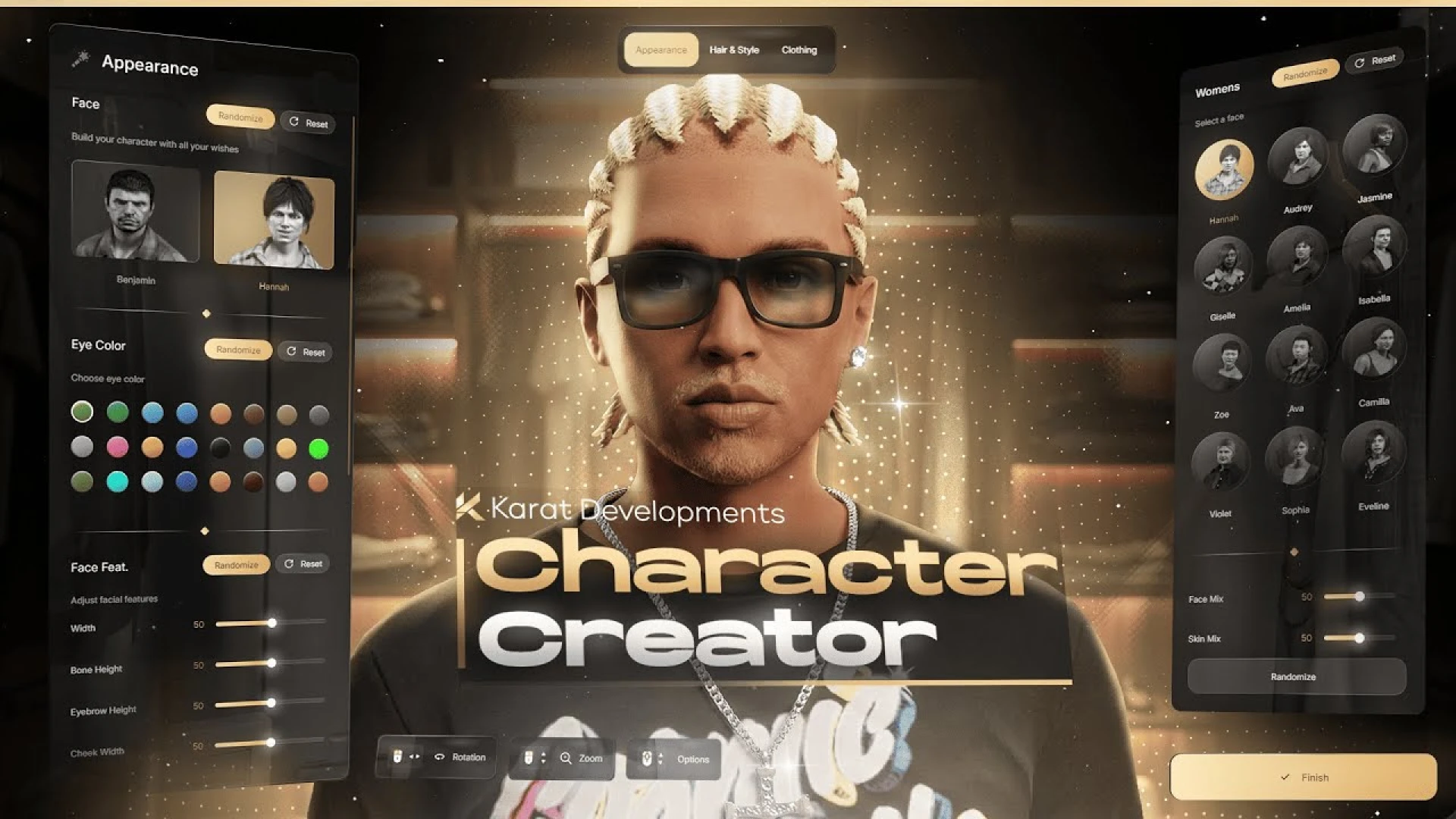
The Karat Character Creator is a cinematic appearance and heritage editor with a clean, modern interface. It offers full heritage editing, including parents, resemblance and skin blend. The first thing a new resident does feels premium rather than rushed.
Best for: new player onboarding and a premium first character.
Foltone | Barbershop NUI
The Foltone | Barbershop NUI turns a haircut into a styling experience in a clean, modern interface. Hair, beards, eyebrows, eyes and makeup sit behind one menu with real-time preview. Every adjustment updates instantly, so players can dial in the look before paying.
Best for: barber and beauty roleplay.
Multichar V18
The Multichar V18 gives players a smooth way to create, choose and manage several characters on one account. A clean selection screen, elegant camera transitions and clear slots make switching identities effortless. It feels premium from the first screen.
Best for: servers that want cinematic character selection.
Multichar V13
The Multichar V13 gives your server a refined character screen. Each person holds several characters in tidy slots and jumps straight into the one they want. The screen reassures visitors that the community is well run.
Best for: communities that want a neat, reliable character menu.
Bakery Developments | Outfit Bag System
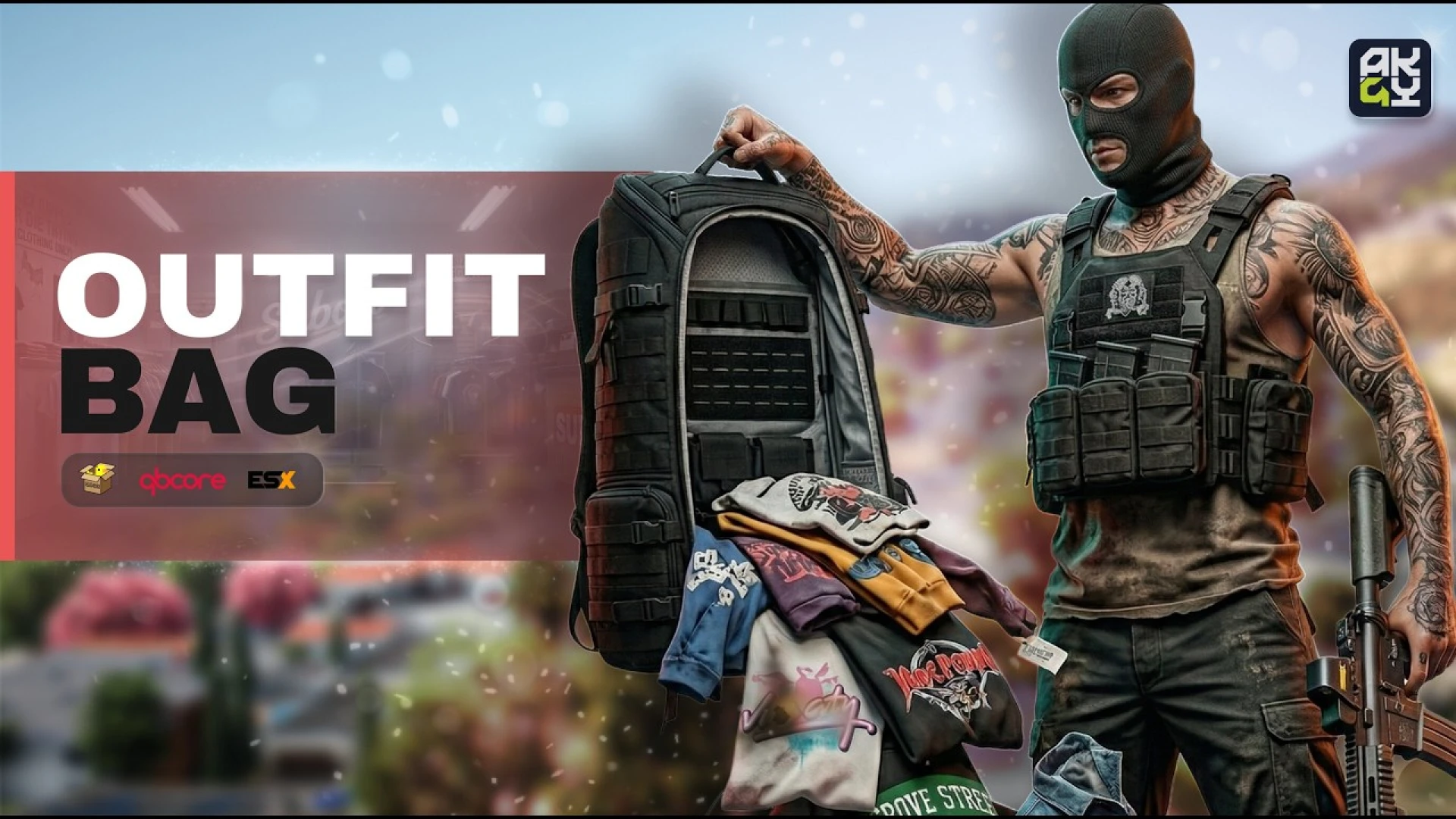
The Bakery Developments | Outfit Bag System turns saved looks into a physical item. Players pack complete outfits, including clothing, props and accessories, into a bag and change wherever the story needs them. The robber swapping clothes away from the scene is the kind of moment it supports.
Best for: heists, shift changes and performers who change on the move.
Multichar V11
The Multichar V11 greets each player with a character selection system that lets them pick, create and manage multiple characters. Cinematic camera work and organised slot management replace plain default menus. It sets a premium tone before players spawn.
Best for: a premium first screen for every player.
Identity V26
The Identity V26 replaces clunky registration prompts with a polished interface. It captures first and last name, date of birth and gender, then gets players into the world quickly. A clean identity step is the front door to a roleplay server.
Best for: new player registration and identity setup.
Multichar V10
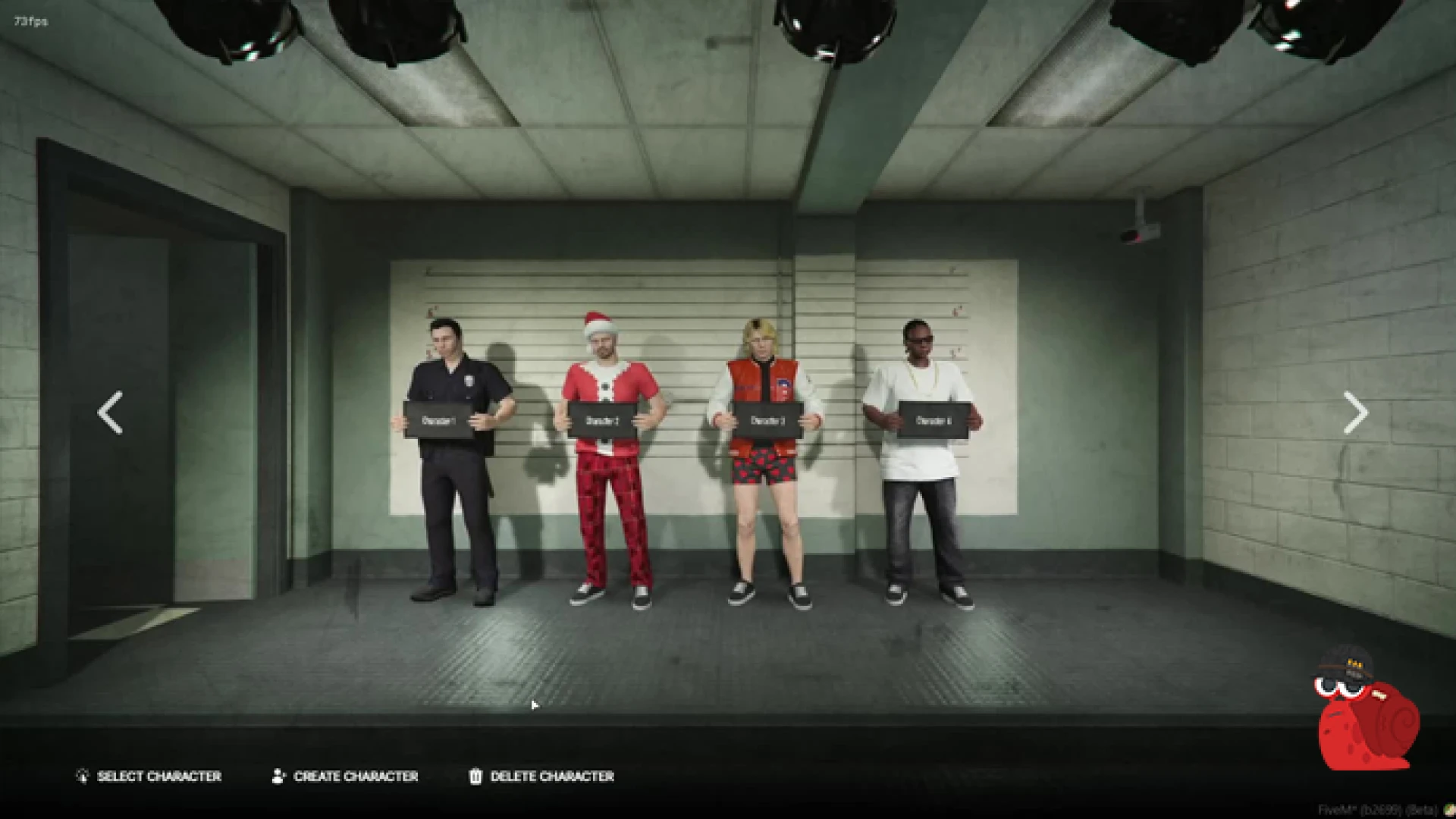
The Multichar V10 gives QBCore servers a clean way for players to create and switch between several characters. It is built for current server artifacts, which keeps the screen fast and stable under load. Every visual detail can be themed.
Best for: QBCore servers that want a themeable character screen.
Comparison table
| Product | Category | Best for |
|---|---|---|
| Tattoo Shop | Character & Appearance Scripts | Permanent character detail |
| SN Clothing Menu | Character & Appearance Scripts | ESX and QBCore wardrobes |
| Multichar V3 | Character & Appearance Scripts | A polished first impression |
| Multichar | Character & Appearance Scripts | Players with several identities |
| Karat Character Creator | Character & Appearance Scripts | Onboarding a new resident |
| Foltone | Barbershop NUI | Character & Appearance Scripts | Barber and beauty roleplay |
| Multichar V18 | Character & Appearance Scripts | Cinematic character selection |
| Multichar V13 | Character & Appearance Scripts | A neat character menu |
| Bakery Developments | Outfit Bag System | Character & Appearance Scripts | Changing outfits on the move |
| Multichar V11 | Character & Appearance Scripts | A premium first screen |
| Identity V26 | Character & Appearance Scripts | Registration and identity |
| Multichar V10 | Character & Appearance Scripts | Themeable QBCore screens |
Frequently asked questions
Do these tattoo shop FiveM scripts work with QBCore?
Several tattoo shop fivem scripts name a framework. The SN Clothing Menu is designed for ESX and QBCore, and the Multichar V10 is written for QBCore servers. For the other entries the descriptions do not name a framework, so check the product page first.
Can a player keep several characters on one account?
Yes, the Multichar, Multichar V3, V11, V13 and V18 entries all describe several character slots per account. The Multichar entry also gives each identity its own money, job and story.
Which item should I add first?
Start with the Tattoo Shop if you want a new permanent layer for character customisation. Pair it with a character creator if your server needs a stronger first impression.
The quiet scripts often do the work that makes a server feel finished. Browse the full character and appearance scripts collection and read each product page before installing. FiveM Shops lists each tattoo shop fivem scripts item on its own page.