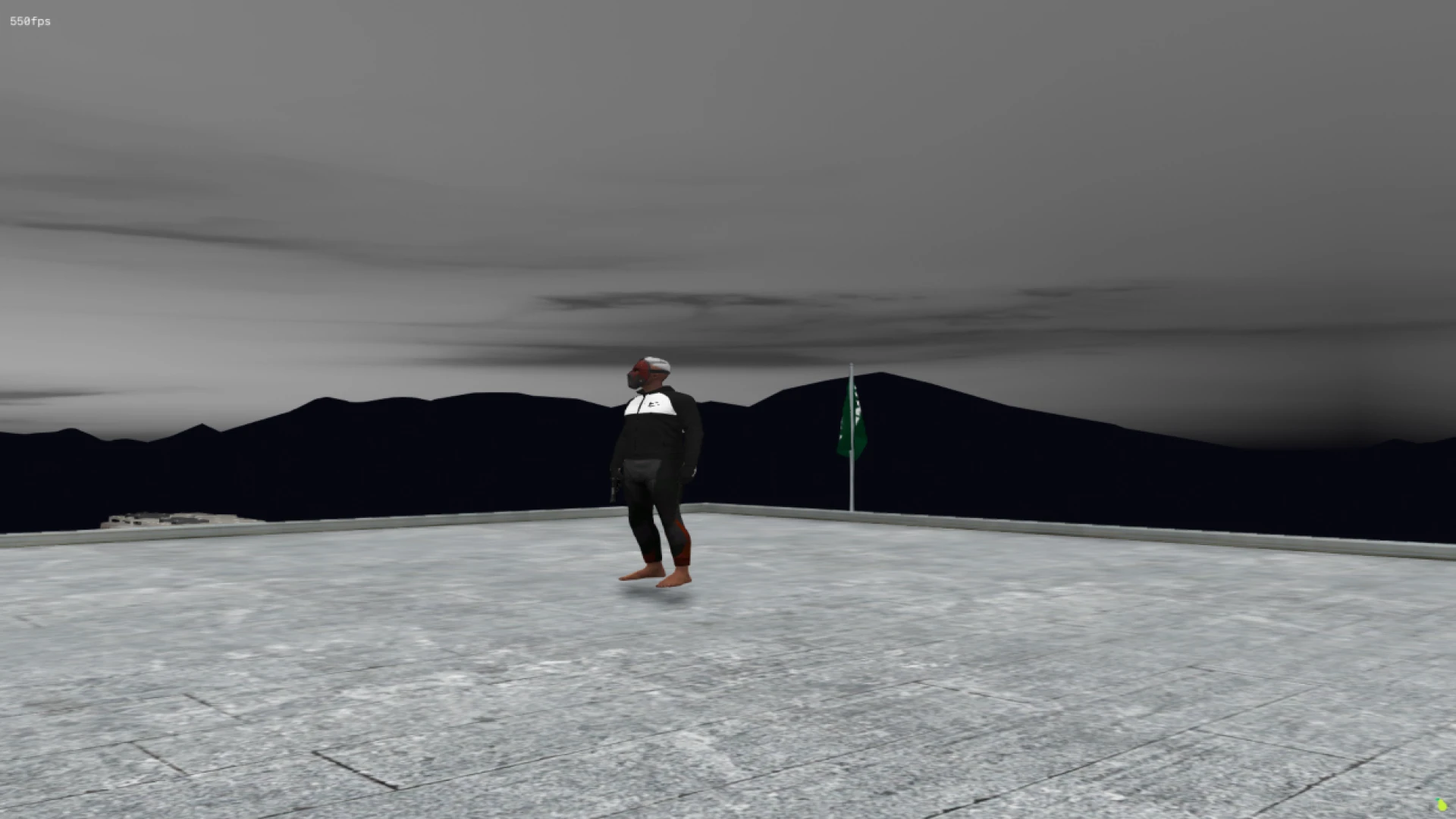
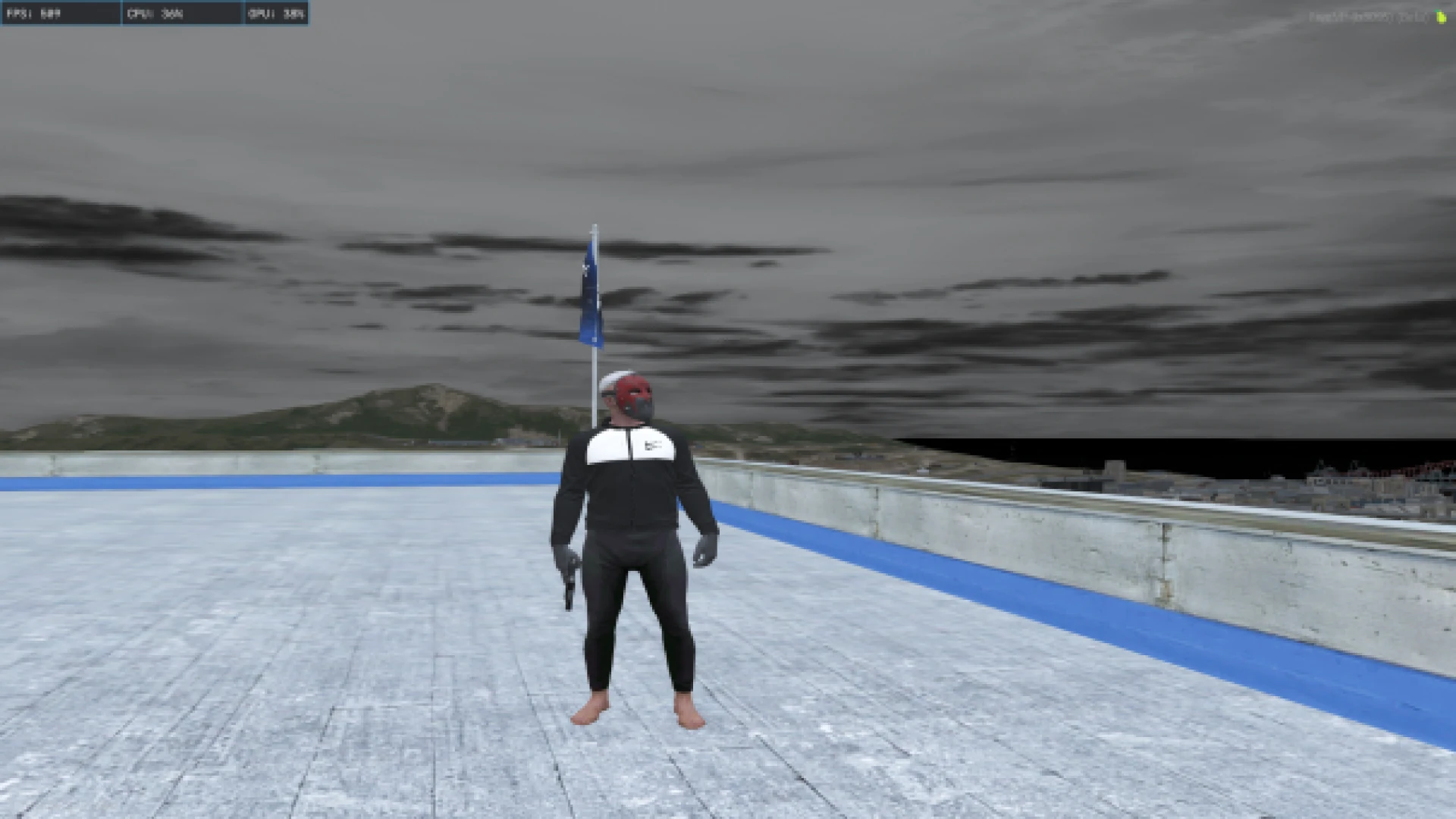
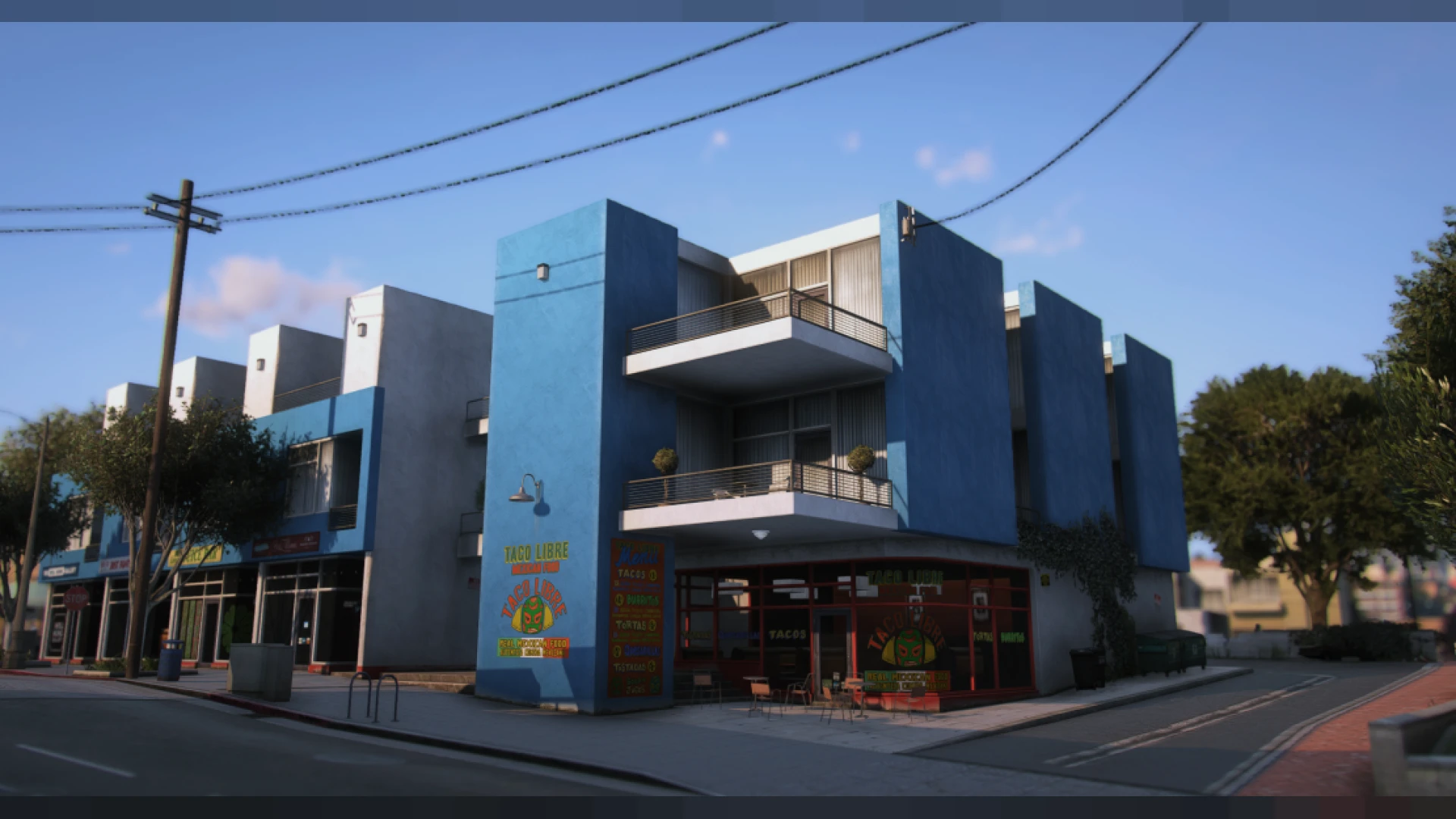
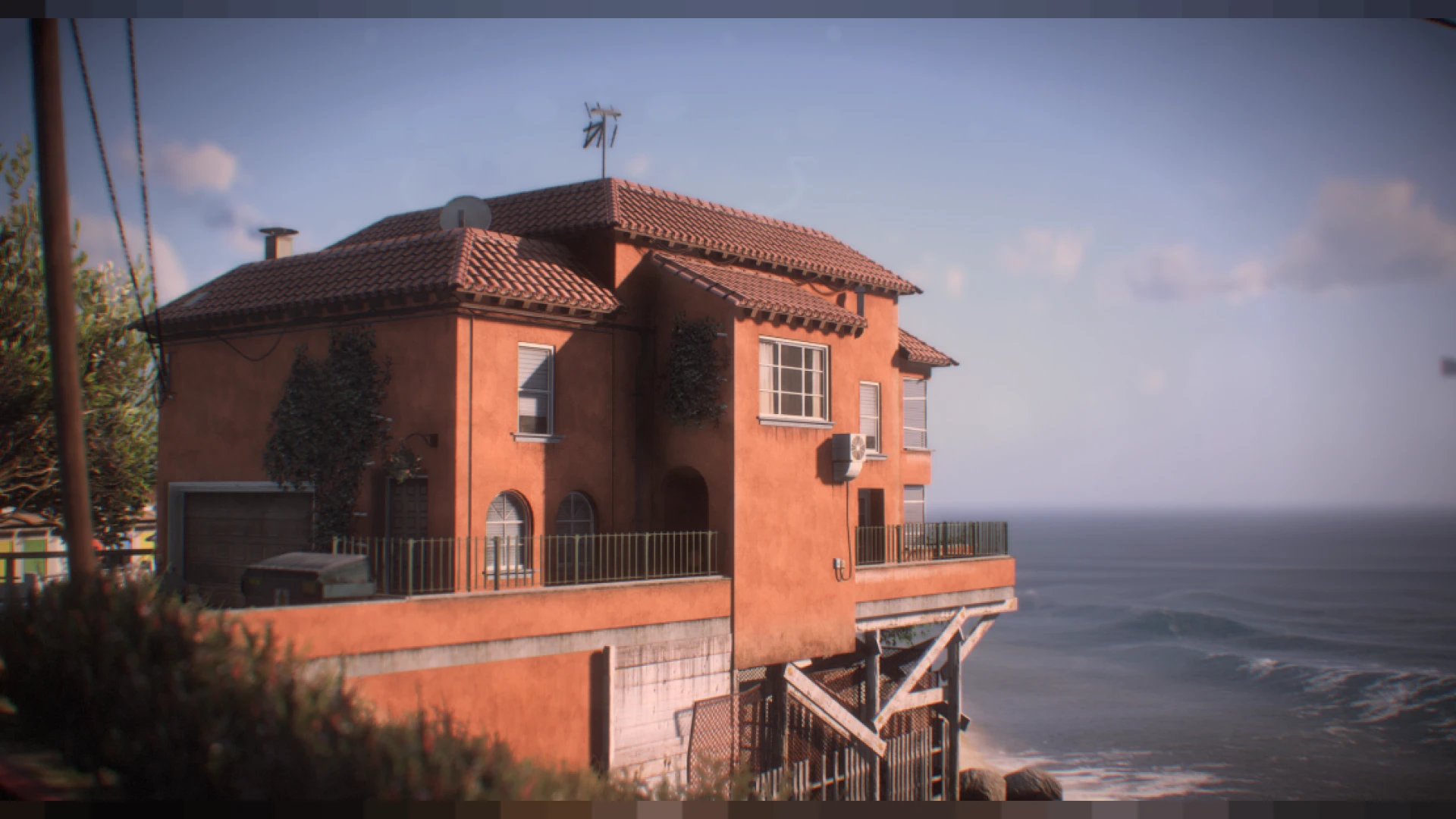
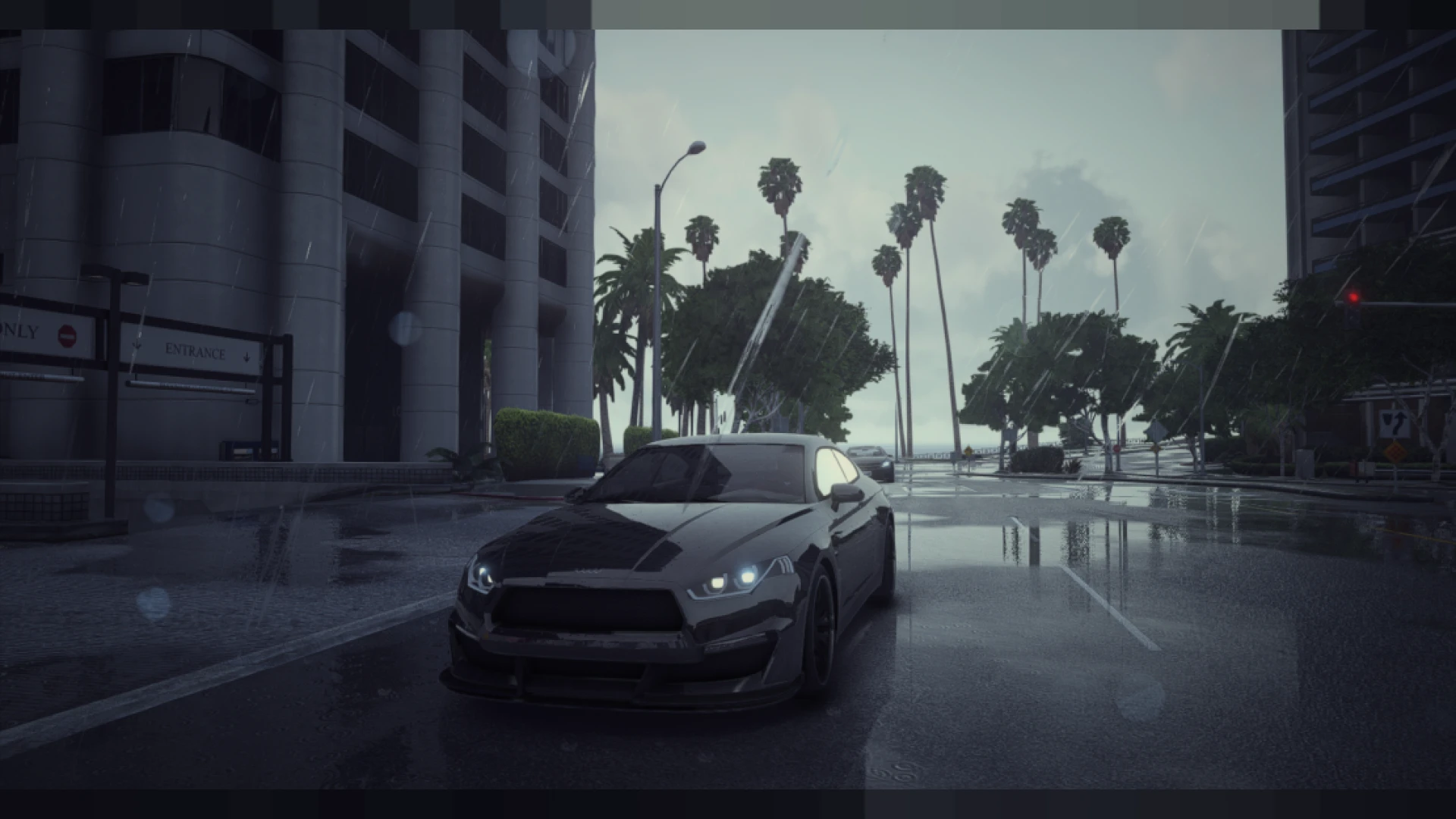
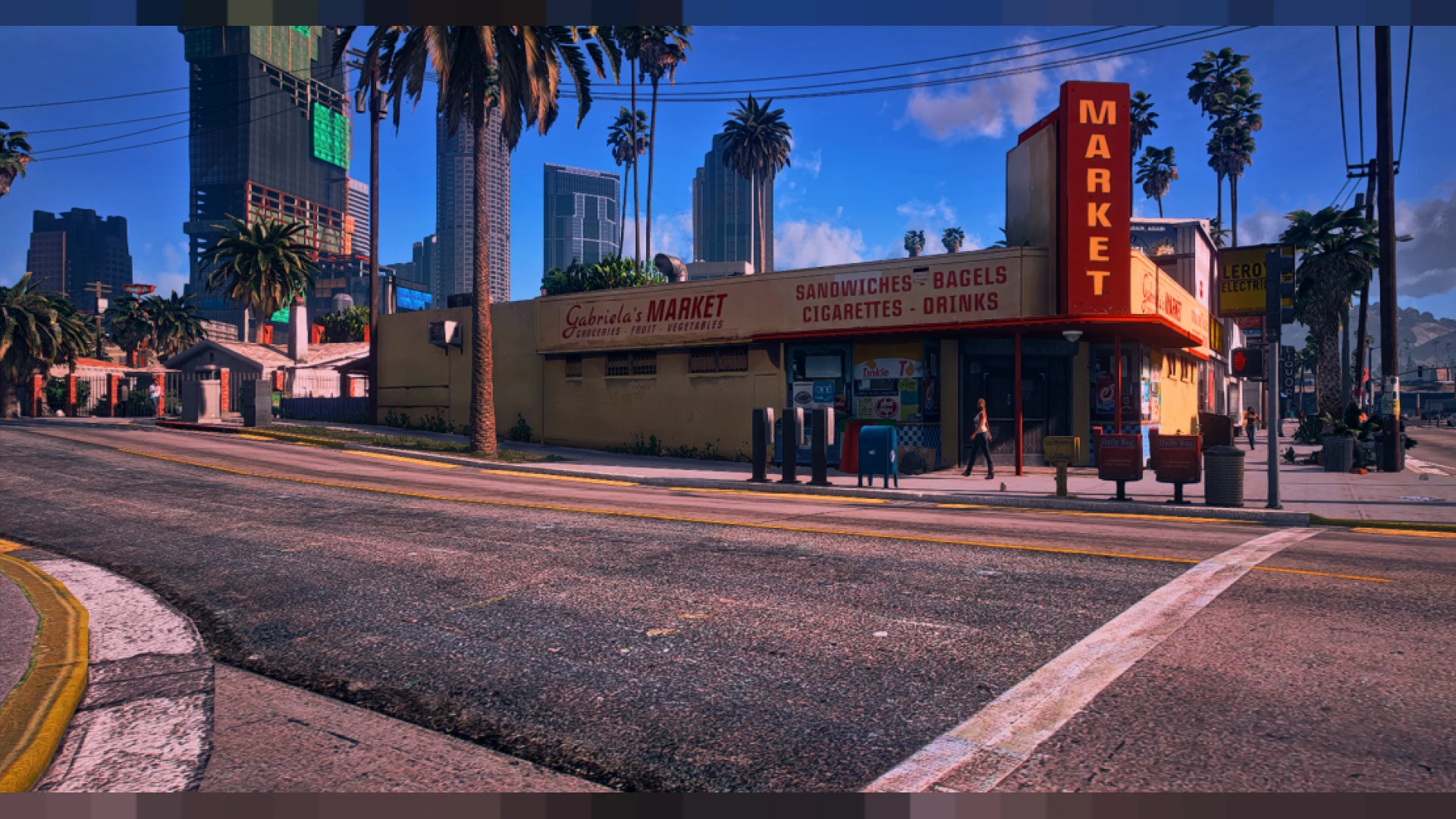
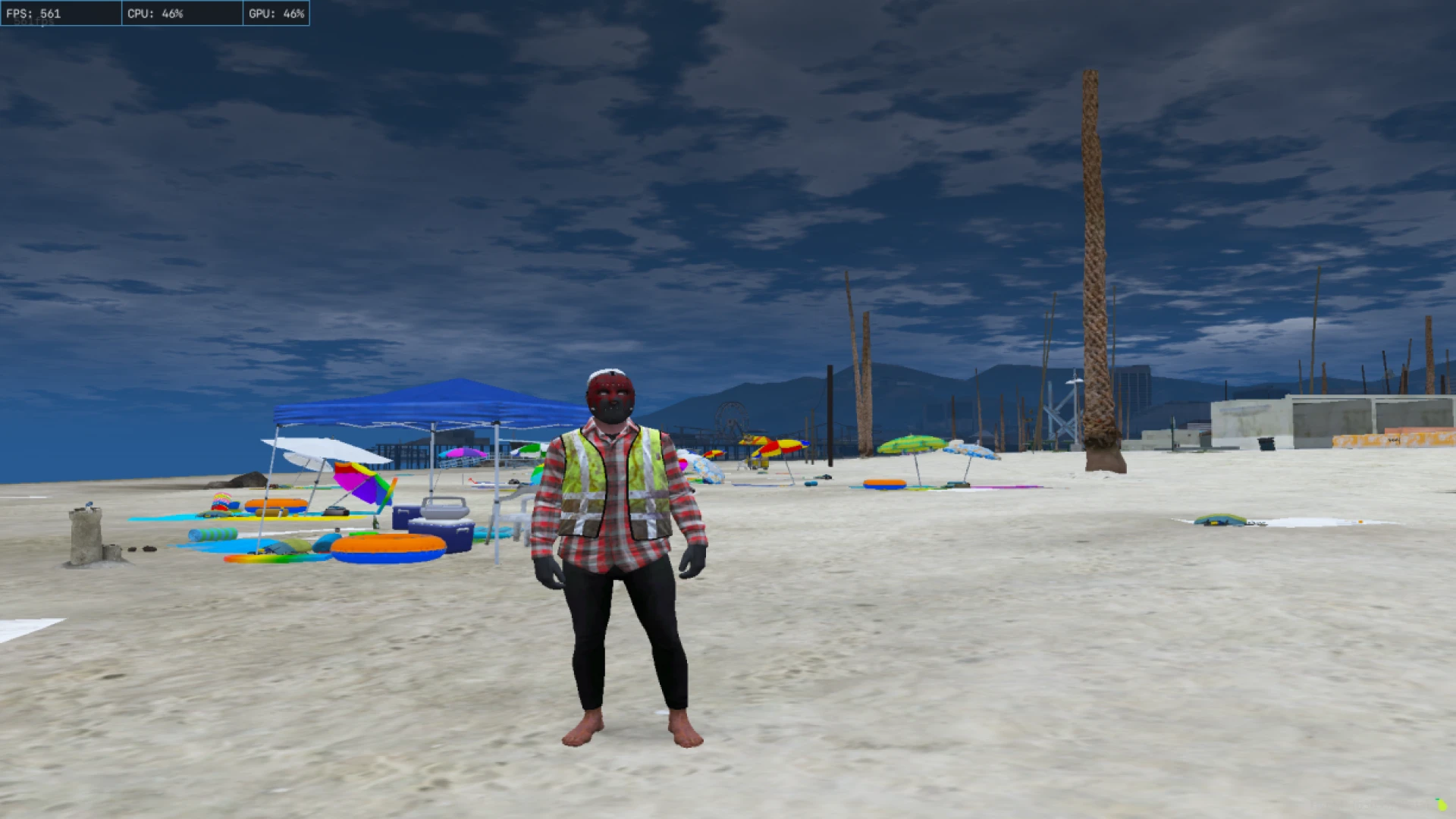
Citizen FPS optimization is a top-tier performance config built to deliver the smoothest possible frame rate in FiveM. It carefully targets the settings that cost the most GPU time, so busy servers, crowded events, and packed intersections stop pulling your frames into the floor. If you have tried lighter tweaks and still hit walls at every meet, this configuration goes further to clear the worst bottlenecks and keep the game moving.
The focus is pure responsiveness. By cutting the heaviest effects and cleaning up distance rendering, it produces steadier frame times, tighter aiming, and less input lag when the map is at its busiest. If you want a fast, dependable experience over flashy visuals, this configuration is made for you. Everything unnecessary is pulled back hard, yet the world stays legible enough to drive, fight, and roleplay in without feeling stripped down to a broken shell.
How Citizen FPS optimization works
- Aggressively reduces shadow and reflection cost across the map
- Lowers particle and vegetation density inside busy cities
- Trims draw distance sharply to lighten heavy GPU strain
- Cuts expensive post effects and filters for raw speed
- Keeps the world clean and clearly readable throughout play
Best suited for
- Low-end 4GB and 8GB machines under constant real load
- Laptops that throttle and overheat badly in busy zones
- Streamers needing extra capture headroom to work with
- Combat servers where fast reaction time is genuinely vital
- Players fighting constant frame dips at events and meets
Installation is fast and fully reversible. Copy the citizen folder into your FiveM directory, then set your in-game options to match the included guide so the config runs at full strength. If it feels too plain for your taste, raise a few sliders one at a time and you will still keep the bulk of the performance you gained in the process.
This tool operates entirely on your machine, so server data and gameplay logic stay completely untouched. As always, verify that a community allows modified client files before connecting, since some enforce pure mode. Deleting the folder restores stock settings instantly, making testing completely risk-free and simple to reverse whenever you decide to change it back.
Browse more speed-focused tools in our client-side mods collection, or streamline your interface with options from our HUD and UI scripts range for an even faster, cleaner FiveM feel.