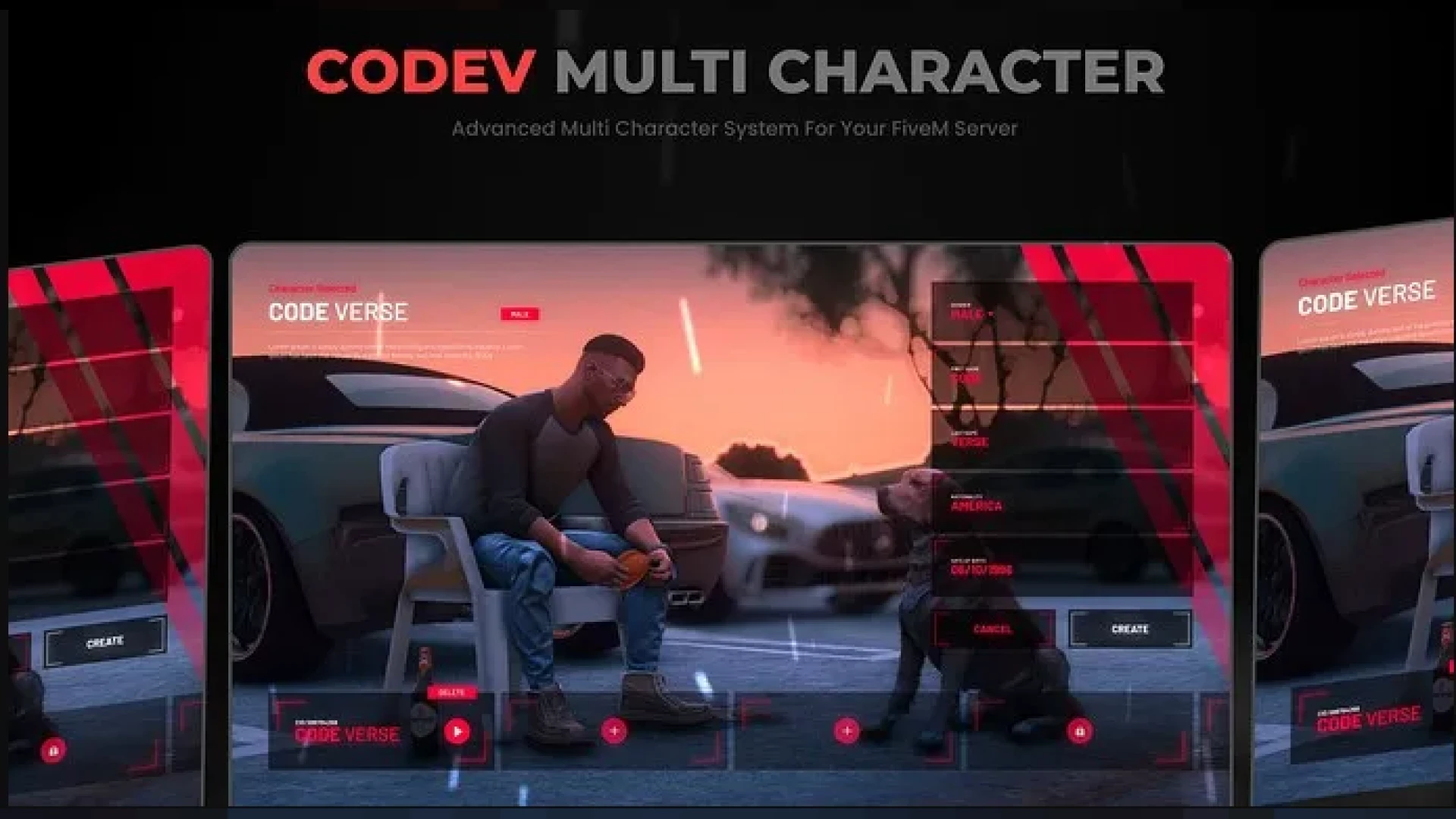
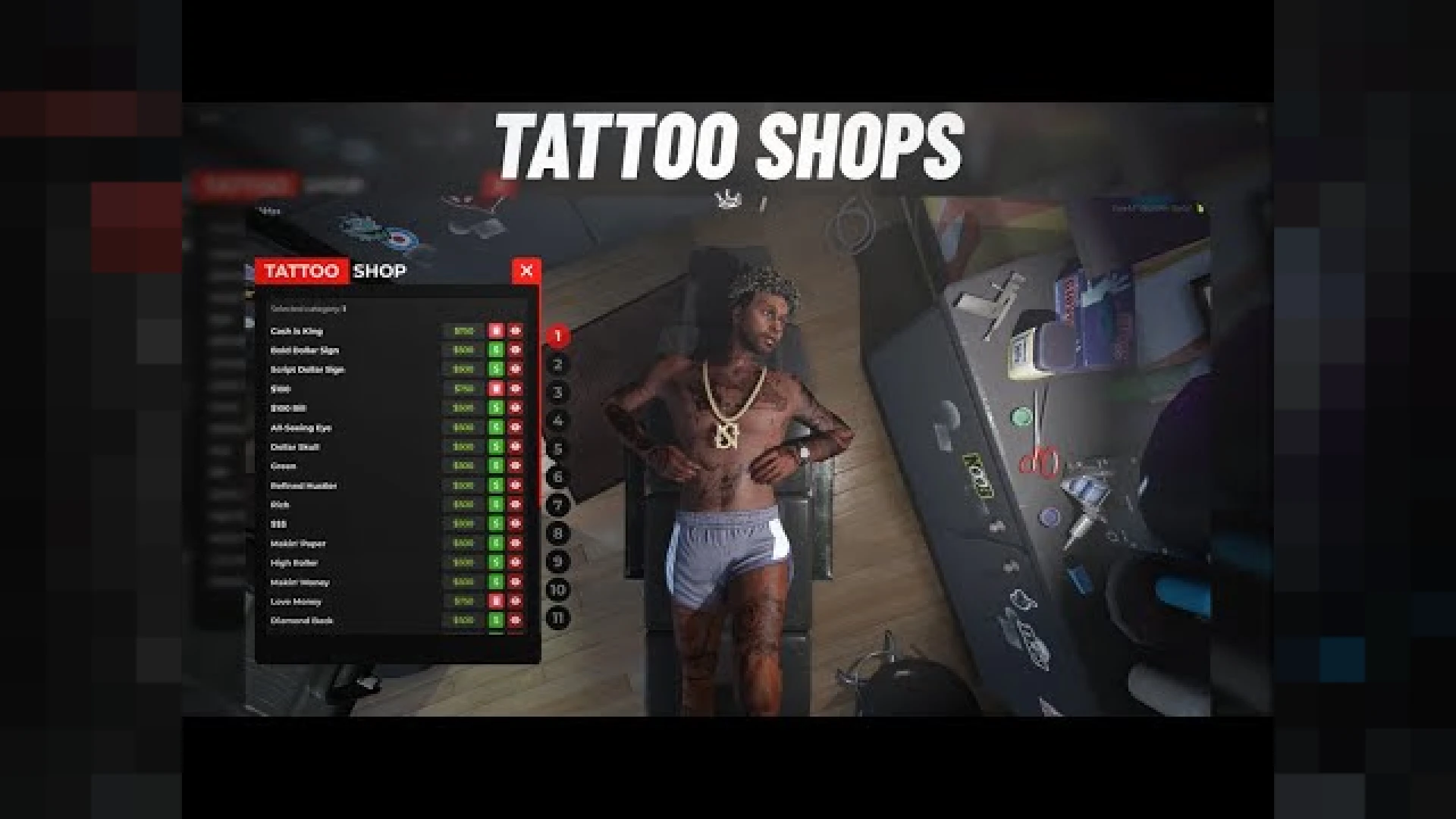
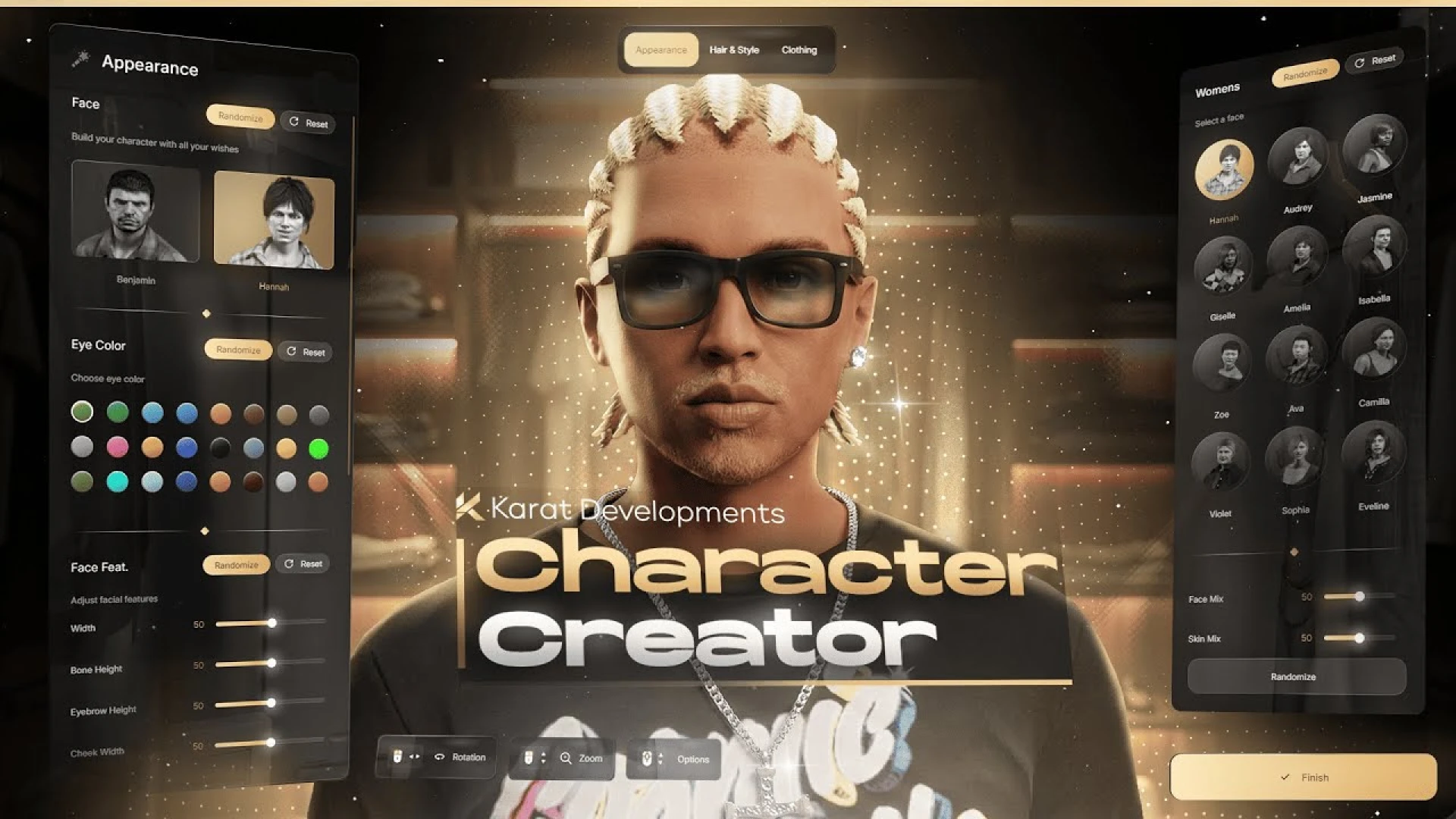
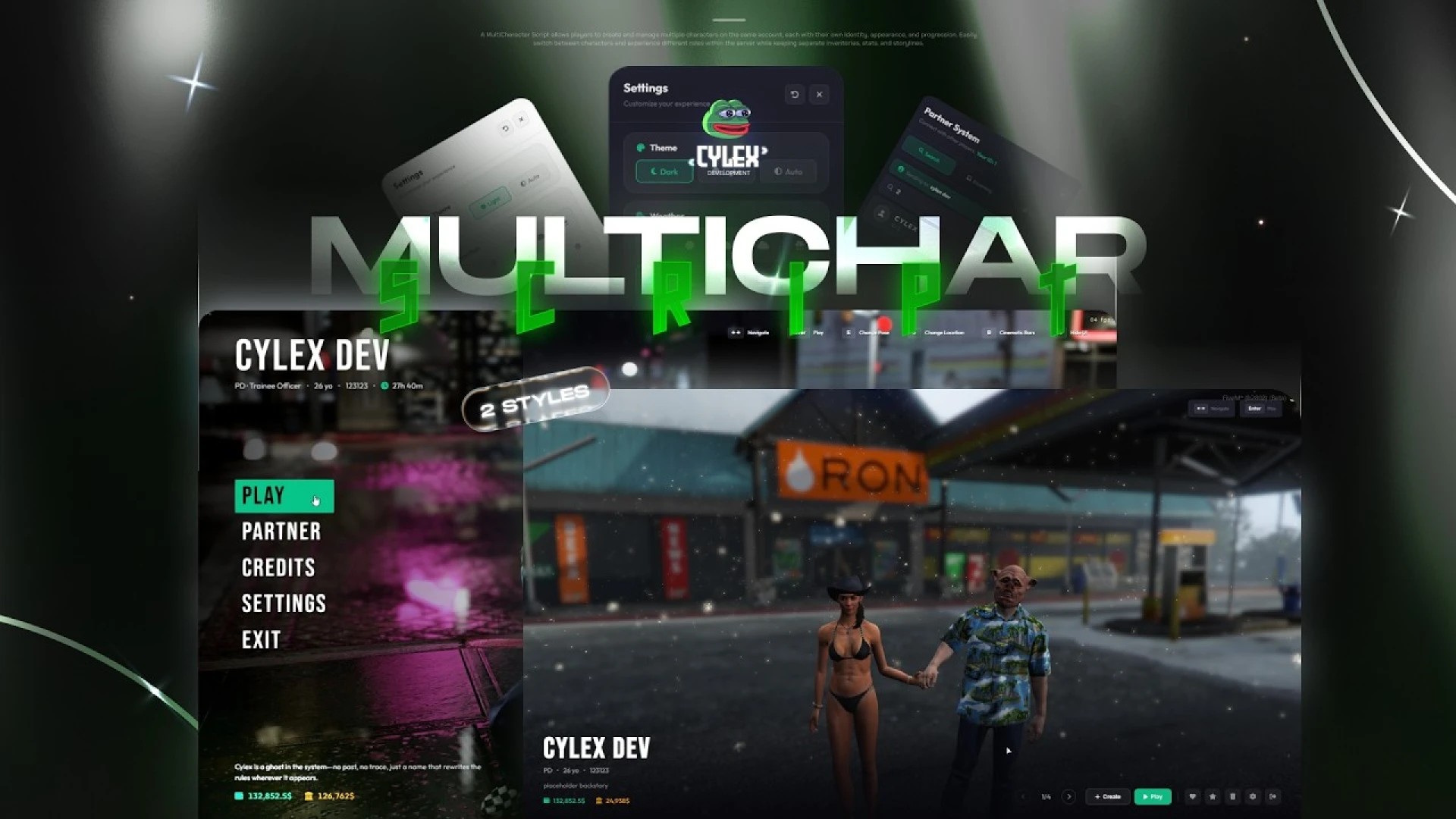
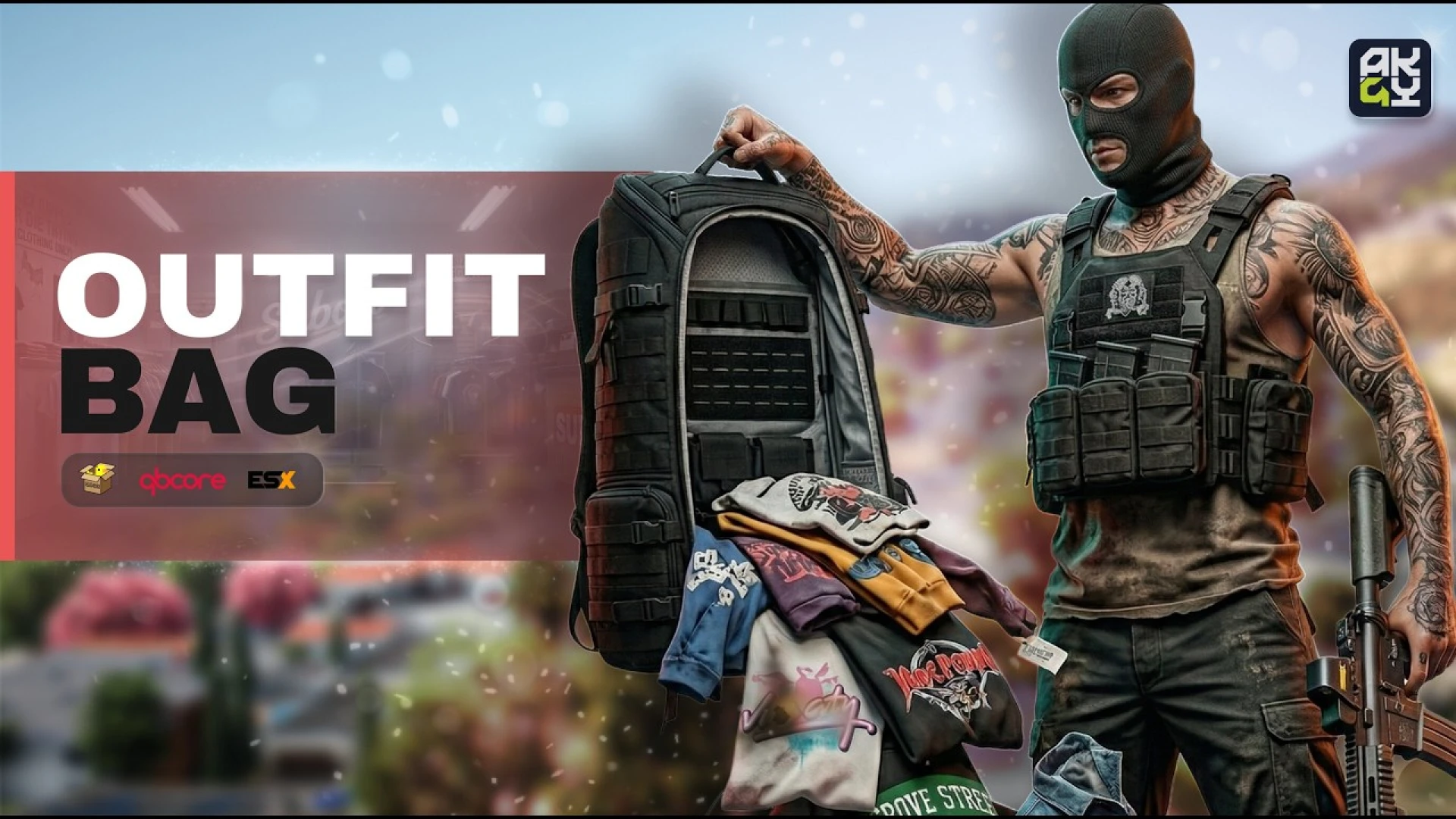
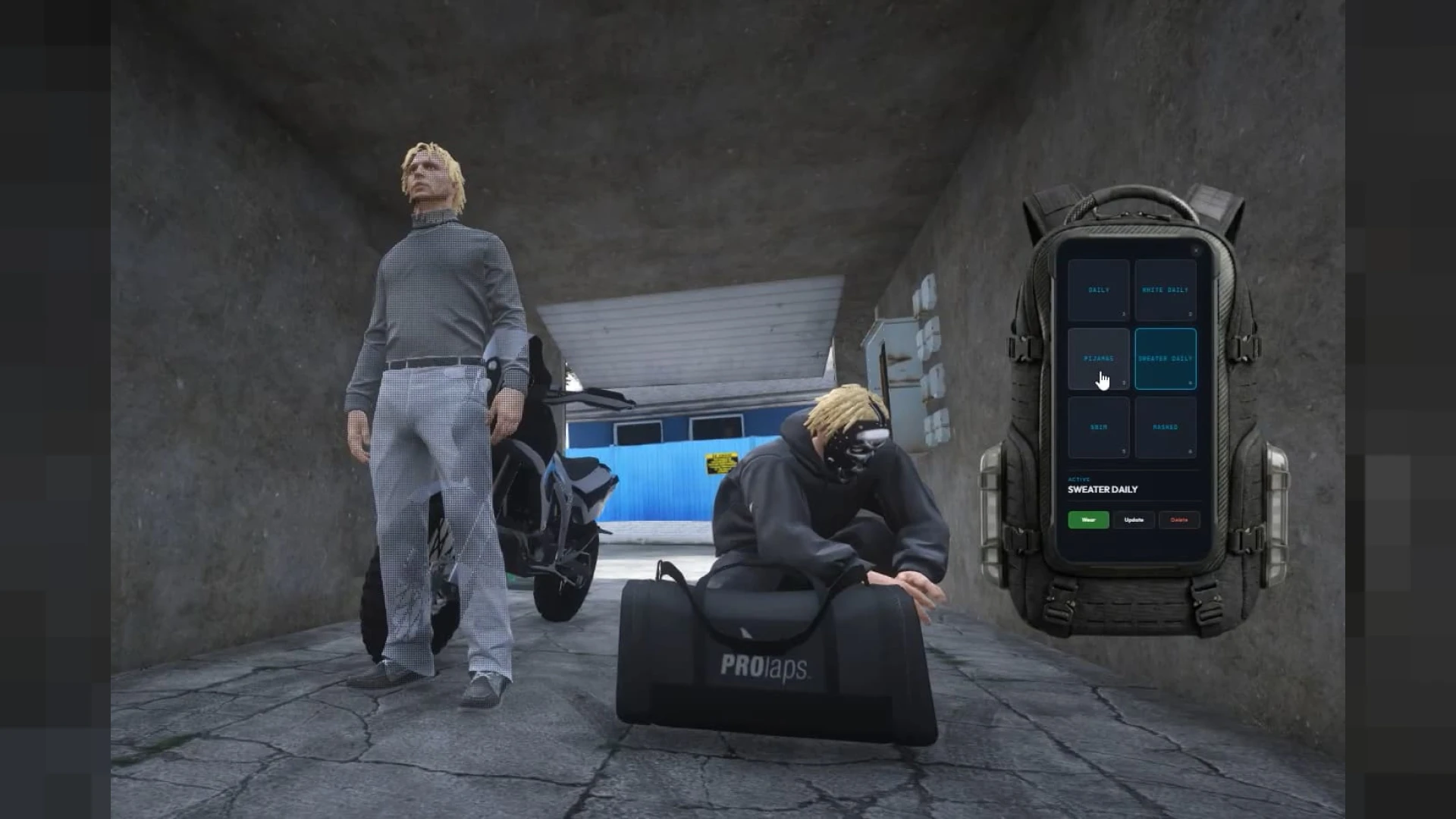
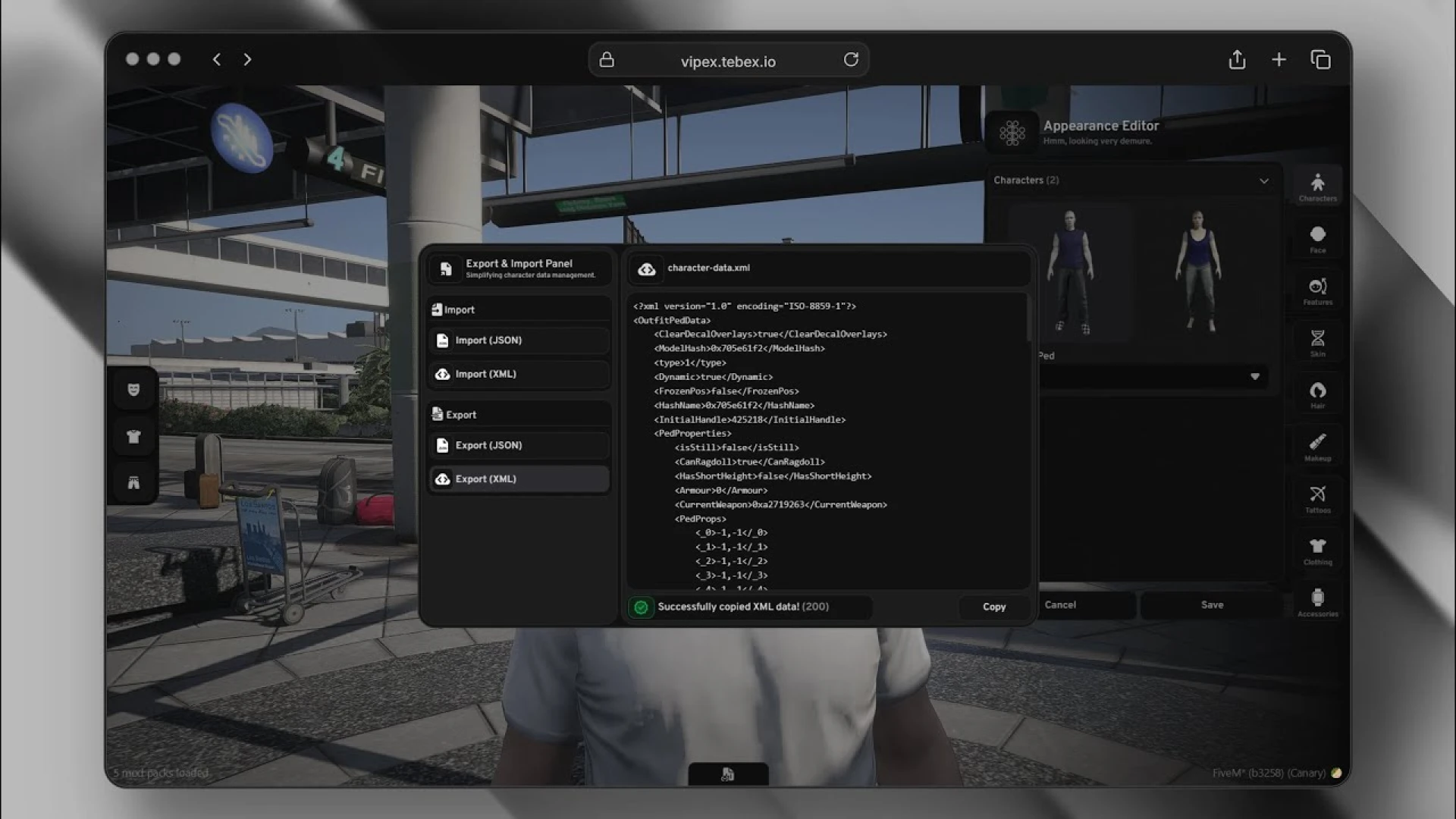
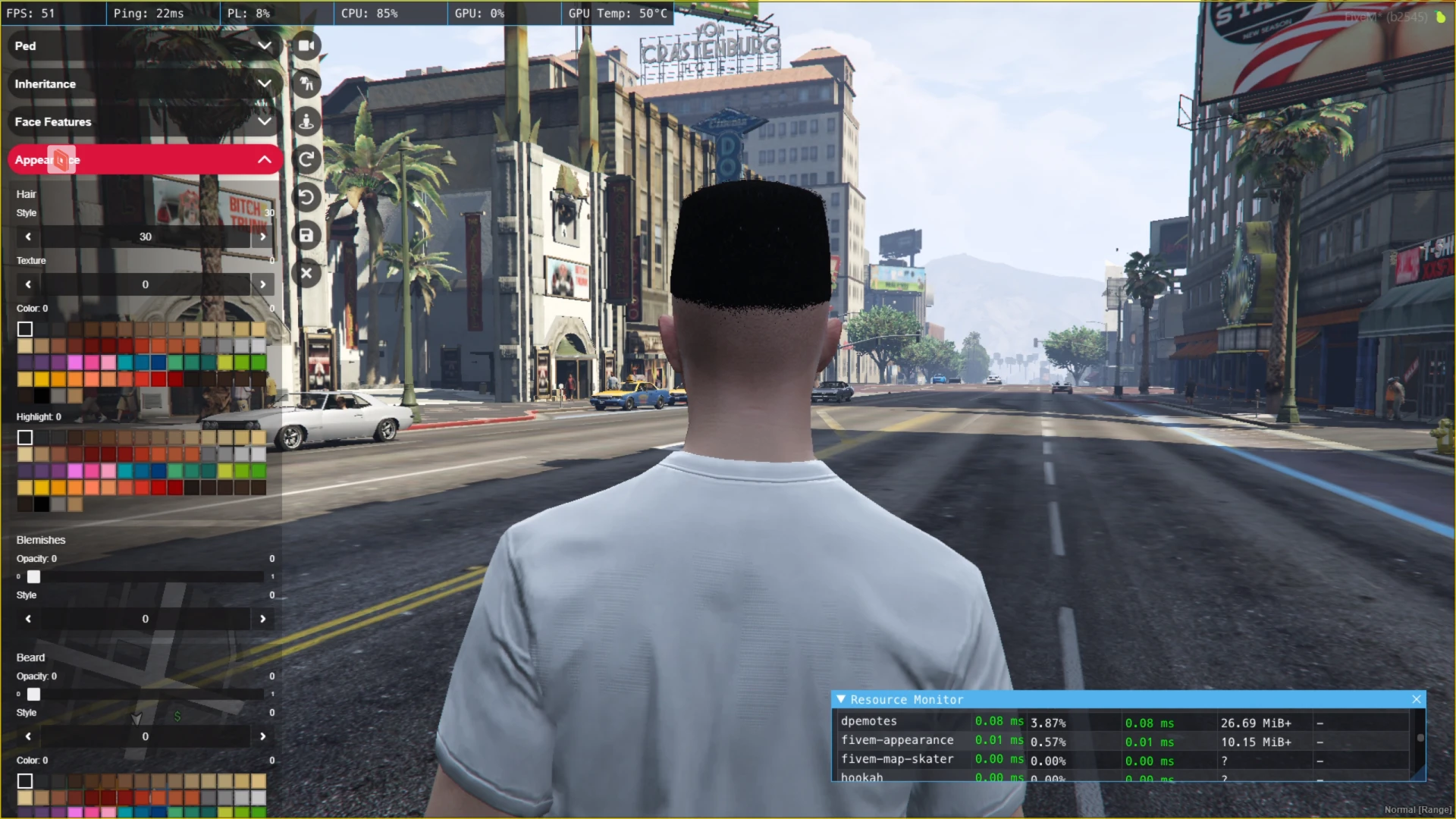
The multichar screen is the true front door of your server — every single session starts there, for every single player. Multichar V20 replaces the dated default flow with a modern, animated character selection experience that makes even a fresh city feel established from the very first click.
A multichar screen that sells your city
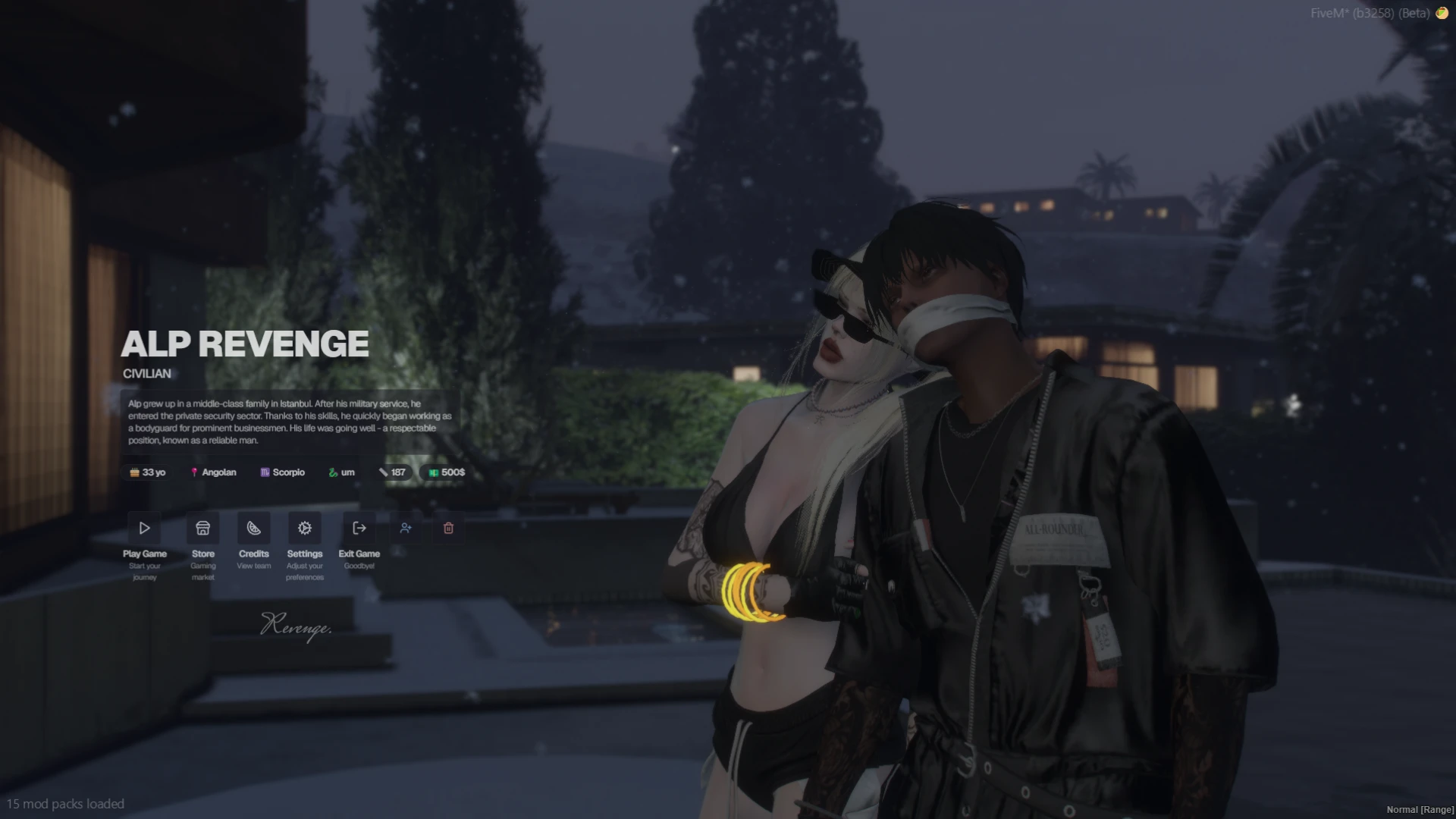
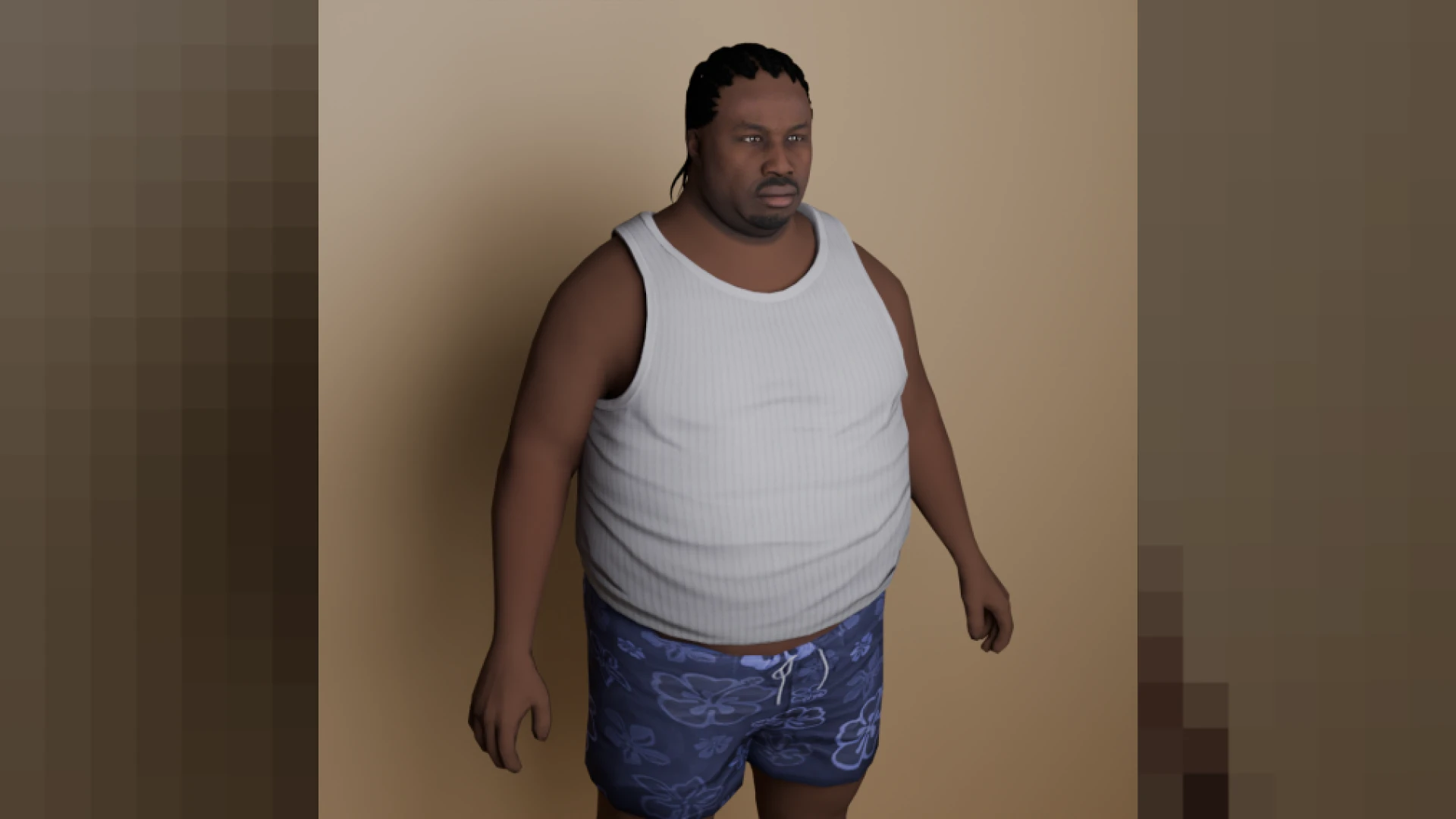
- Clean, cinematic character slots present each identity with name, details and a live ped preview instead of a bare text list.
- Smooth transitions carry players from selection into spawn without jarring cuts or frozen frames.
- A polished identity-creation step collects names, dates and appearance basics in a form players can finish in seconds.
- Slot count is configurable, so whitelisted storytellers can hold multiple characters while casual players keep it simple.
Built for both major frameworks
- Runs on QBCore and ESX with the identity layer wired in on both sides.
- Respects your existing character data — it presents what your framework stores rather than inventing a parallel database.
- Works alongside your spawn selector, apartment scripts and appearance systems in the usual load order.
Why the first screen matters most
- New players decide whether a city feels professional before they ever touch the ground — the multichar screen is that verdict.
- Streamers linger on this screen at the start of every broadcast, making it free brand real estate for your server.
- A confusing first flow costs joins; a beautiful one converts visitors into residents.
Easy to adopt, easy to brand
Installation follows the standard pattern: drop the resource in, point your framework's multicharacter setting at it and restart. The open files make reskinning straightforward — swap the fonts, colors and camera angles to match your identity, and the multichar experience becomes unmistakably yours. Pair it with Illenium Appearance for a complete character pipeline, or browse more character & appearance scripts in the store.