Stylish multicharacter screen with cinematic selection and clean registration flow for QBCore
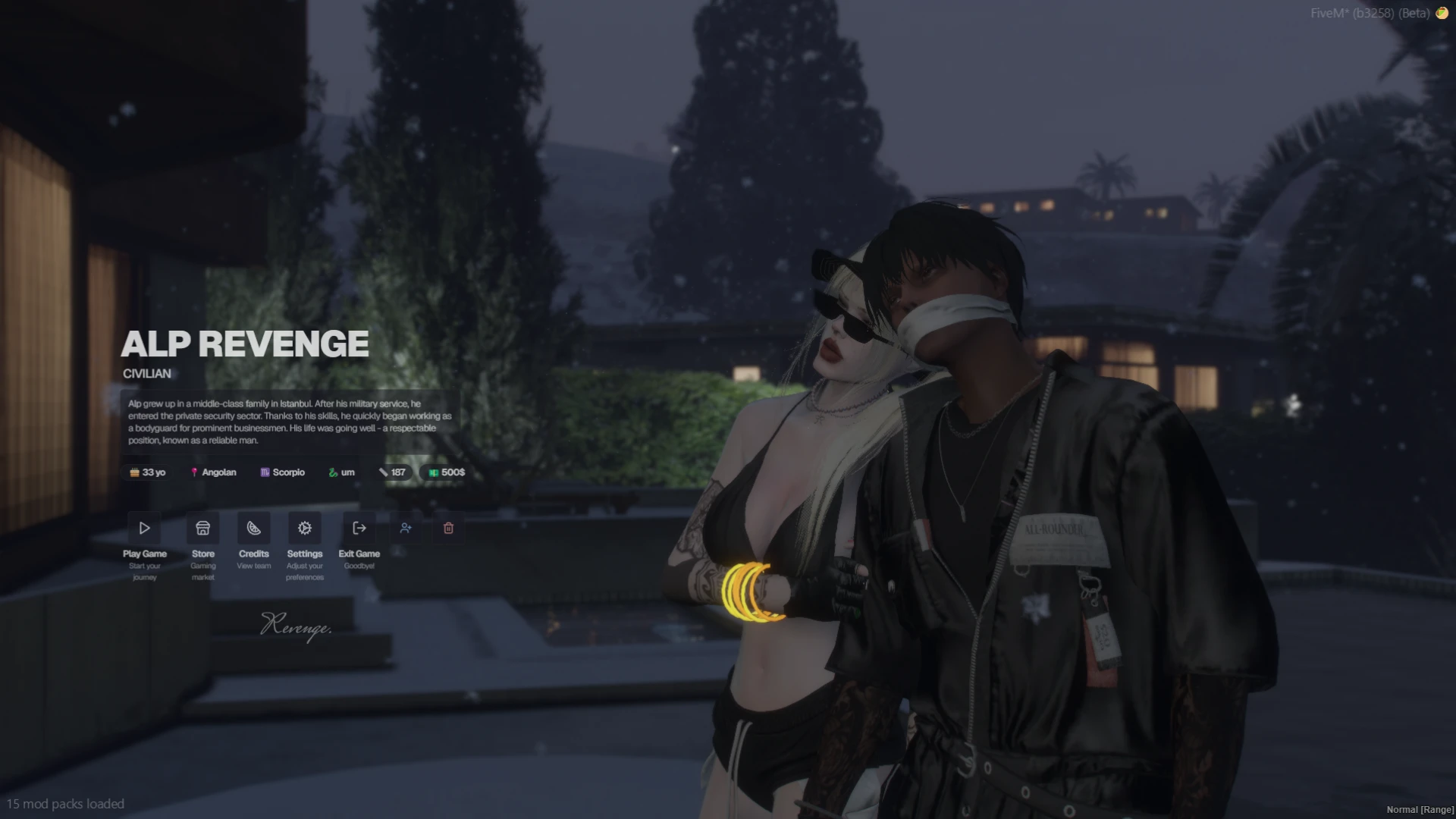
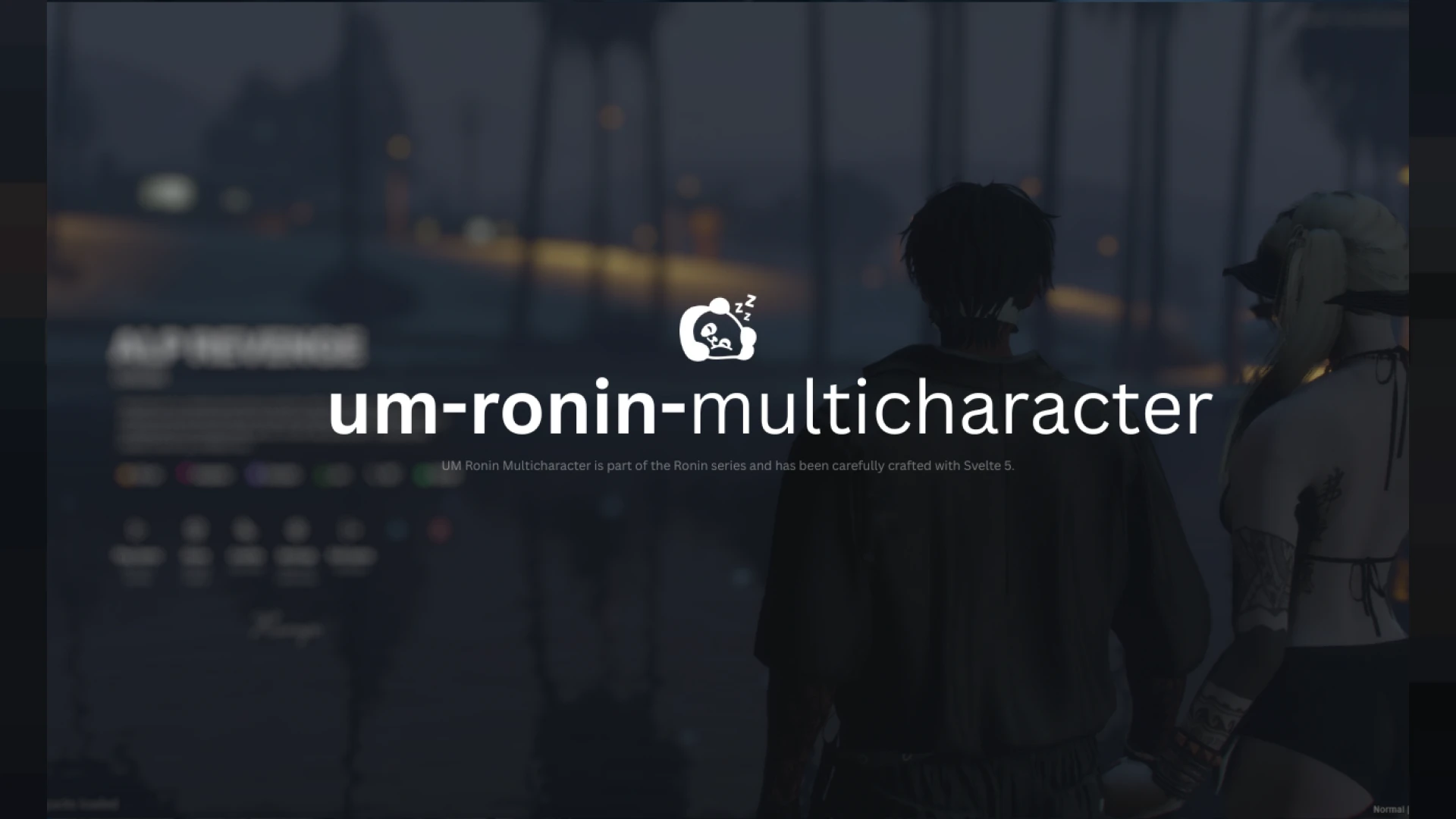
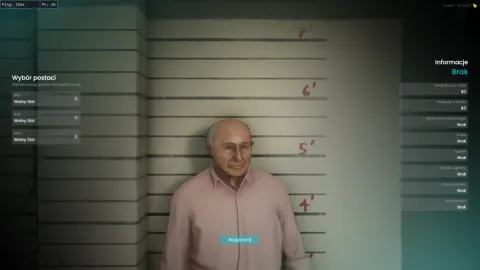
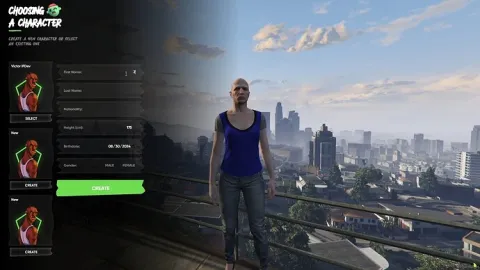
A multicharacter screen sets the tone for every session, and the Ronin theme takes that first impression seriously: a dark, cinematic character select with styled slots, smooth camera movement and a registration flow that feels like part of the world rather than a form floating above it. For QBCore cities chasing a premium look, this is the entrance that matches.
The multicharacter flow, refined
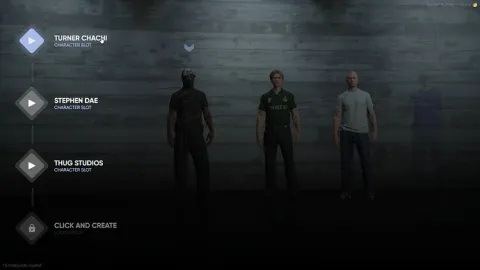
- Character slots present each identity with name, key details and a live ped preview in an elegant themed frame.
- Camera transitions glide between characters instead of snapping, giving the screen a filmic quality streamers notice.
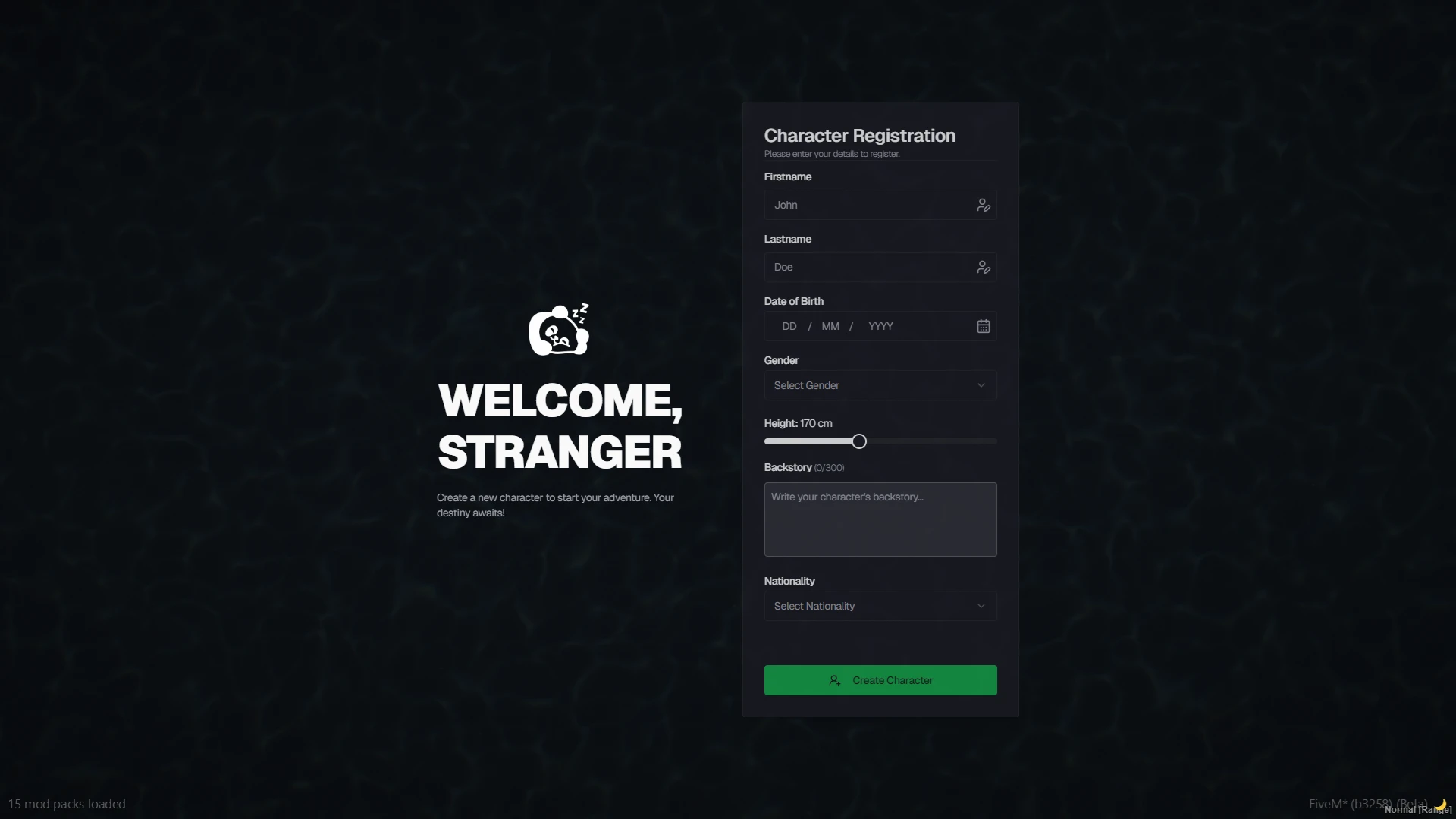
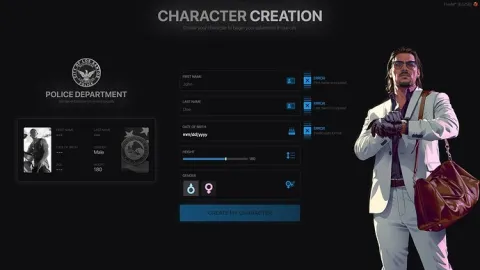
- The registration step gathers first name, last name, birth date and essentials through a clean, focused form.
- Delete and create actions sit exactly where players expect them, with confirmations that prevent accidents.
Built cleanly on QBCore
- Wires into the standard QBCore multicharacter flow, reading and writing the character data your core already stores.
- Slot limits respect your server configuration, from single-character hardcore cities to storyteller setups.
- Plays nicely with your spawn selector and apartment scripts in the usual boot order.
Easy to make yours
- Open files expose the styling, so recoloring the theme to your server palette is an afternoon job.
- Labels and text are simple to translate or reword for your community's language.
- Lightweight NUI keeps load times invisible even on modest machines.
First screens carry weight
Players screenshot character selects, streamers open broadcasts on them, and newcomers silently judge your whole city by them. Upgrading this one screen upgrades the perceived quality of everything behind it — a high-leverage swap for any server still running the default. Compare it with Multichar V20 for a different flavor, or browse our character & appearance scripts for the full pipeline.
Setup follows the familiar QBCore pattern and takes minutes: install the resource, point your core at it, restart and the new entrance is live. From there the theme files are yours — many owners keep the Ronin base and simply swap the accent color and logo, shipping a branded first screen the same evening without touching any logic underneath.