
LGD Police Radar FiveM scripts are often the first HUD search for server owners who run patrol roleplay, so this guide compares the top two picks and then ranks the rest of the list. You will get a product-by-product look at 12 overlays, scoreboards and interaction tools, each with a note on who it suits and why it matters on a live server. Everything here draws on the product titles and descriptions only.
HUD choices shape every session, because players see them constantly. A radar overlay supports traffic enforcement, a status HUD keeps needs visible, and a scoreboard answers who is online. Browse the full HUD and UI scripts collection once you have a shortlist, and check each product page for install details before you add a script to a live server.
LGD Police Radar FiveM scripts compared with the strongest alternative
LGD Police Radar HUD
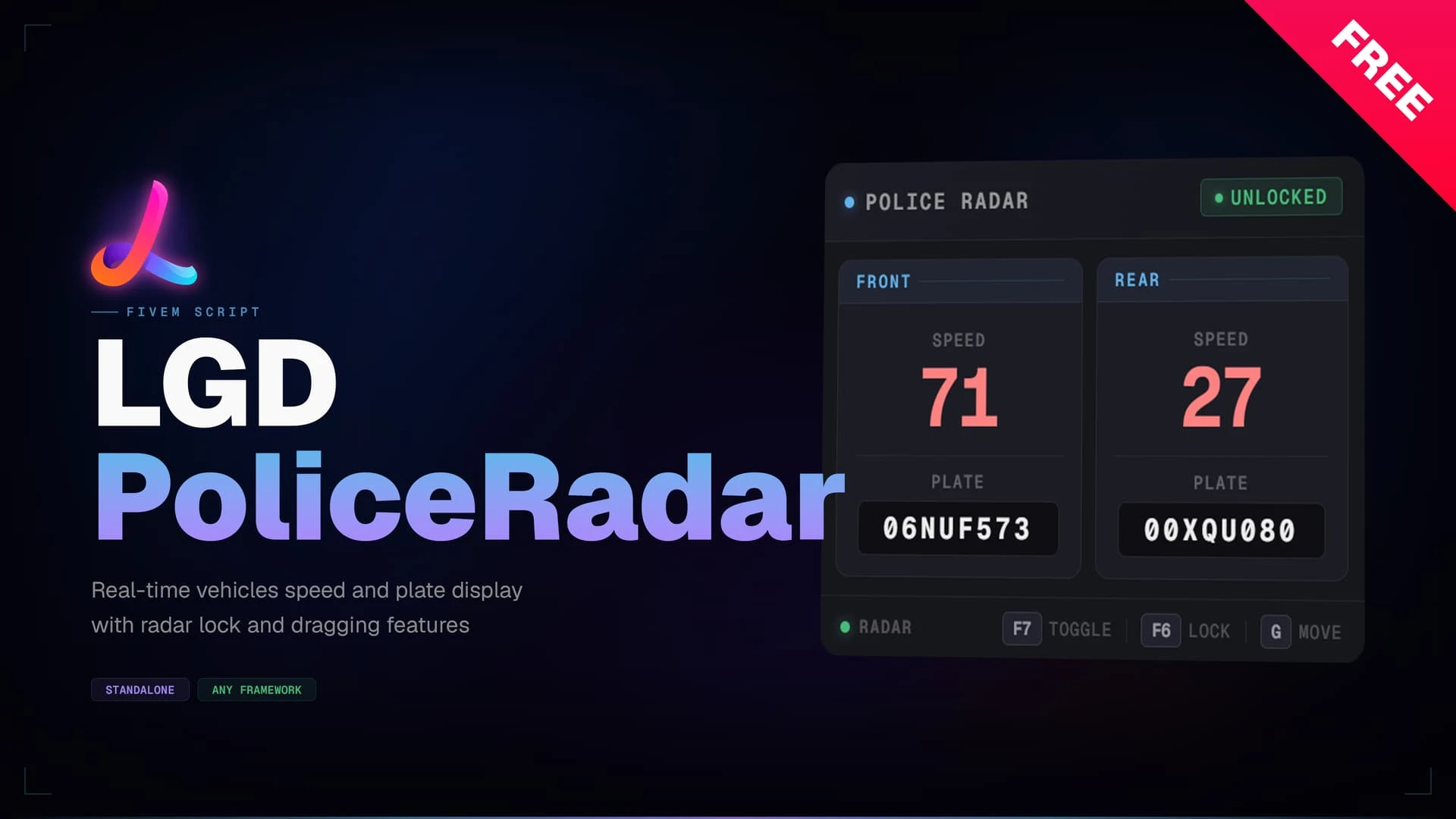
For most patrol servers, the LGD Police Radar HUD is the core of any LGD Police Radar FiveM scripts setup. It is an always-on overlay that shows the speed and plate of vehicles ahead of and behind a patrol car. The panel activates when an officer enters an emergency vehicle, keeping enforcement quick and immersive.
Best for: patrol roleplay and traffic enforcement.
Cyber HUD Ultra
The Cyber HUD Ultra is a neon, cyberpunk-inspired heads-up display that wraps player and vehicle information in a Night City look. Every element is animated and reactive, from the speedometer sweep to the glowing vital stats. It suits servers that want the interface to feel as bold as the roleplay.
Best for: cyberpunk-themed servers and bold interface styles.
CoreM | Scoreboard, 3 Styles
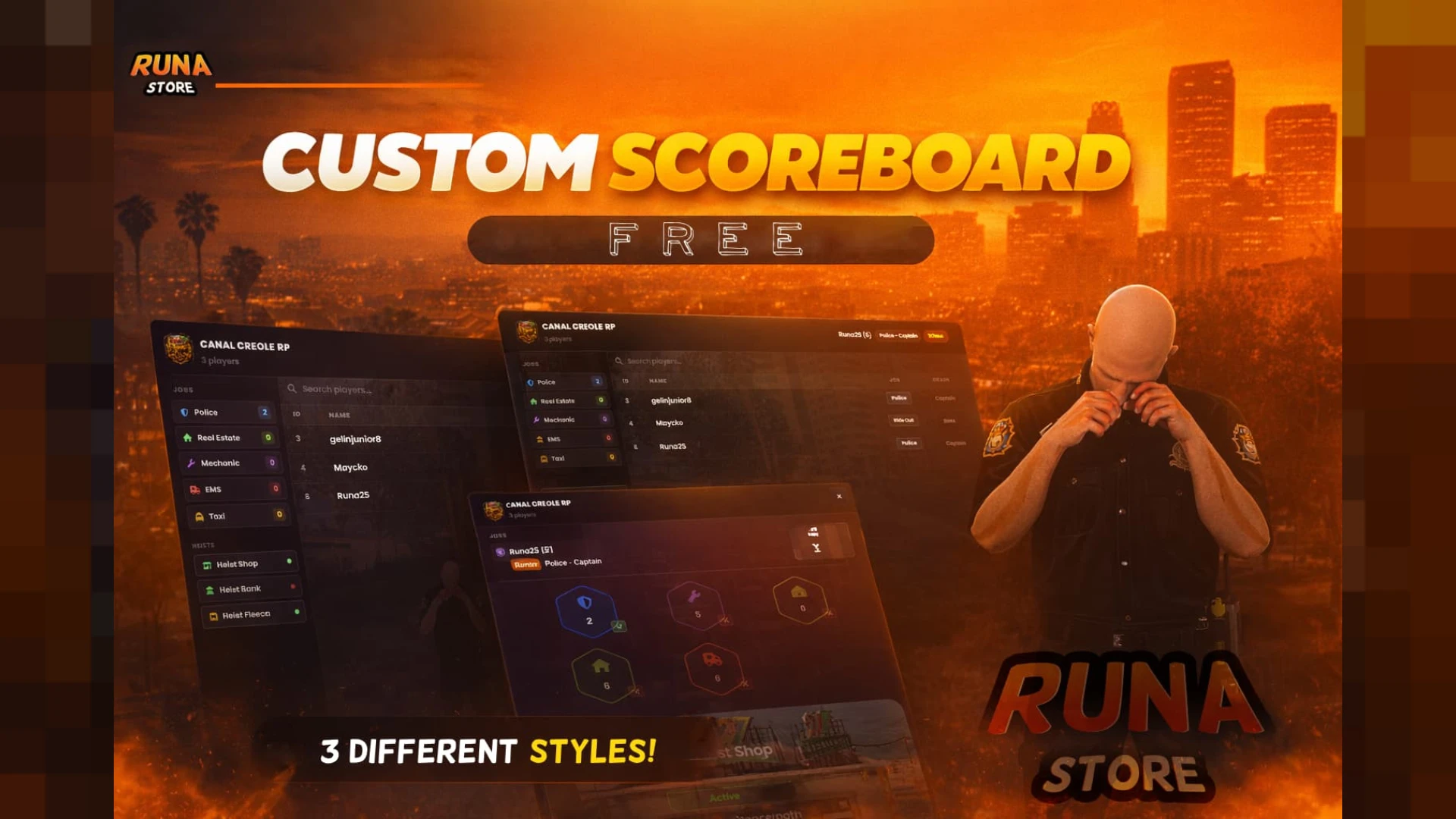
The CoreM | Scoreboard, 3 Styles gives a community a sharp player list in classic, modern or compact designs. It shows names, roles, IDs and pings at a glance. The description says it is built to look premium while keeping information that could help metagaming out of view.
Best for: servers that want a choice of scoreboard style.
Scoreboard V17
The Scoreboard V17 is an updated scoreboard that opens with a single key press. The scrollable list shows names, in-game IDs, ping and jobs. The version sharpens the visuals and smooths the interaction while keeping the resource light on performance.
Best for: quick player lists on busy servers.
Simple Status & Car HUD
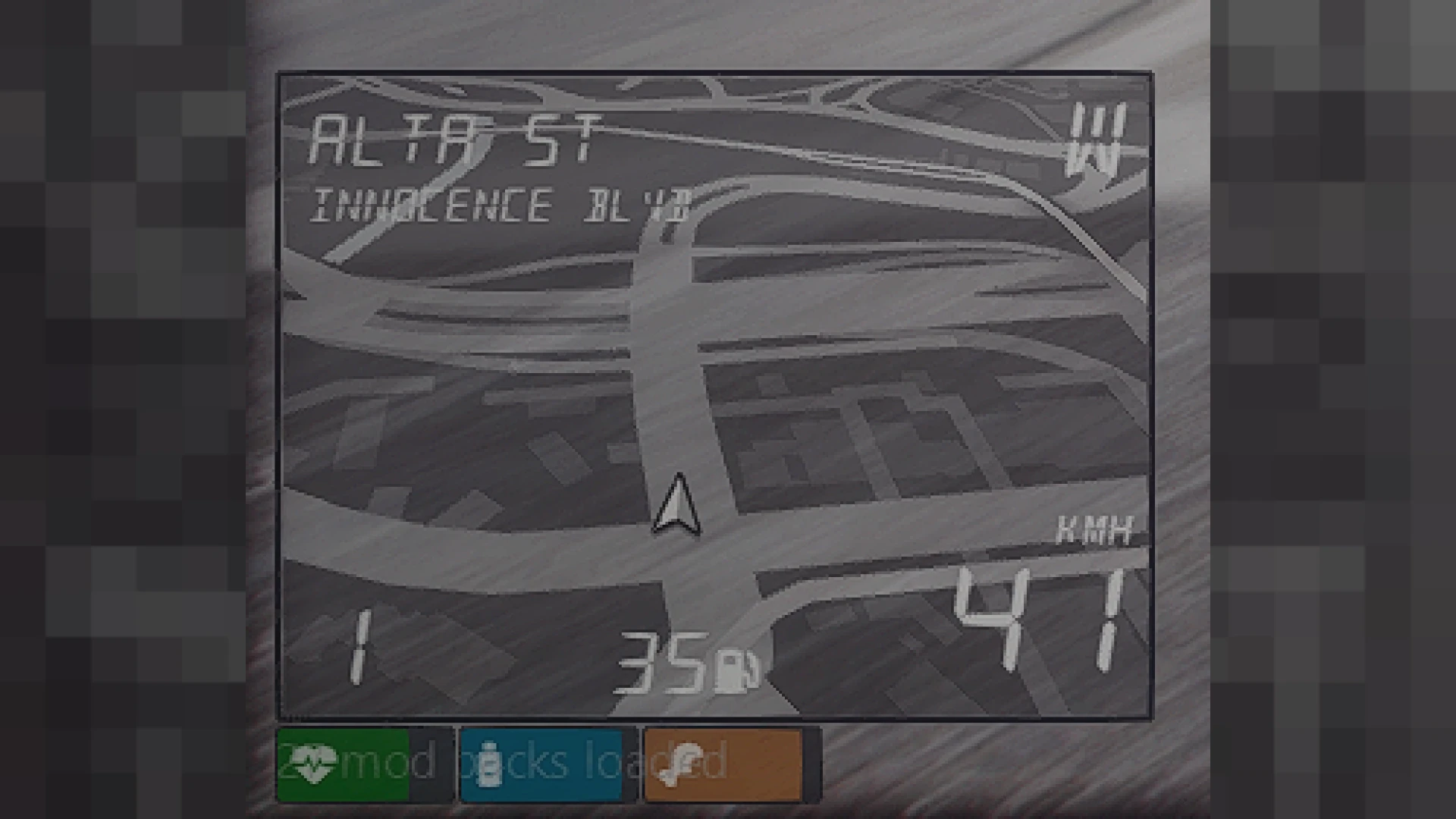
The Simple Status & Car HUD gives a QBCore server a crisp overlay for health, armour, hunger, thirst and stamina in one corner. A vehicle panel appears only when it is useful, and elements fade when a stat is full so the display stays calm. It is designed to feel native rather than bolted on.
Best for: QBCore servers that want a clean status display.
Scoreboard V19
The Scoreboard V19 pairs a sleek player list with live server insight. The panel opens on demand and shows who is connected, their IDs and key statistics. Version nineteen adds smoother visuals and more display options.
Best for: modern communities that want more display options.
Roda HUD
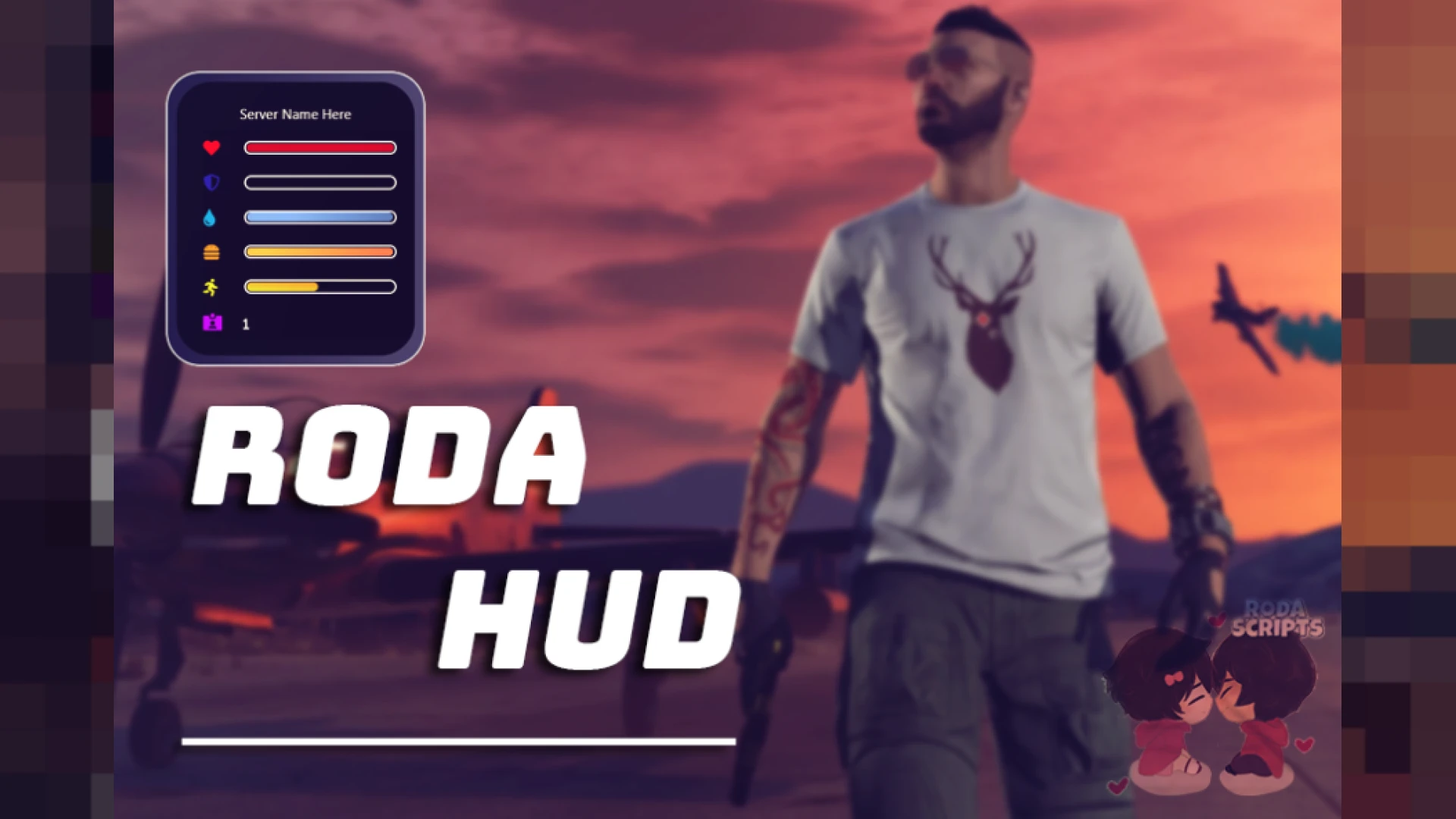
The Roda HUD is a ring-based status overlay that gathers core survival and vehicle stats into one lightweight layout. Players can read it at a glance during intense scenes. The description says it stays smooth on busy servers while keeping resource use low.
Best for: busy servers that need a light overlay.
Z Scoreboard and Editor
The Z Scoreboard and Editor is a high-fidelity player list that can be restyled live, without editing a config file or restarting the resource. It pairs a React interface with an admin panel. Instead of one fixed design, the pack lets a server shape its own look.
Best for: owners who want a custom scoreboard look.
Scoreboard
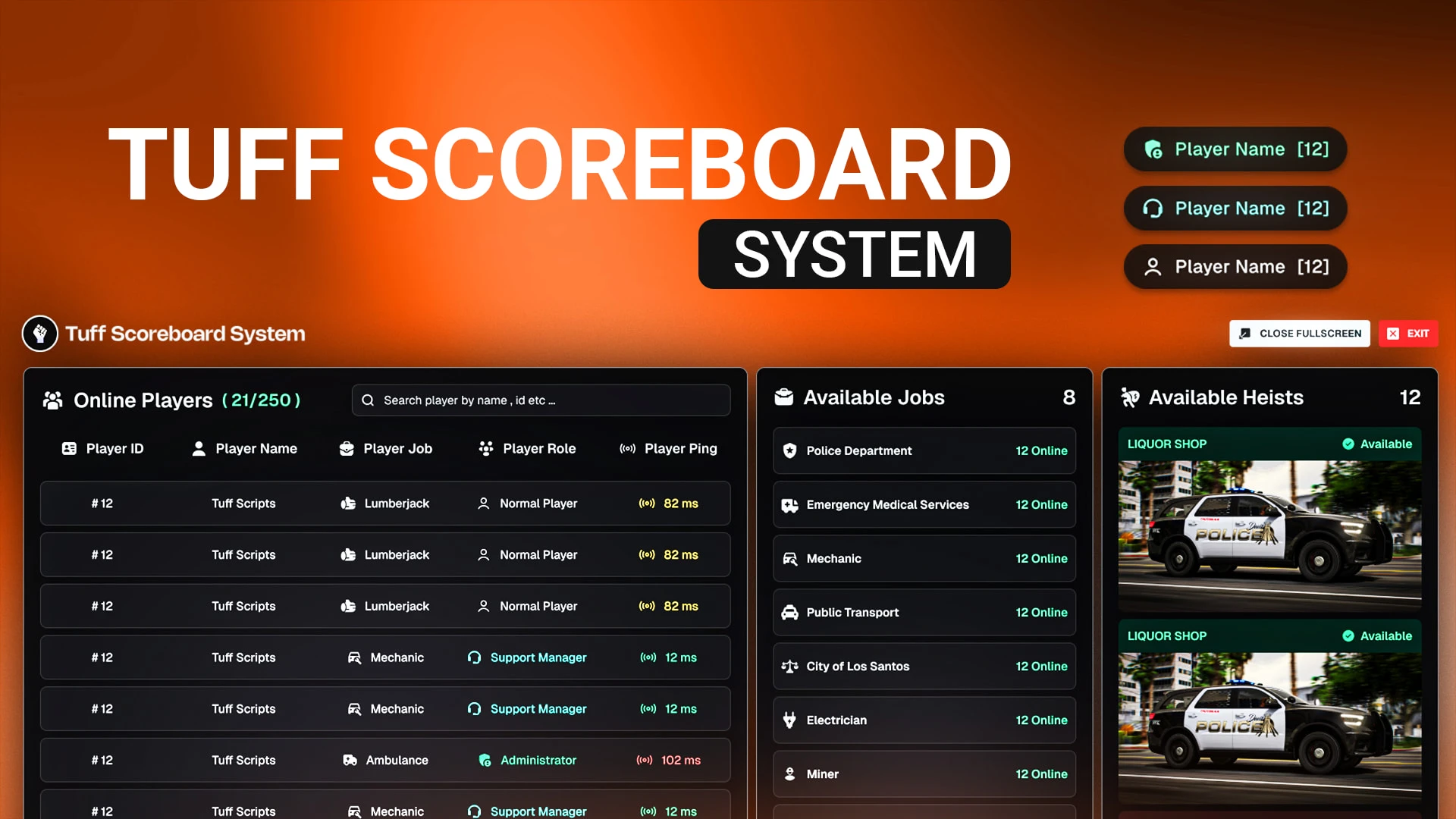
The Scoreboard is a clean overlay that shows the online player list with names, IDs and jobs, along with server details such as player count and uptime. It is a small utility that gets used constantly. Its tidy layout gives the community a quick view of who is around.
Best for: everyday player lists with server information.
CoreM | Scoreboard 4 Styles
The CoreM | Scoreboard 4 Styles offers four switchable styles and shows live player counts, job totals and server capacity. Each player can pick a layout and color theme, and the interface updates in real time. The description says it is built for ESX and QBCore communities with a focus on clarity and performance.
Best for: communities where players choose their own look.
ESX Scoreboard V14
The ESX Scoreboard V14 is a ready-to-run scoreboard rebuilt for stability. Its commented config file lets a server shape rewards, timers, locations and requirements to fit its own pace. It focuses on immersion and suits busy communities that want a configurable ESX setup.
Best for: ESX servers that want a configurable script.
Yellow OX Target
The Yellow OX Target is a restyle of the ox target eye system with a high-visibility yellow theme. It keeps the functionality players rely on while making prompts easier to spot in most lighting. Because it builds on ox_target, it keeps the performance and reliability of that base.
Best for: servers that want clearer third-eye prompts.
Choosing between the two strongest picks comes down to purpose. The radar is a functional patrol tool, while Cyber HUD Ultra is a visual statement for the whole interface. Most servers will want one of each, depending on whether the focus is enforcement or atmosphere.
| Product | Category | Best for |
|---|---|---|
| LGD Police Radar HUD | HUD & UI Scripts | Patrol traffic enforcement |
| Cyber HUD Ultra | HUD & UI Scripts | Cyberpunk interface |
| CoreM | Scoreboard, 3 Styles | HUD & UI Scripts | Choice of scoreboard style |
| Scoreboard V17 | HUD & UI Scripts | Quick busy-server lists |
| Simple Status & Car HUD | HUD & UI Scripts | QBCore status display |
| Scoreboard V19 | HUD & UI Scripts | Display options |
| Roda HUD | HUD & UI Scripts | Light ring overlay |
| Z Scoreboard and Editor | HUD & UI Scripts | Custom live styling |
| Scoreboard | HUD & UI Scripts | Everyday player list |
| CoreM | Scoreboard 4 Styles | HUD & UI Scripts | Player-chosen themes |
| ESX Scoreboard V14 | HUD & UI Scripts | Configurable ESX scoreboard |
| Yellow OX Target | HUD & UI Scripts | Clear third-eye prompts |
Frequently asked questions
Do LGD Police Radar FiveM scripts need a particular framework?
The LGD Police Radar HUD description names ESX, QBCore and standalone servers as supported. Confirm the setup on the product page before you install it on your server.
Is a radar script useful outside police roleplay?
The radar is built for emergency vehicles, so its main use is patrol. Servers focused on general play may get more from the Cyber HUD Ultra or a status HUD.
Which scoreboard suits a large server?
Scoreboard V19 and the CoreM Scoreboard 4 Styles pack describe options for busy communities. Check each product page for resource details before you add a scoreboard to a large player base.
If you want LGD Police Radar FiveM scripts that fit patrol work, start with the radar and add a scoreboard that suits your community. Browse the full HUD and UI scripts collection at FiveM Shops, and read each product page before you install.