Senor squad system fivem scripts can turn a plain map into a themed area, because each tool covers one job, from crew play to elevators and welcome screens. Built in the right order, the set gives players a district that feels designed rather than assembled.
This guide shows how to combine twelve admin and utility scripts into one area, such as a themed district with a red zone and an elevator tower. Each step names the product, what it does and a suggested role in the build, so you can see how the senor squad system fivem scripts fit together. The full range sits in the Admin & Utility Scripts collection at FiveM Shops.
Building a themed area with senor squad system fivem scripts
Senor Squad System
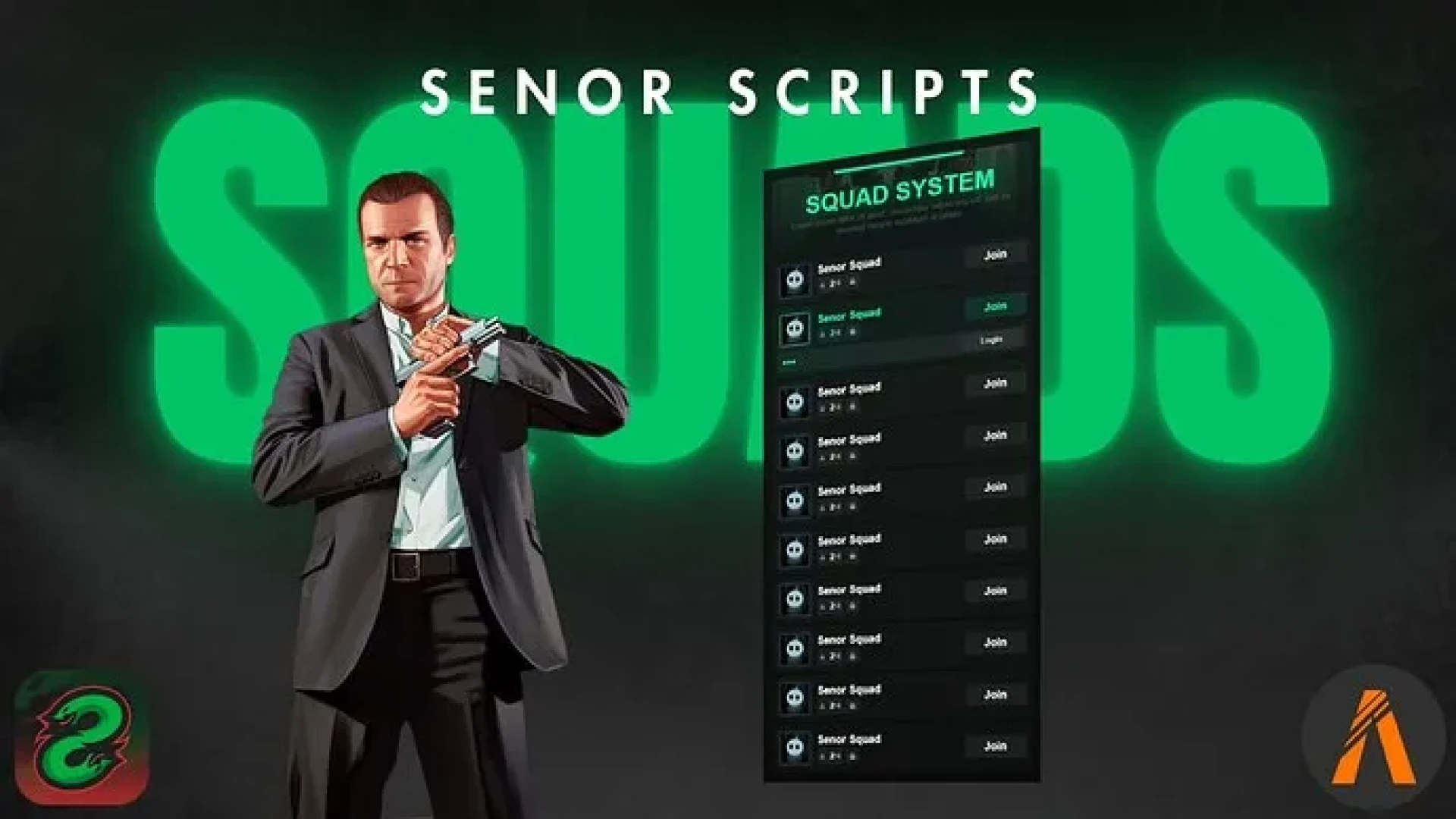
Start with the crew layer. The Senor Squad System lets players form a group with shared map blips, member health bars and coordination tools. Heists, turf wars and events depend on that shared view, so it is the backbone of the themed area.
Best for: crew, gang and friend-group coordination.
Tuff Loading Screen 2
Set the mood before players spawn with the Tuff Loading Screen 2. It offers a video background, custom music and sections for news, events and gallery content. It is lightweight and configurable, so the first screen can match the theme of your district.
Best for: a themed welcome and event announcements.
Fear X RedZone Creator
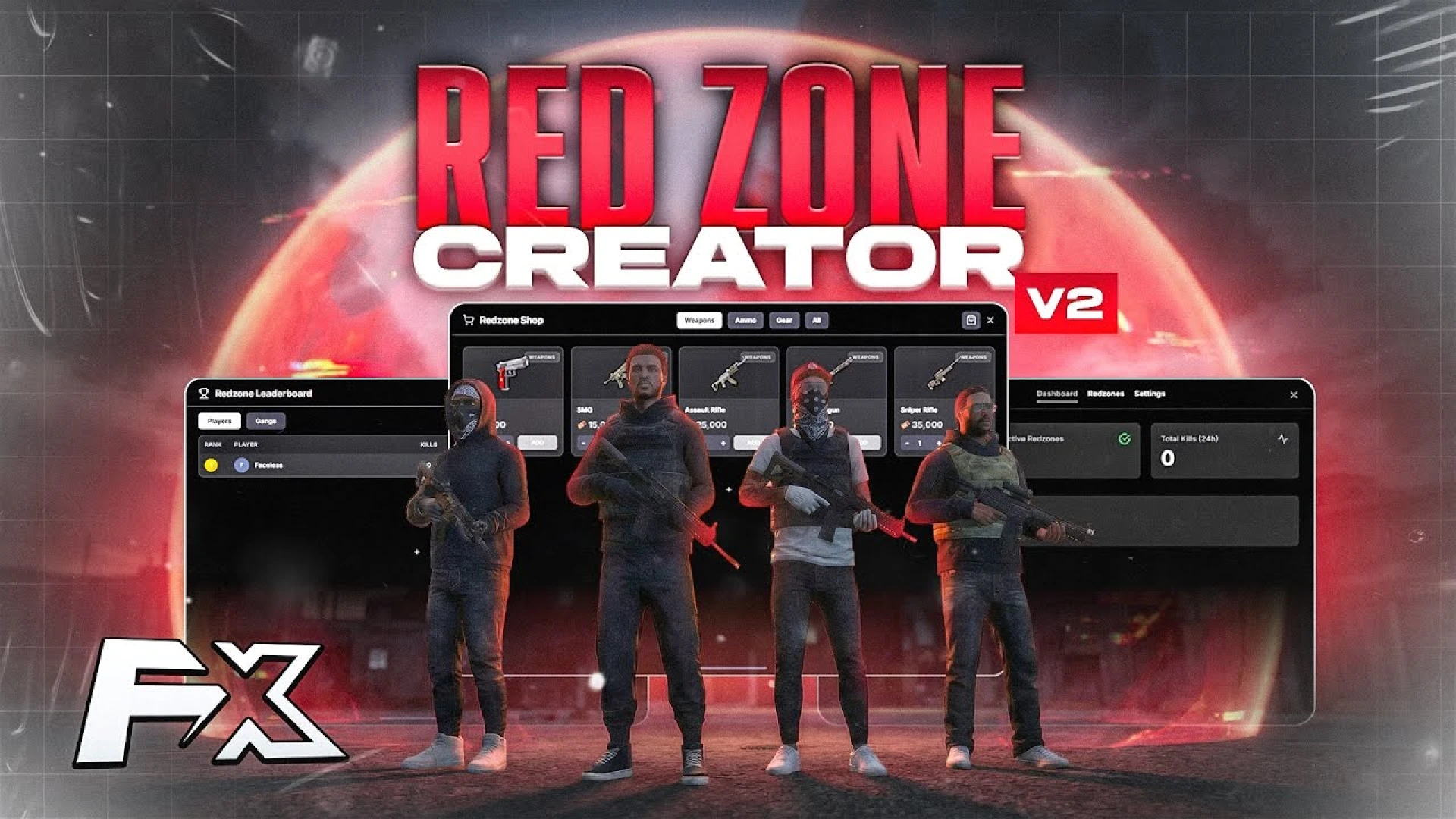
Add a sanctioned combat zone with the Fear X RedZone Creator. It lets you draw PvP red zones in-game with custom boundaries, loot and rules, so fights happen in one place without breaking roleplay elsewhere.
Best for: a defined combat area inside the themed district.
IF | DevMarker In-Game DrawMarker Creator
Place zones and markers with the IF | DevMarker In-Game DrawMarker Creator. You walk to the spot, then adjust the marker type, color, height and scale while the game is running, instead of editing coordinates by hand.
Best for: shop entrances, job points and entrance markers.
Scoreboard V5
Give players and staff an orderly read on the lobby with Scoreboard V5. It shows the online roster, server IDs, ping and session details in a panel that opens with one key.
Best for: event nights and staff checks.
AUScripts | Anti Kill Desync
Keep combat fair across the district with the AUScripts | Anti Kill Desync. It is a server-side guard that detects and corrects desync abuse, so shots that should land actually count.
Best for: any PvP or gunfight zone you add.
QubeCode Scene Studio
Dress scenes with the QubeCode Scene Studio, which spawns temporary props and short-lived 3D text, then cleans up afterward. Roadblocks, memorials and makeshift markets appear when a story needs them and disappear when it ends.
Best for: staged events and spontaneous storytelling.
NEX Elevators
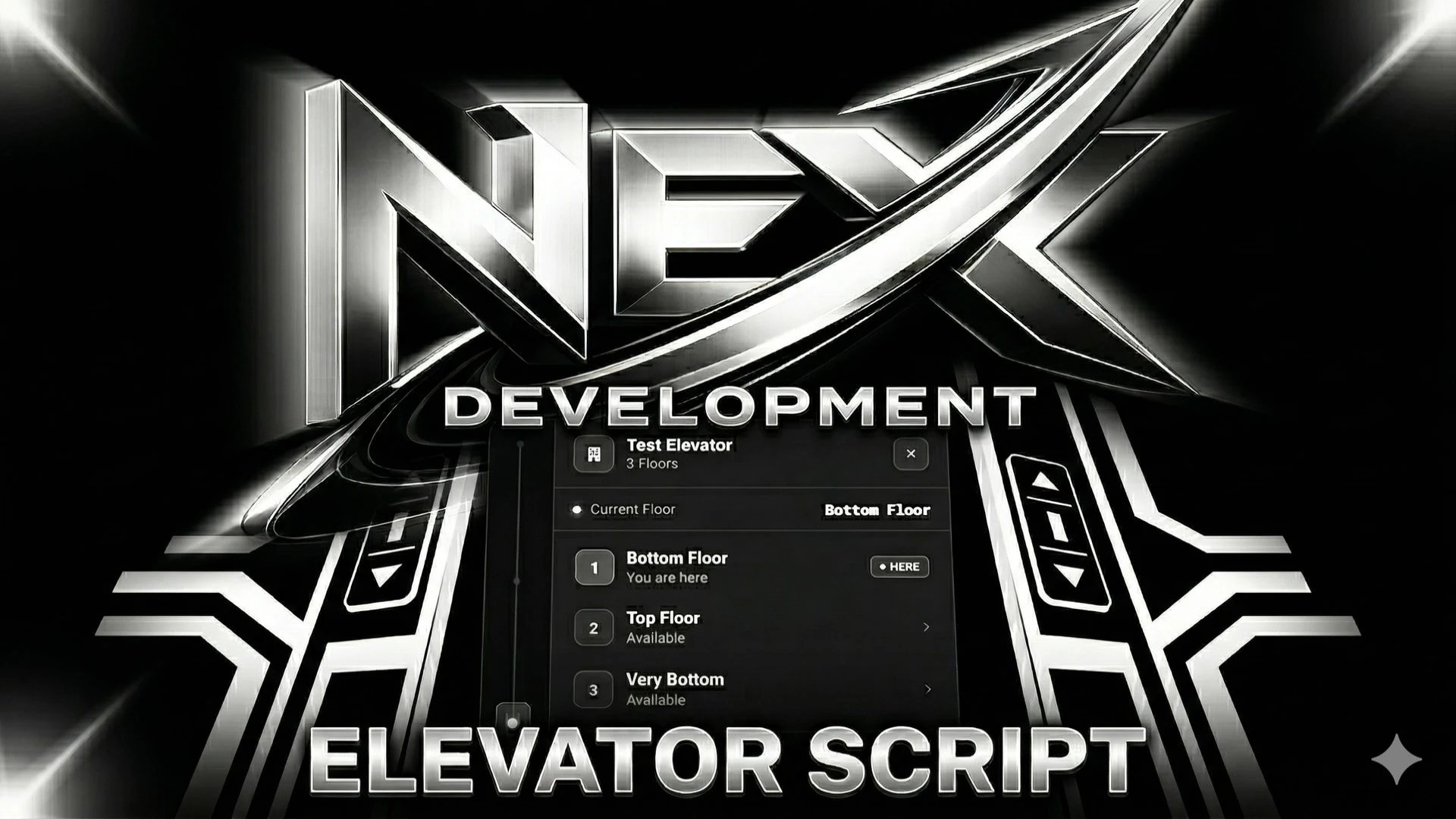
Connect the floors of a tower with NEX Elevators, a management system for multi-floor lifts that you build in-game with access control. It replaces clumsy teleport markers with elevators that feel like part of the building.
Best for: office towers and hotels in the district.
Give Car
Hand vehicles to players with the Give Car admin tool. It grants a chosen vehicle with a proper plate and full ownership, so the car lands in the player's garage as a keepable vehicle.
Best for: events, giveaways and support tickets.
Elevator Interface
Add a floor menu to a parking structure or hospital with the Elevator Interface script. It uses a familiar ox_lib menu, so players pick a floor and travel with a single click.
Best for: parking decks and hospital towers.
Fear X RedZone Creator V2
Use the Fear X RedZone Creator V2 for danger zones with damage, warnings and rules. Every option sits in a clear interface, and the product video shows the in-game tools and live zone effects.
Best for: event hot zones and controlled combat areas.
Tuff Loading Screen
Finish the set with the Tuff Loading Screen, an animated screen with music and your server identity front and center. It turns the connection wait into a branded first impression.
Best for: a simpler animated welcome for the district.
The table below lists the twelve scripts and the role each one plays in the build.
| Product | Category | Best for |
|---|---|---|
| Senor Squad System | Admin & Utility Scripts | Crew coordination |
| Tuff Loading Screen 2 | Admin & Utility Scripts | Themed welcome screen |
| Fear X RedZone Creator | Admin & Utility Scripts | Defined combat area |
| IF | DevMarker In-Game DrawMarker Creator | Admin & Utility Scripts | Shop and job markers |
| Scoreboard V5 | Admin & Utility Scripts | Event nights |
| AUScripts | Anti Kill Desync | Admin & Utility Scripts | Fair PvP combat |
| QubeCode Scene Studio | Admin & Utility Scripts | Staged scenes |
| NEX Elevators | Admin & Utility Scripts | Multi-floor towers |
| Give Car | Admin & Utility Scripts | Giveaways and support |
| Elevator Interface | Admin & Utility Scripts | Parking and hospital floors |
| Fear X RedZone Creator V2 | Admin & Utility Scripts | Event hot zones |
| Tuff Loading Screen | Admin & Utility Scripts | Simple animated welcome |
Questions about building with these scripts
Can I install senor squad system fivem scripts in any order?
The listings do not set a required order. A practical approach is to set up the crew layer and the zones first, then add the welcome screen and the extras last, so you can test each layer as you go.
Which script suits a PvP district?
The red zone creators are built for that job, and the anti desync guard keeps combat fair inside them. Pair the two so the district has both a defined fight zone and fair results.
Do these scripts need a specific framework?
The Elevator Interface uses ox_lib menus, which its description states. For the rest, check each product page for compatibility before you install.
Start with the crew layer, then build zones, elevators and a welcome screen around it. Browse the full Admin & Utility Scripts collection at FiveM Shops, and use senor squad system fivem scripts as the foundation of your next themed area.