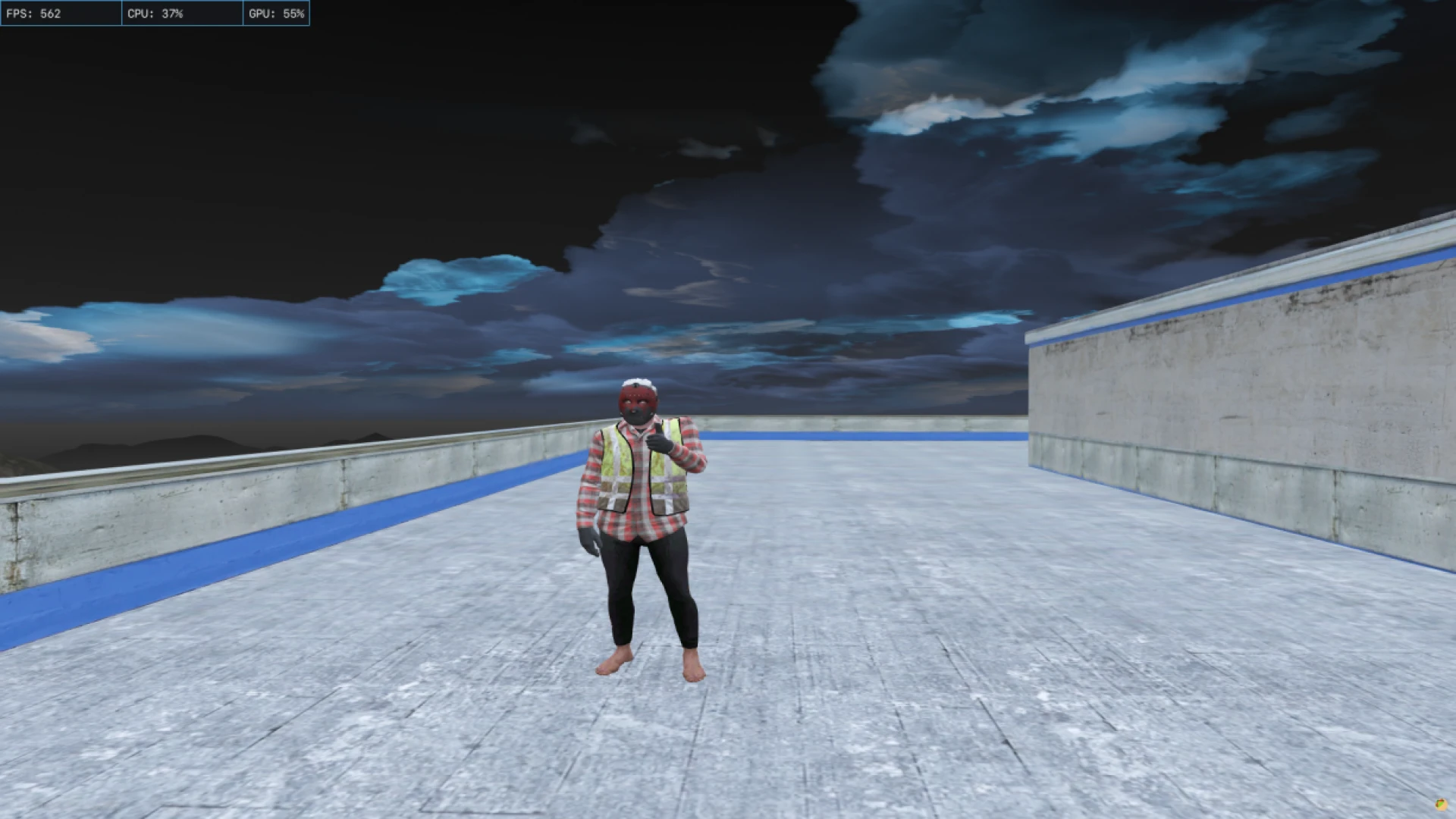
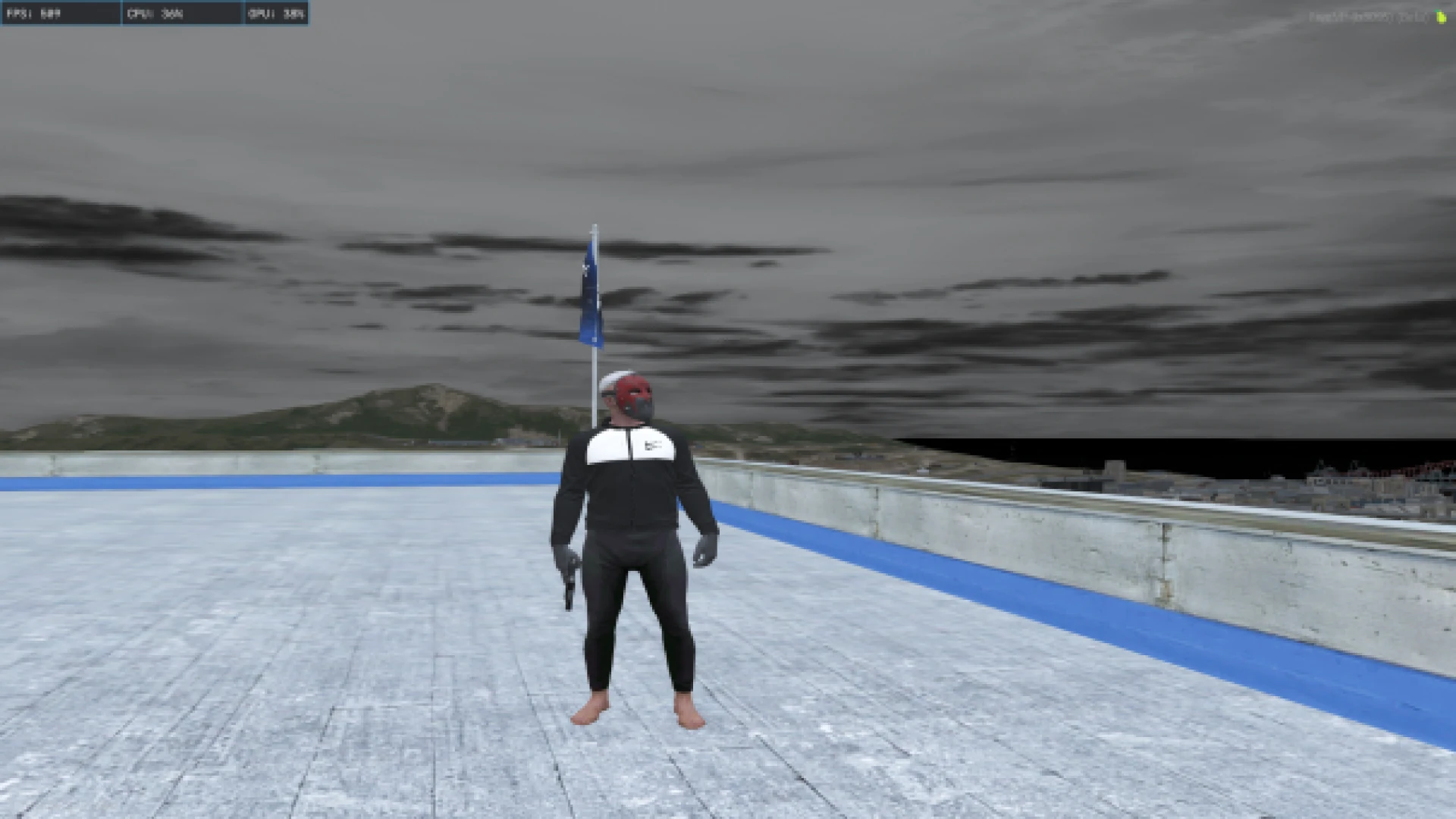
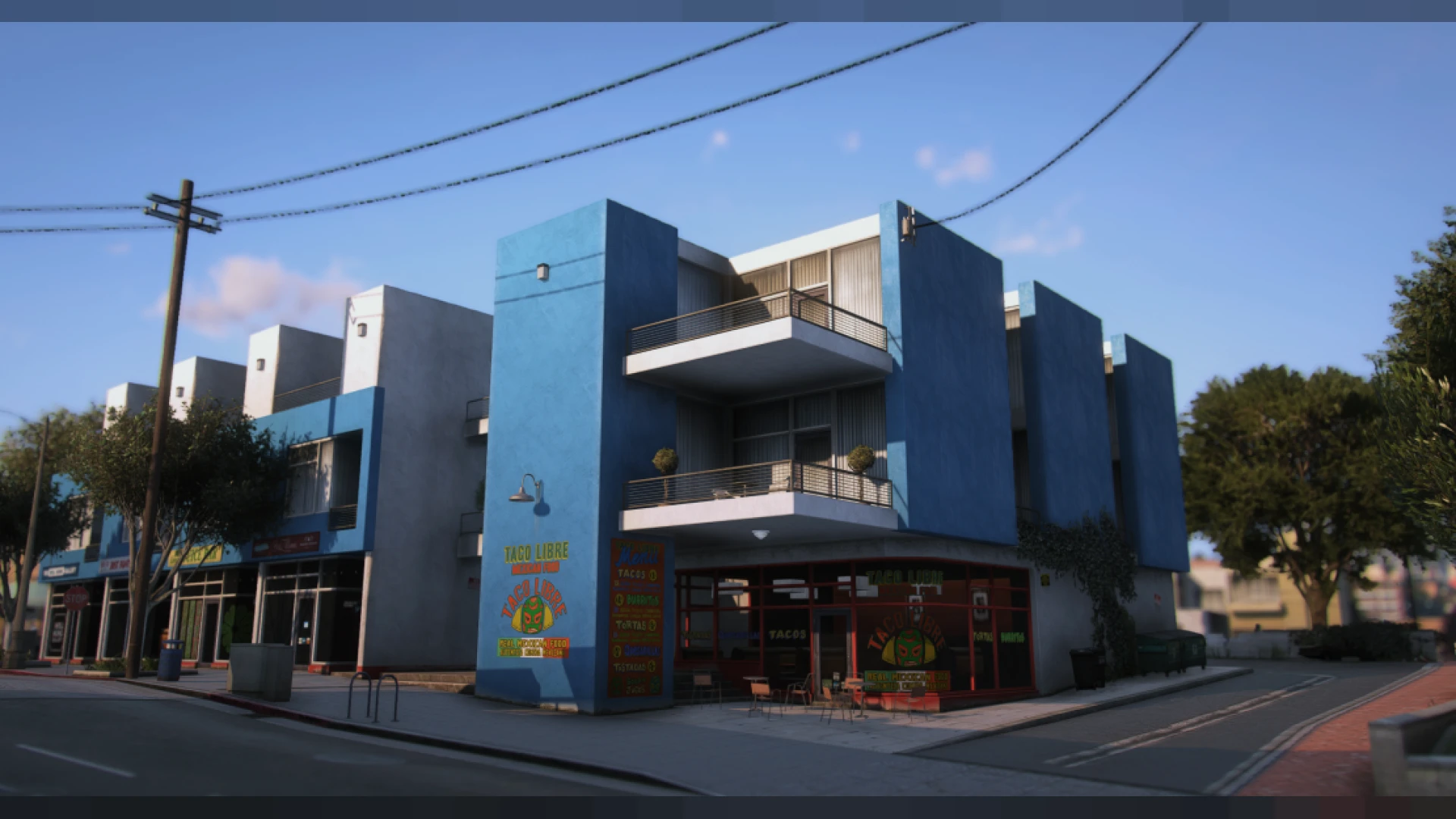
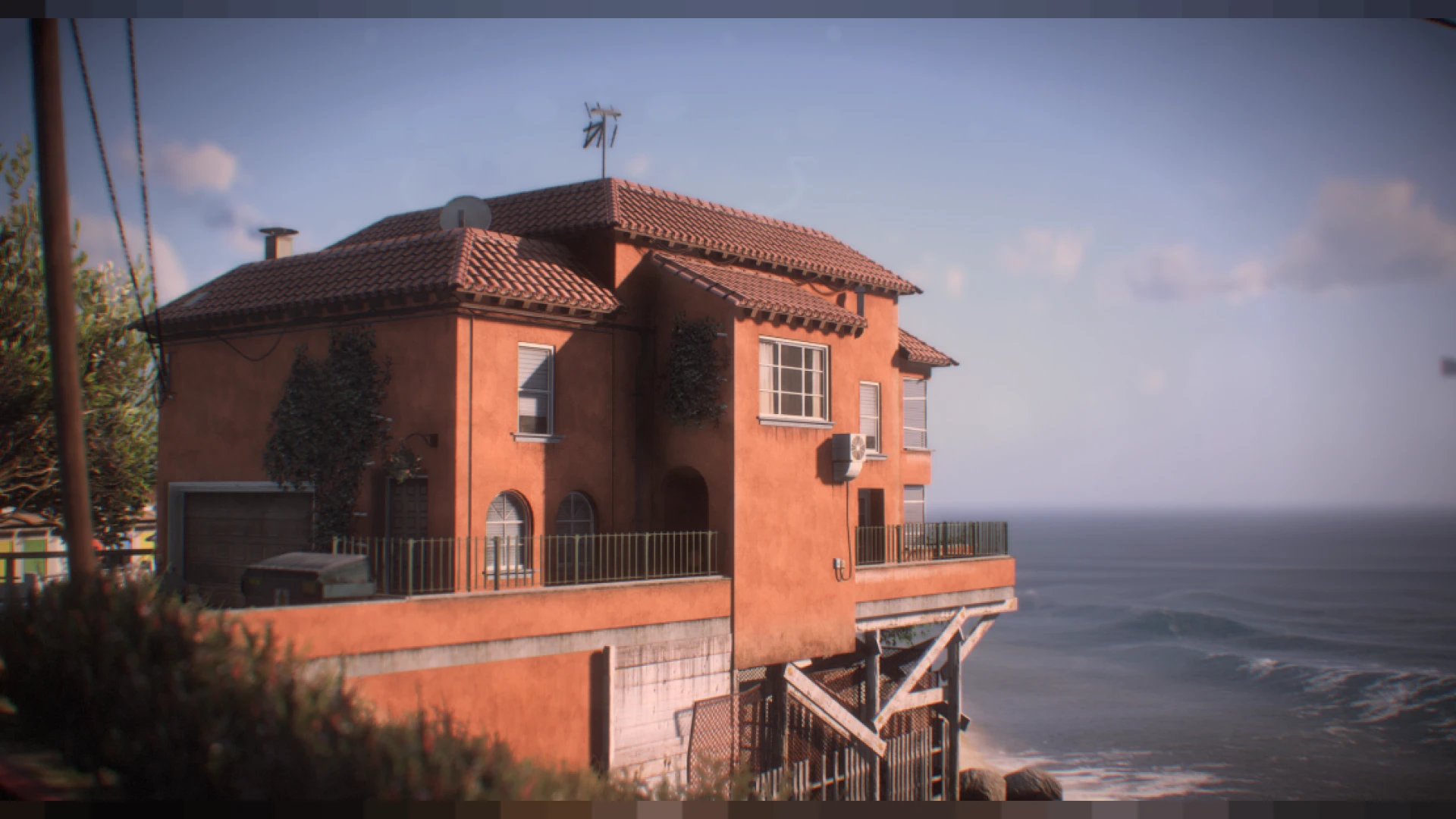
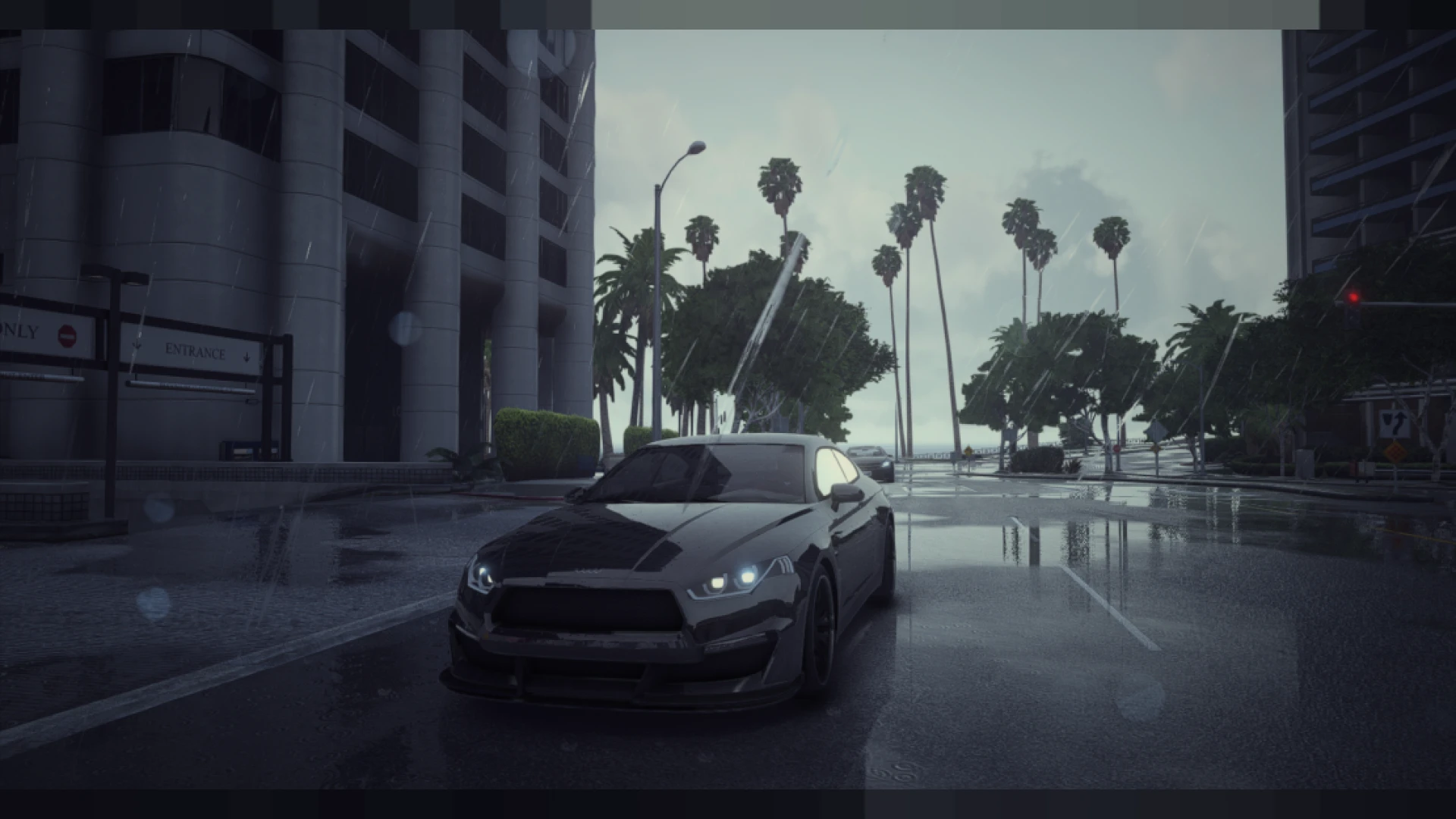
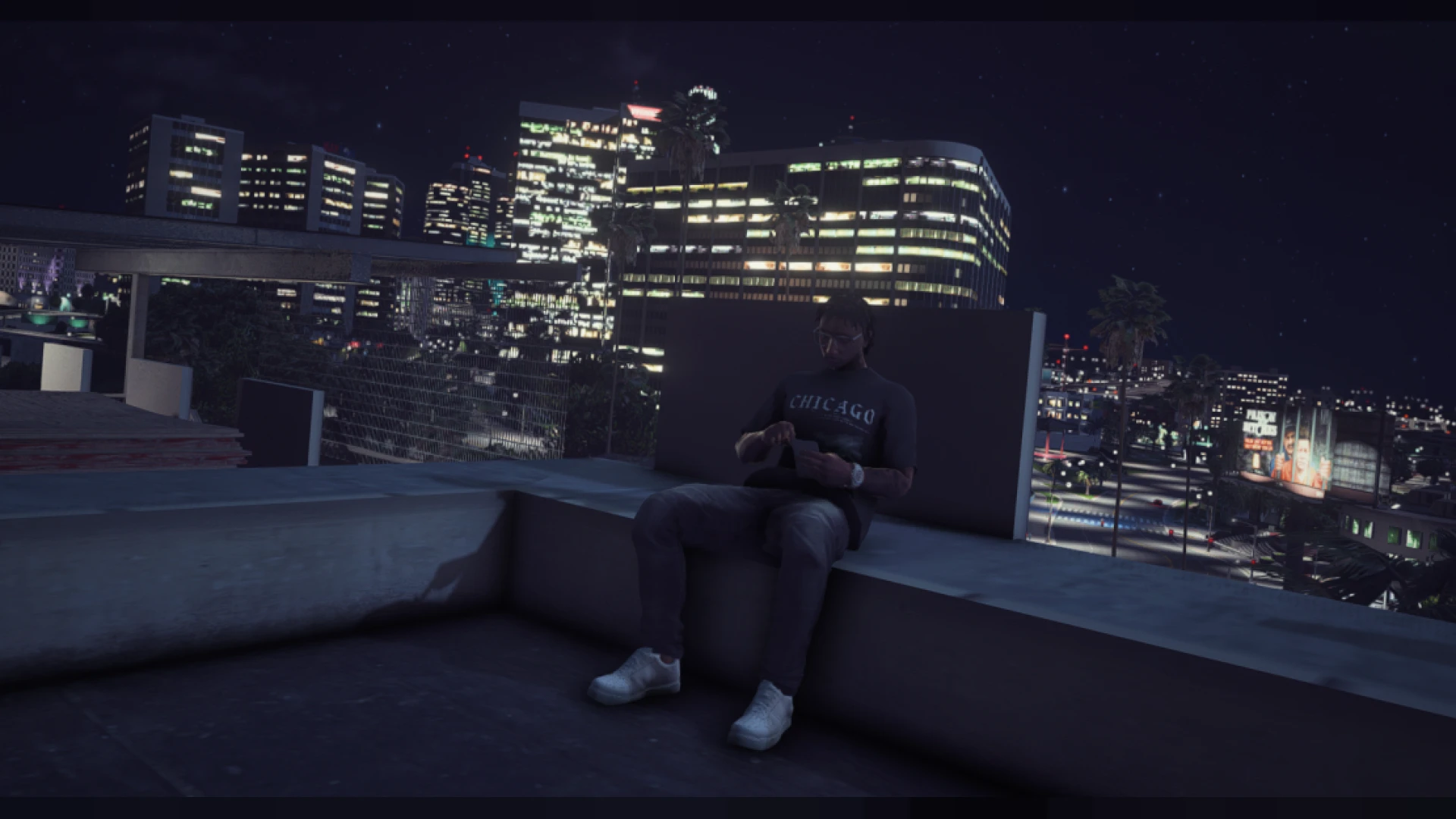
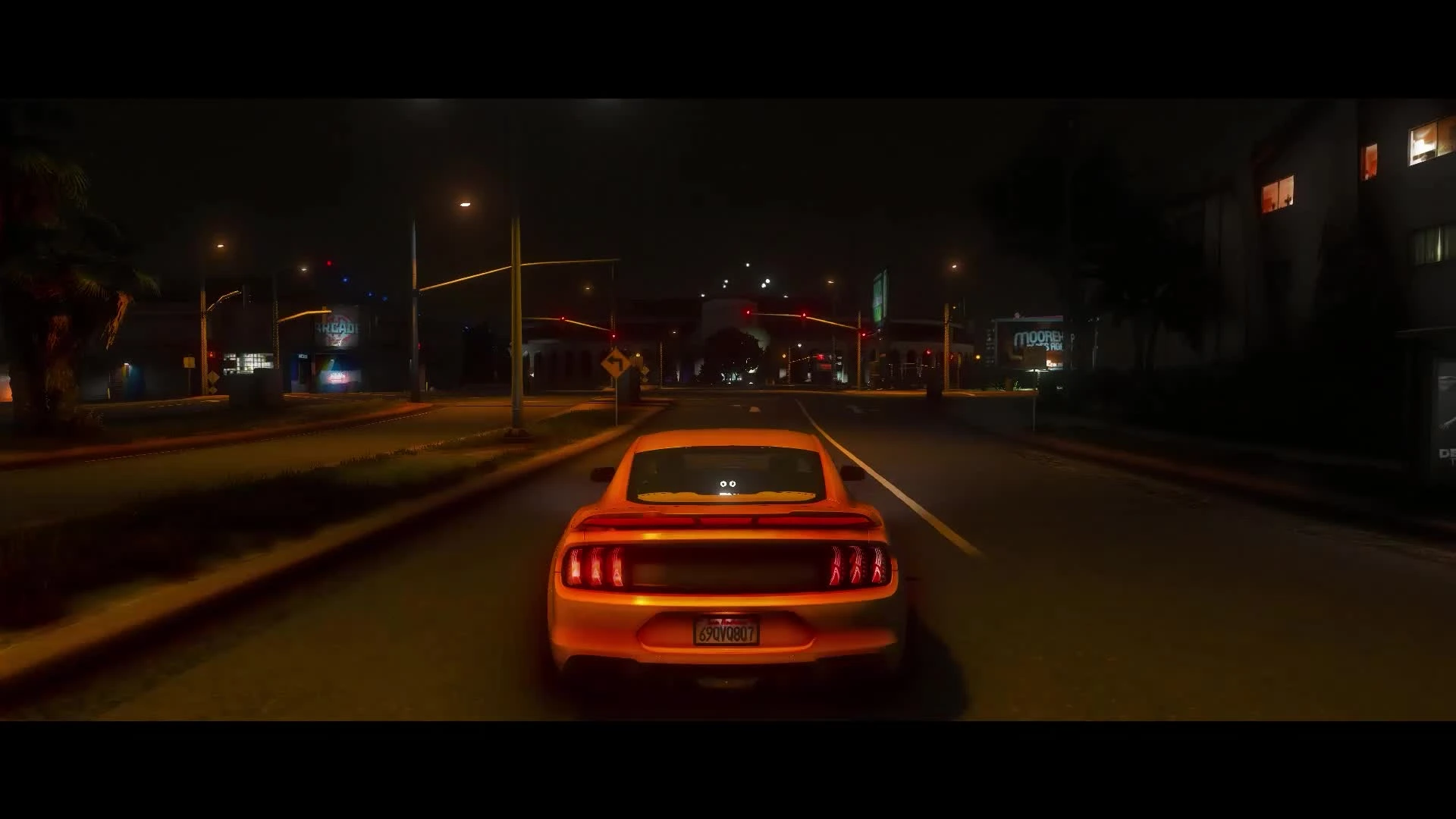
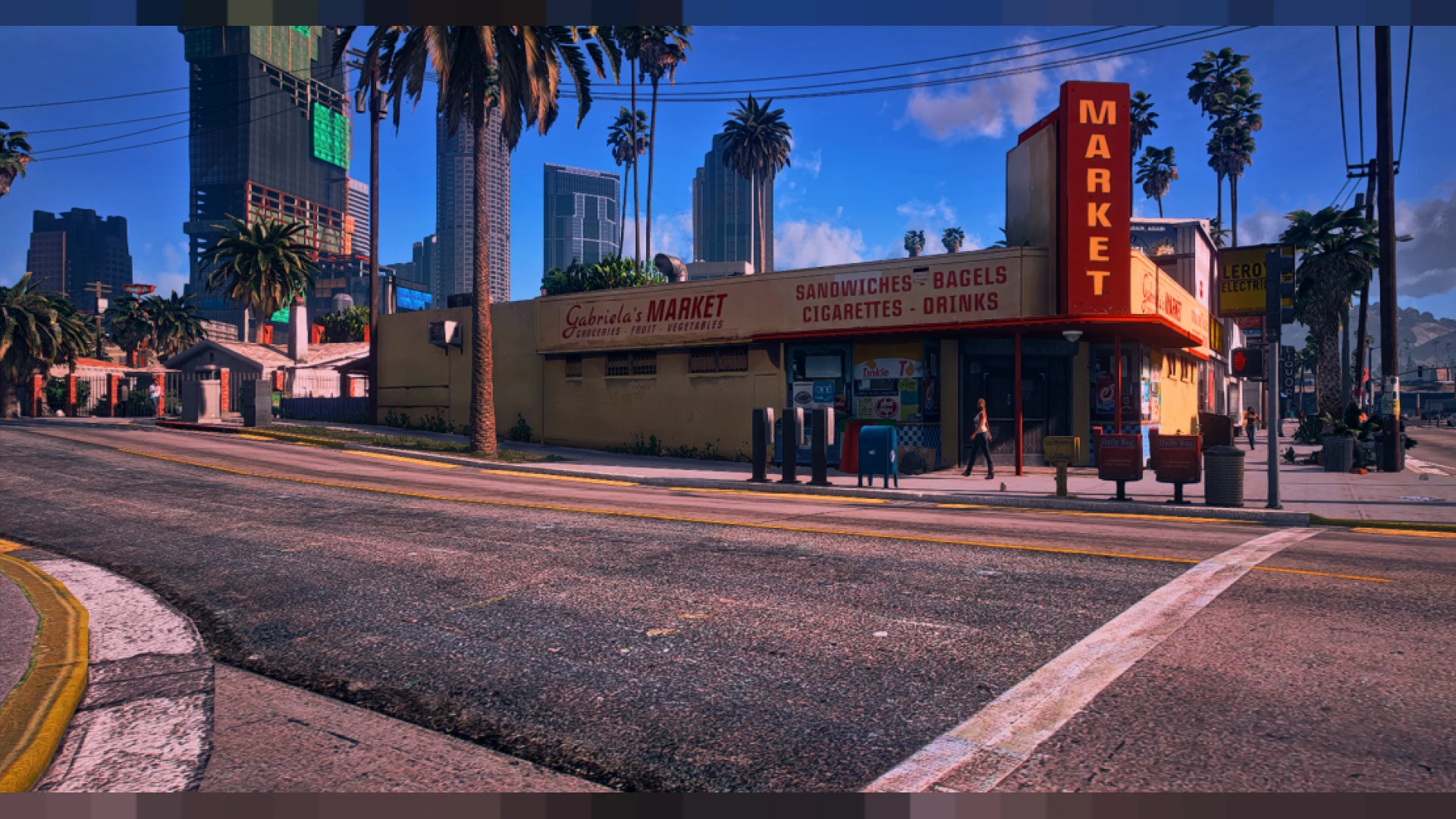
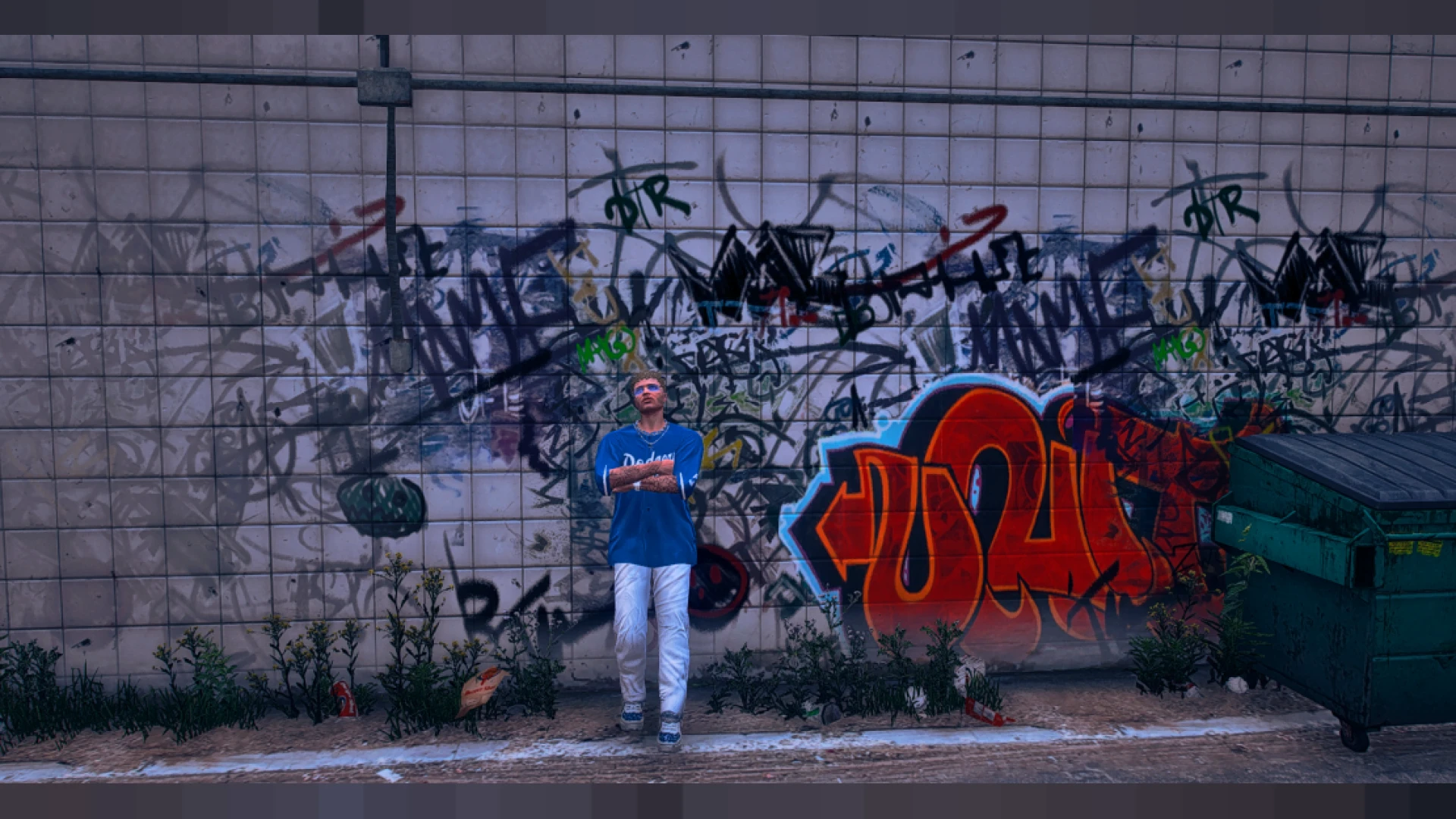
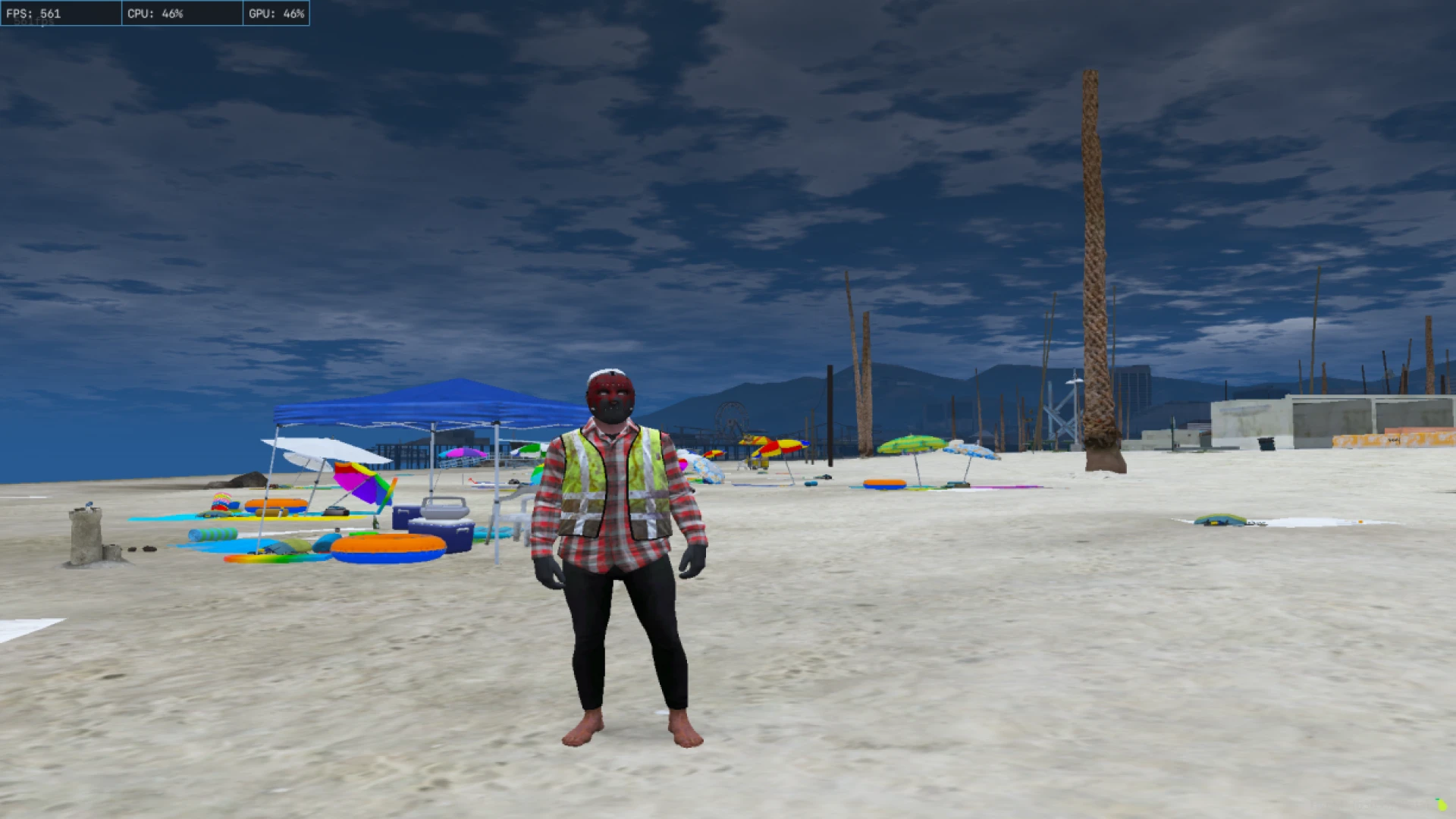
Citizen FPS 13 is a tuned performance configuration that squeezes extra frames out of FiveM on low and mid-range hardware. It trims the expensive rendering costs that tank your frame rate on crowded servers while keeping the image clean enough to play and stream comfortably.
Instead of a heavy graphics overhaul, this profile focuses on smoothness. It is a client-side setup that adjusts how the game renders effects and distance detail, so you gain stability in busy areas without editing anything on the server side. Because it only changes how the game renders on your own PC, it carries no anti-cheat risk and requires no cooperation from server admins. You keep a backup of your original settings, try the config for a session, and either keep the smoother experience or roll everything back in seconds if you ever change your mind about the trade-off.
What Citizen FPS 13 optimizes
- Reduced overdraw and effect cost in crowded, high-traffic zones
- Balanced draw distance settings that protect frame pacing
- Trimmed post-processing load for steadier minimums
- Sensible defaults tuned for weaker CPUs and GPUs
- A cleaner, less cluttered image during heavy roleplay scenes
Simple to apply and reverse
- Client-side config with a straightforward drop-in setup
- No server permissions or admin access required
- Stacks with your existing FiveM graphics preferences
- Easy to revert to your previous settings at any time
- Designed to reduce stutter, not just raise average FPS
If your city dips into the teens whenever a scene fills up with players and vehicles, this config is aimed squarely at you. The goal is playable, consistent frames so you can actually enjoy the roleplay instead of fighting your hardware.
Streamers on modest setups benefit twice, since a smoother capture means cleaner footage and fewer dropped frames on stream. It is a low-risk tweak that many players notice the very first time they load in. Performance is often the difference between a player staying and a player leaving, especially newcomers on older laptops who bounce the first time a busy scene stutters. Recommending a config like this in your onboarding channel is a quiet, high-impact way to keep those players in the city and enjoying themselves.
Chasing the smoothest possible session? Explore the full client-side mods library, or jump straight into more HUD and UI tools to keep upgrading your server the moment you are ready.