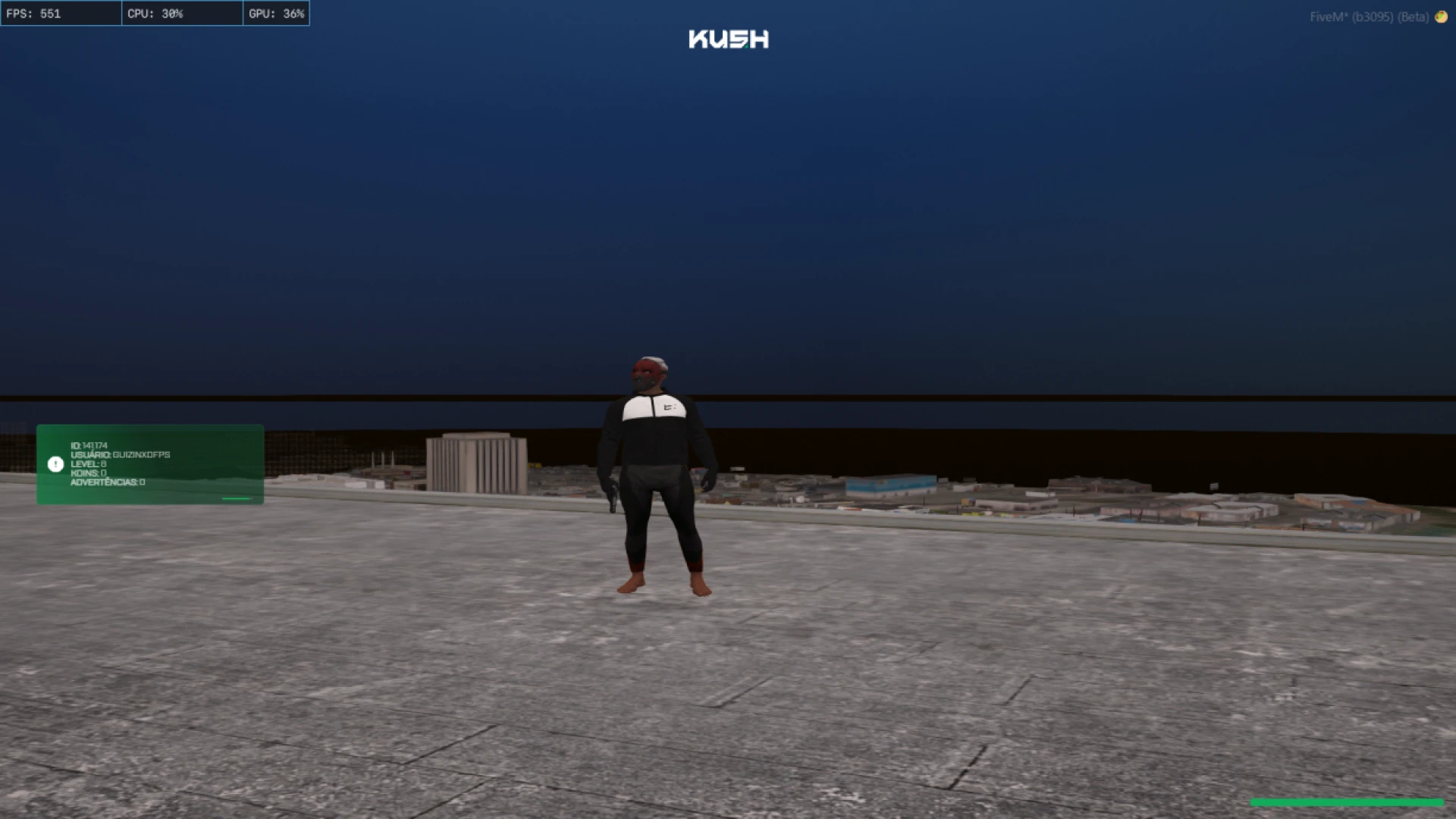
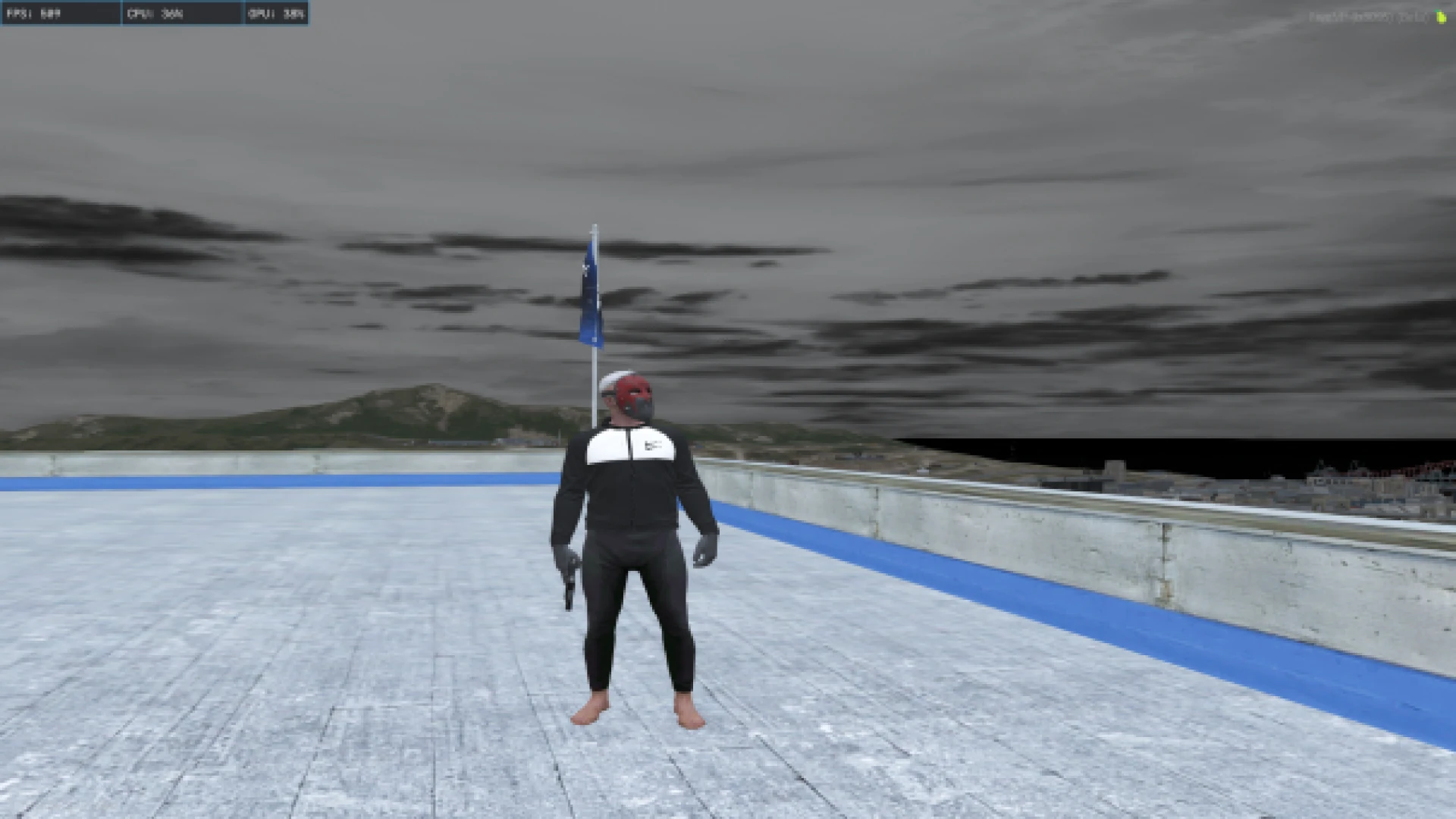
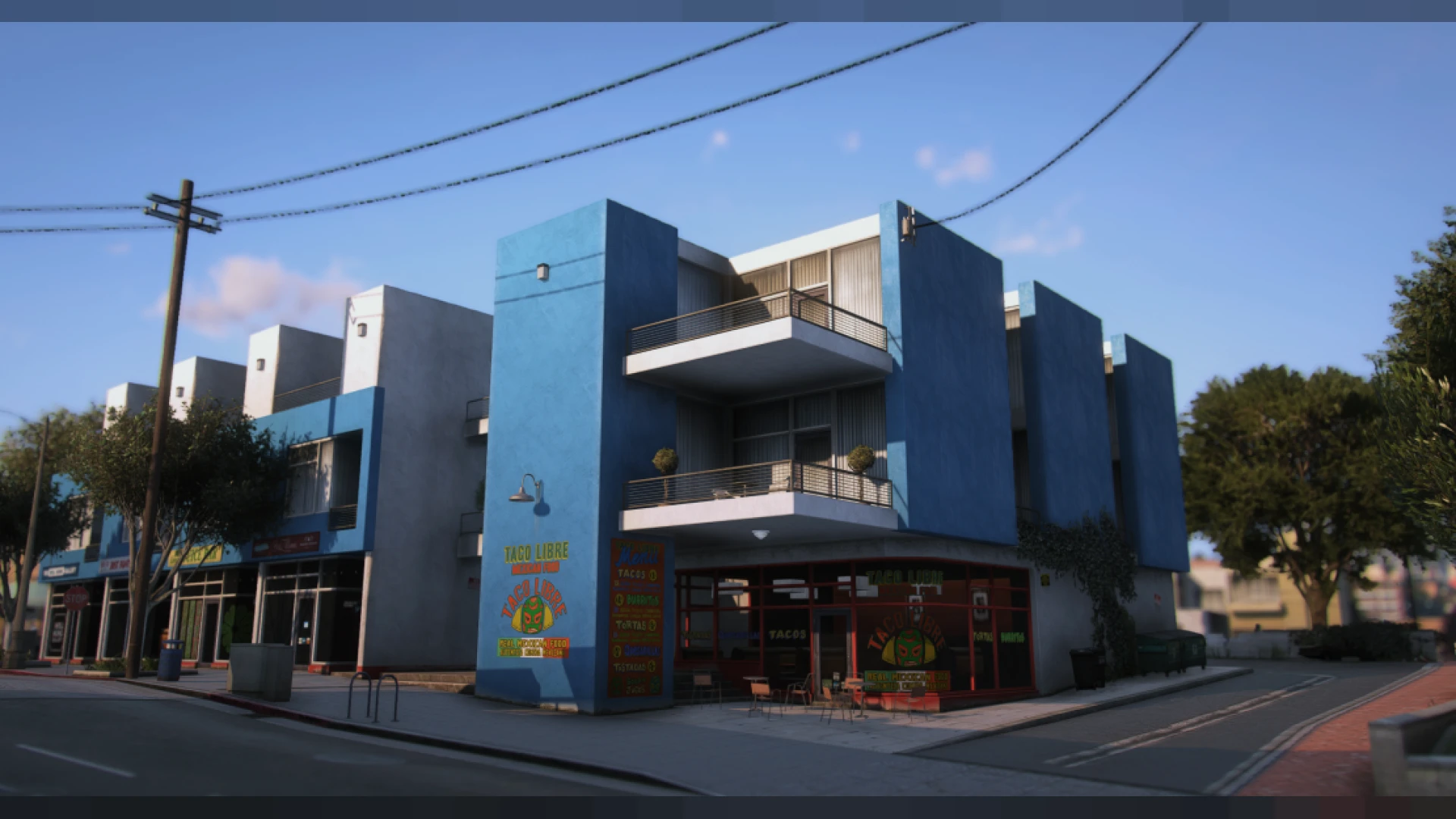
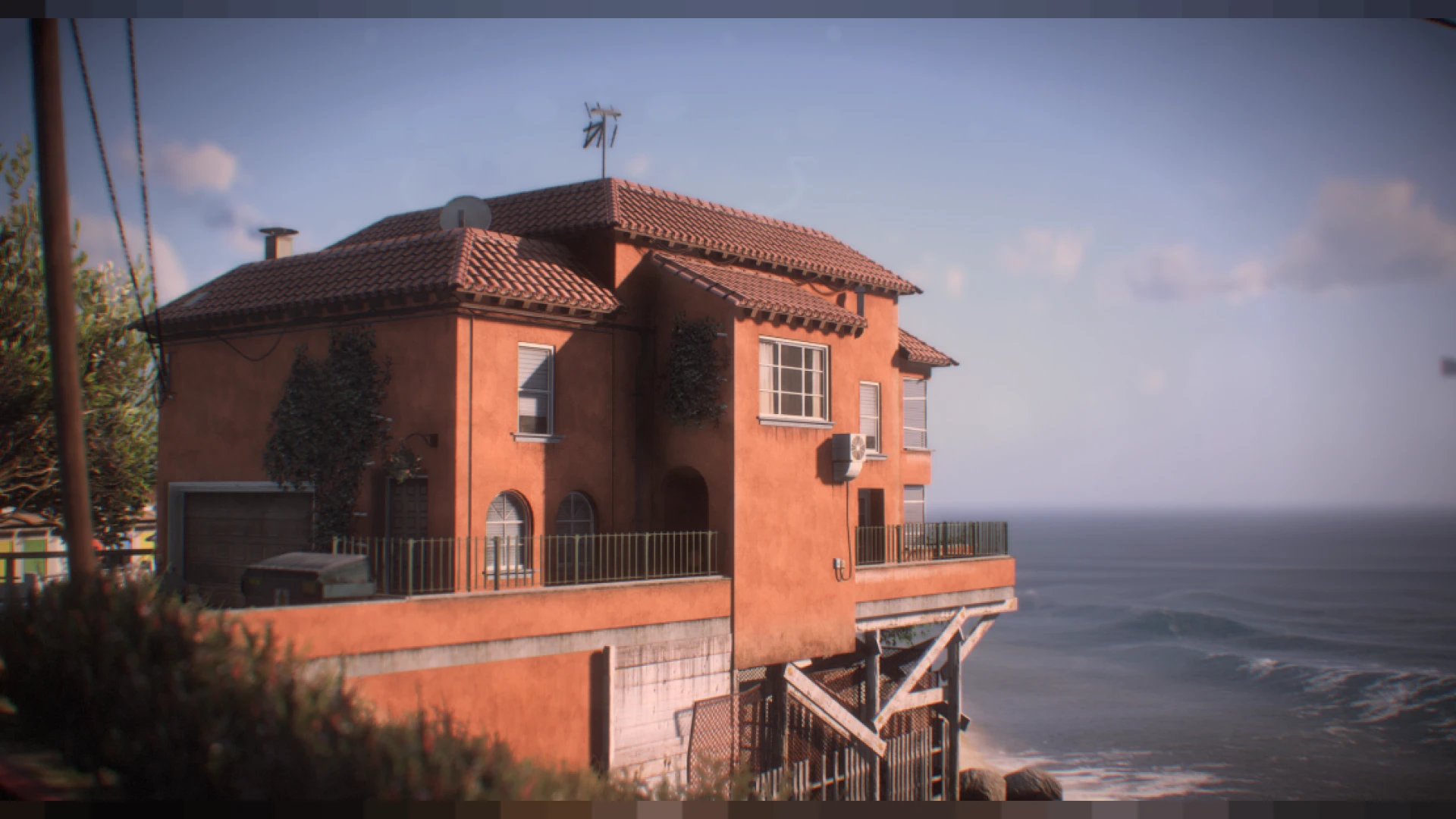
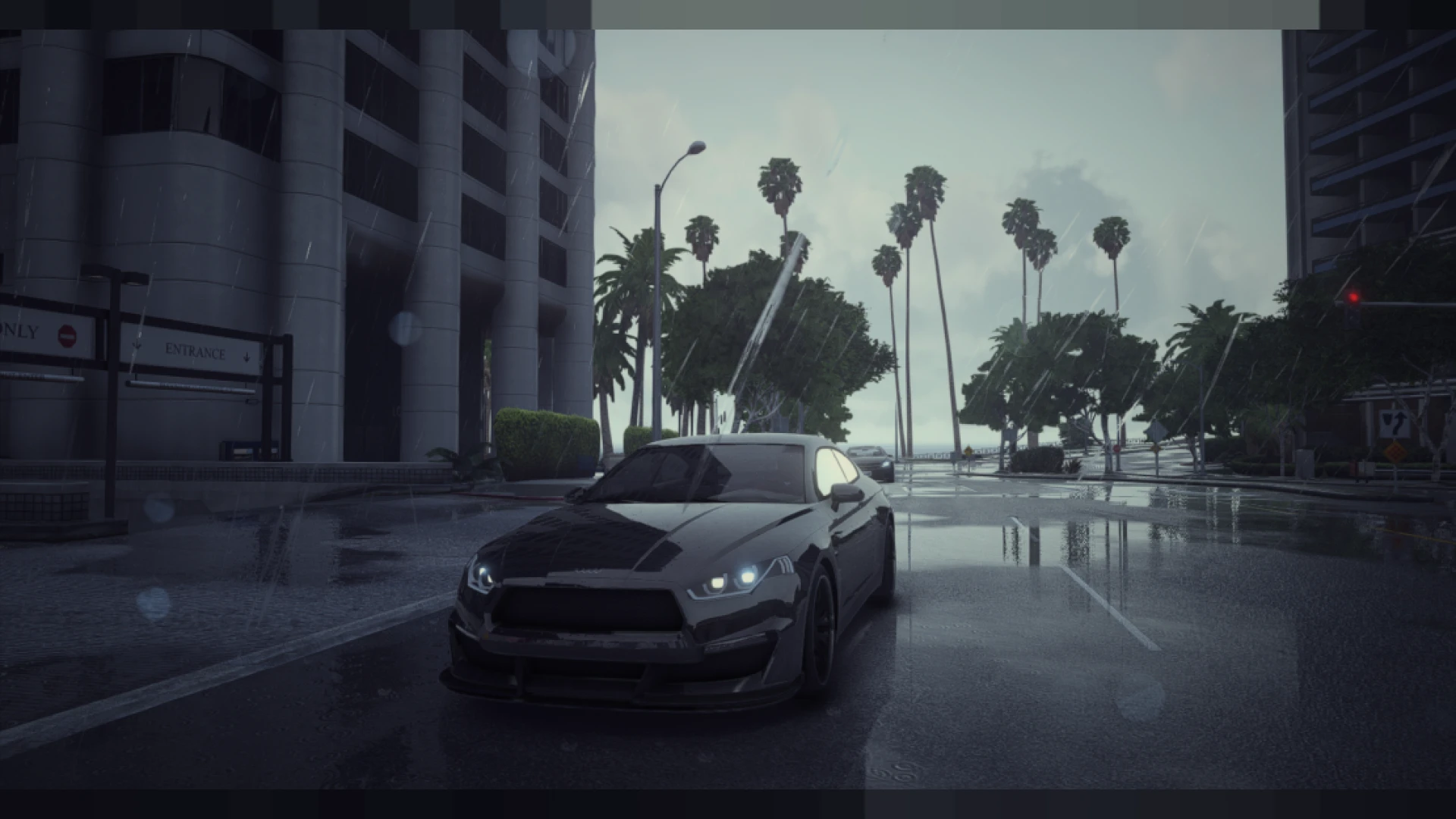
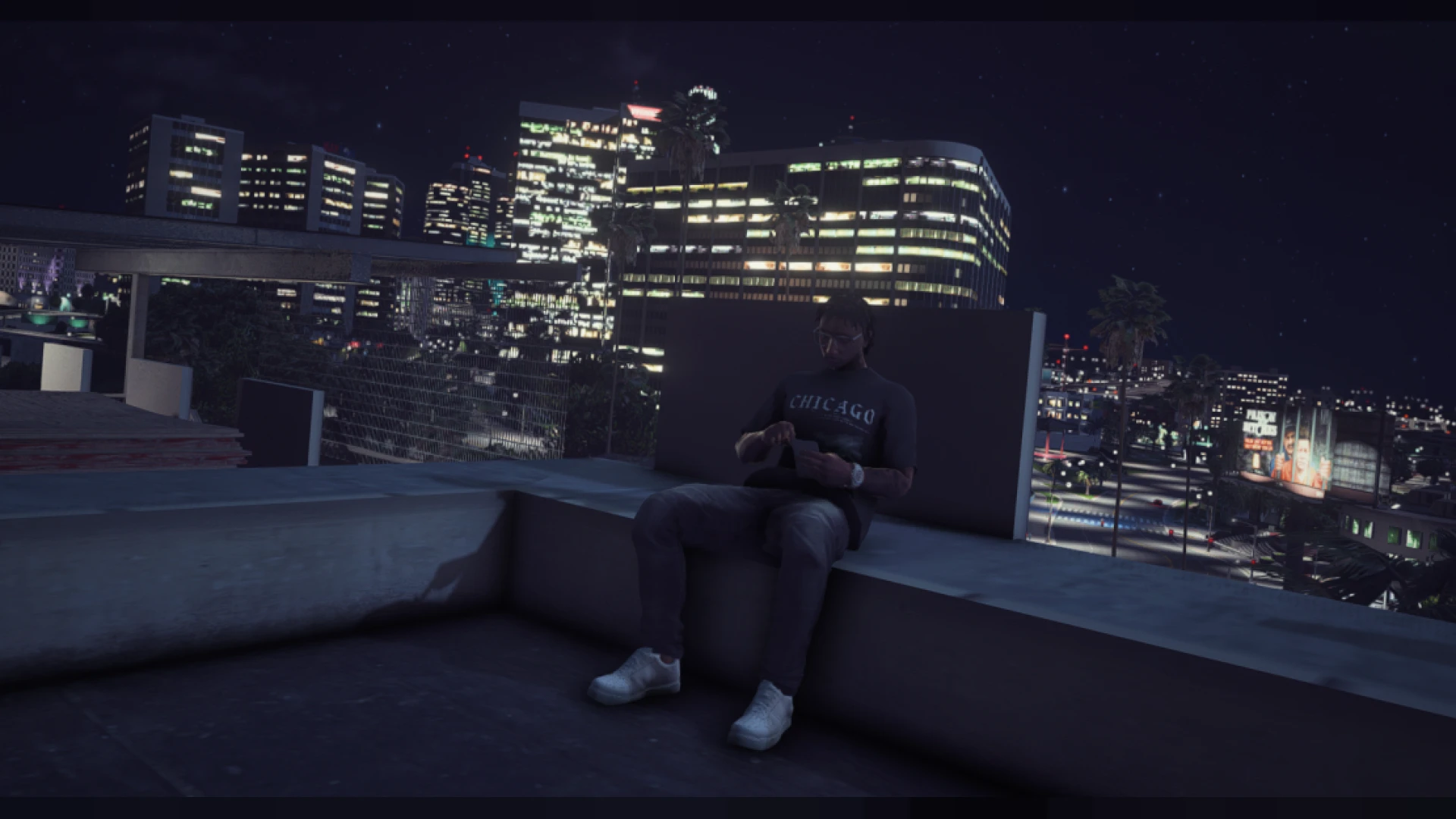
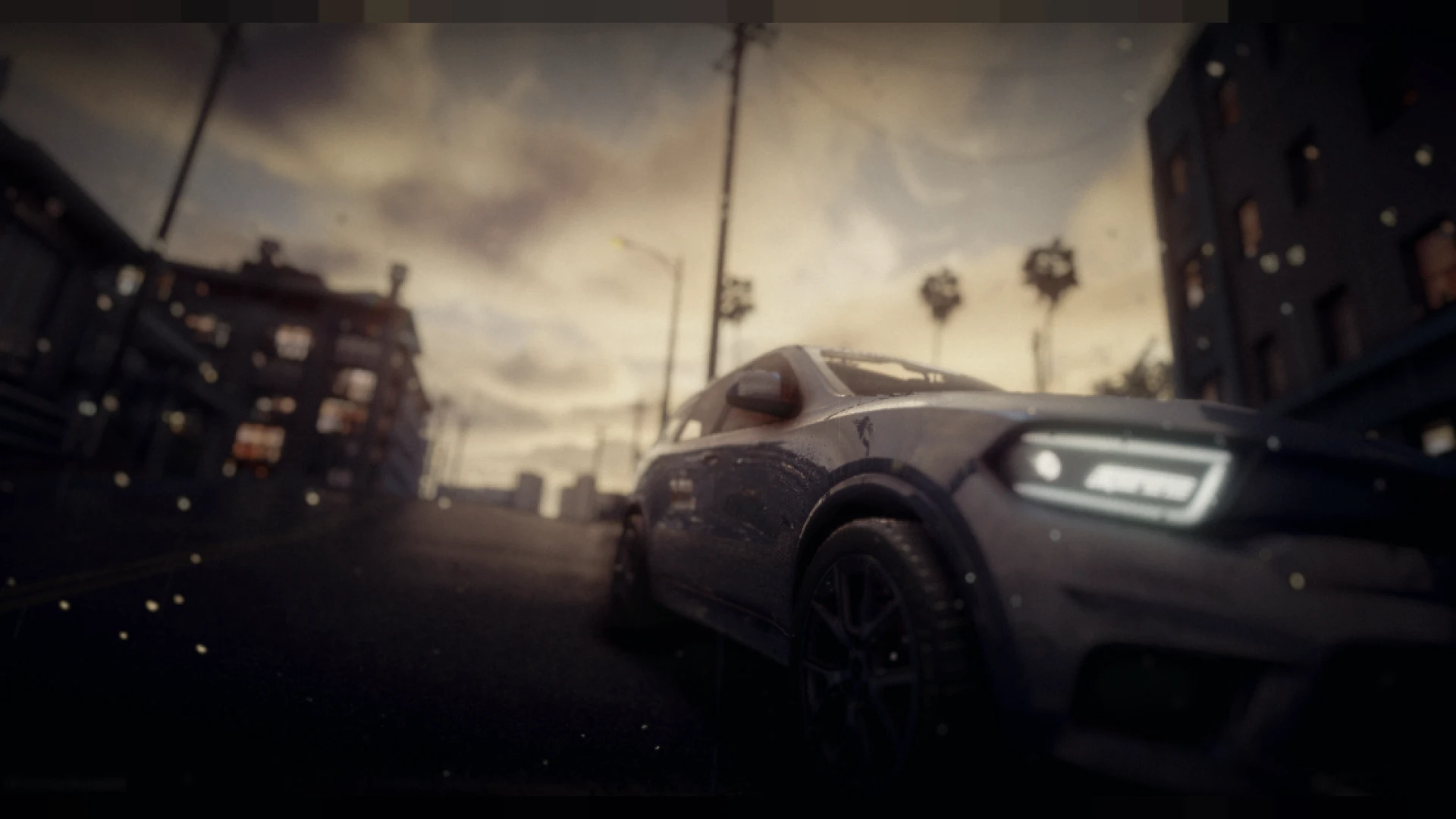
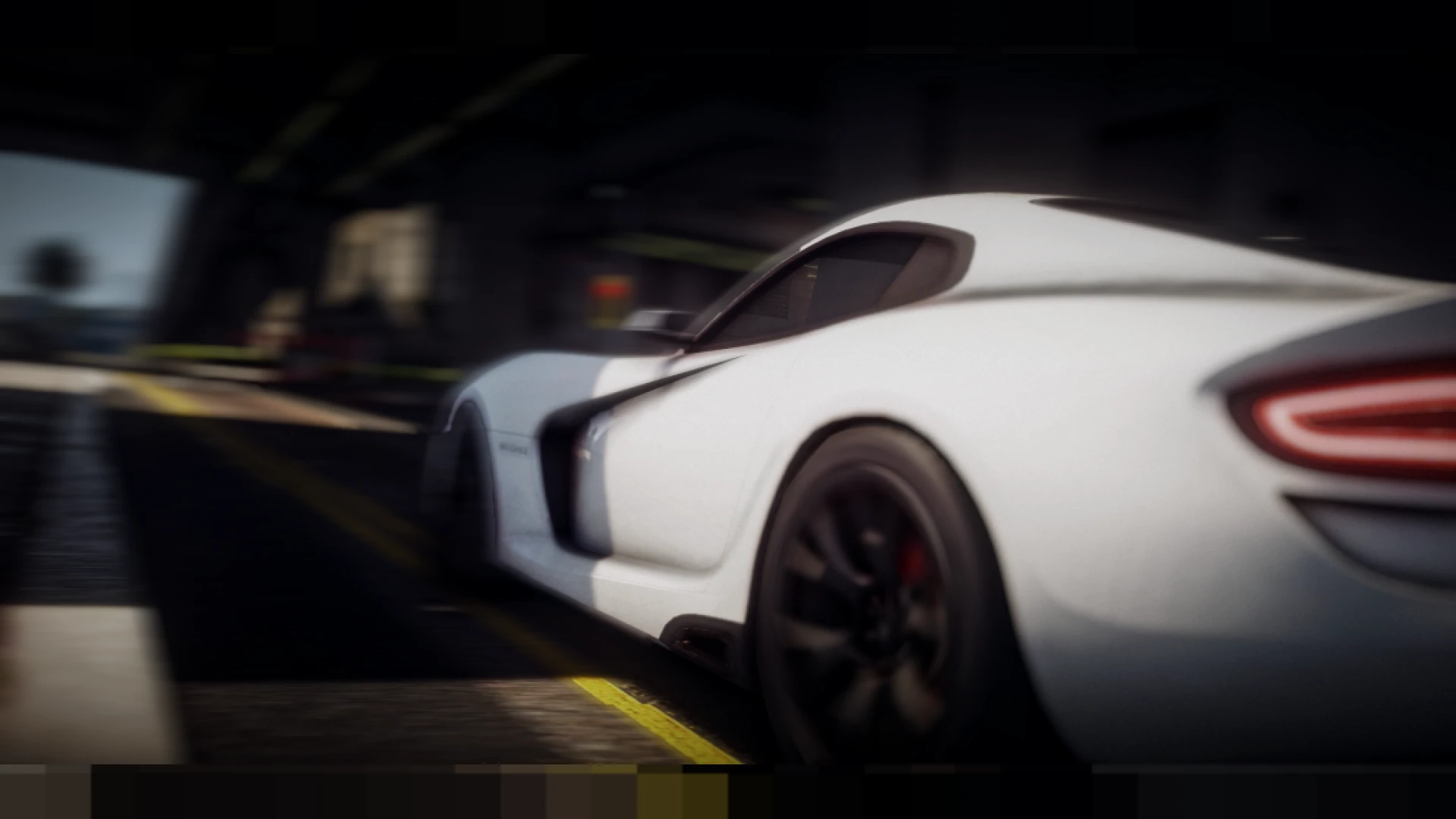
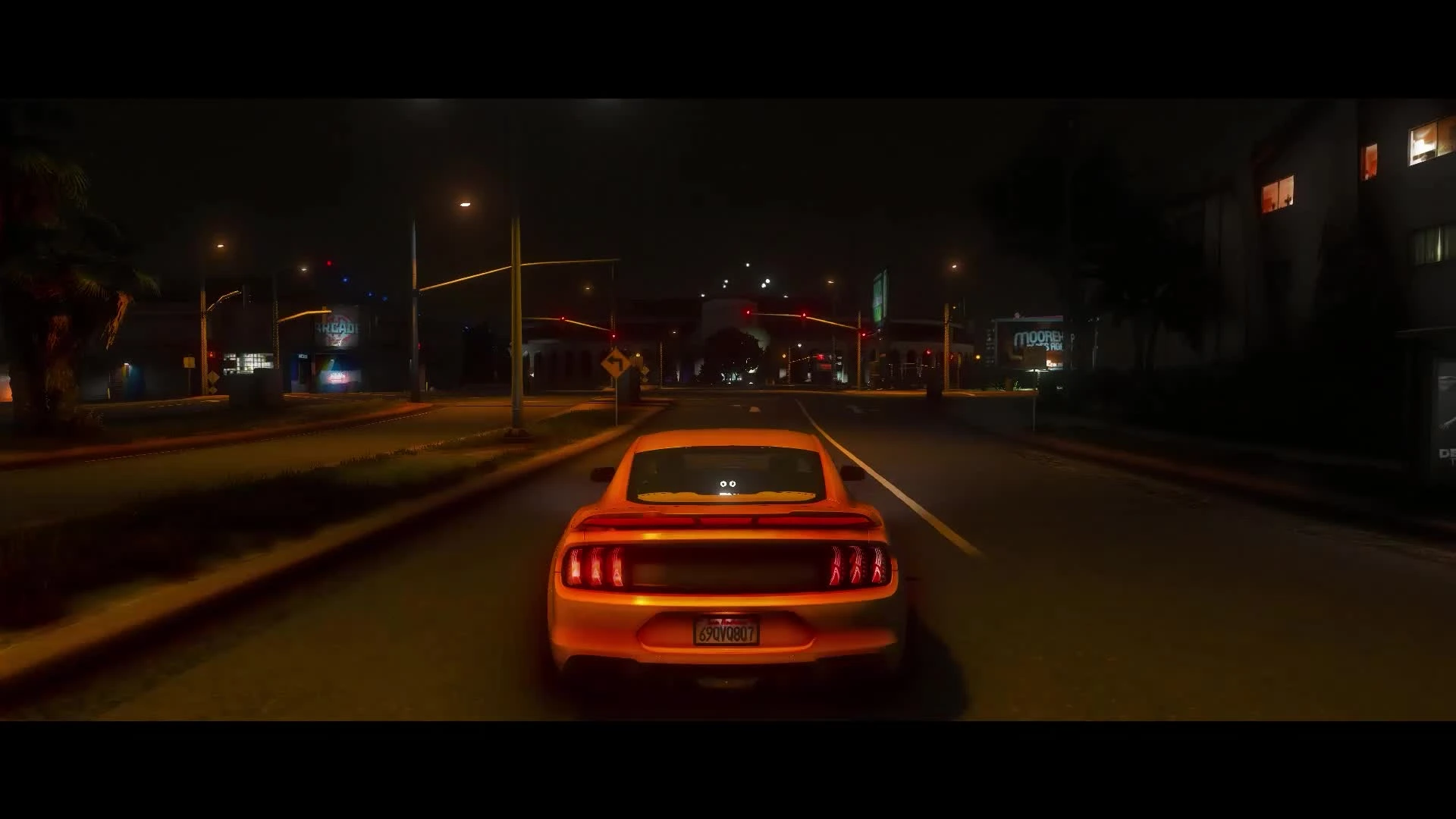
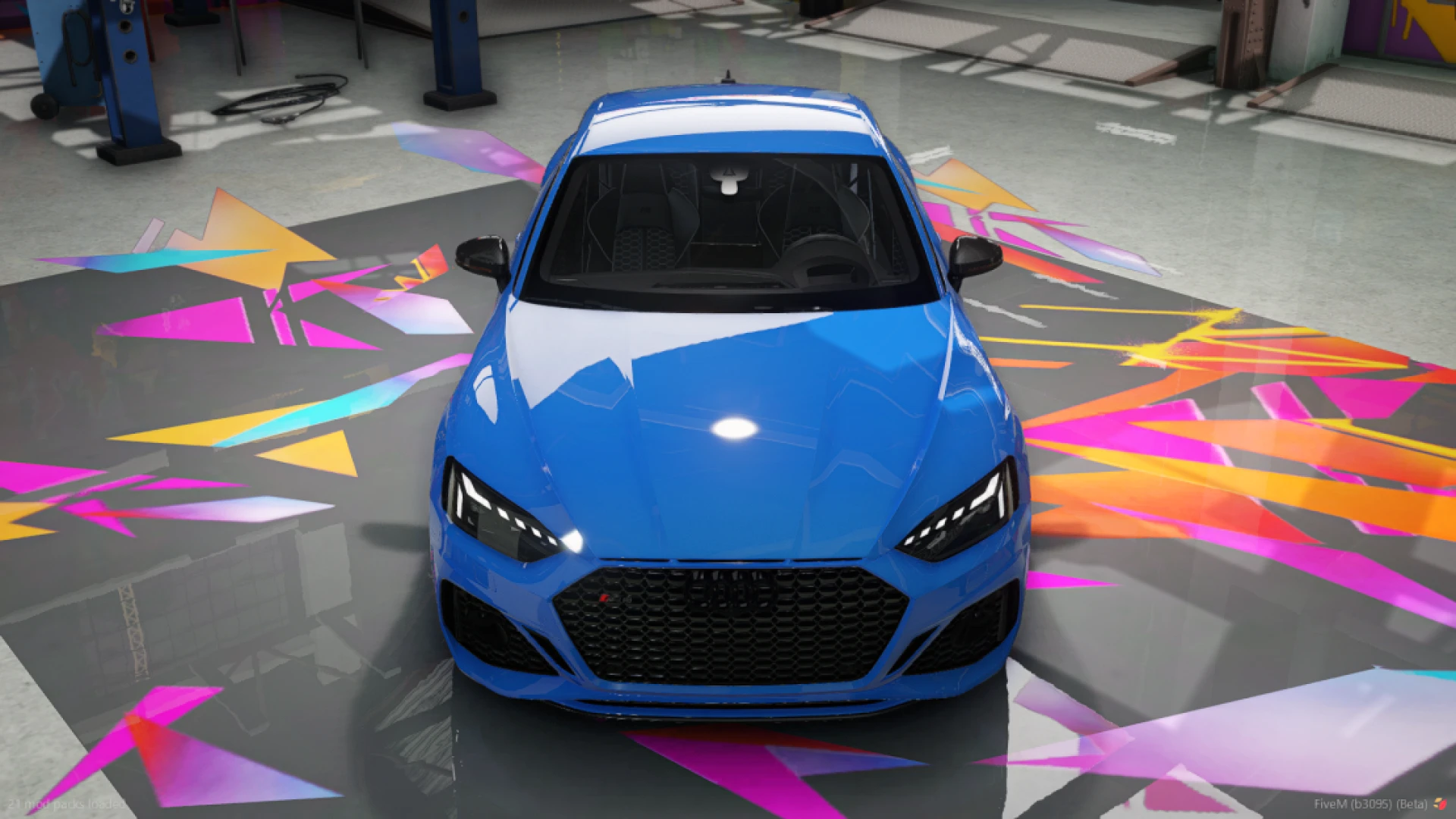
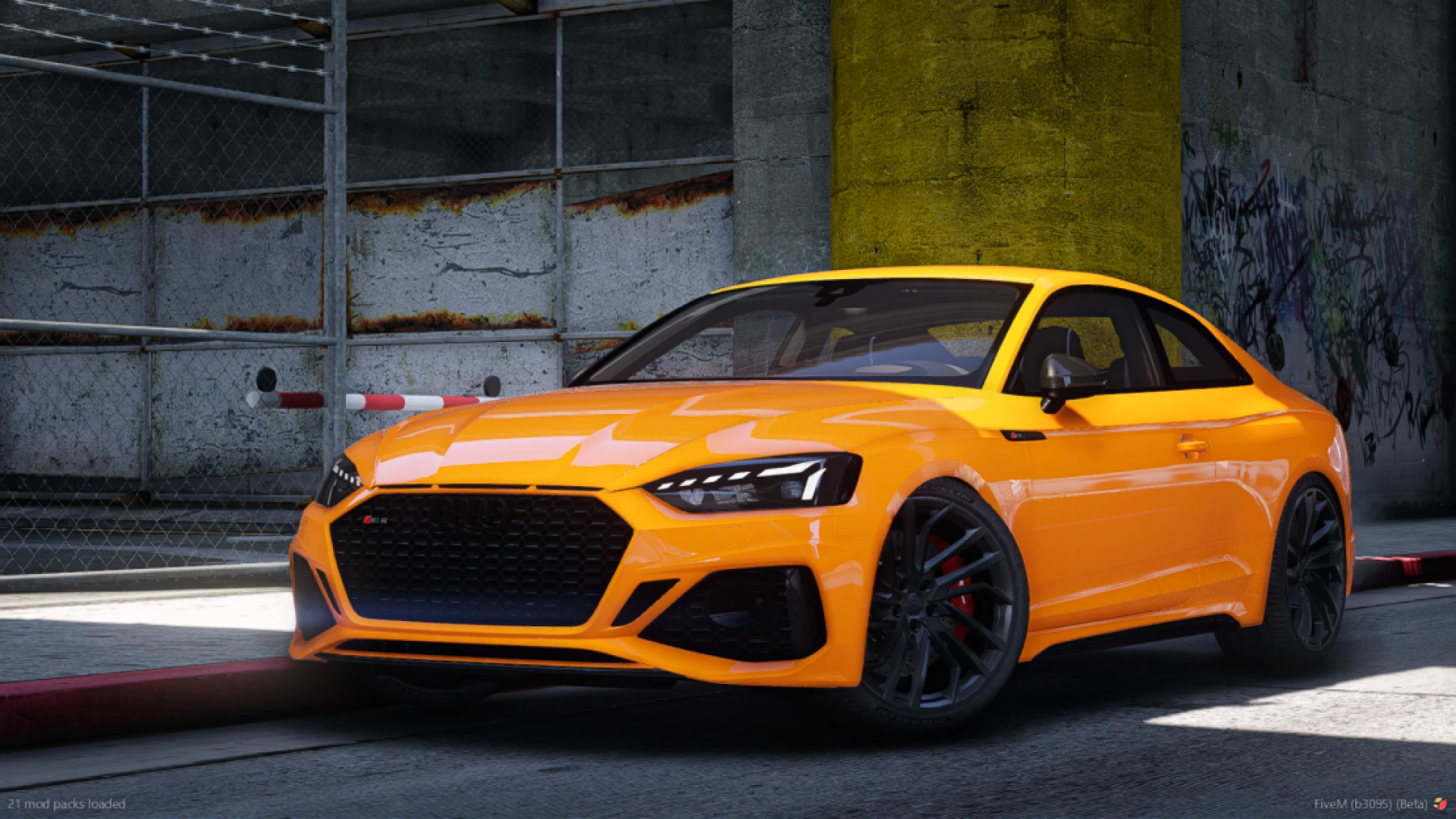
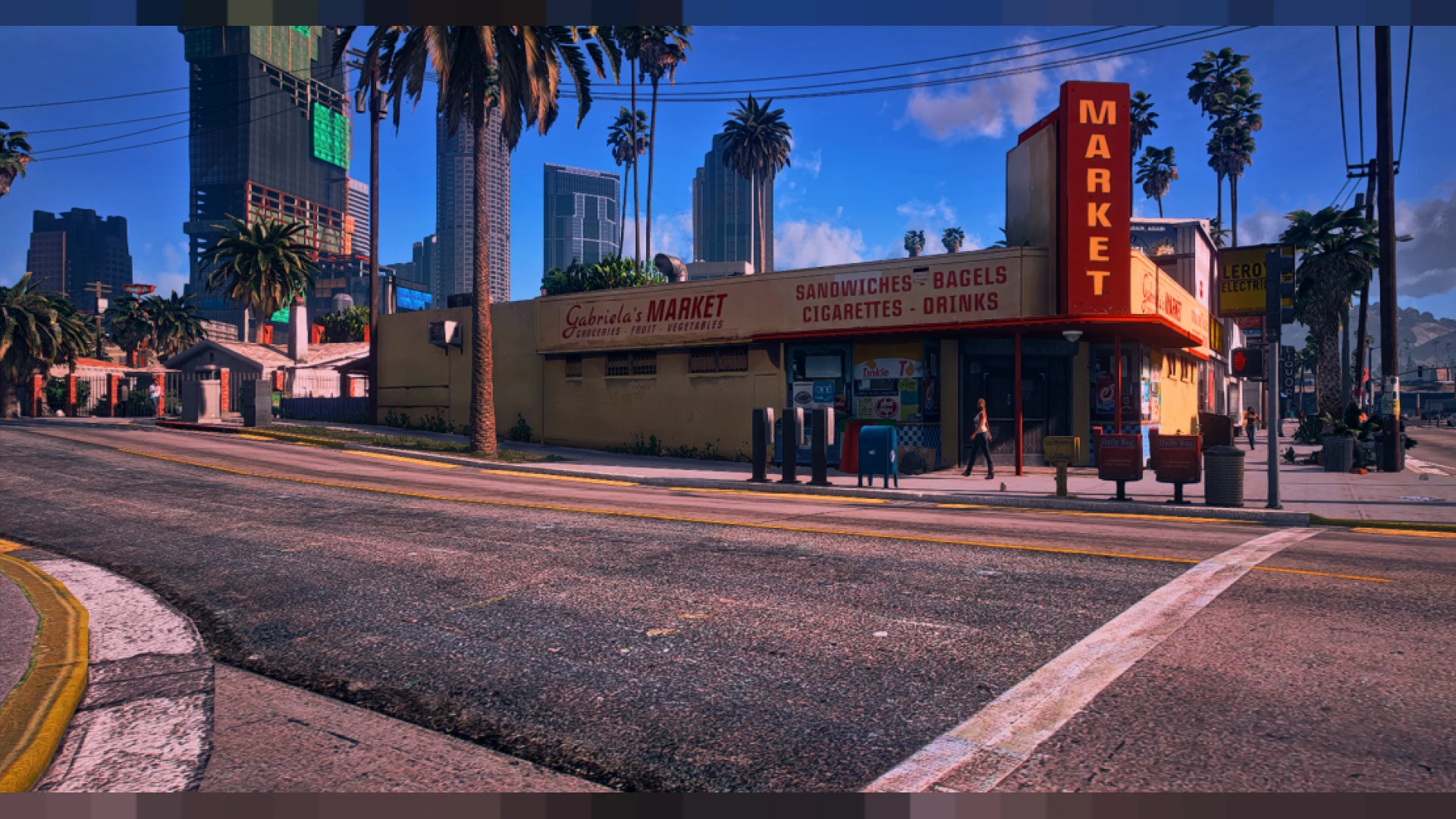
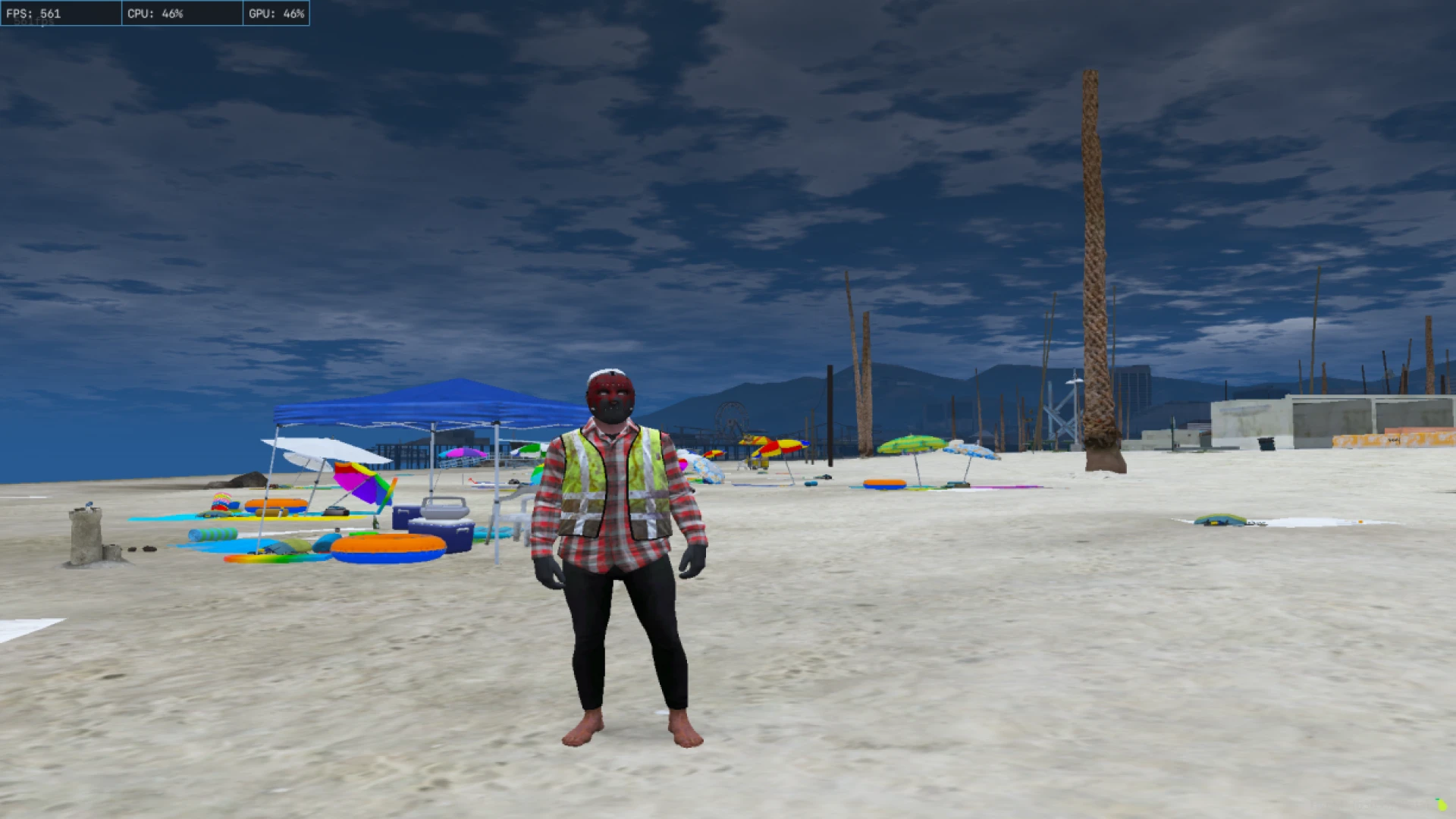
Citizen FPS graphics is a performance-first configuration that strips away the costly effects dragging your frames down, giving low-end and mid-range PCs a smoother, more stable FiveM experience. It targets the settings that quietly eat GPU time in the background while keeping the world clean, clear, and readable during busy roleplay. The result is a machine that finally breathes in the situations where it used to choke.
Instead of chasing photo-real visuals, this pack focuses on consistency and feel. You get fewer stutters in crowded zones, steadier frame times during firefights, and less input lag when the map is packed with players and vehicles. It is ideal for anyone who values responsiveness over heavy post-processing, and it keeps the scene tidy enough that you never feel like you are playing a broken or half-rendered version of the game.
What the Citizen FPS graphics pack changes
- Reduced shadow resolution and shorter draw distance for big gains
- Trimmed vegetation and particle density in busy, crowded areas
- Lighter post effects and reflections to cut GPU overhead
- Cleaner distance rendering to reduce shimmer and flicker
- Sensible tuned defaults that still keep the scene readable
Who this optimization suits
- 4GB and 8GB machines that struggle badly in dense zones
- Mid-range rigs chasing a stable, high-refresh gameplay feel
- Streamers who need spare headroom for capture software
- Players in gunfight-heavy servers wanting steady, reliable aim
- Anyone tired of sudden dips near markets, events, and meets
Setup is fast and completely reversible. Drop the citizen folder into your FiveM install, then match your in-game settings to the included guide so the config can do its job properly. If you want a touch more polish back, you can raise individual sliders one at a time and still keep the large majority of the performance headroom you gained.
This is a purely local optimization, so it never alters server data or gameplay logic in any form. As with any client-side tool, confirm a community permits modified graphics files before joining, since some enforce pure mode or anti-cheat checks. Removing the config again is as simple as deleting the folder, so testing it out carries no real risk.
Round out your setup with more performance and visual tools from our client-side mods collection, or lighten your interface further with options in our HUD and UI scripts range for a leaner, faster-feeling FiveM.