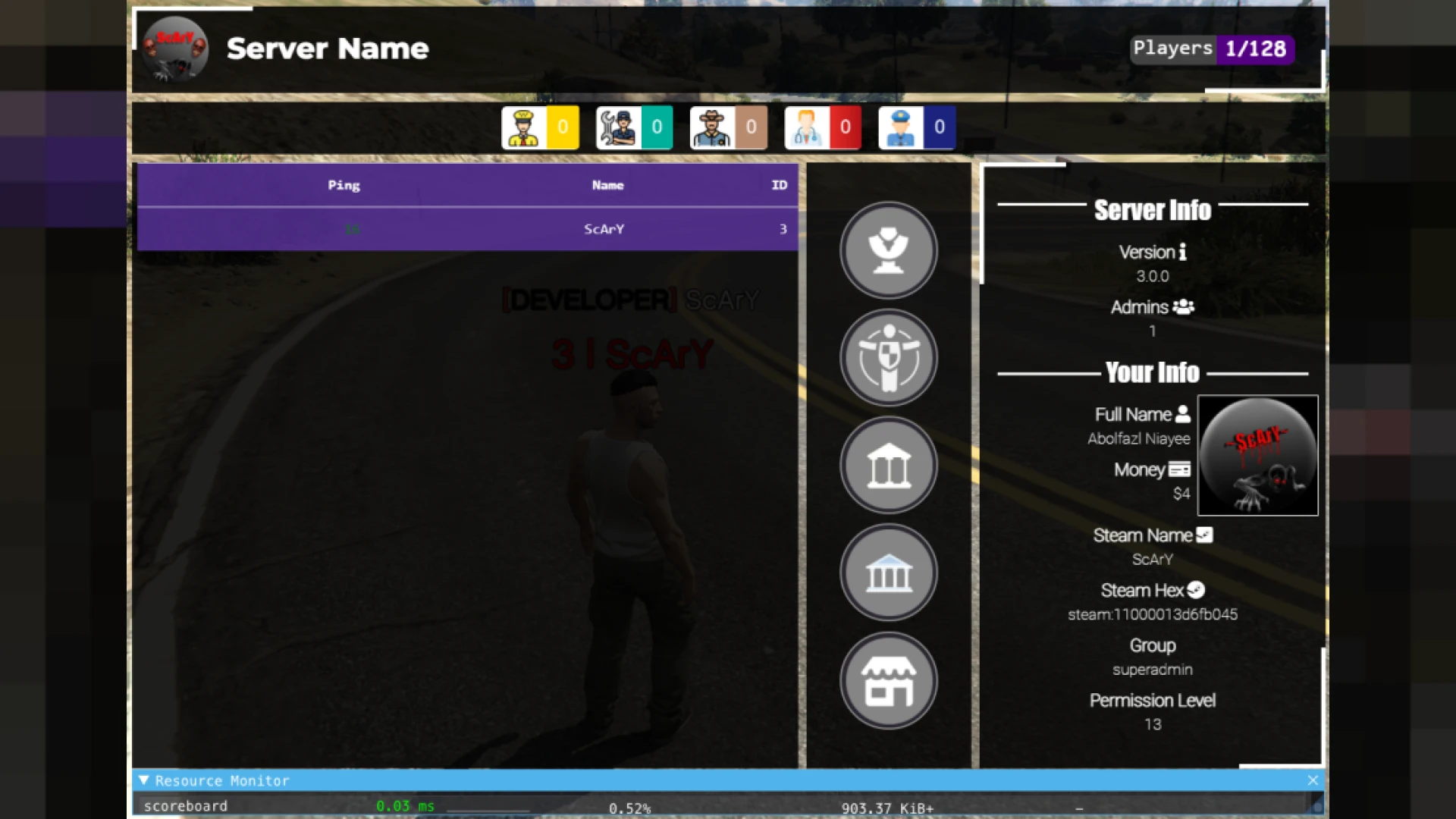
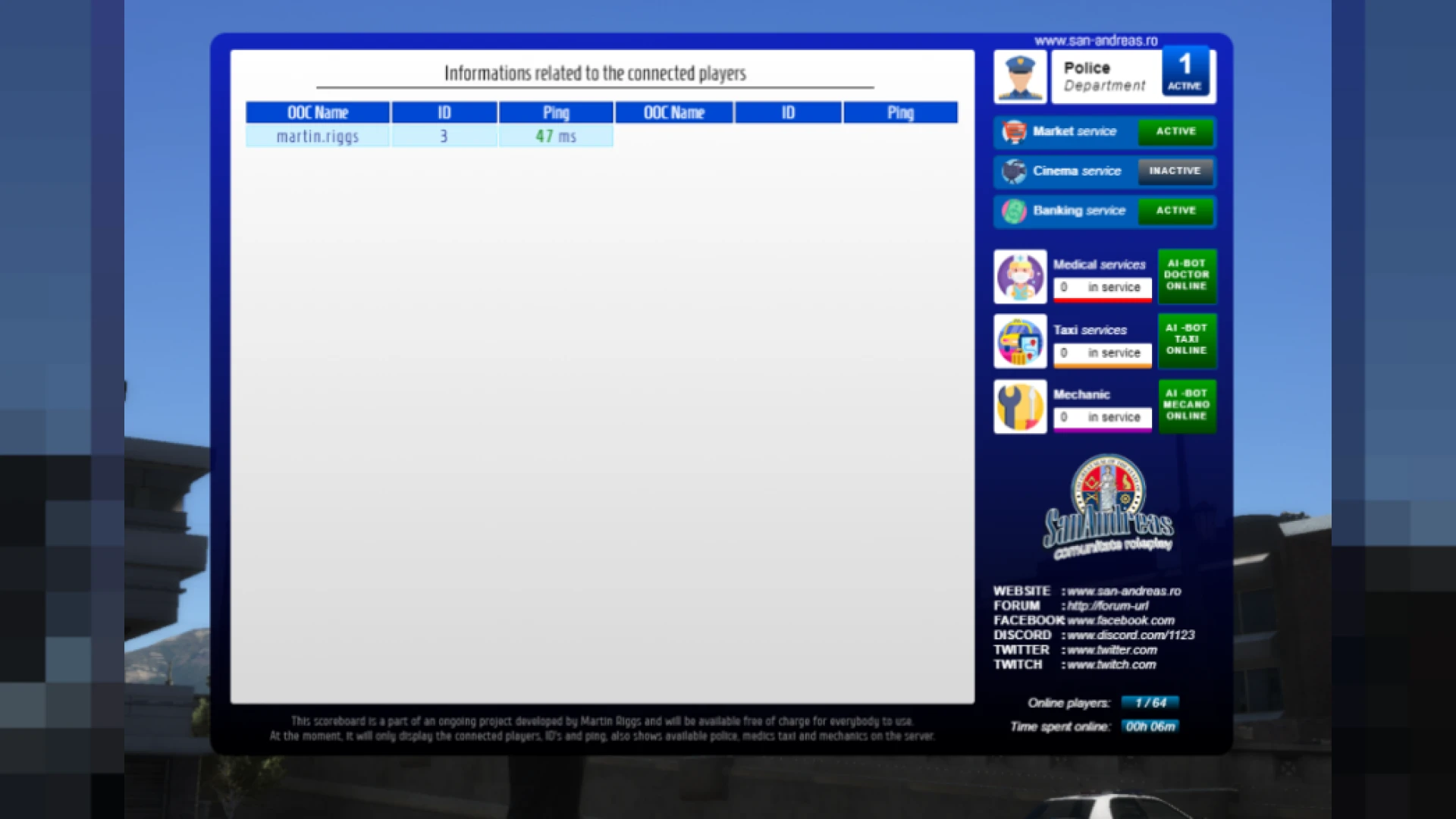
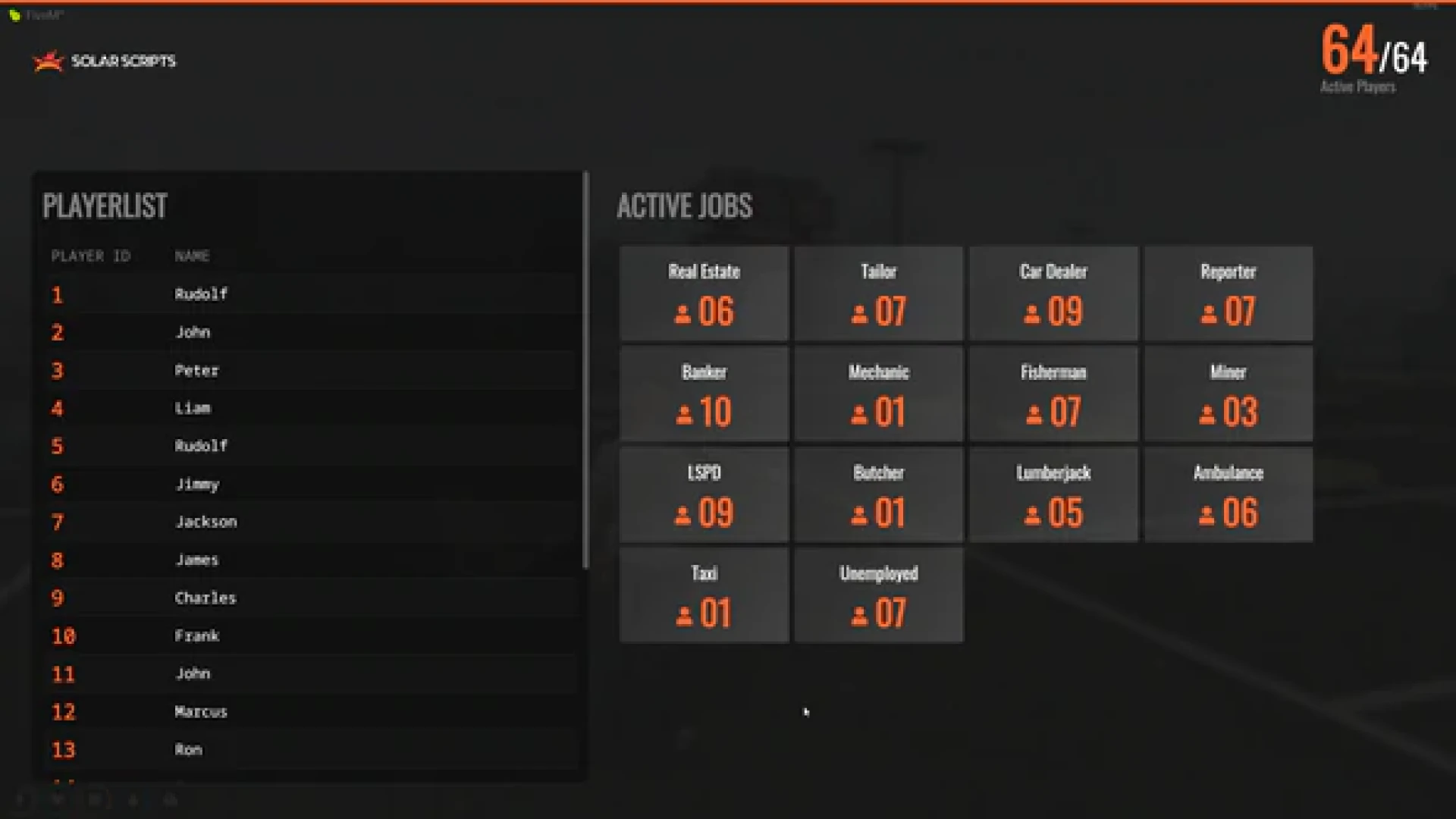
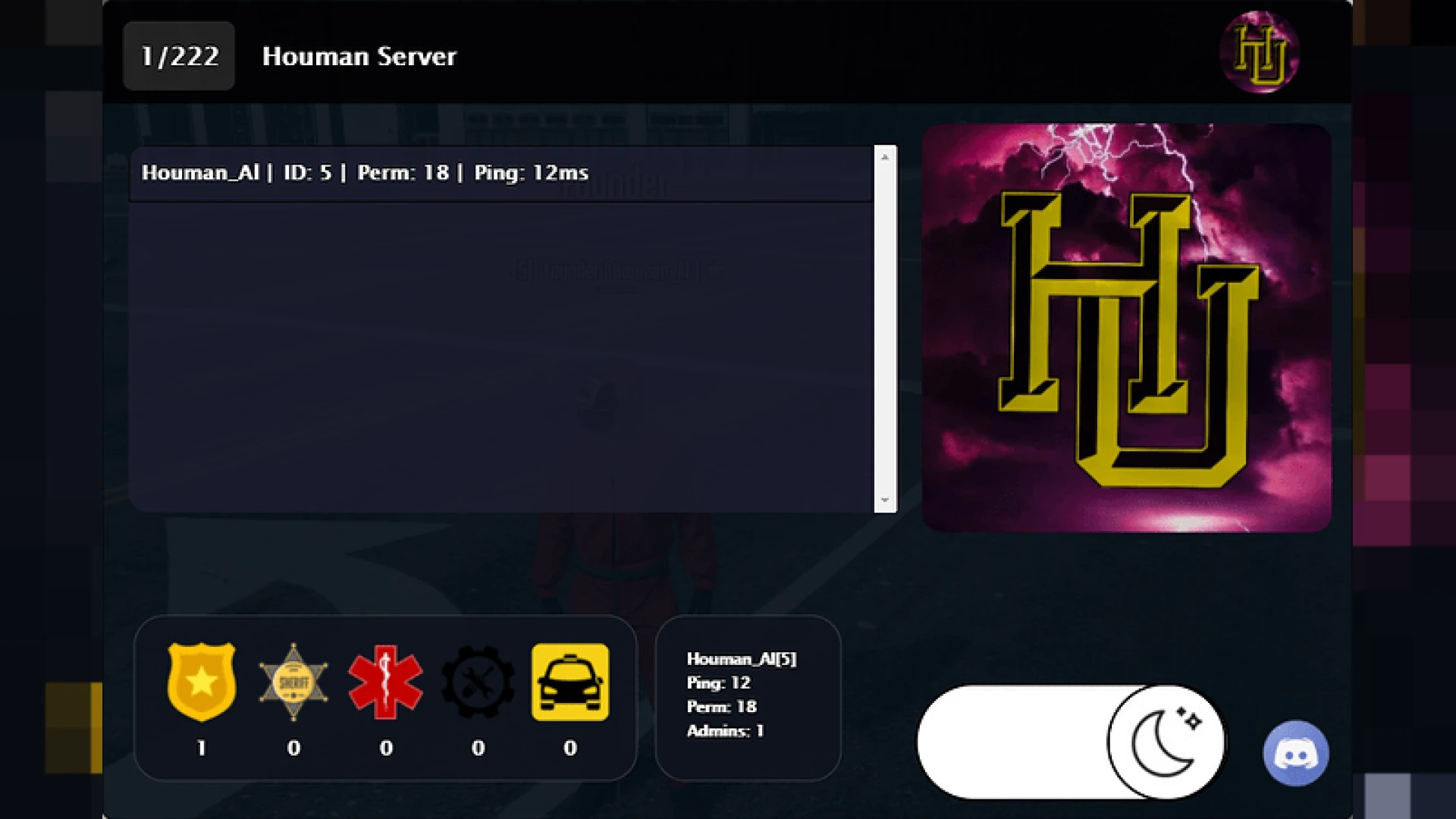
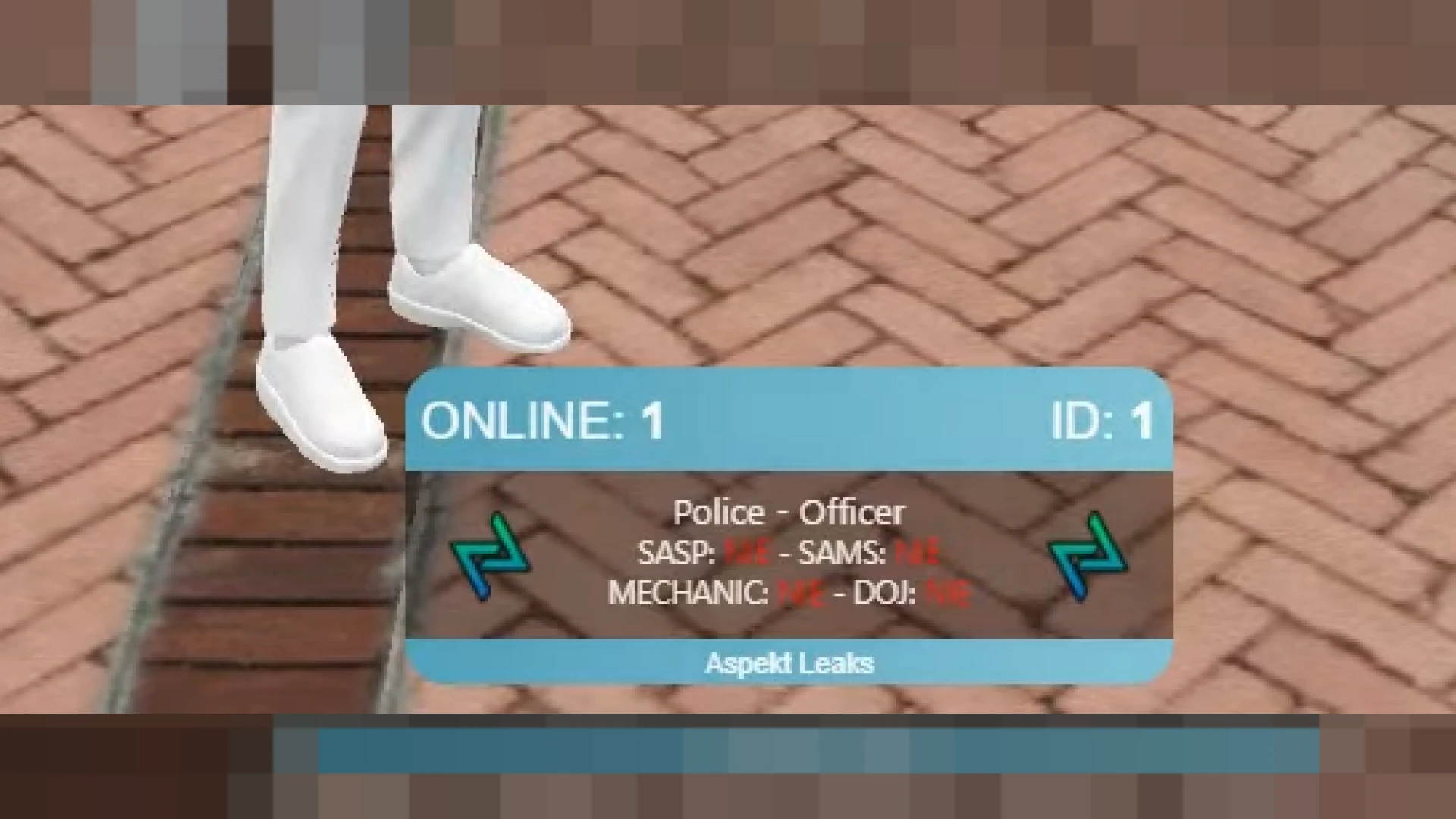
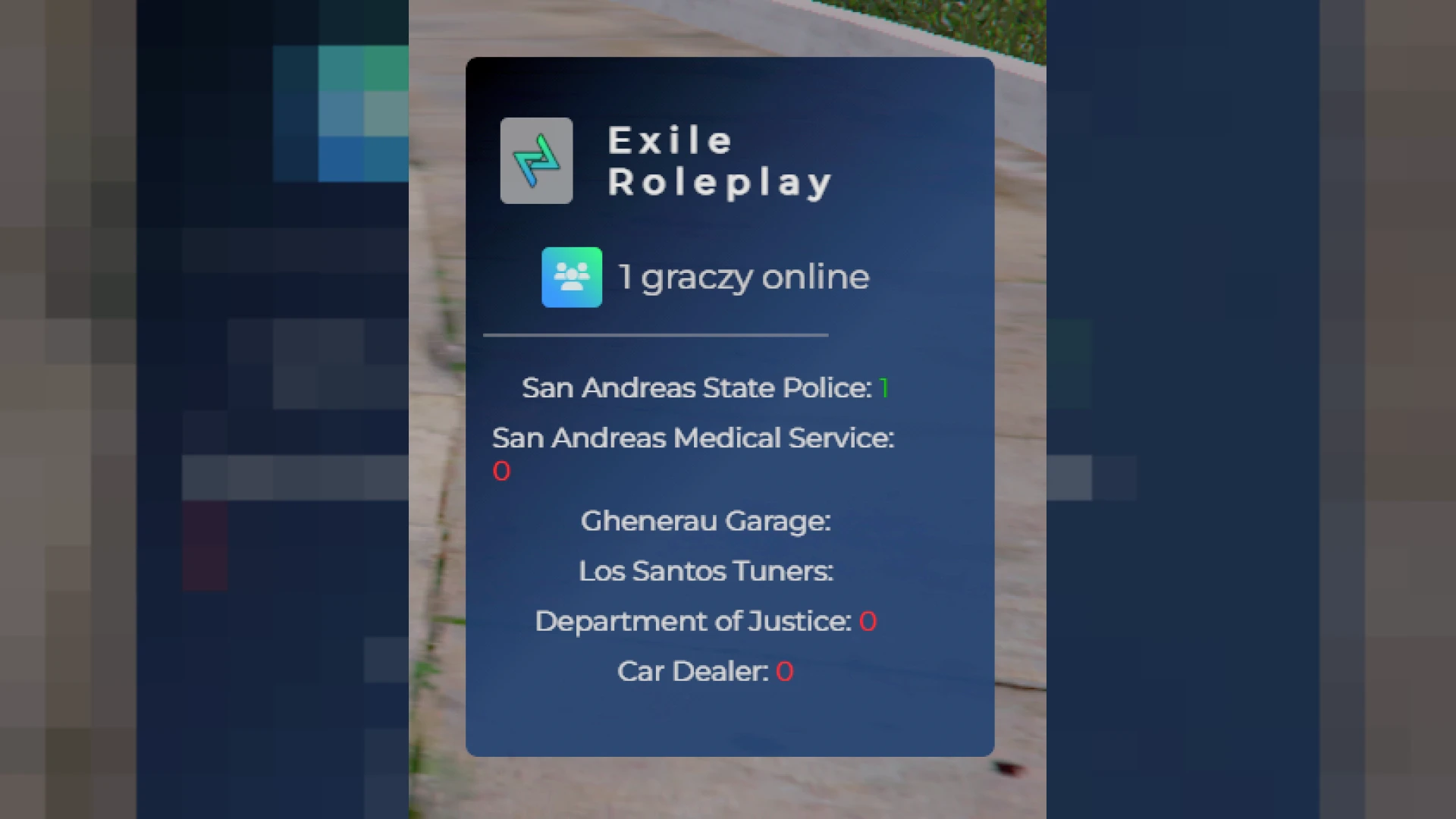
This scoreboard script delivers a modern, at-a-glance overview of your entire FiveM server population and the roles keeping the city running. Version 11 refines the visual design so player names, roles and connection stats sit in a balanced, easy-to-scan layout that feels premium the very first time a player opens it in game.
It is built for ESX servers that want a professional first impression. The panel opens instantly, feels responsive and gives both staff and players the context they need to understand what is happening across the server, from how busy it is right now to which emergency services currently have people on duty.
Highlights of this scoreboard script
- Automatic live player count that reflects joins and leaves in real time without manual refreshing.
- Ping per player and total server latency for fast, dependable performance checks anytime.
- Role-based counters for police, ambulance, mechanic and custom jobs defined in your config.
- In-game and Discord identifiers that streamline moderation and support workflows for staff.
- Branded header area with a server logo slot and fully adjustable accent colors.
Made for professional communities
- Efficient rendering that keeps the panel light on client resources during heavy activity.
- Flexible config.lua controlling which jobs, columns and fields are visible to players.
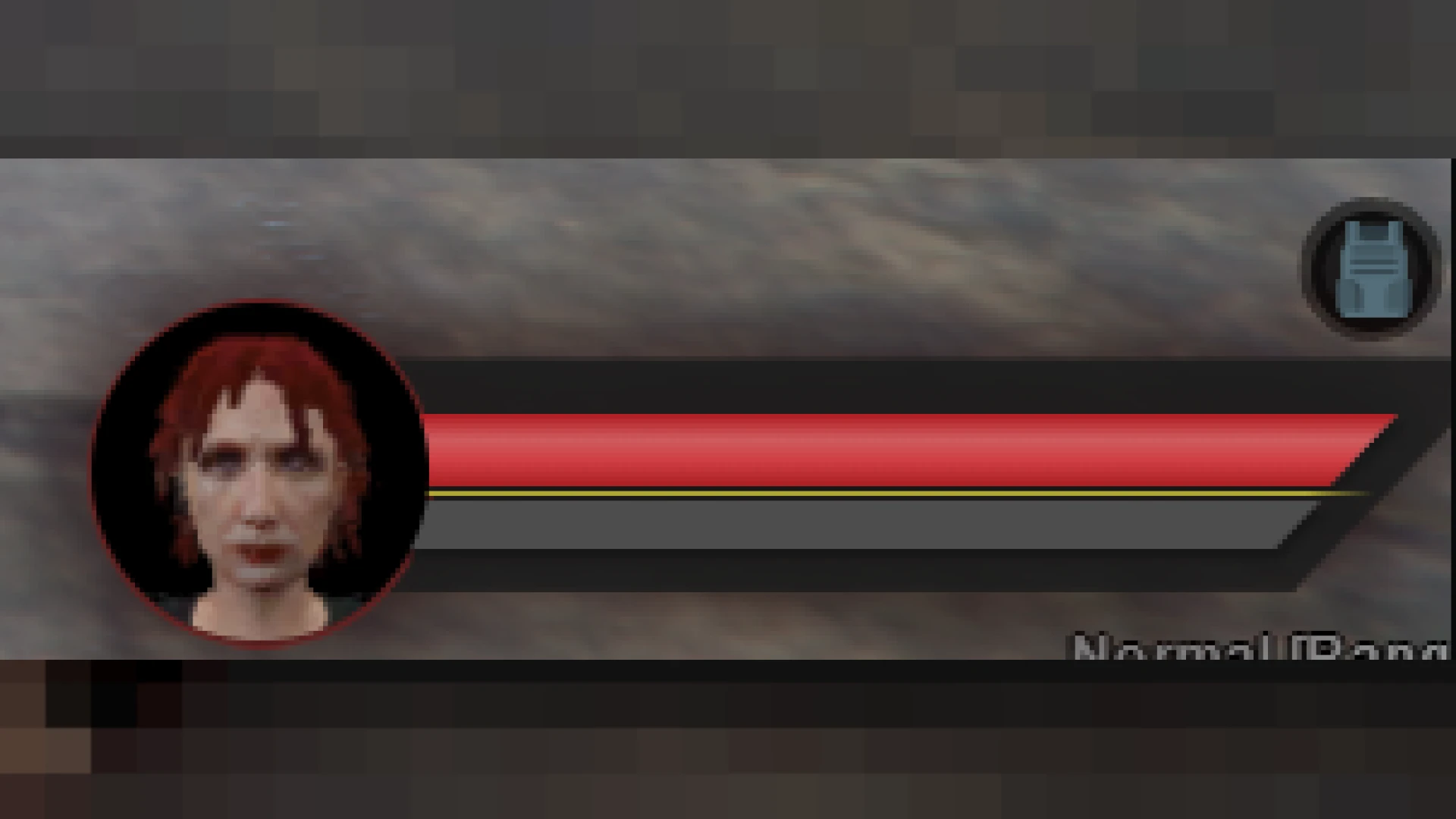
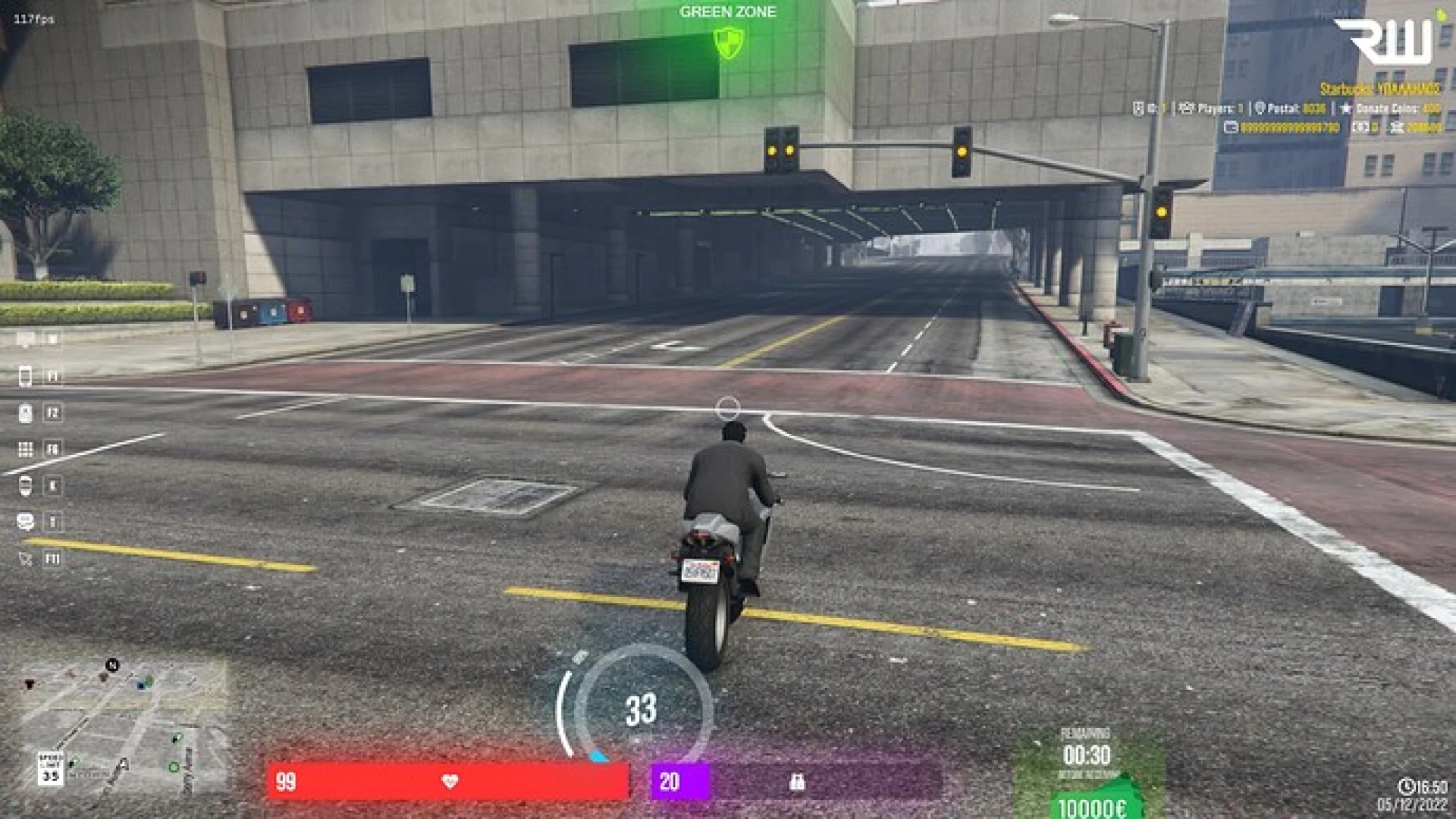
- Smooth keybind toggle that pairs cleanly with the rest of your HUD and menus.
- Crisp scaling across 1080p, 1440p and ultrawide monitor setups without distortion.
- Simple dependency-free install that is ready for quick server deployment.
The interface only updates the elements that change, so it holds steady performance even when the server is packed and players are constantly reconnecting throughout busy evening sessions. That means you can leave it enabled permanently without ever worrying about it dragging down the experience for your community, no matter how large your roleplay server grows or how many members are online at peak times during a given week.
Getting started takes only minutes. Install the resource, define your job list, tweak the branding and restart. The documentation is written with newcomers in mind, so first-time server owners will not get stuck on setup or spend an afternoon deciphering unexplained configuration values.
Give your community a polished, reliable way to read the server at a glance. Find more front-end tools in our HUD and UI scripts collection, or explore everything in the full FiveM scripts catalog.