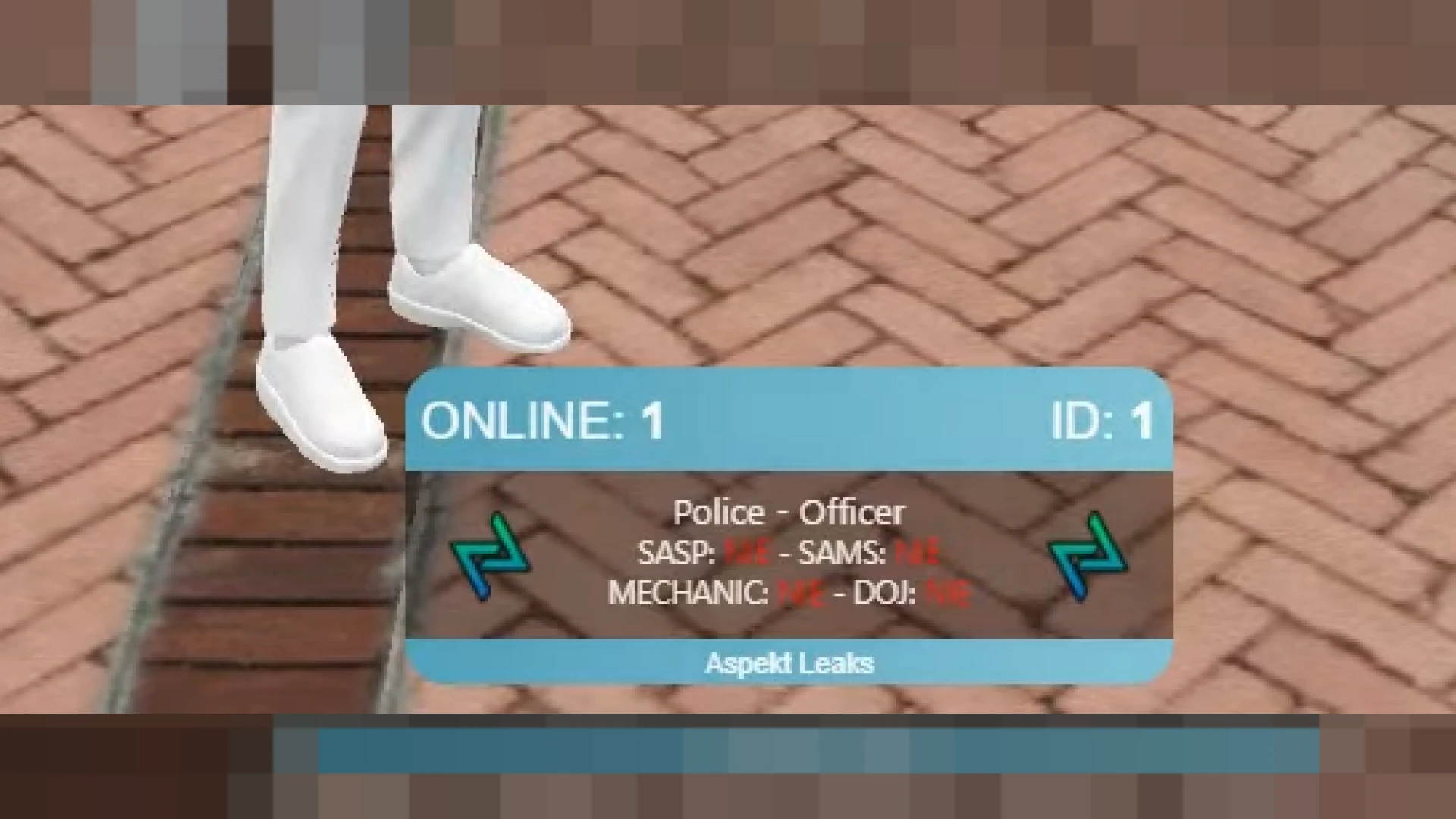
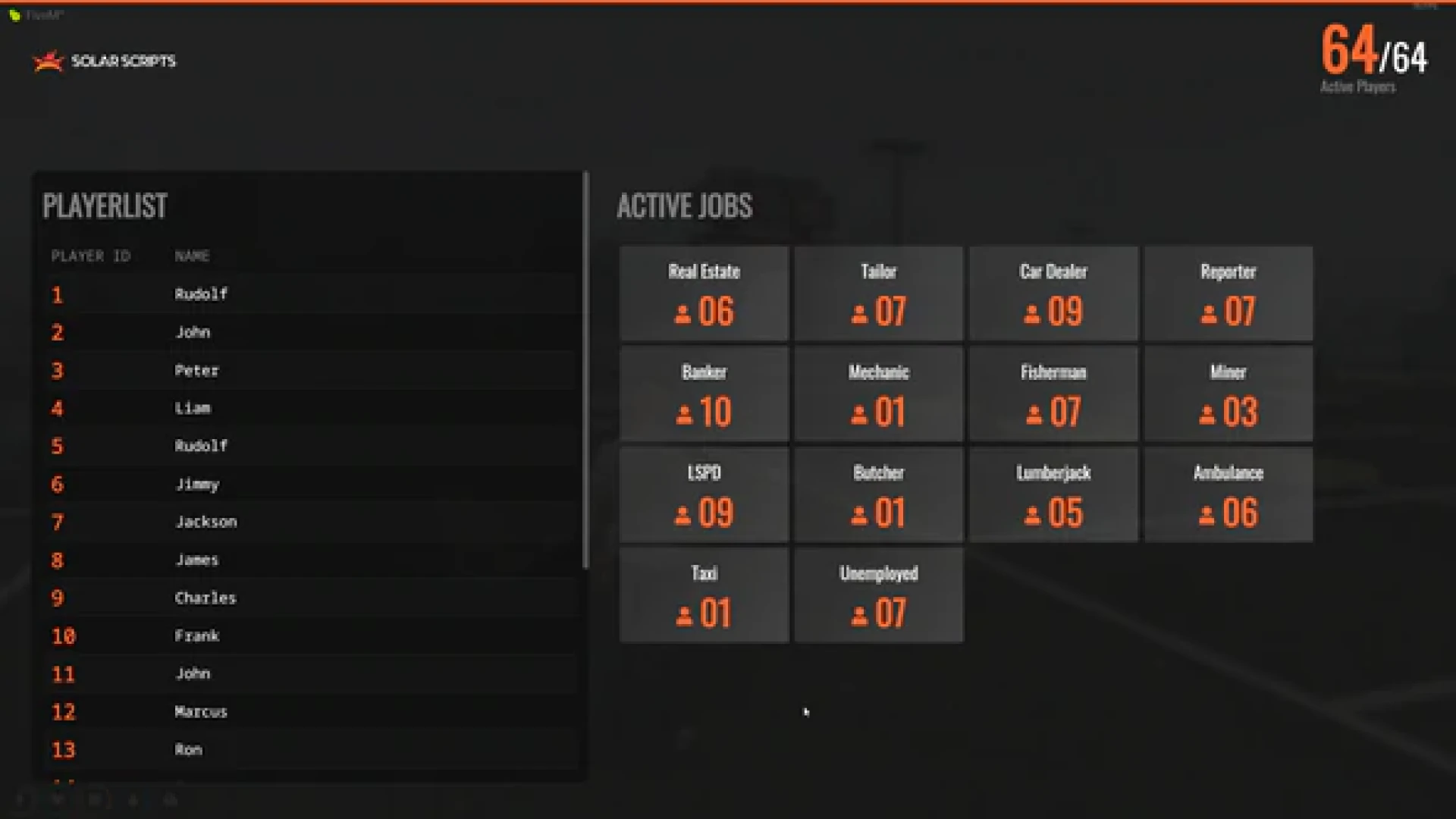
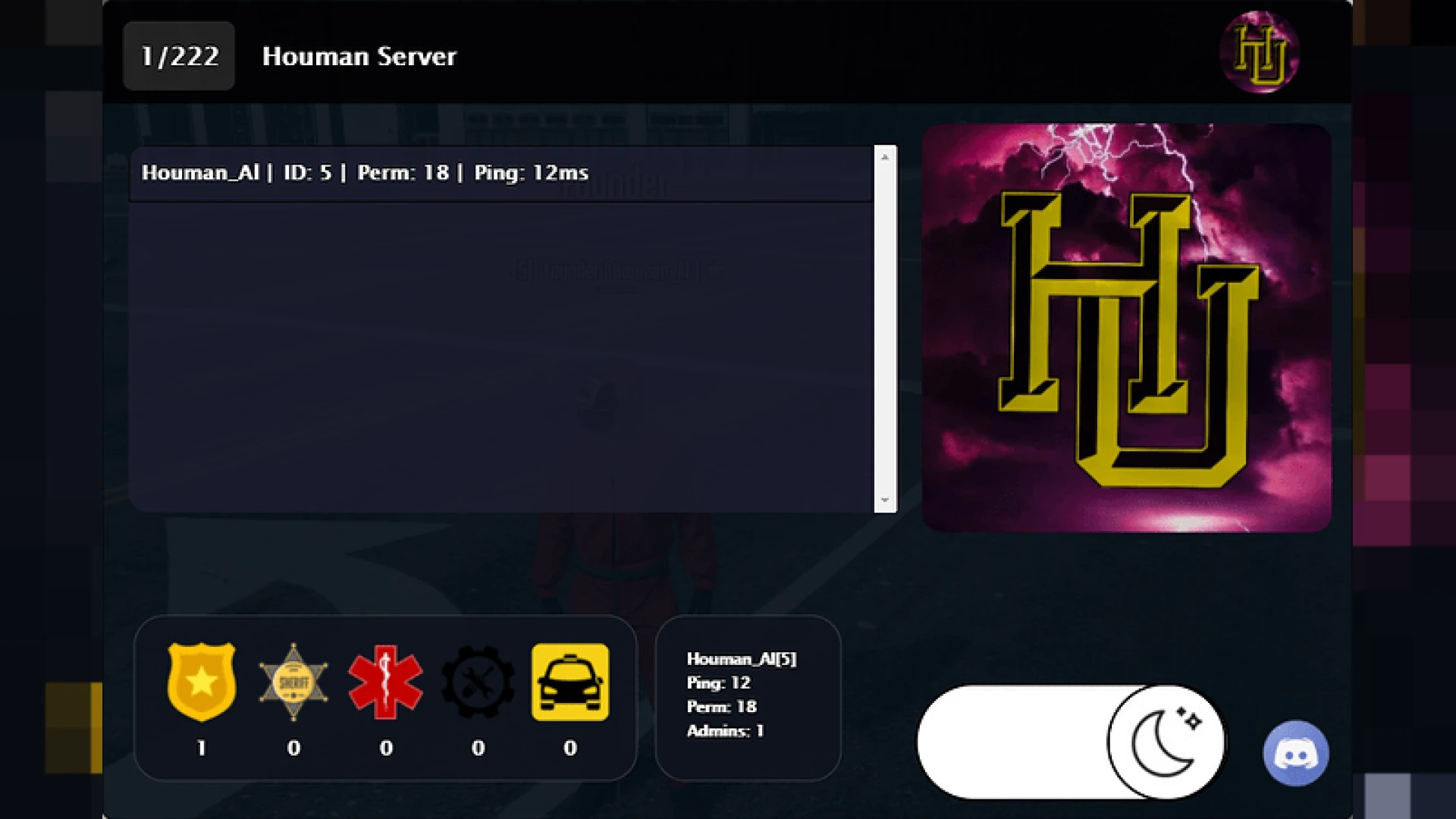
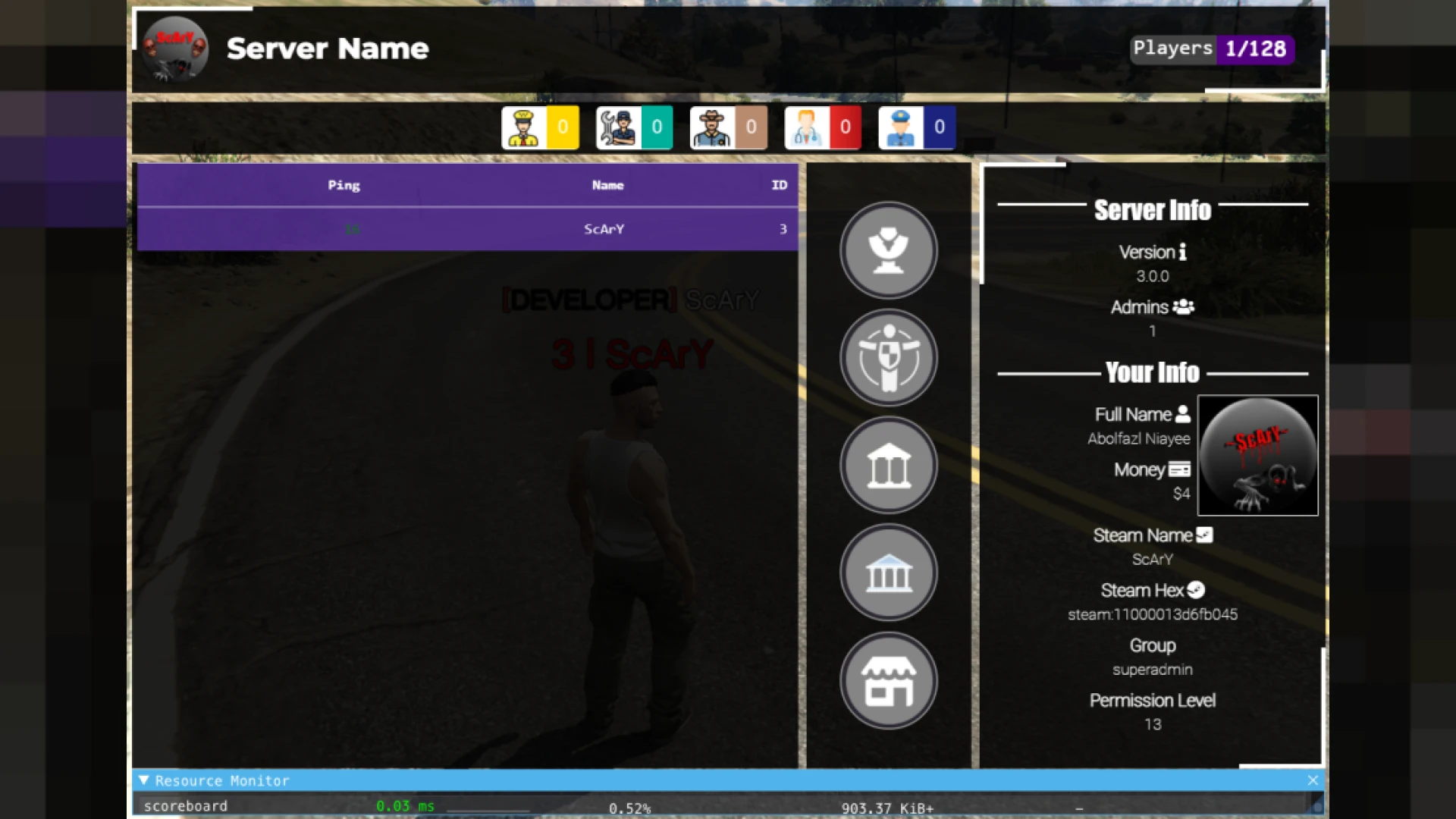
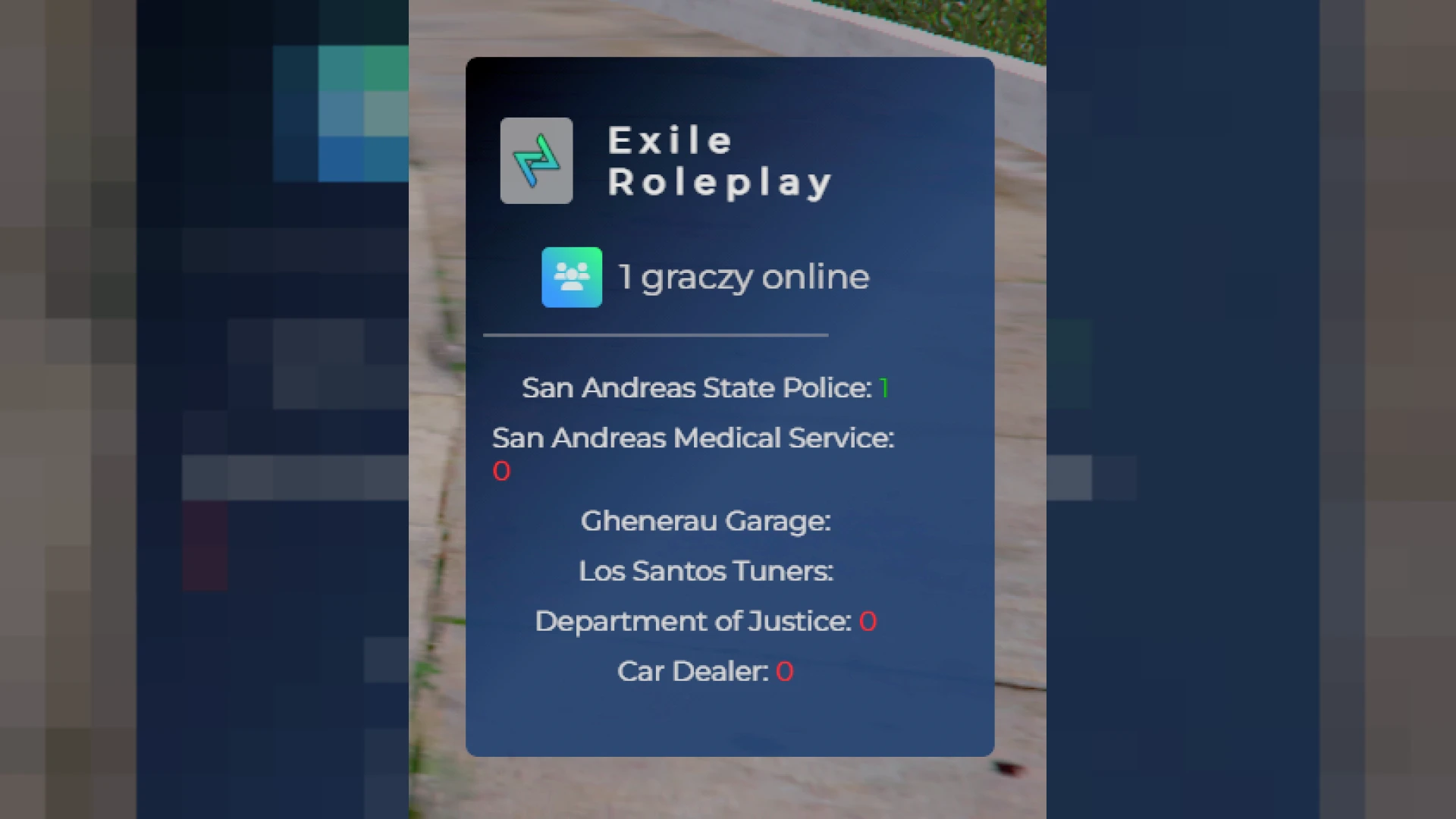
This scoreboard script is a lightweight way to show your FiveM community exactly who is online and how the server is running. Version 2 keeps things simple and fast, presenting the essentials in a clean panel that opens with a single keybind and never gets in the way of the roleplay happening around it on screen.
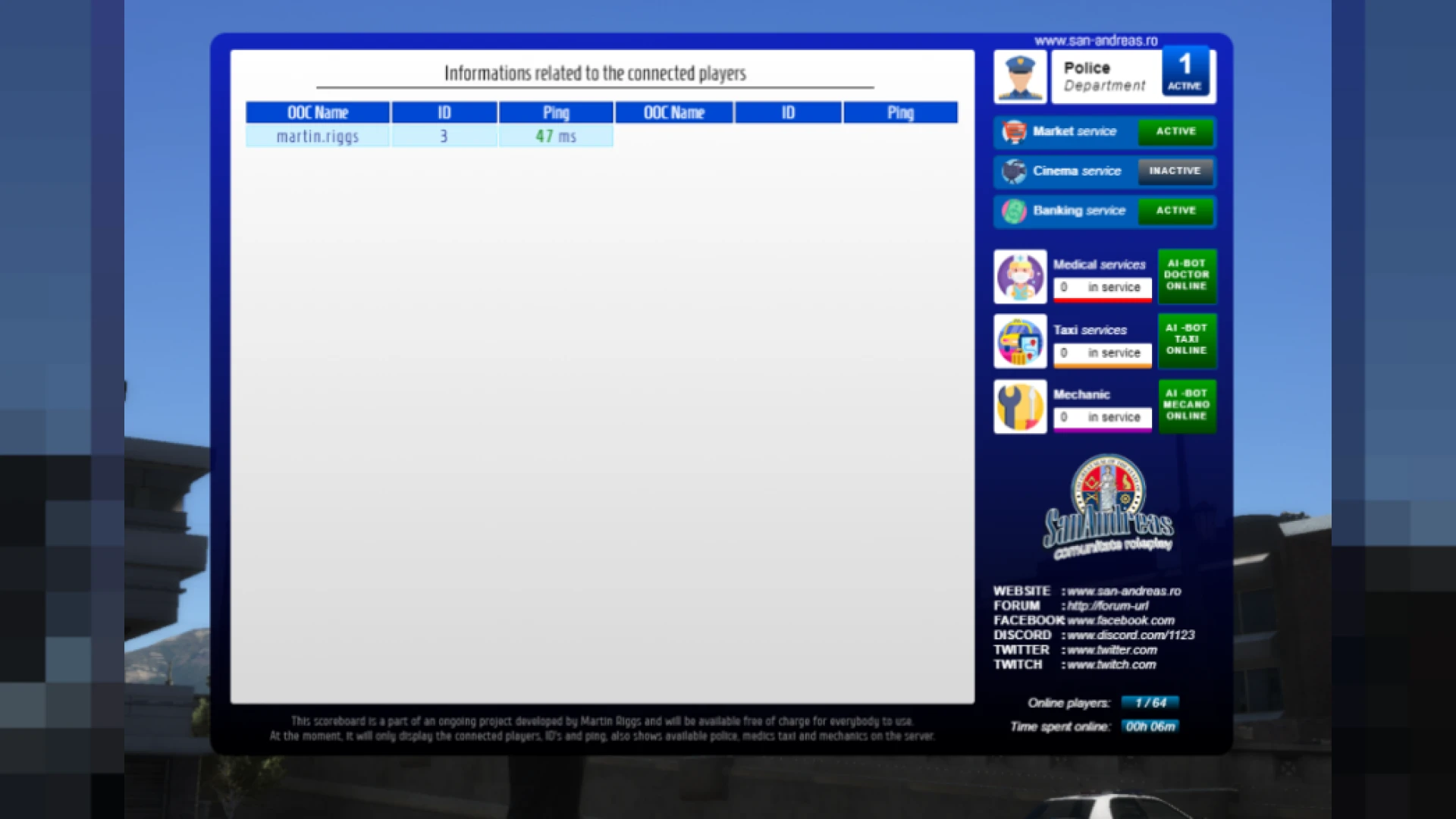
Rather than overloading players with data, it prioritizes the numbers that matter during roleplay: how many people are connected, their connection quality and which key jobs are currently staffed. That focus makes it approachable for players while still giving staff the quick reference they need for everyday moderation and support.
Core features of this scoreboard script
- Live player count that refreshes automatically as members join and disconnect from the server.
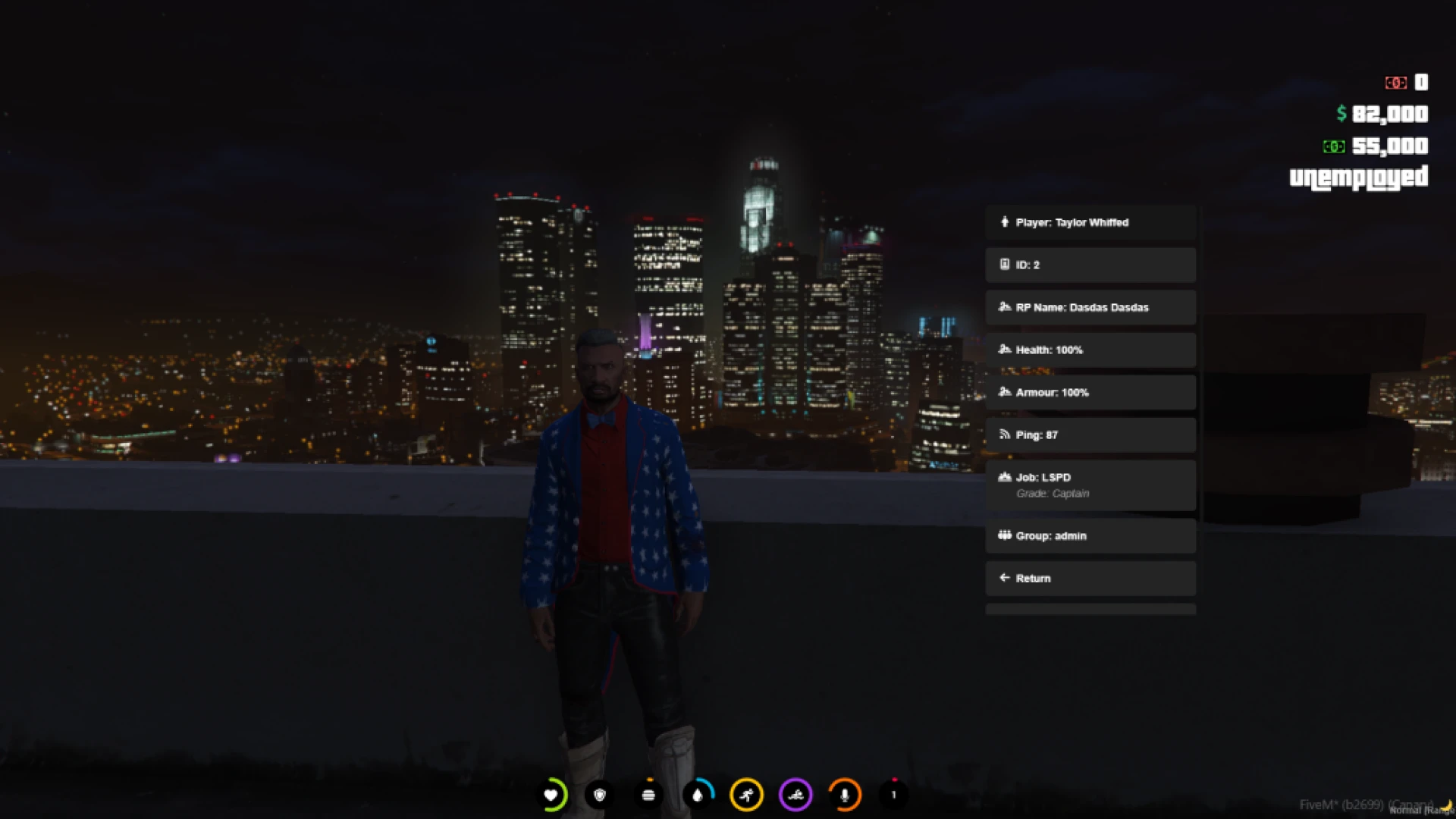
- Individual ping readouts plus overall server latency for quick and reliable health checks.
- In-game ID and Discord ID columns that noticeably speed up reports and moderation tasks.
- Job counters for police, EMS and mechanic roles that you define directly in the config.
- Server logo and accent color settings so the panel matches your community identity.
Built to stay out of the way
- Minimal resource footprint that only does work while the panel is actually on screen.
- Editable config.lua for choosing which jobs, columns and details are displayed to players.
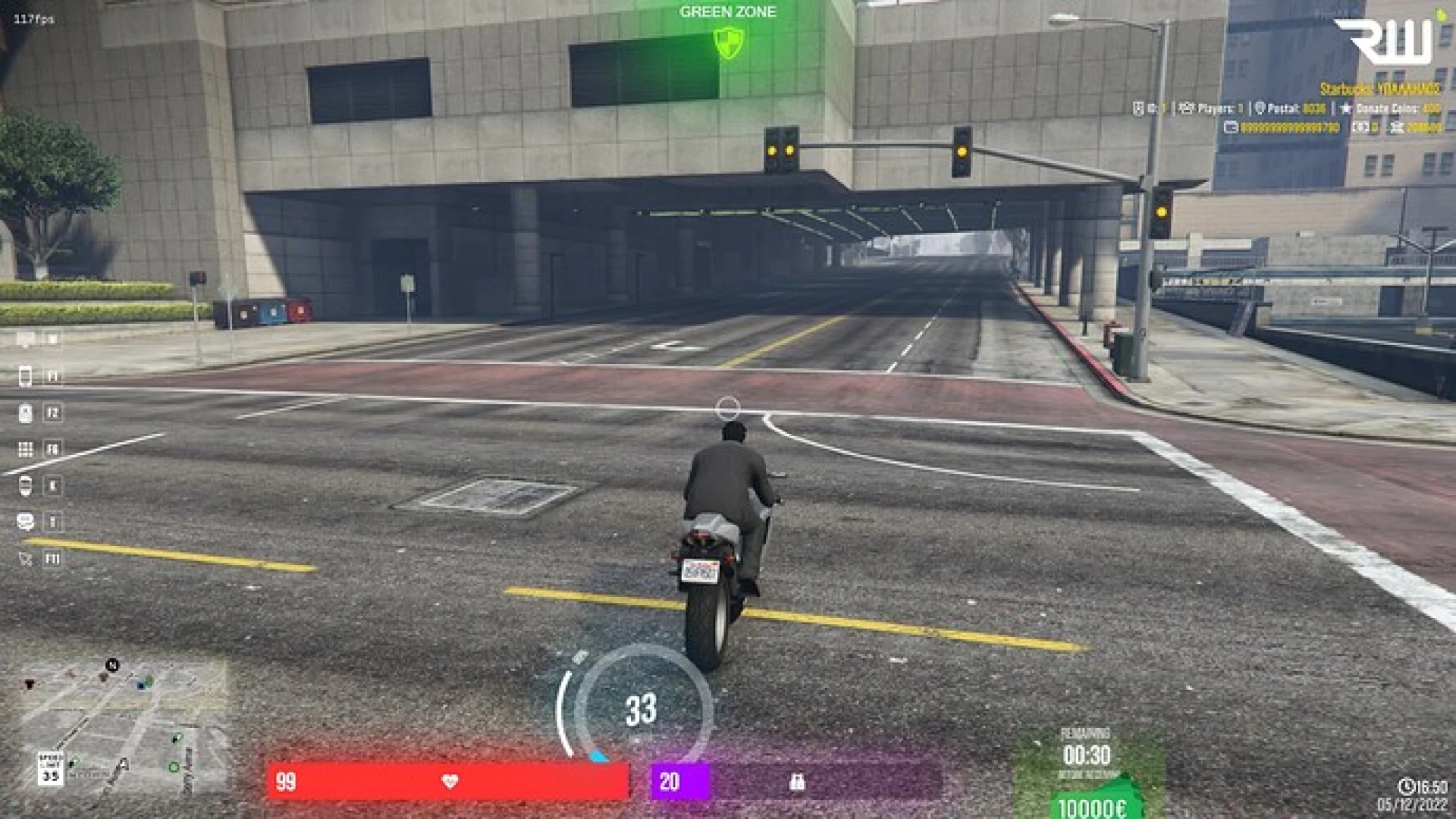
- Clean toggle key that integrates smoothly with your existing HUD and interface stack.
- Responsive scaling that looks sharp from standard 1080p all the way up to ultrawide.
- No heavy dependencies, which keeps both the install and future updates painless.
Because the interface refreshes efficiently, even servers with a large concurrent population stay smooth. Players get an instant snapshot without any noticeable hit to frame rate or server performance during peak activity, so the panel earns its place on the keybind rather than becoming another thing to disable.
Installation is fast and beginner friendly from start to finish. Add the resource, set your job list, adjust the colors and restart the server. The included documentation walks new owners through each step so nothing is left to guesswork and the panel is live in only a few minutes.
Upgrade the way your players read the server at a glance with a dependable, no-frills panel. Explore more interface options in our HUD and UI scripts collection, or browse the wider catalog of FiveM scripts.