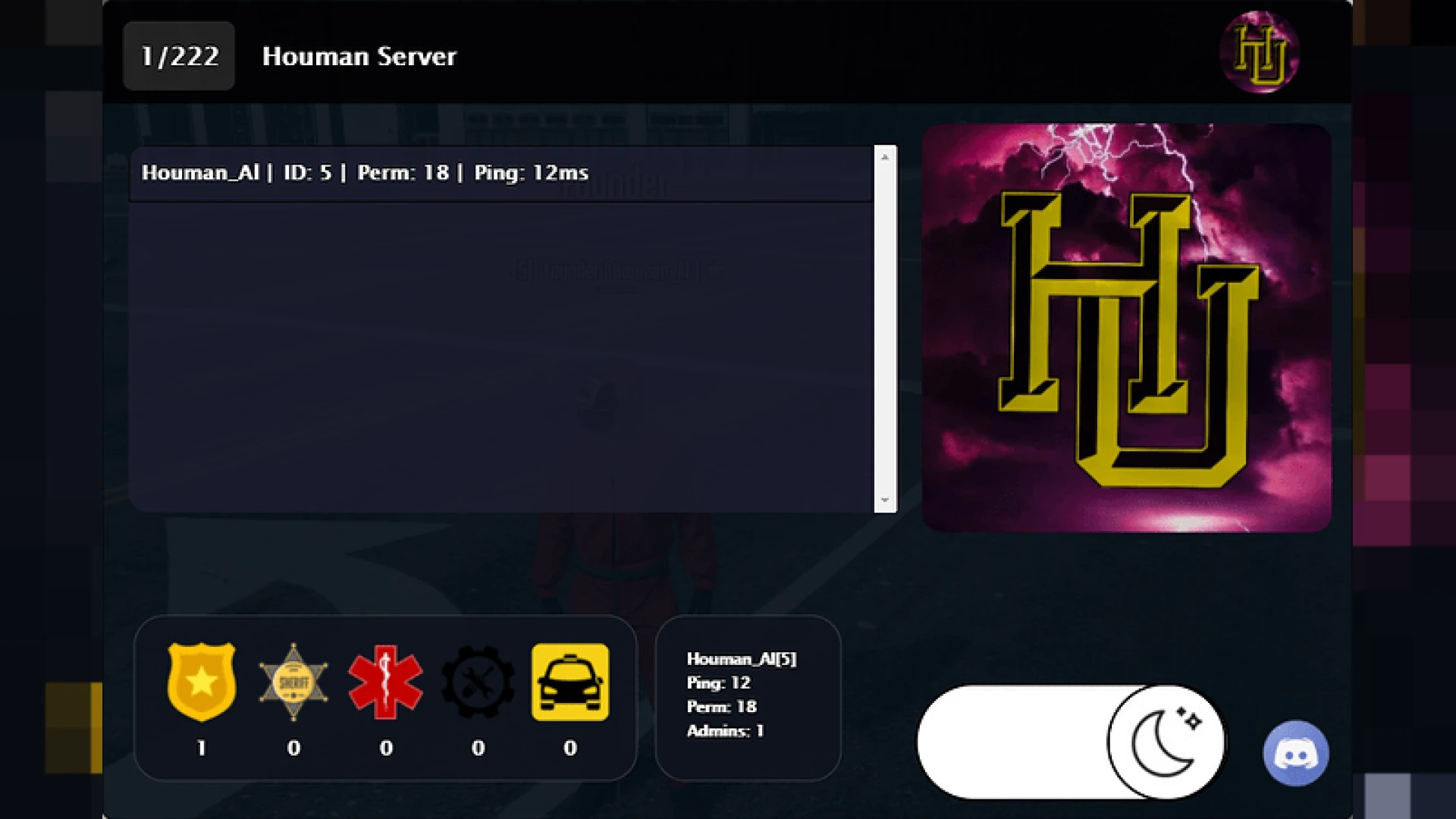
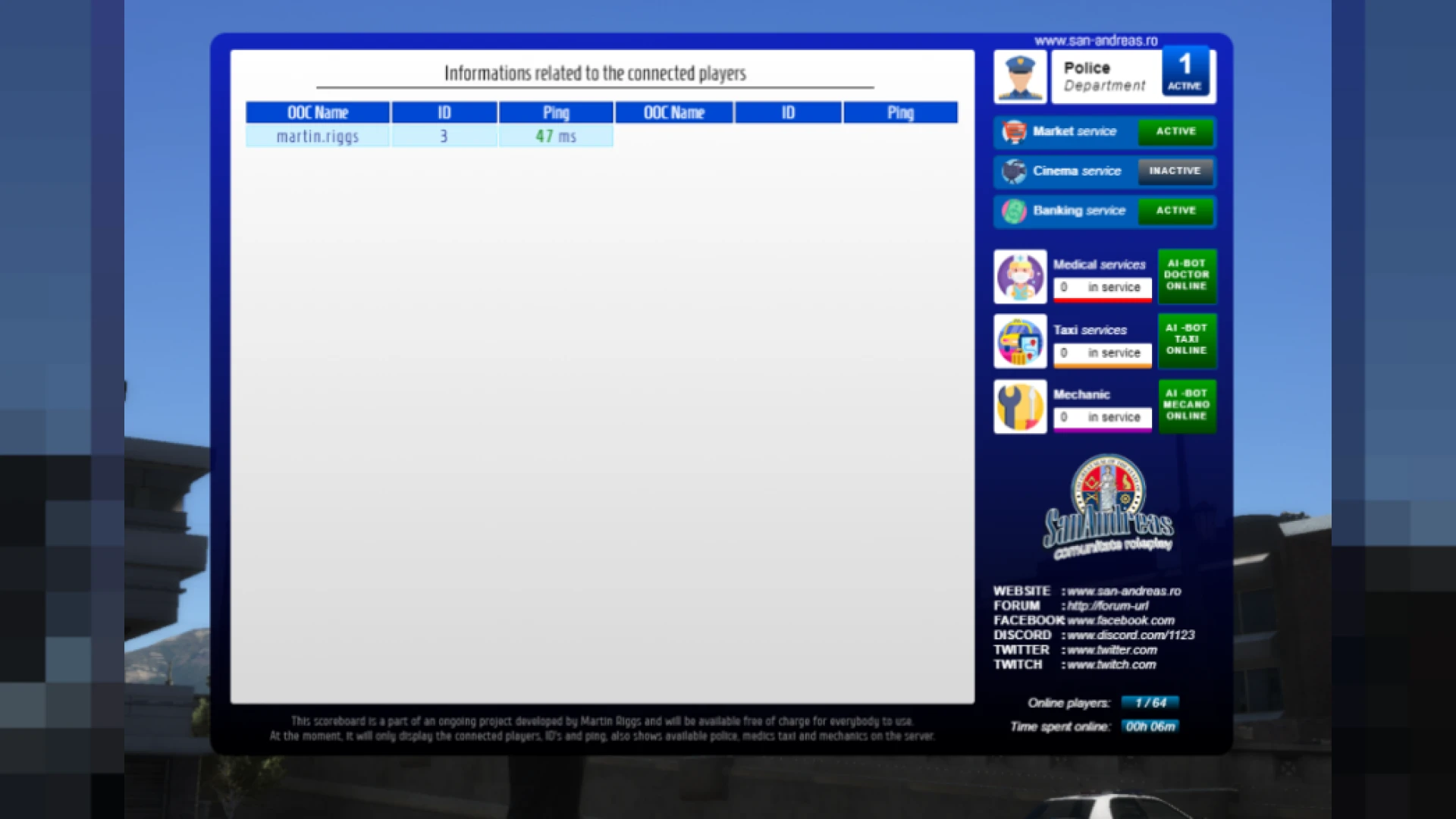
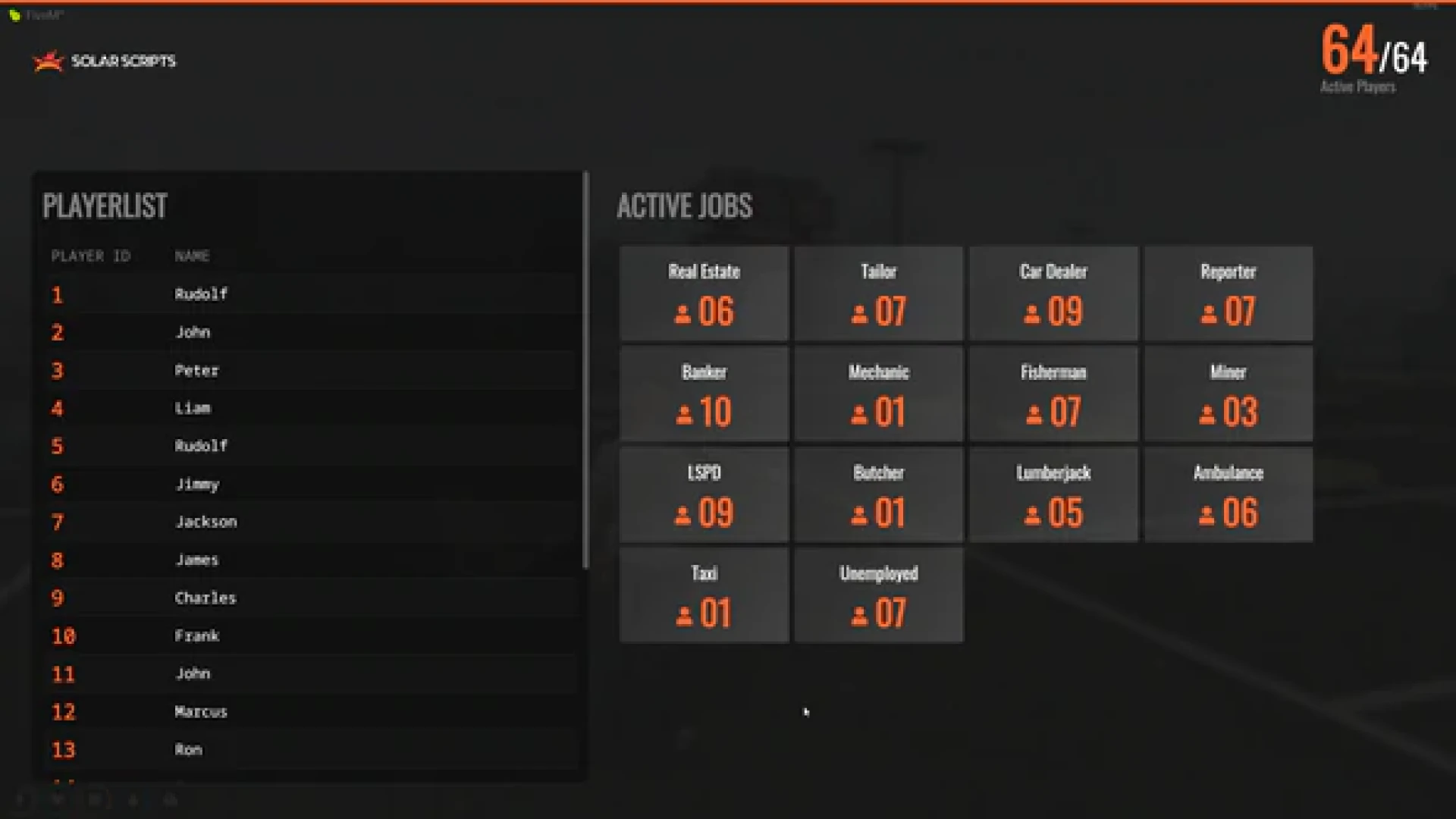
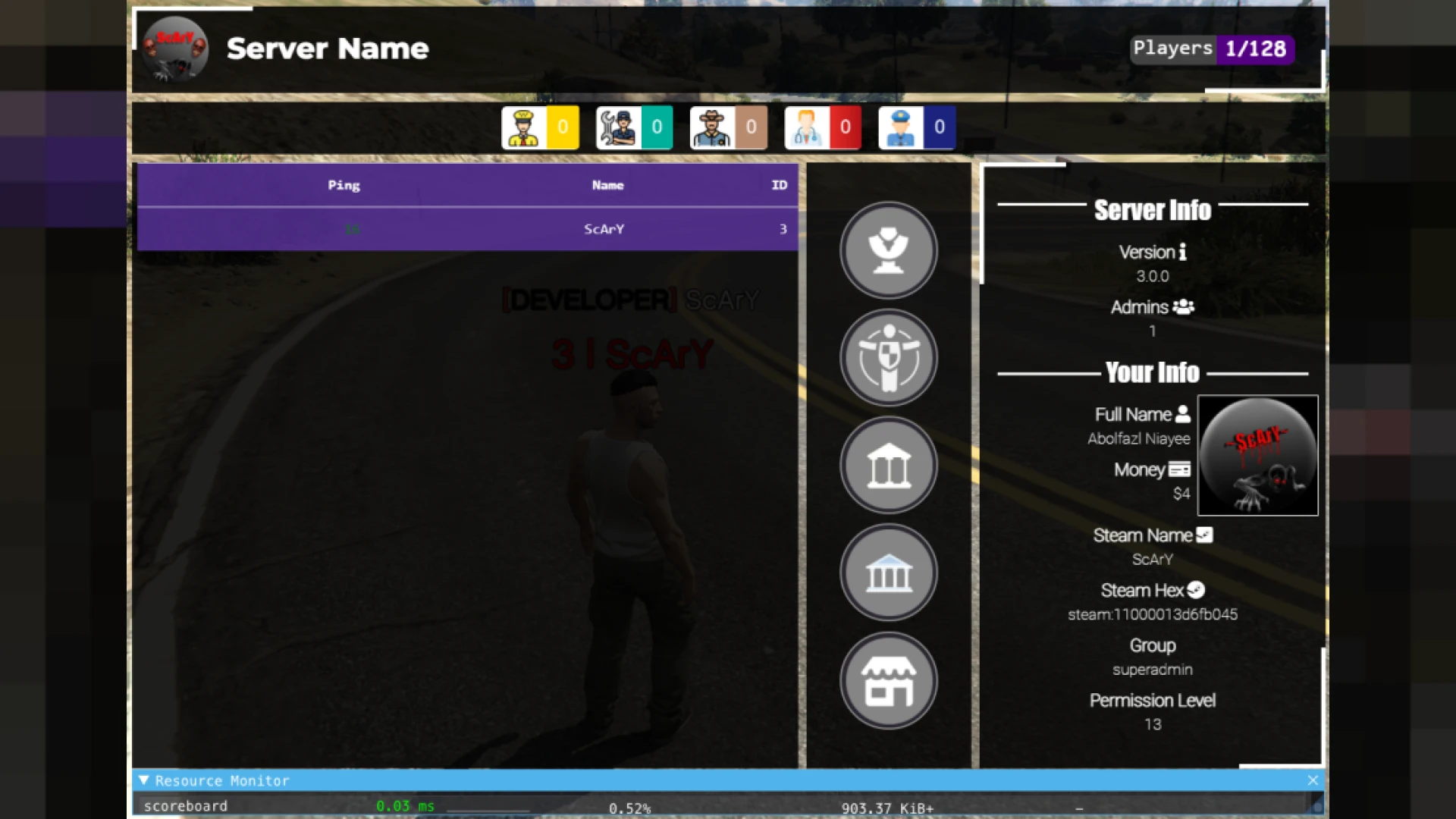
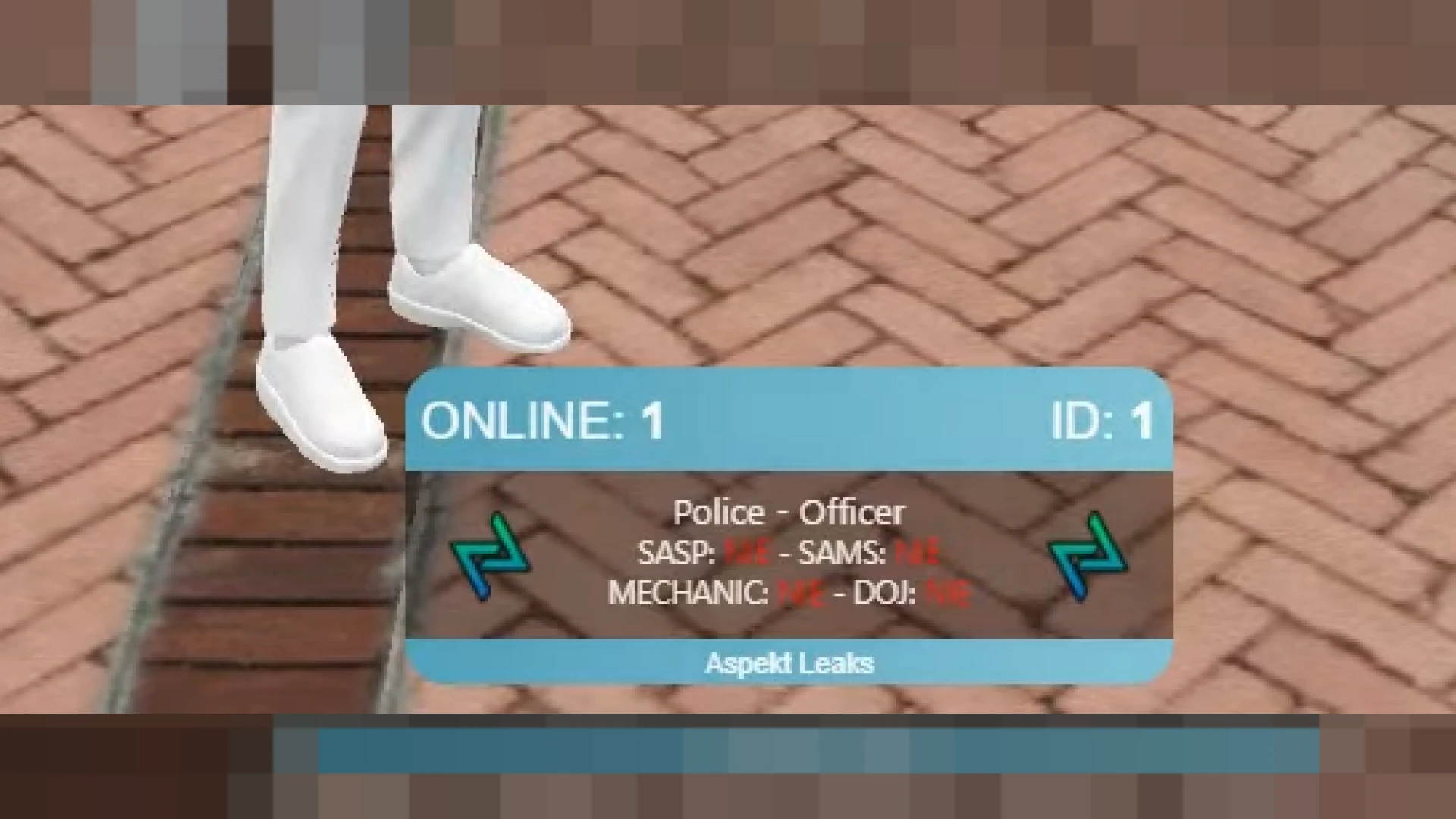
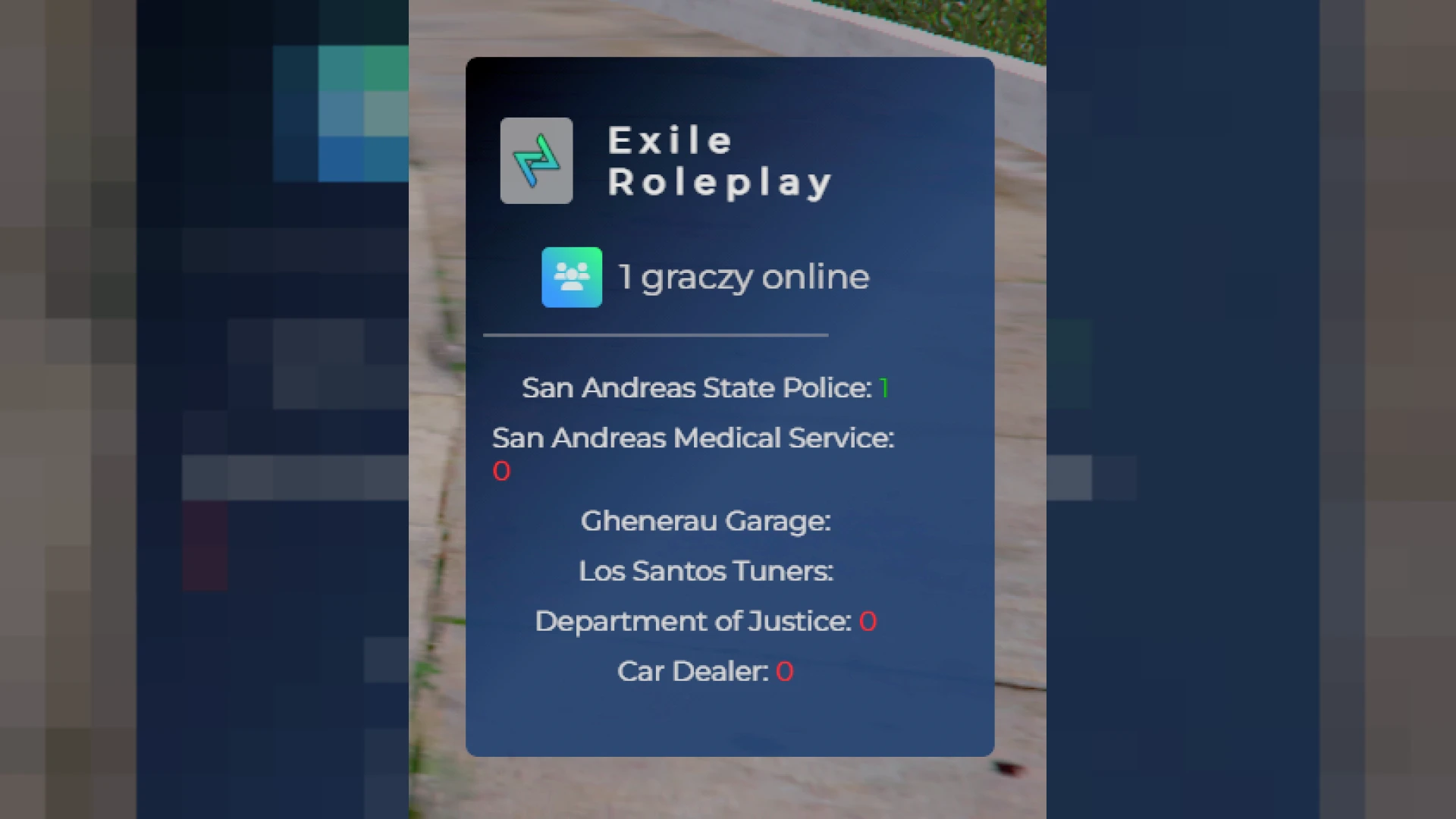
This scoreboard script keeps your FiveM community informed with a clean, live view of who is online and how the server is holding up. Version 12 sharpens the interface so the important numbers are visible the moment the panel opens, giving players an immediate sense of how active the city is before they commit to a scene.
Designed for ESX servers, it trades the bland default list for a compact, readable panel. Players can check activity levels and connection health in a second, then get straight back into the roleplay, while staff gain a quick reference for identifiers and on-duty jobs whenever a situation needs attention.
Inside this scoreboard script
- Live player count updated automatically as members connect and drop off throughout the day.
- Per-player ping and server latency to spot connection issues quickly and accurately.
- In-game ID and Discord ID fields that make handling moderation reports genuinely painless.
- Configurable job counters covering police, EMS, mechanic and any custom roles you add.
- Logo slot and color controls so the whole panel reflects your server branding.
Lightweight and easy to run
- Low resource usage that only activates while the scoreboard is actually visible on screen.
- Editable config.lua to pick exactly which jobs, columns and details appear to players.
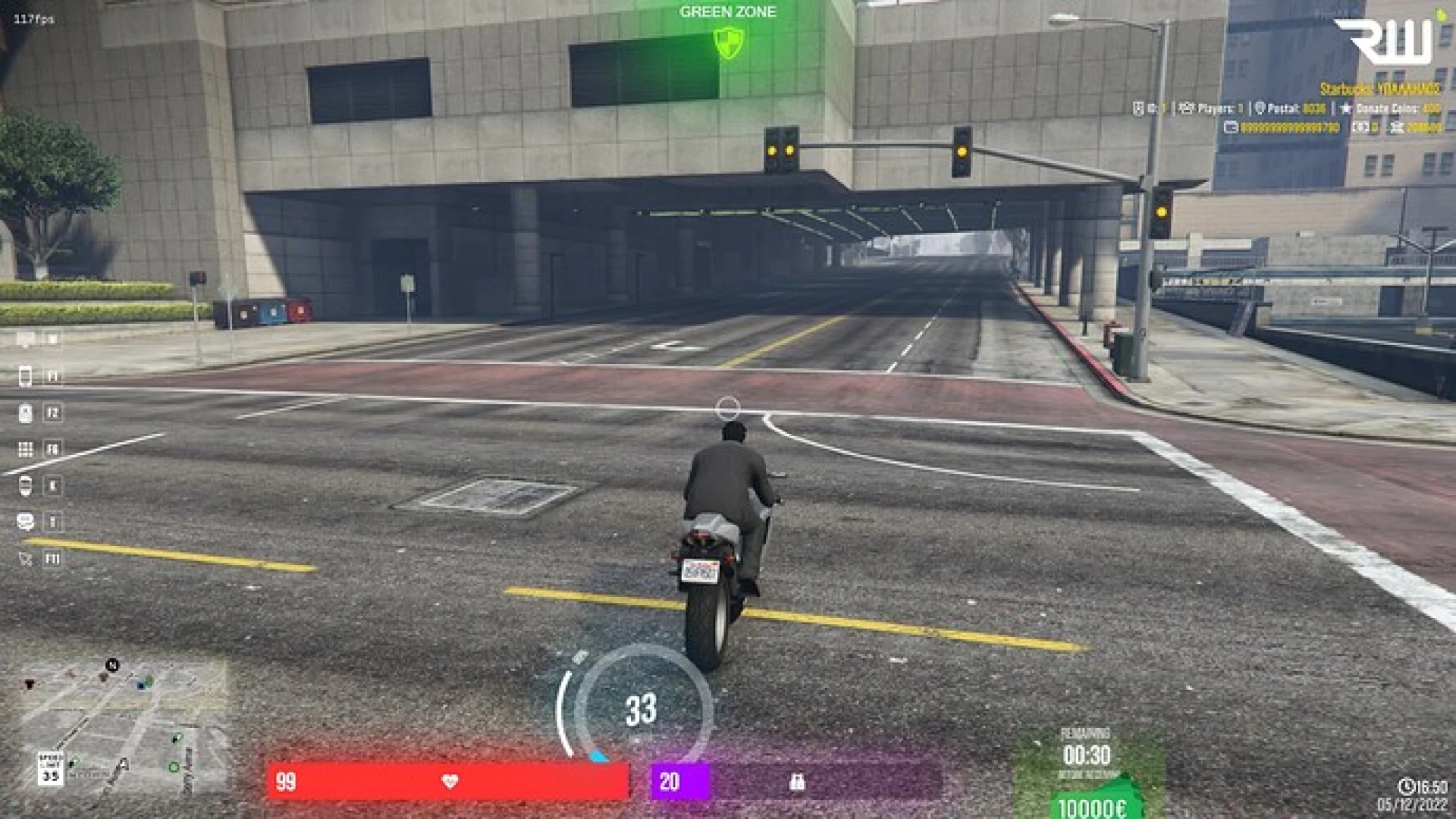
- Simple keybind toggle that blends naturally into your current HUD and menu layout.
- Responsive design that stays crisp from 1080p up to wide and ultrawide screens.
- Dependency-free setup for a smooth, hassle-free installation on any ESX server.
Since the panel only refreshes what changes, it stays gentle on performance even when your player list is long and members are constantly joining or leaving during peak hours. That reliability makes it something players actually keep bound to a key rather than a novelty they open once and forget, and it gives new visitors an honest, immediate sense of how active and well run your community really is.
The install process is beginner friendly and clearly documented. Add the resource, configure your job list and colors, then restart the server. Included notes explain every option so new owners are never left guessing about what a setting does or why it matters for their setup.
Hand your players a fast, dependable snapshot of server activity whenever they want it. Browse related tools in our HUD and UI scripts collection, or dig into the complete range of FiveM scripts.