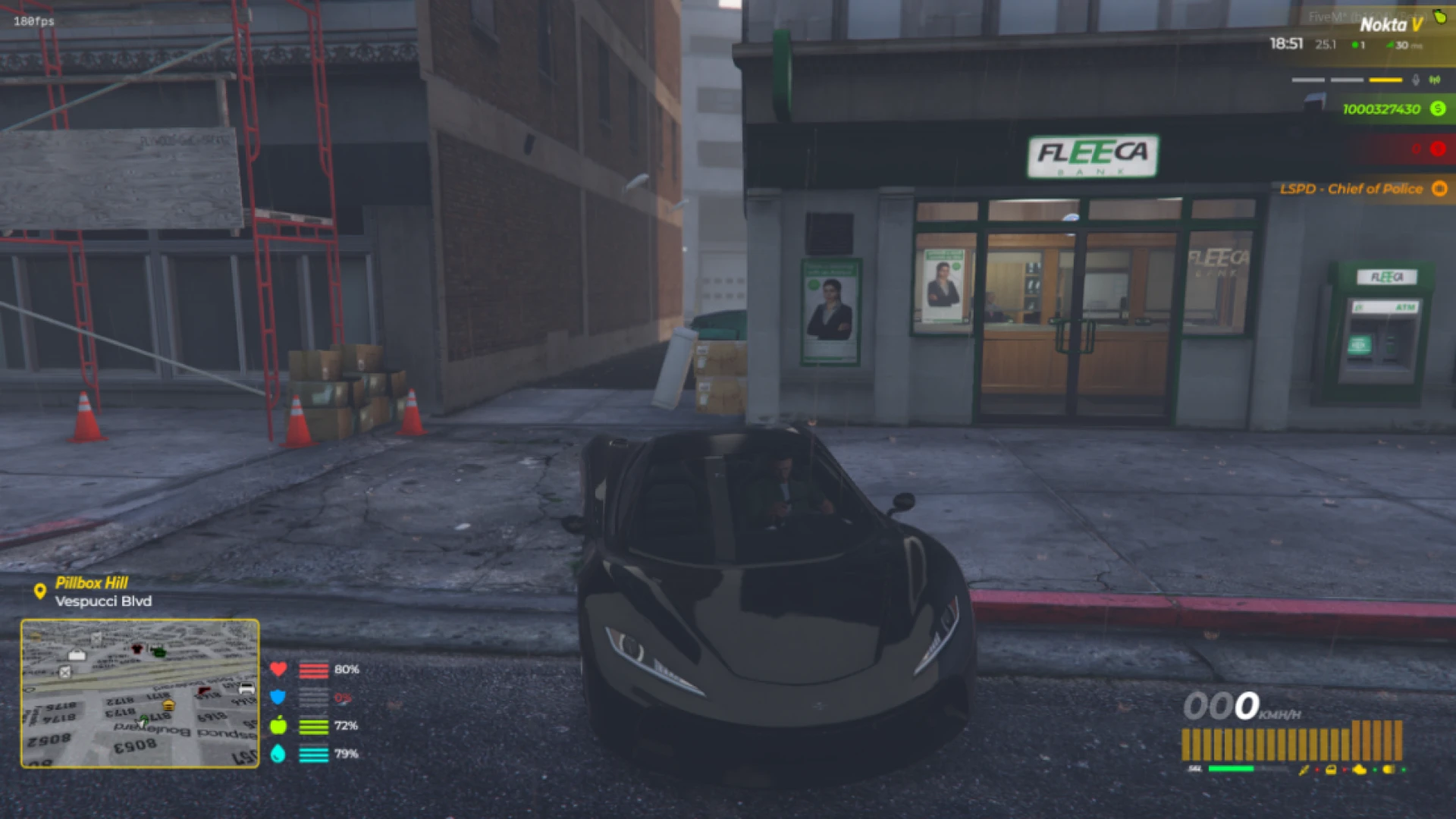
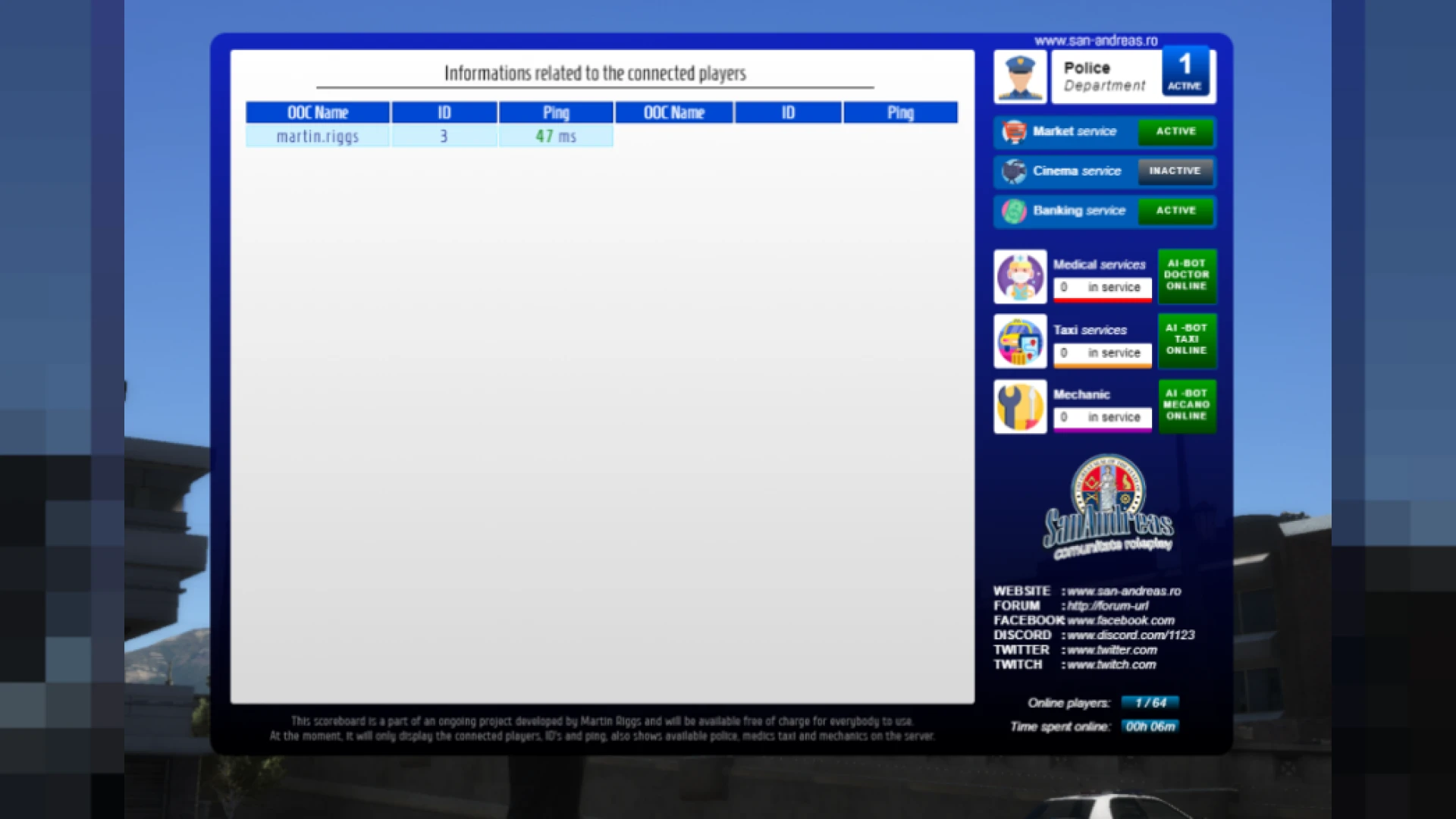
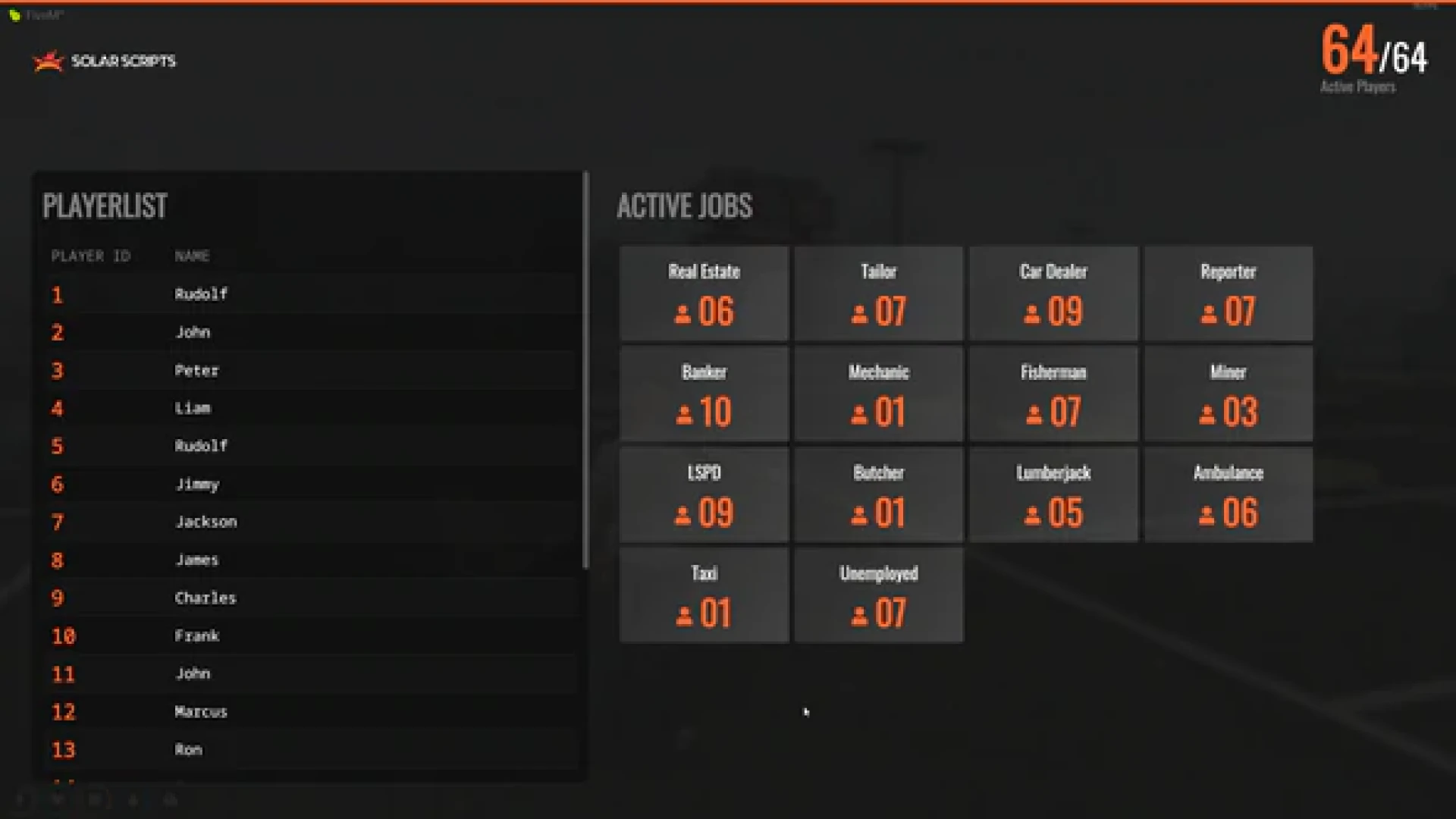
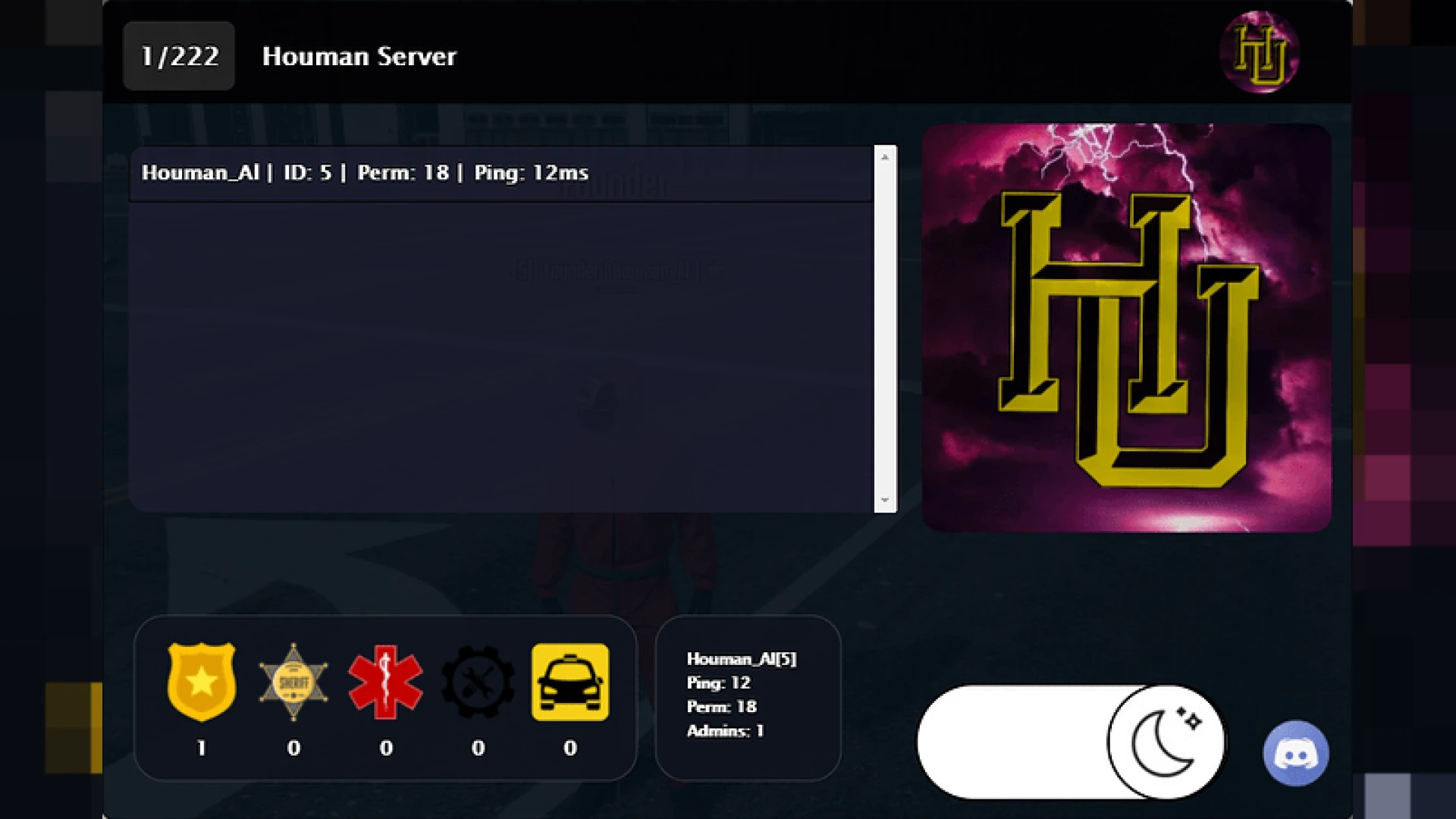
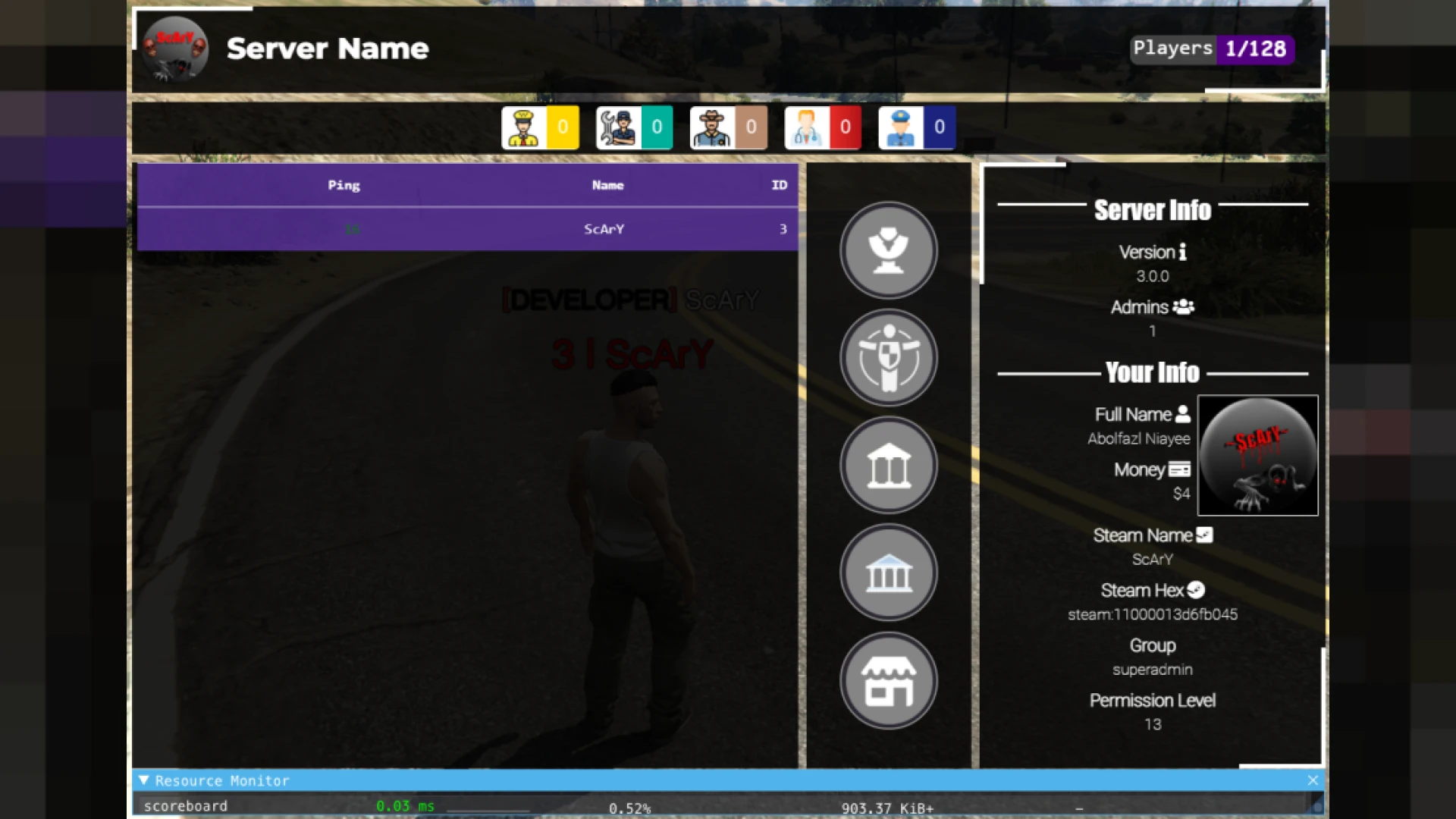
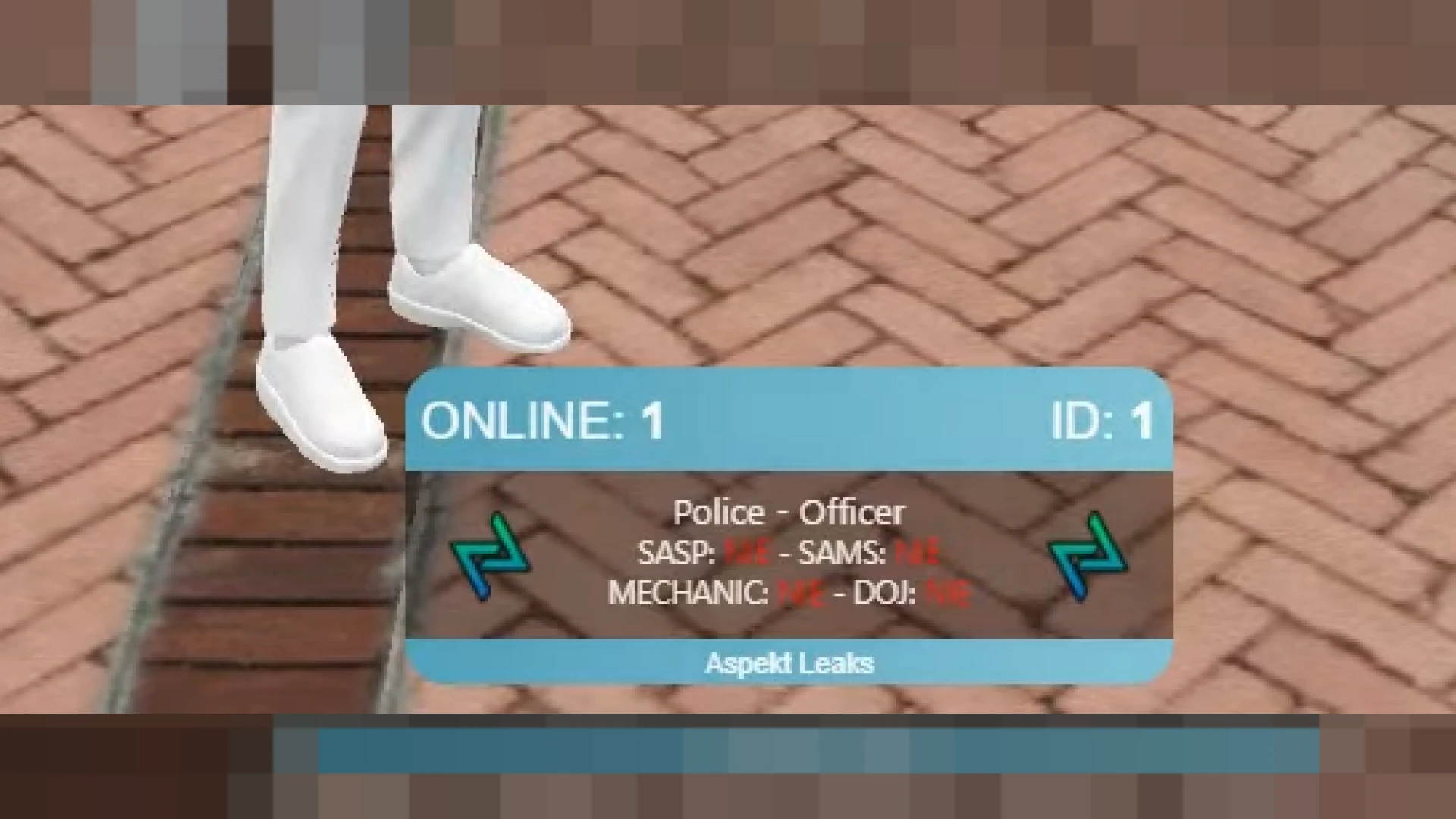
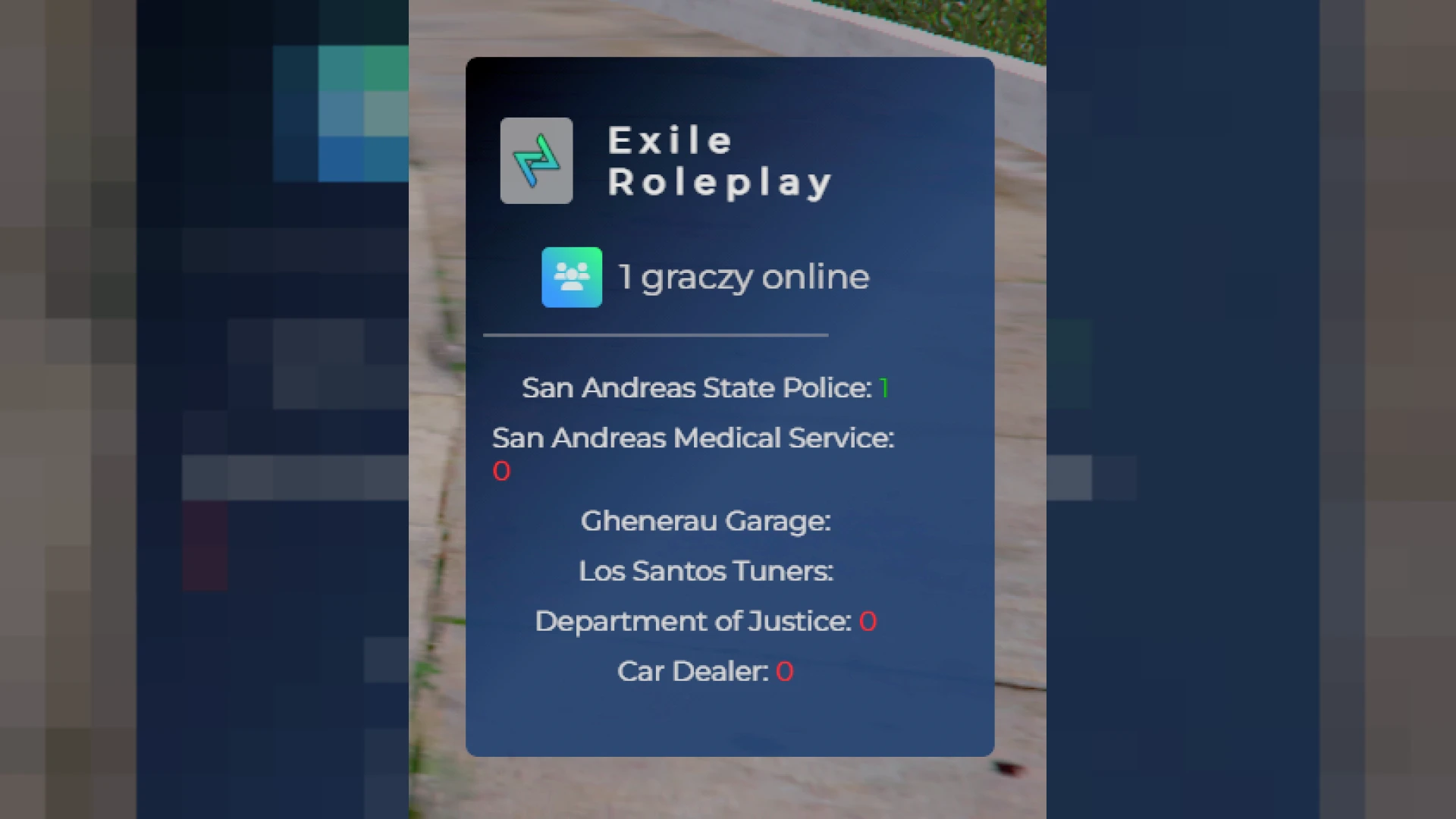
This scoreboard script is an advanced take on the classic player list, giving your FiveM server a rich, real-time picture of who is online and what they are doing. Version 21 combines a modern interface with practical stats that both staff and players rely on, striking a balance between looking impressive and staying genuinely useful in daily play.
Built for ESX servers, it presents connection quality, identifiers and job roles in a single clean panel. The result is a professional overview that helps communities feel organized and well managed from the very first login, setting a tone of quality that new players immediately notice and appreciate.
Features of this scoreboard script
- Live player count that updates instantly as members join and leave the server.
- Per-player ping and server latency for quick, reliable connection health checks.
- Role stats for police, ambulance, mechanic and any custom jobs you add in config.
- In-game ID and Discord ID fields to make moderation fast, clear and accurate.
- Branded header area with logo support and fully configurable color themes.
Engineered for larger communities
- Efficient updates that keep client-side resource usage impressively low under pressure.
- Deep config.lua control over which jobs, columns and details are displayed to players.
- Smooth keybind toggle that sits comfortably within your existing HUD and menus.
- Responsive layout that scales cleanly across all of the common resolutions in use.
- Lightweight, dependency-free install that is ready for immediate deployment.
Because only changing values are redrawn, the panel maintains steady performance even on packed servers where dozens of players cycle in and out during the busiest roleplay sessions of the week. That headroom is exactly what a high-population community needs from a tool it expects everyone to use constantly, and it means the scoreboard remains a genuine asset rather than a hidden cost buried in your server resource budget over the long term.
The setup process is straightforward and fully documented. Drop in the resource, configure your job list and branding, then restart the server. New owners can get everything running without wrestling with complicated settings or hunting for undocumented options buried deep in the code.
Equip your community with a polished, feature-rich scoreboard they will actually use. Check out related interfaces in our HUD and UI scripts collection, or explore the full catalog of FiveM scripts.