Tune NPC traffic density and clear zones for smoother scenes and better performance — ESX
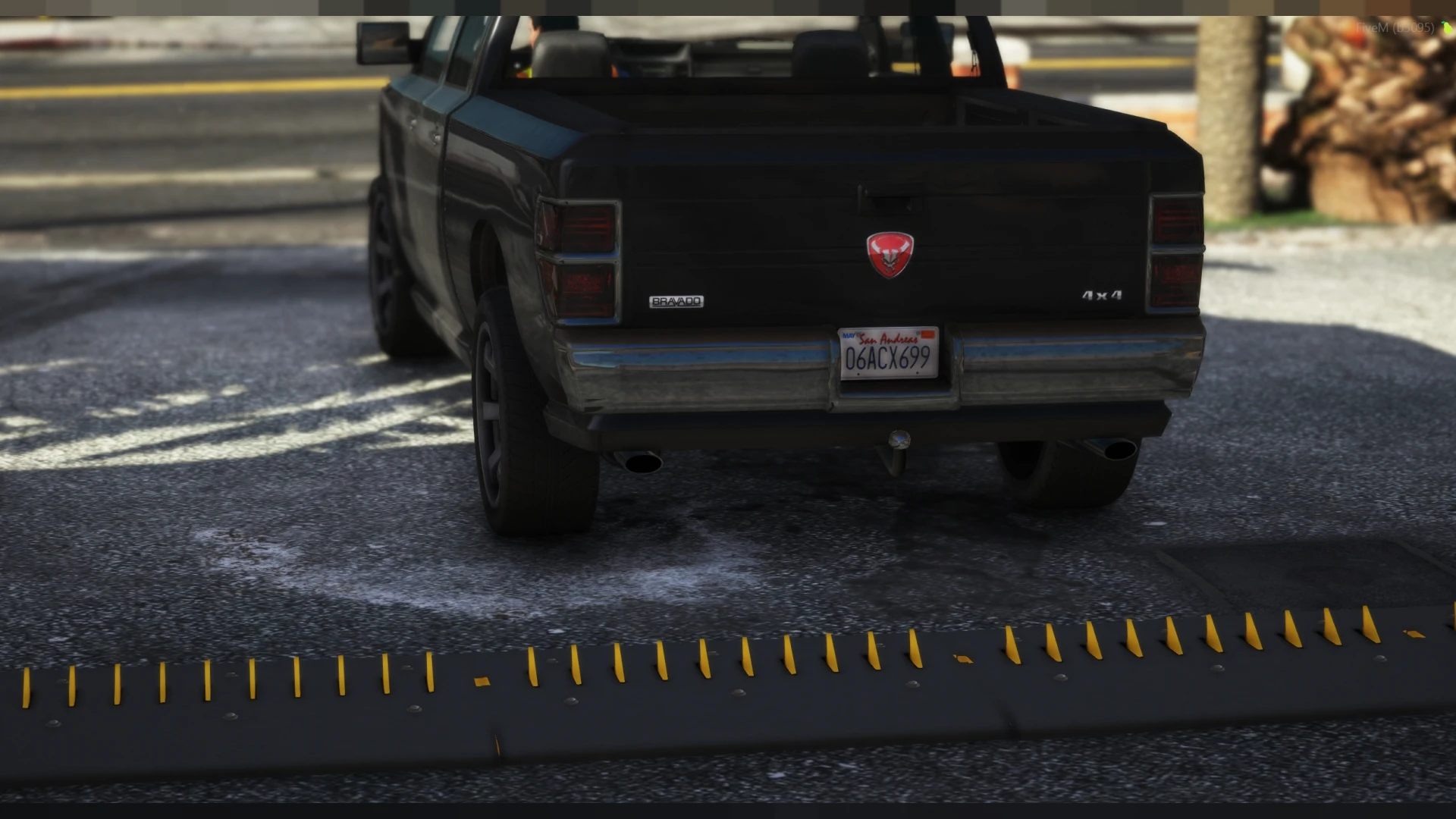
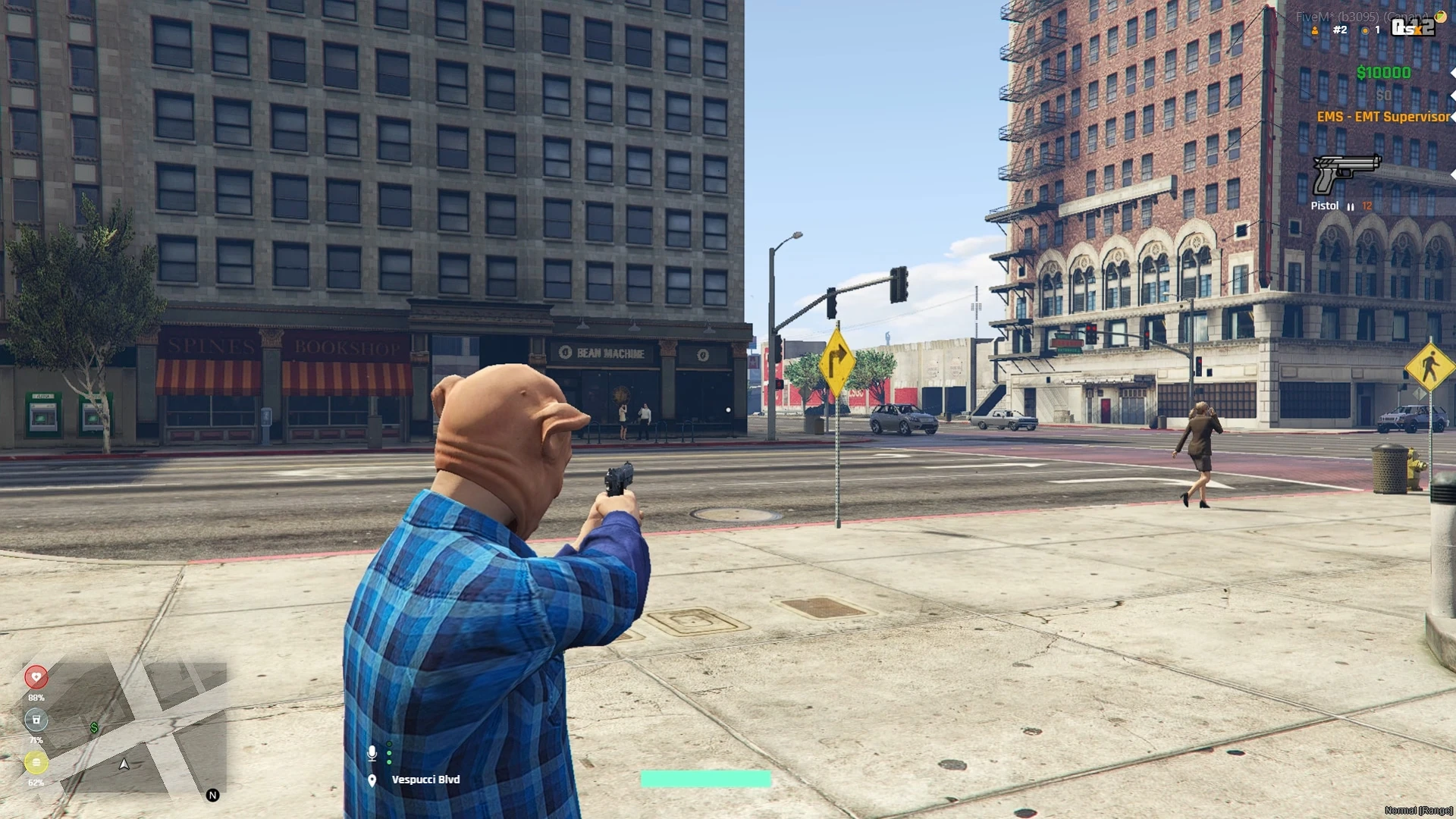
Traffic control gives you the dial that GTA never did — full command over how busy your city's streets actually are. Turn NPC traffic up for a living downtown, thin it out for a quiet backroad, or clear it entirely from an event zone so a car meet or a police scene is not ruined by AI drivers ploughing through the middle. It is a simple tool that fixes a problem every server quietly fights.
What traffic control offers
- Tune NPC traffic density across the map.
- Clear traffic entirely from chosen zones.
- Keep events and scenes free of stray AI cars.
- Dial busy streets up or quiet roads down.
- A cleaner, more controllable world.
Why traffic tuning matters
- Car meets and races stop getting wrecked by AI.
- Police scenes stay clean and believable.
- Busy areas feel alive, quiet ones feel calm.
- Fewer stray vehicles means better performance.
- You control the mood of every district.
Clean and light
- Built for ESX and easy to configure.
- Configurable zones, density and rules in open files.
- Ties into your event and admin systems.
- Lightweight and stable across the map.
Ambient traffic is a double-edged sword — a lively city needs it, but a car meet or a tense police standoff gets ruined the moment an AI driver barrels through the scene. Being able to tune density per area, and wipe it out of an event zone entirely, hands you direct control over that balance, so every district feels exactly as busy or as calm as the moment calls for.
Because the zones and density are fully configurable, the tool doubles as a quiet performance win: fewer stray vehicles in dense areas means smoother frames for everyone nearby. It is the kind of unglamorous utility that event hosts, racers and police roleplayers all end up relying on, precisely because it removes one of the most persistent little annoyances on a busy server.
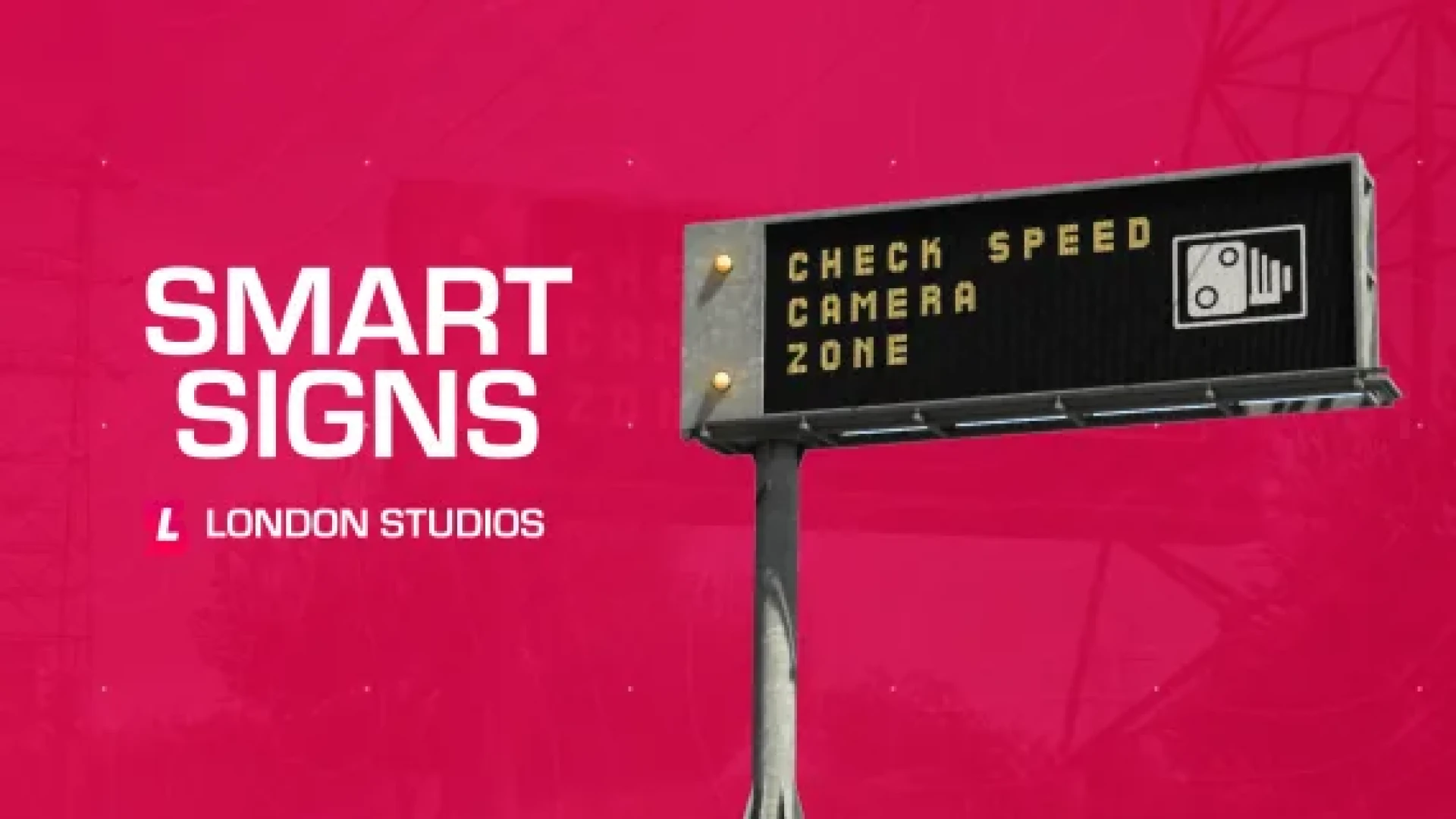
Pair it with our Smart Signs and browse more admin & utility scripts.