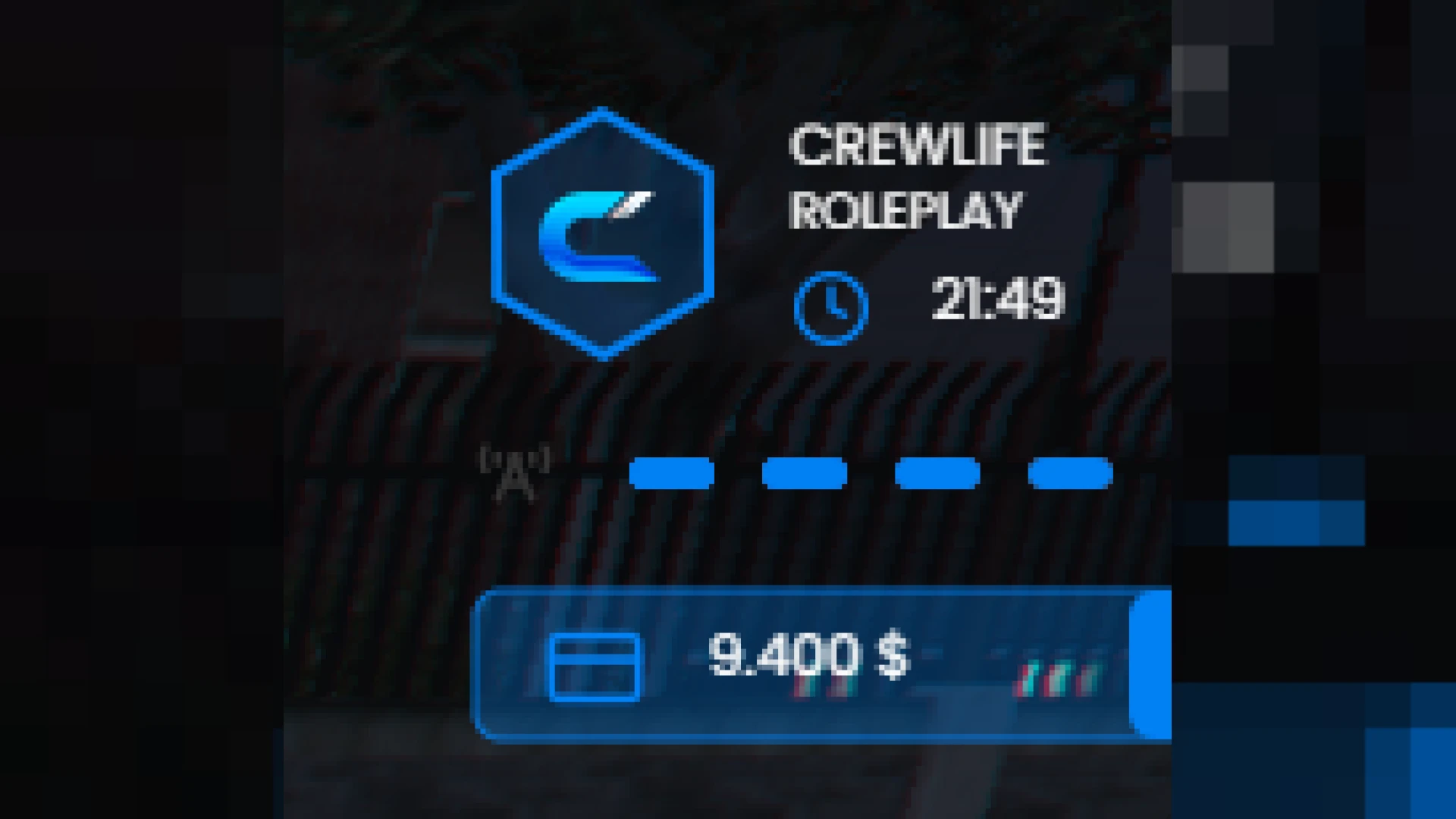
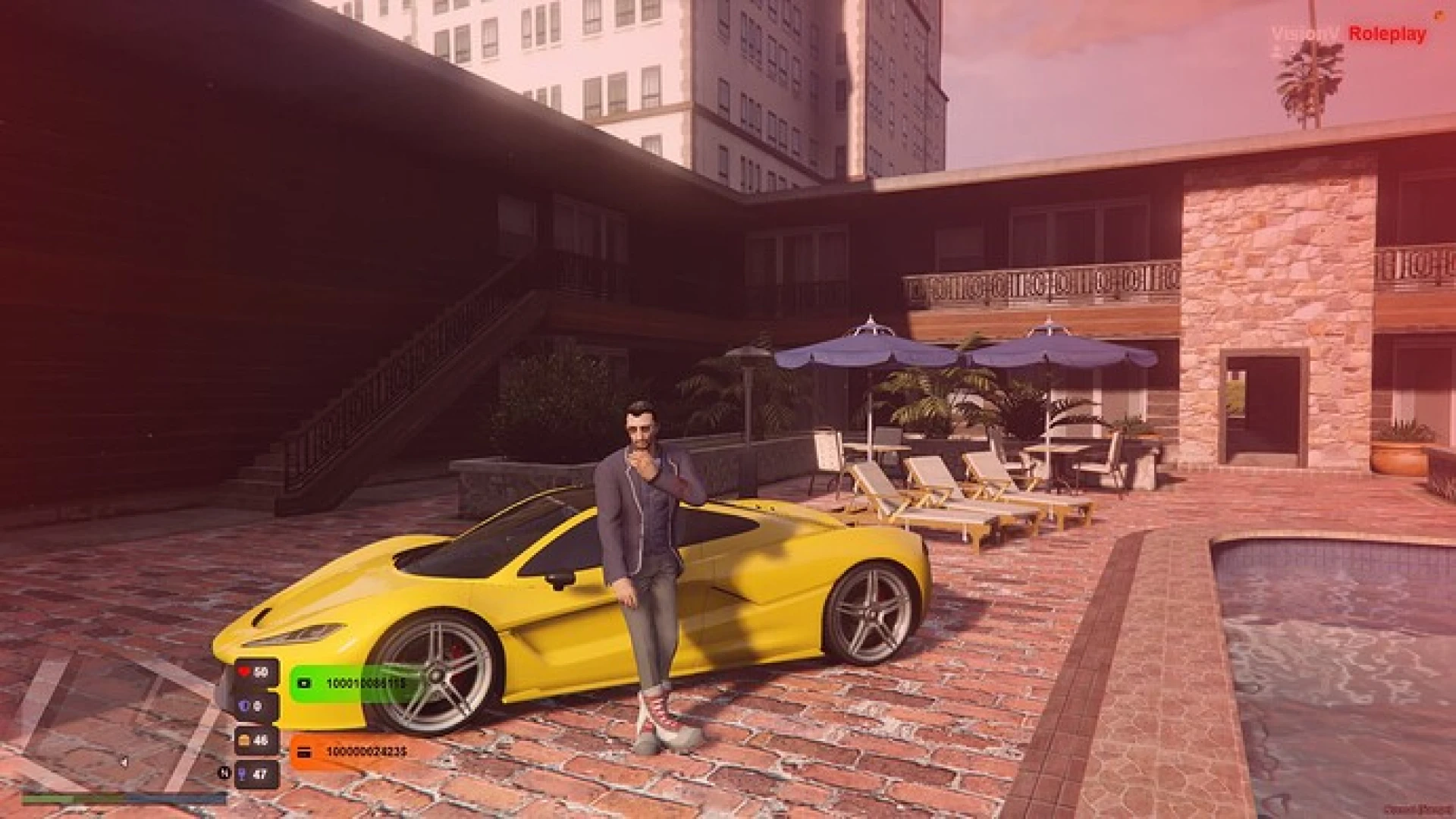
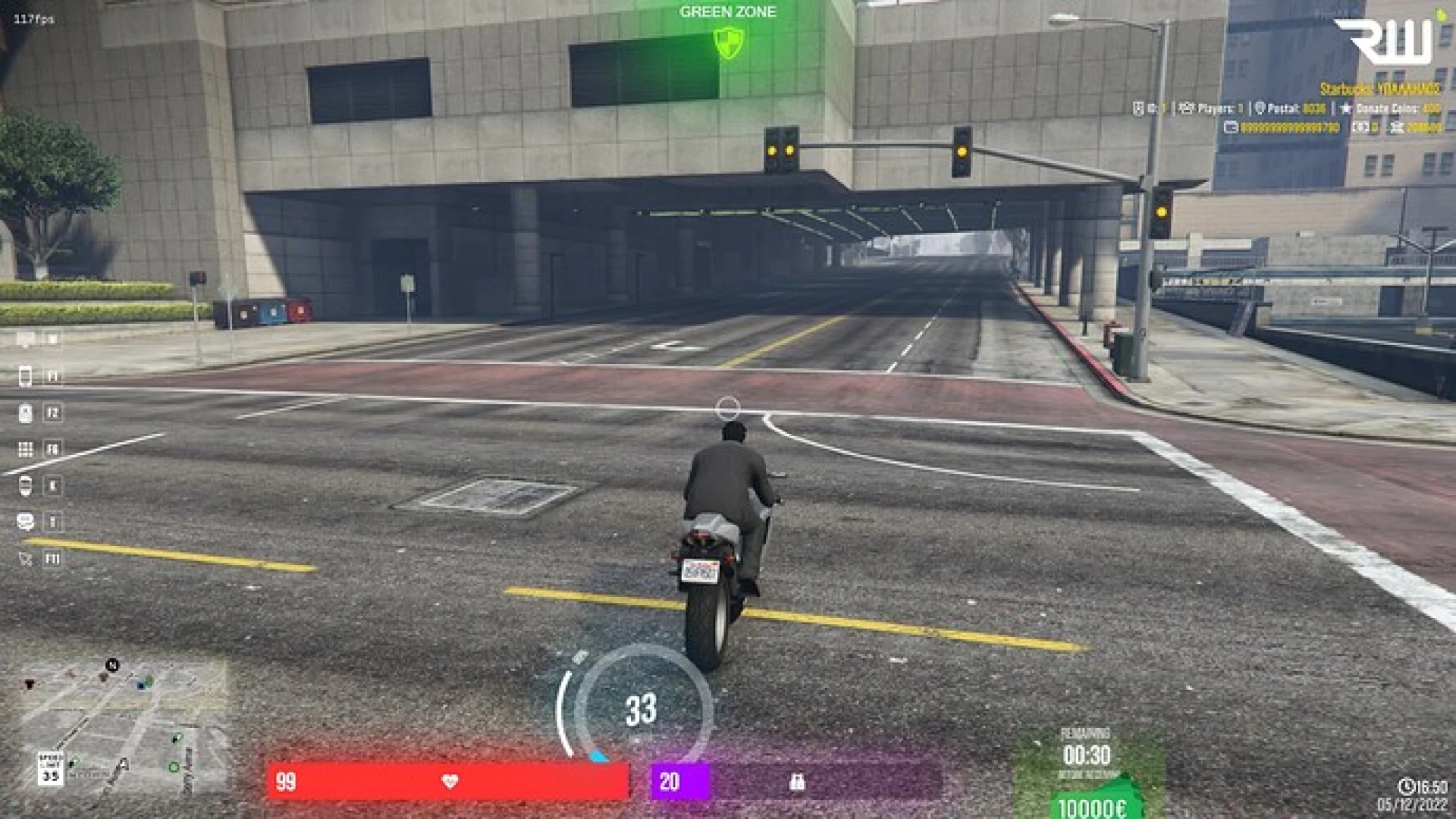
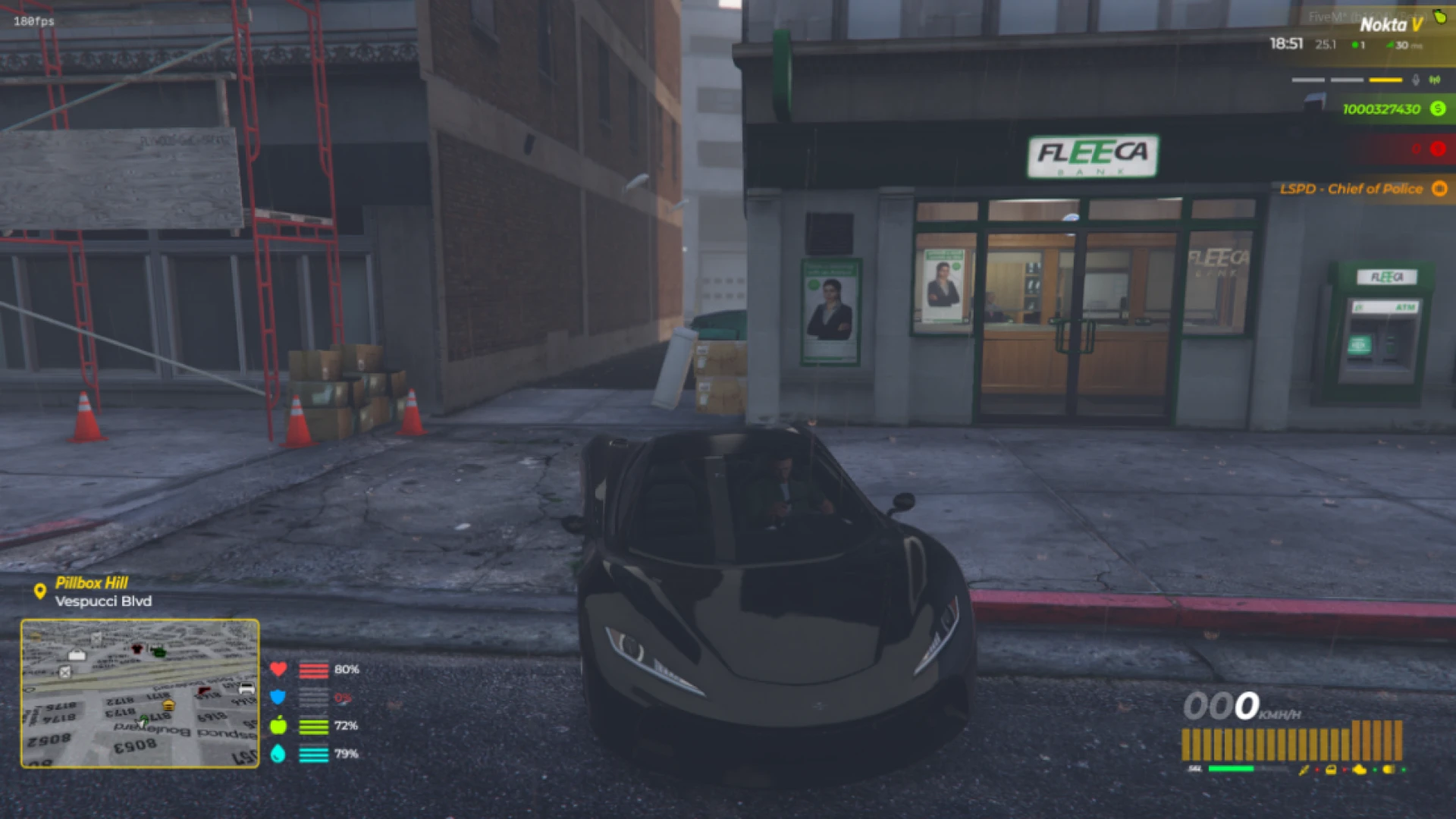
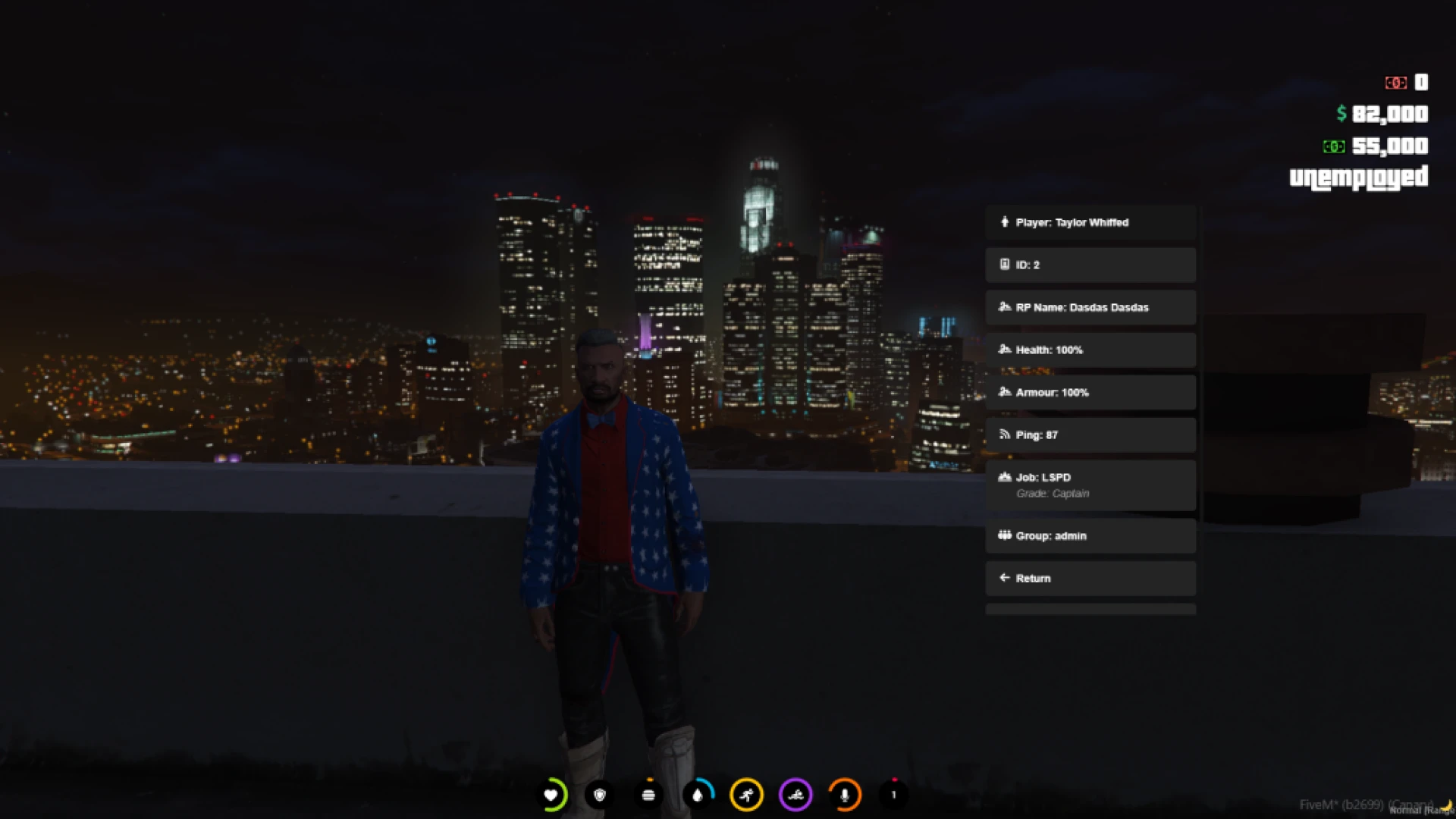
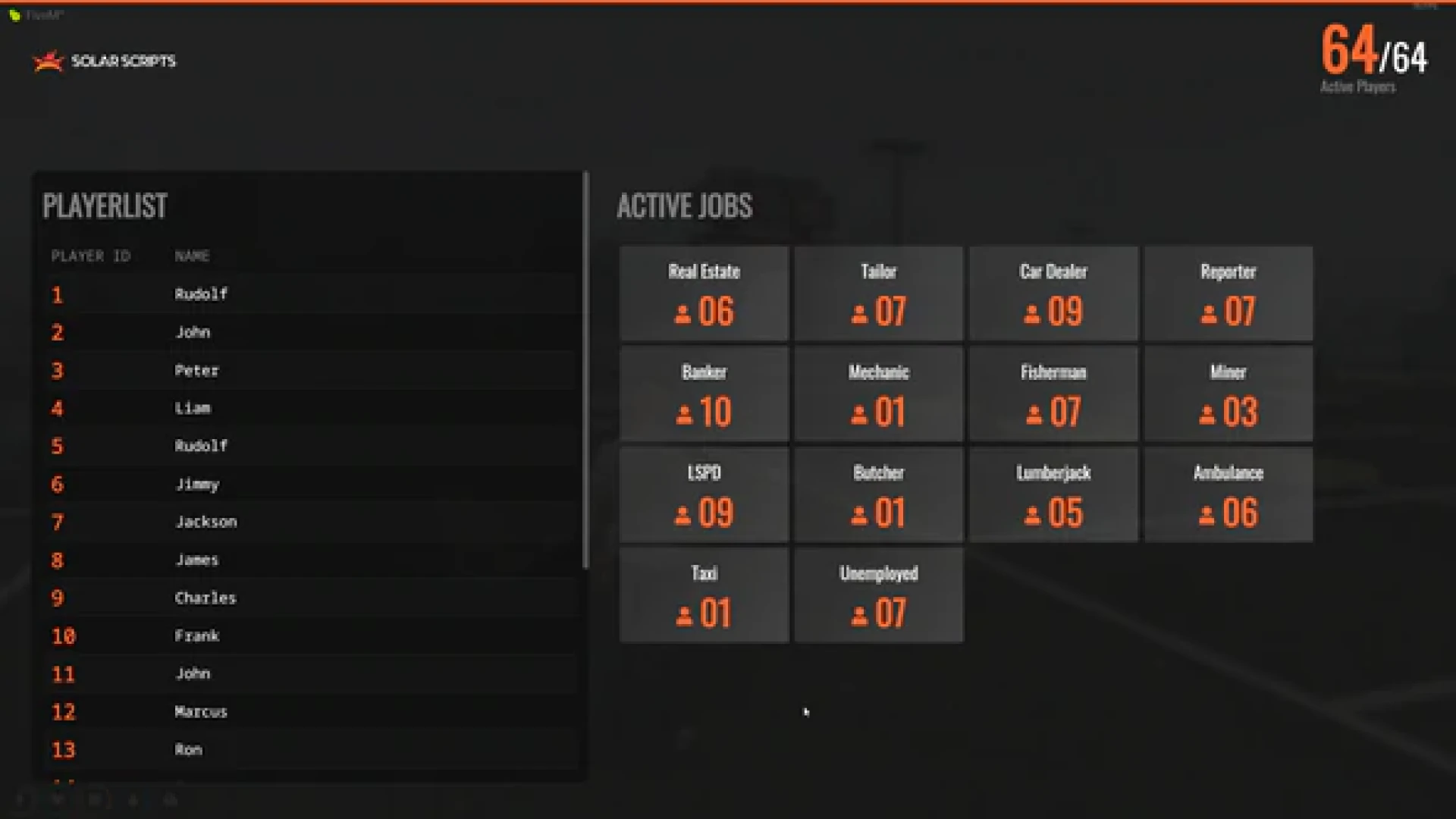
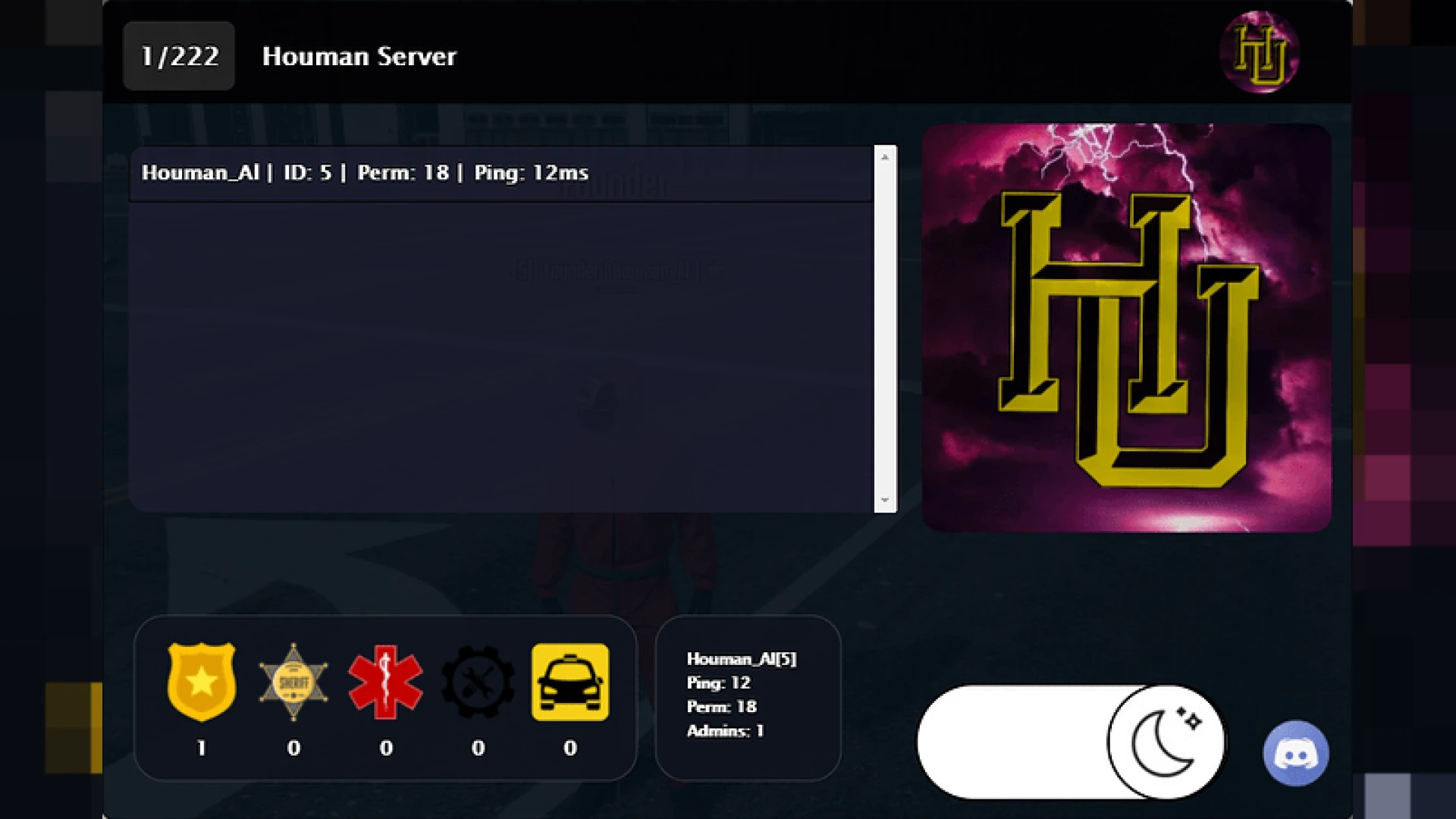
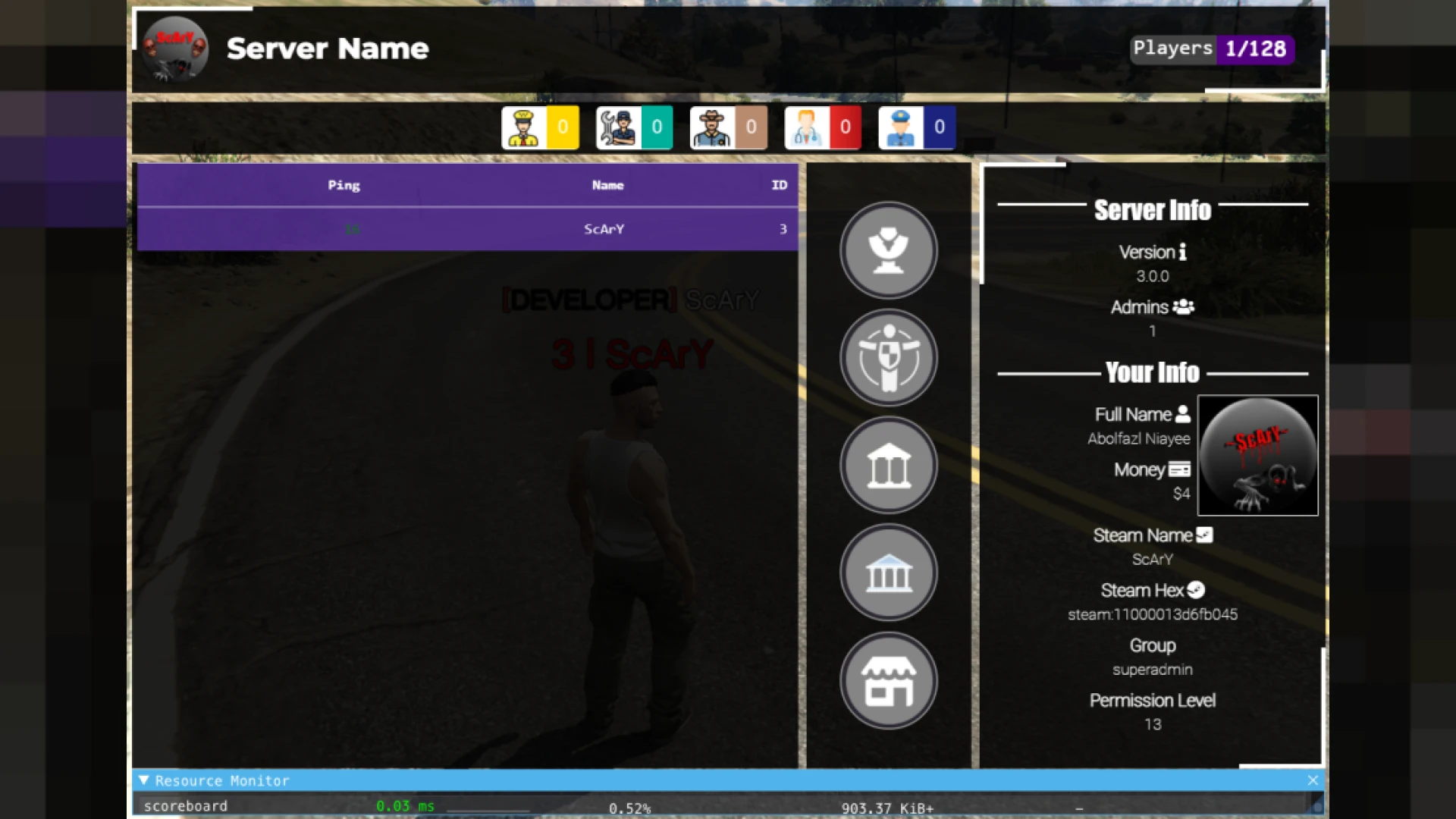
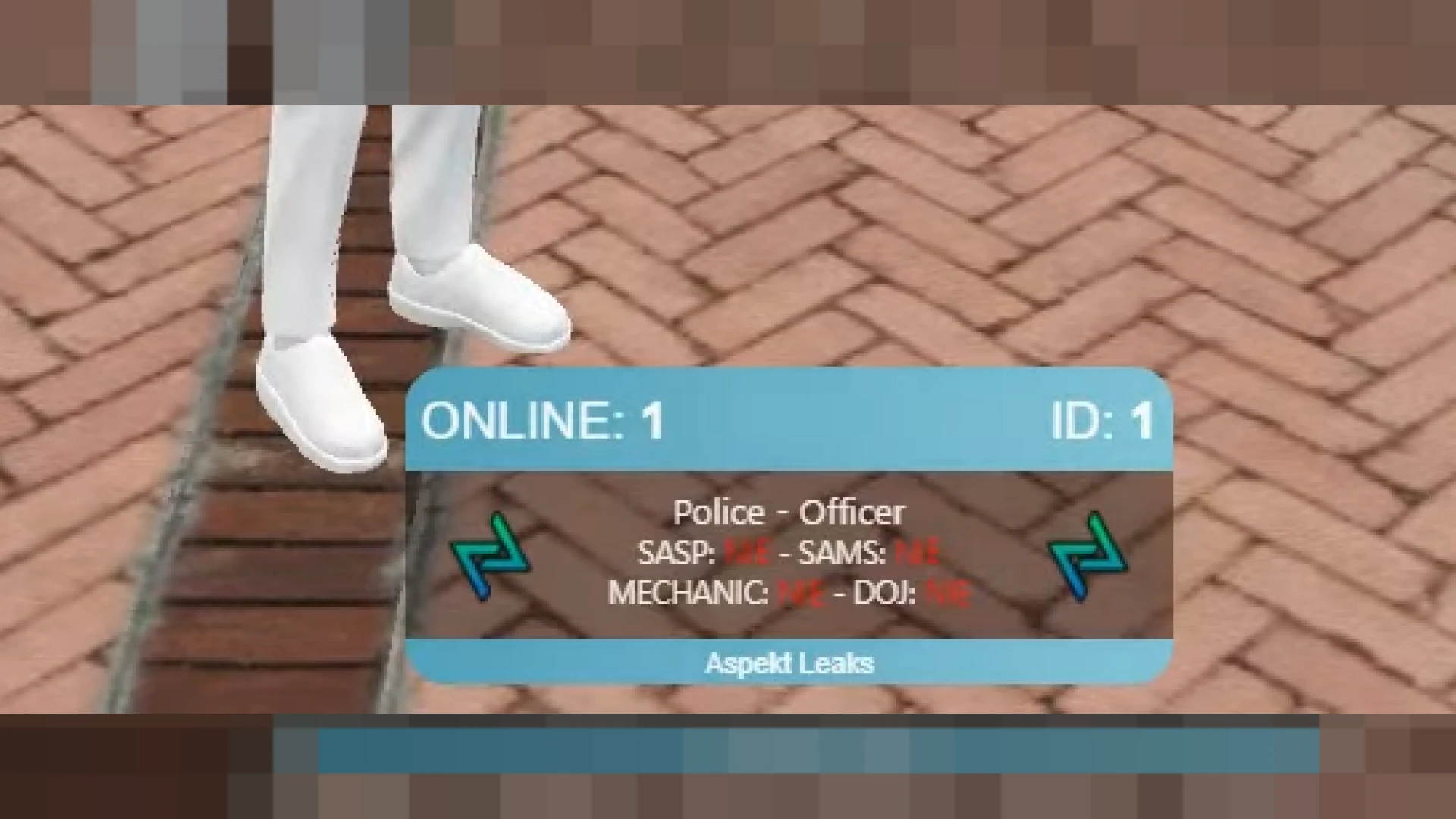
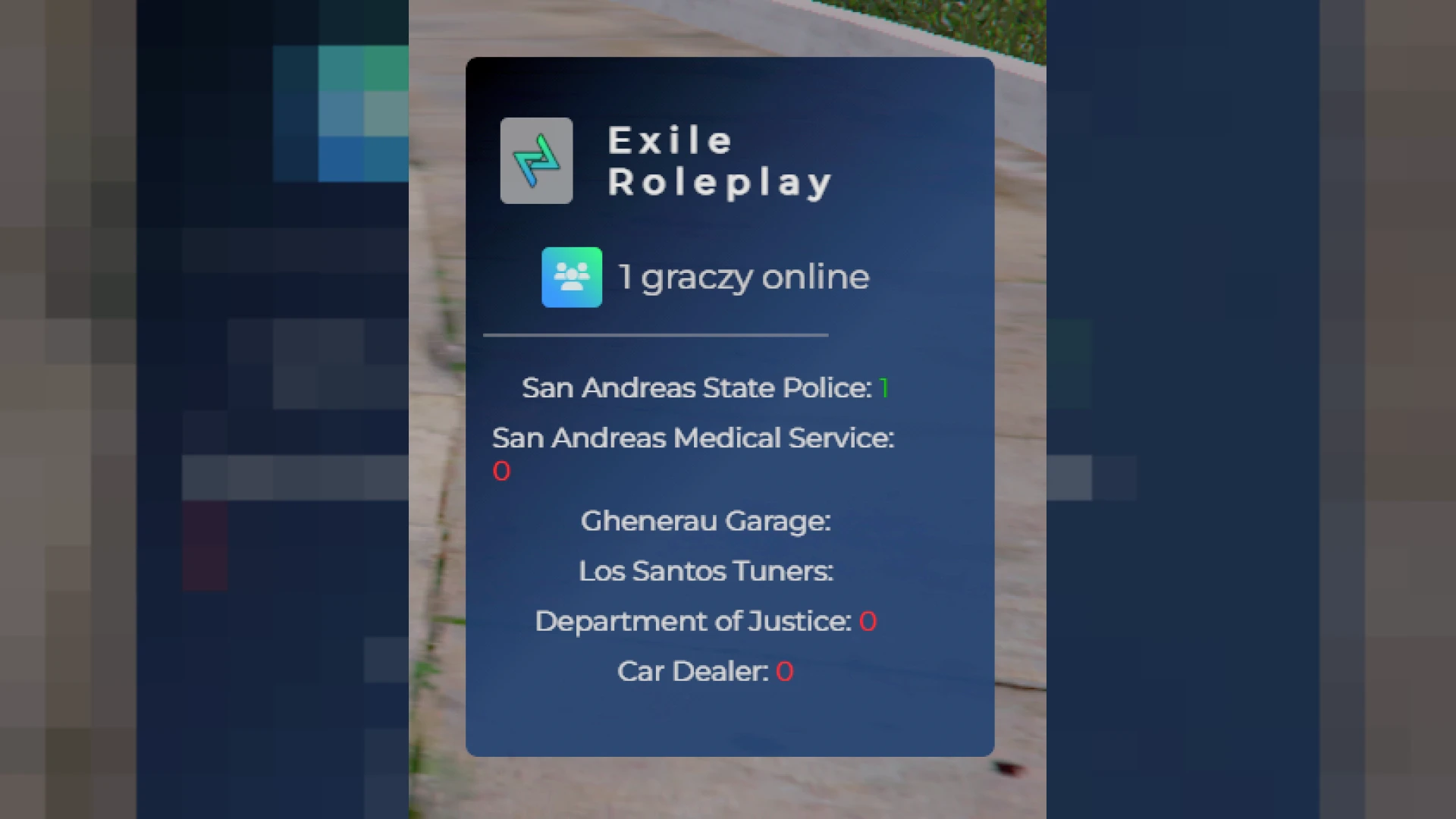
Clean modern status overlay showing health, armor, hunger, thirst and vehicle stats
The Crew HUD script delivers a clean, modern status overlay that keeps your players informed at a glance without ever cluttering their screen. It replaces the messy default interface found on many roleplay servers with a compact, readable design that surfaces only the information that truly matters during active play.
Built from the ground up for lightweight performance, this overlay sits quietly in the corner and refreshes in real time so drivers, criminals and civilians always understand their current condition. It fits naturally into any modern ESX or QBCore server without demanding heavy resources, constant tweaking or a complicated installation process.
Why the Crew HUD script stands out
Every single element was carefully designed to look crisp at any resolution while remaining easy to recolor and reskin so it perfectly matches your community brand and visual identity.
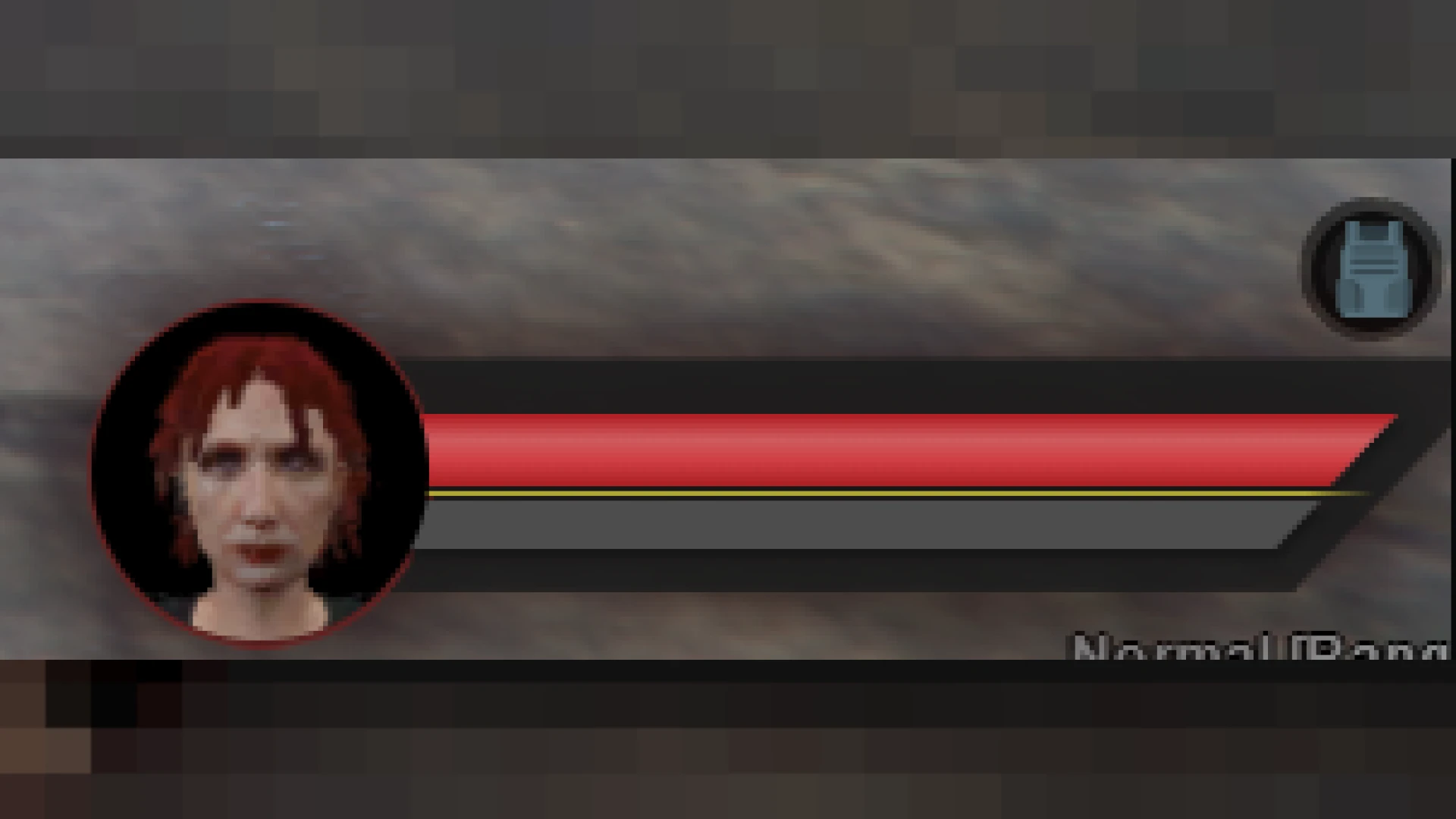
- Live health and armor bars that respond instantly to damage, healing and status effects during play.
- Hunger and thirst indicators that pair cleanly with popular survival and needs systems on your server.
- A dynamic vehicle panel showing speed, fuel and engine condition whenever a player climbs behind the wheel.
- Smart minimap toggling that hides or reveals the map based on rules you define for immersion.
- Voice and microphone icons that clearly reflect proximity chat activity and current talking range.
Customization and performance
The layout is fully configurable, so you can freely reposition, recolor and resize each individual widget to suit your server identity and the exact tastes of your player base.
- Idle usage stays near zero milliseconds, protecting smooth frame rates even on packed servers.
- Simple config values control exactly which panels appear for which jobs and player states.
- Clean, commented CSS makes complete rebranding fast for designers of nearly any skill level.
- Broad compatibility with common status, fuel, seatbelt and voice resources you already run.
- A tidy code structure keeps future edits, patches and version updates refreshingly straightforward.
Players immediately notice the polish that a genuinely good interface brings to their session, and staff quickly appreciate how little maintenance the overlay demands once it has been installed and configured. The end result is a professional first impression that meaningfully raises the perceived quality of your entire community.
Because the underlying code is organized and readable, developers can extend the HUD with brand-new indicators or hook it into existing gameplay loops in minutes rather than long, frustrating hours of trial and error. That flexibility makes it a lasting foundation instead of a throwaway cosmetic.
Give your community the interface it deserves and browse more polished front-end tools inside our HUD & UI scripts collection, or explore the full library of FiveM scripts to complete your build.