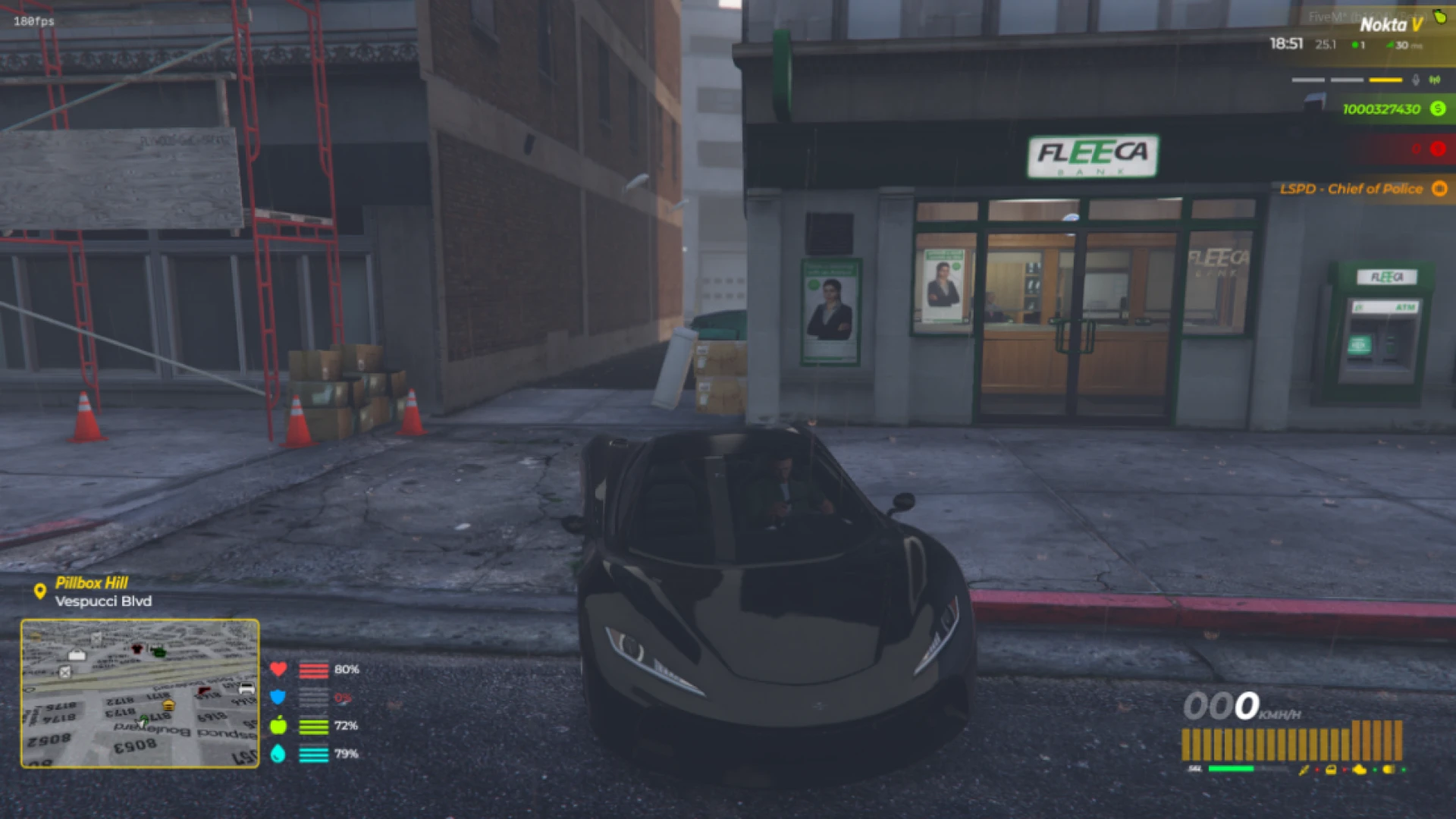
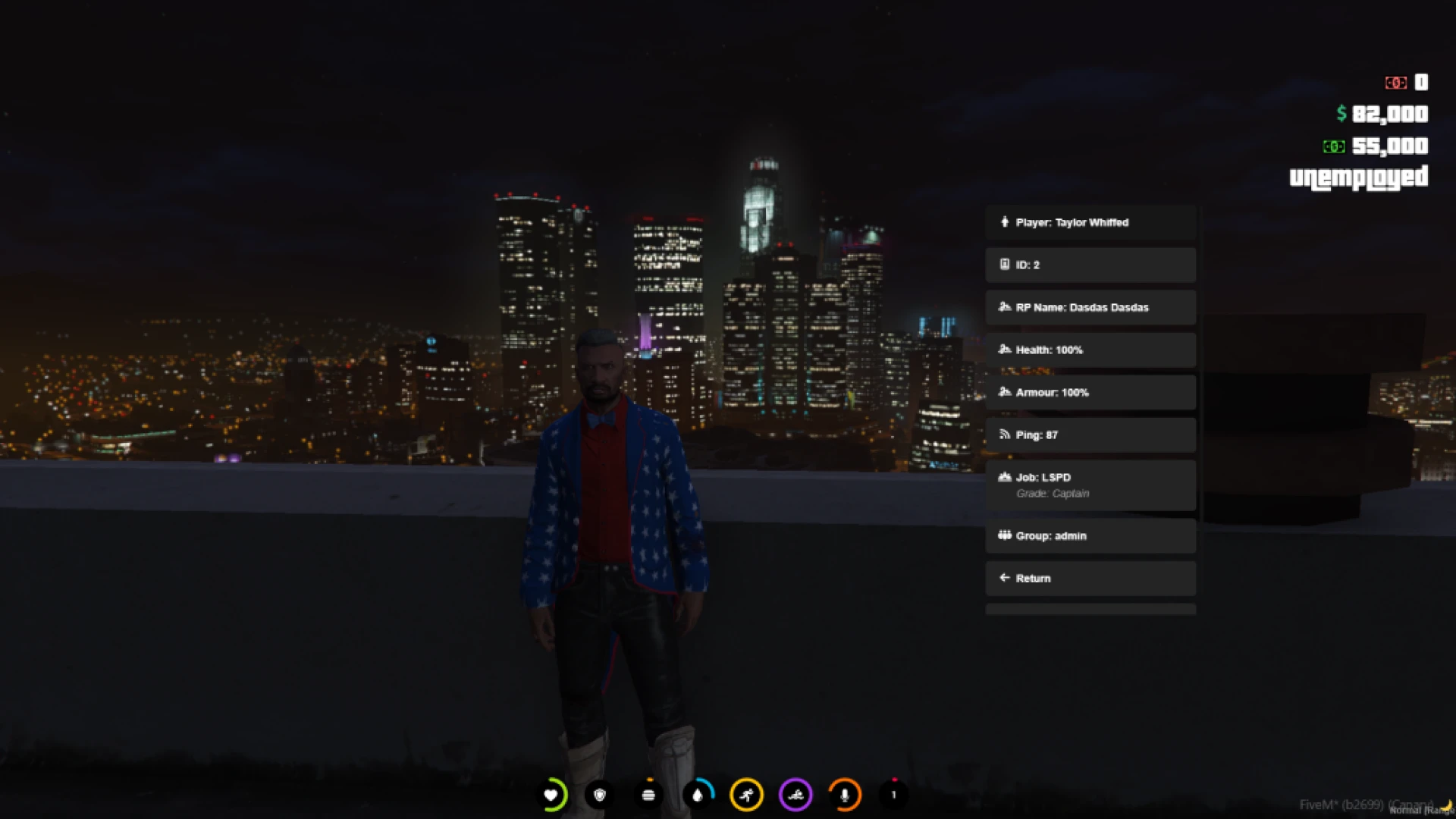
The modern HUD from Luki gives players an at-a-glance readout of everything that matters without ever cluttering the screen. It balances clarity and style so information stays instant while the interface still feels light, premium, and unobtrusive. That restraint is what makes it comfortable to look at across long sessions rather than something players want to hide.
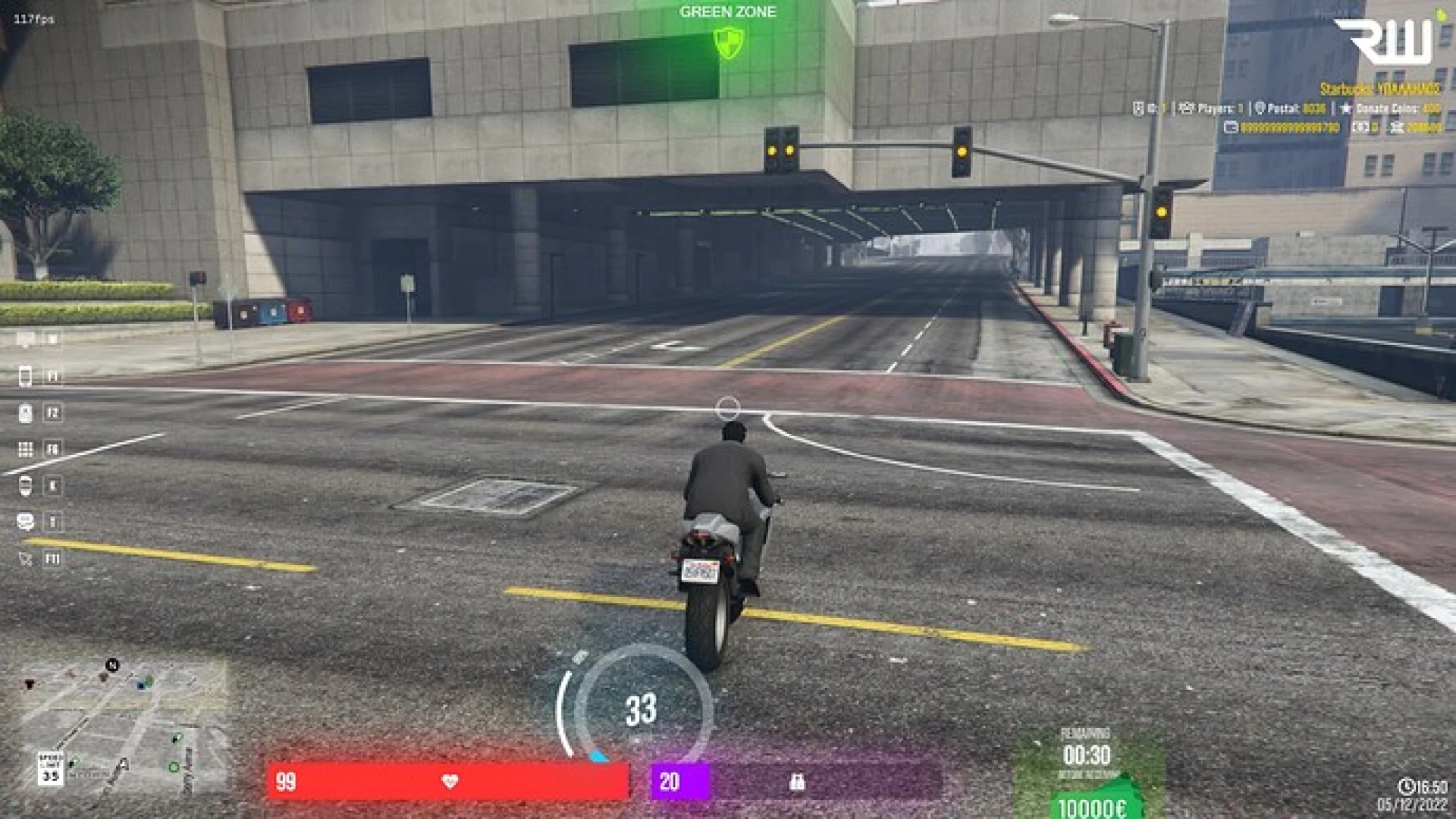
Core status values sit exactly where the eye expects them, and a dedicated vehicle panel appears the moment players get behind the wheel. The result is a heads-up display that supports immersion rather than fighting it, feeding players the numbers they need precisely when the situation calls for them. Nothing flashes for attention, and nothing important is ever buried.
What the modern HUD shows
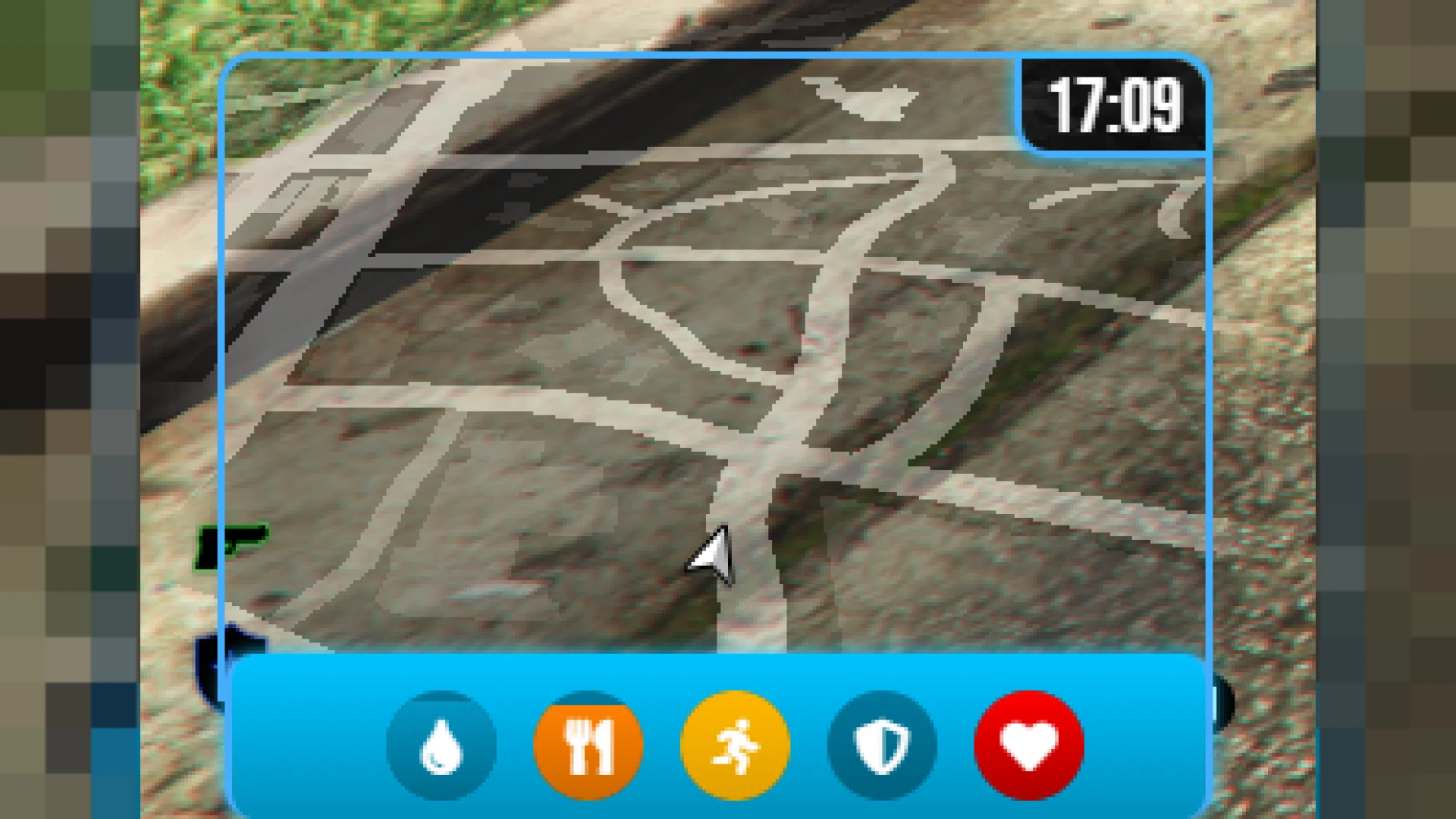
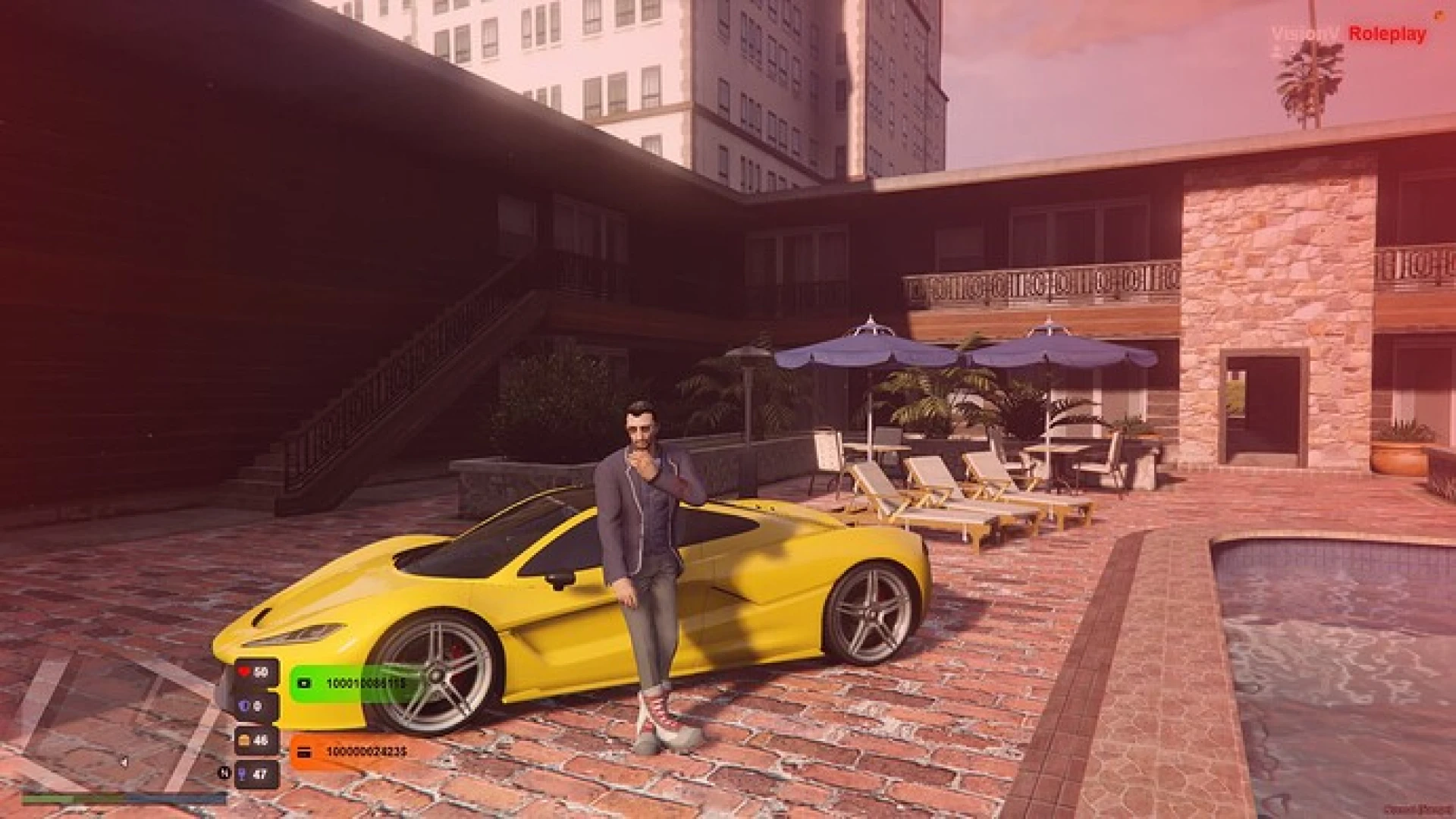
Every essential player stat is presented in a compact, readable layout that stays consistent from scene to scene. The design keeps contrast high so the bars remain legible against both bright daytime streets and dark interiors. That reliability means players learn to trust a glance instead of stopping to check a menu.
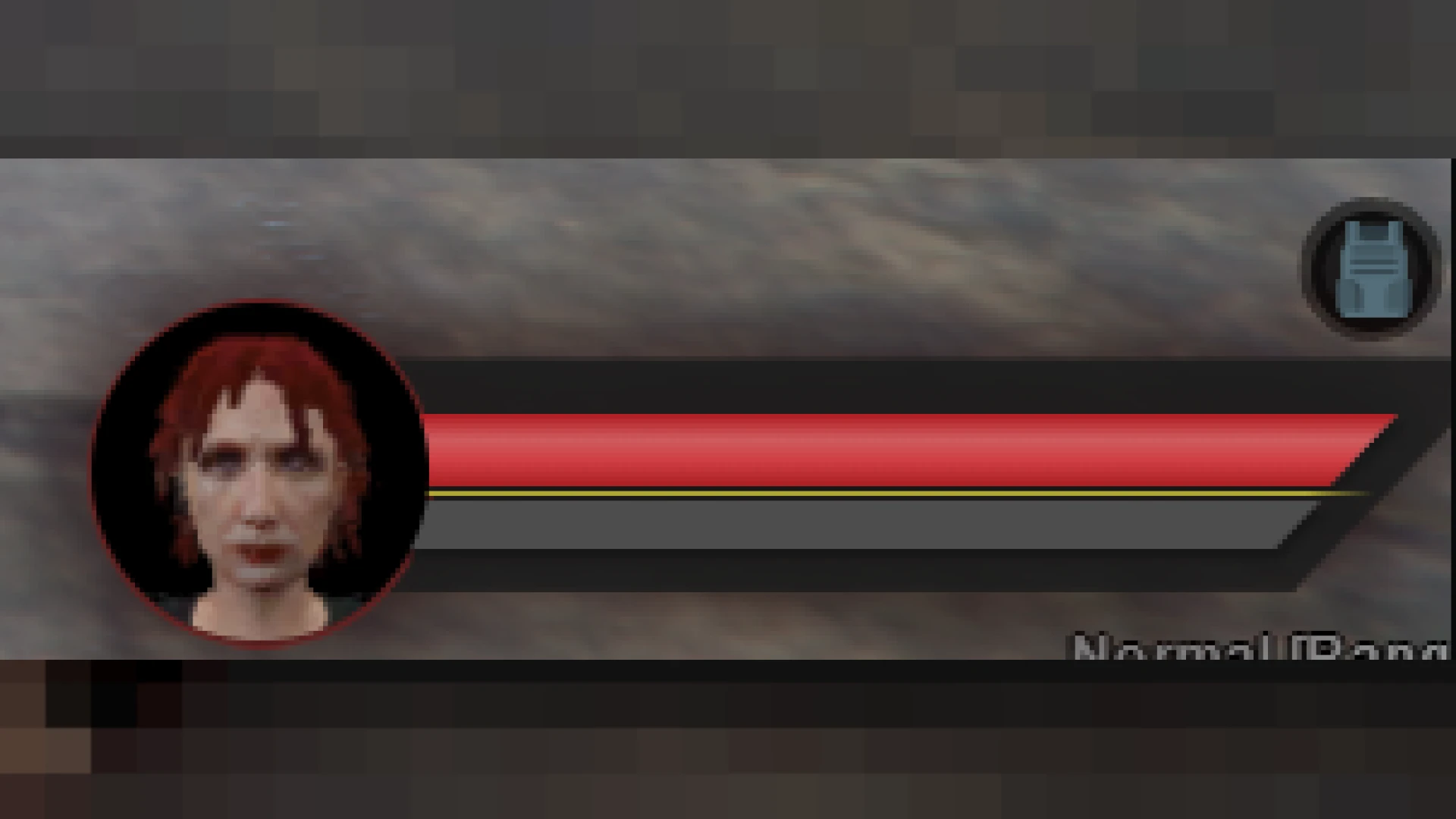
- Health and armor bars with smooth, responsive real-time updates
- Hunger and thirst indicators built for survival-style roleplay
- Vehicle panel with live speed, fuel, and seatbelt status
- Voice and microphone range indicators for proximity chat
- Money and job snippets that keep key details always in view
Customization that fits any city
Server owners can shape the look to match their brand down to the smallest detail. Colors, positions, and visible elements are all adjustable, so the HUD blends into your existing UI language instead of clashing with it. That flexibility lets a single resource feel custom-made for wildly different server themes.
- Configurable colors, opacity, and precise element positioning
- Toggle individual widgets on or off per server preference
- Lightweight rendering that avoids frame drops in busy areas
- Clean scaling across common screen resolutions and aspect ratios
- Simple install with a clearly documented configuration file
Because the HUD stays performance-friendly, it holds up even on busy servers with dozens of players packed into the same block. Nothing about it should ever get in the way of smooth gameplay, and the render cost stays negligible even during chaotic moments.
The tidy presentation also helps newcomers, who immediately understand their status without hunting through menus or asking in chat. That small clarity keeps sessions flowing and quietly reduces confusion in the crucial first minutes when a new player is still finding their feet.
Discover more interface upgrades in our scripts library, or compare alternatives in the HUD and UI collection to complete your dashboard.