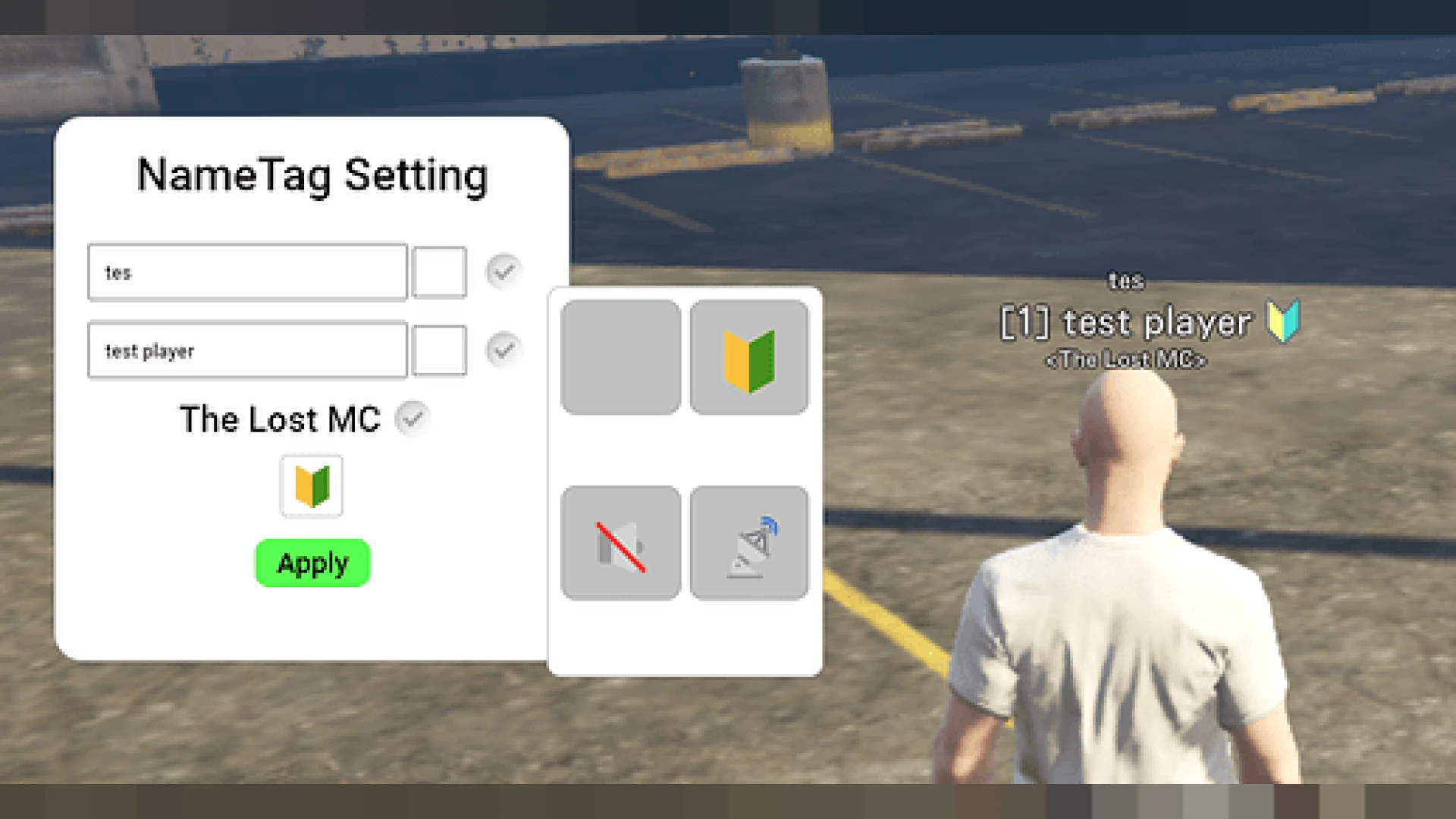
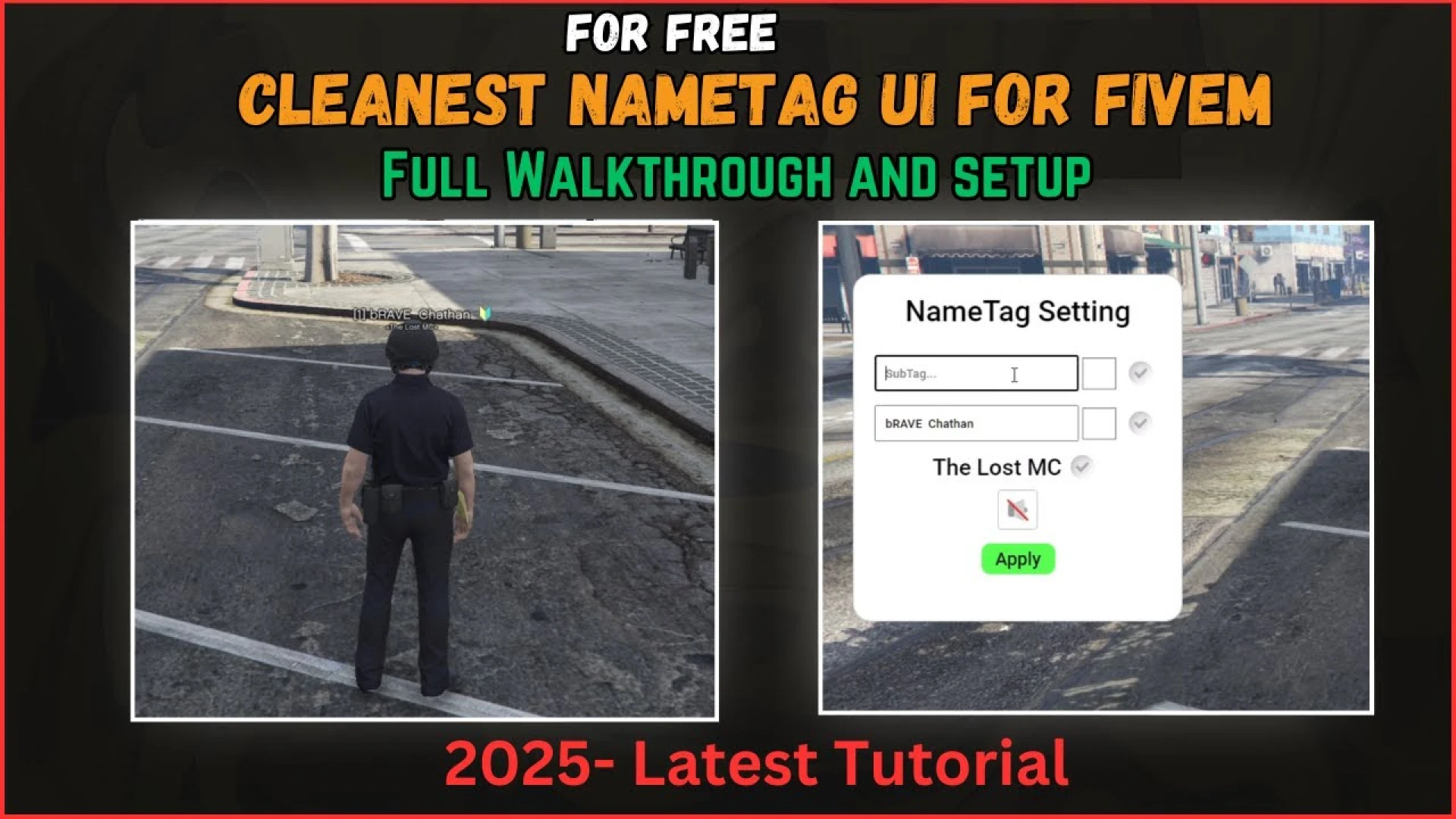
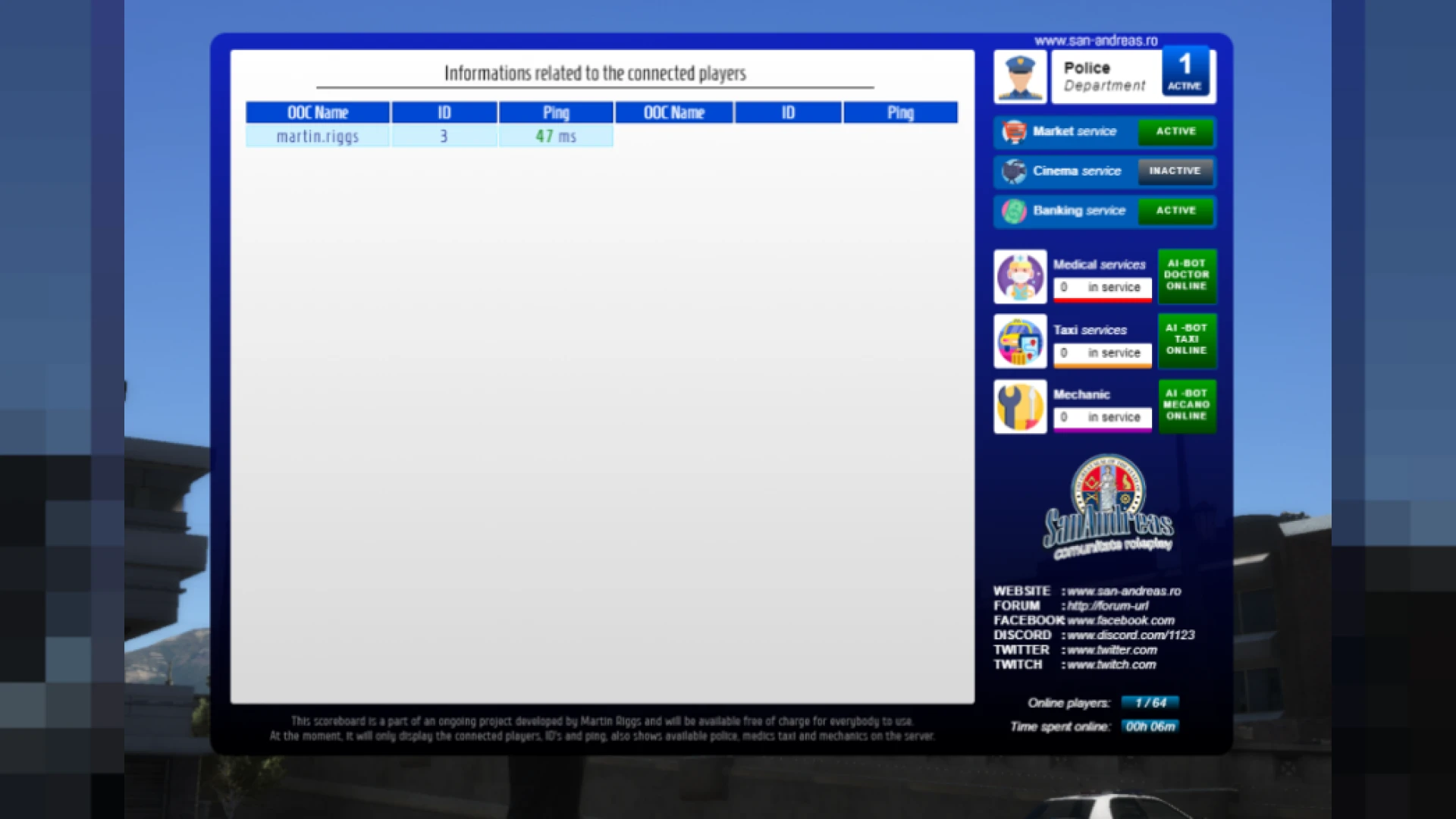
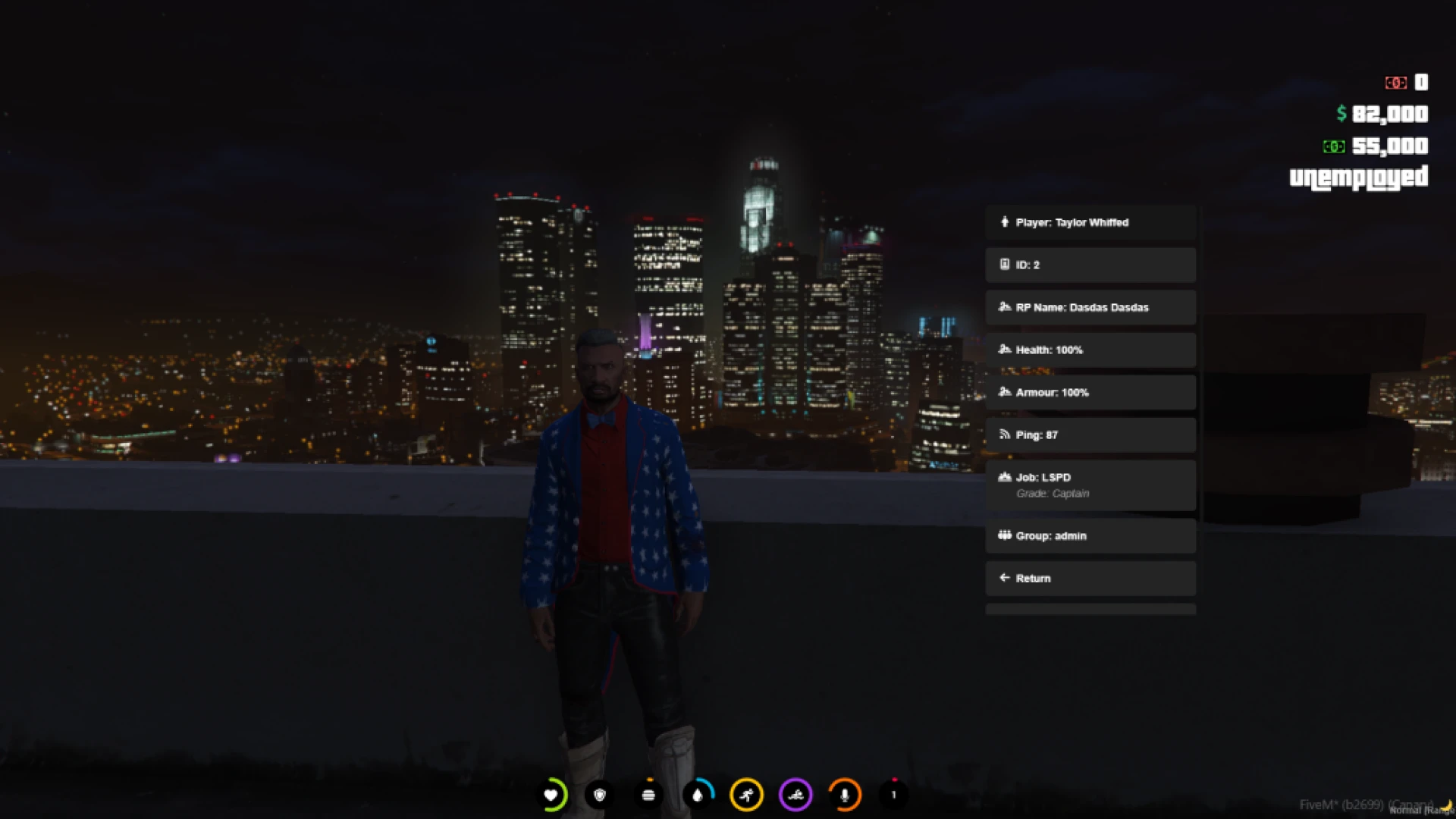
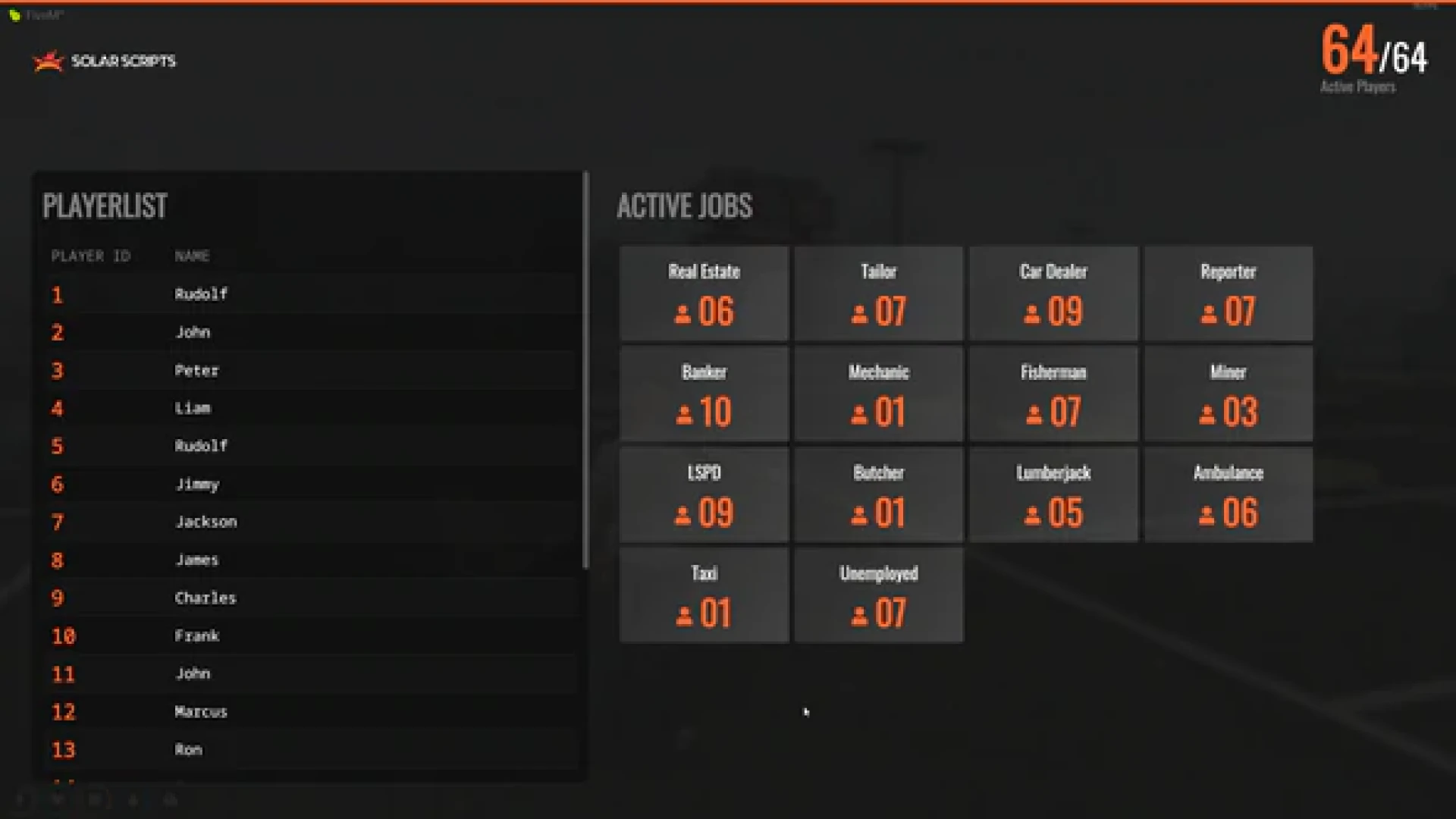
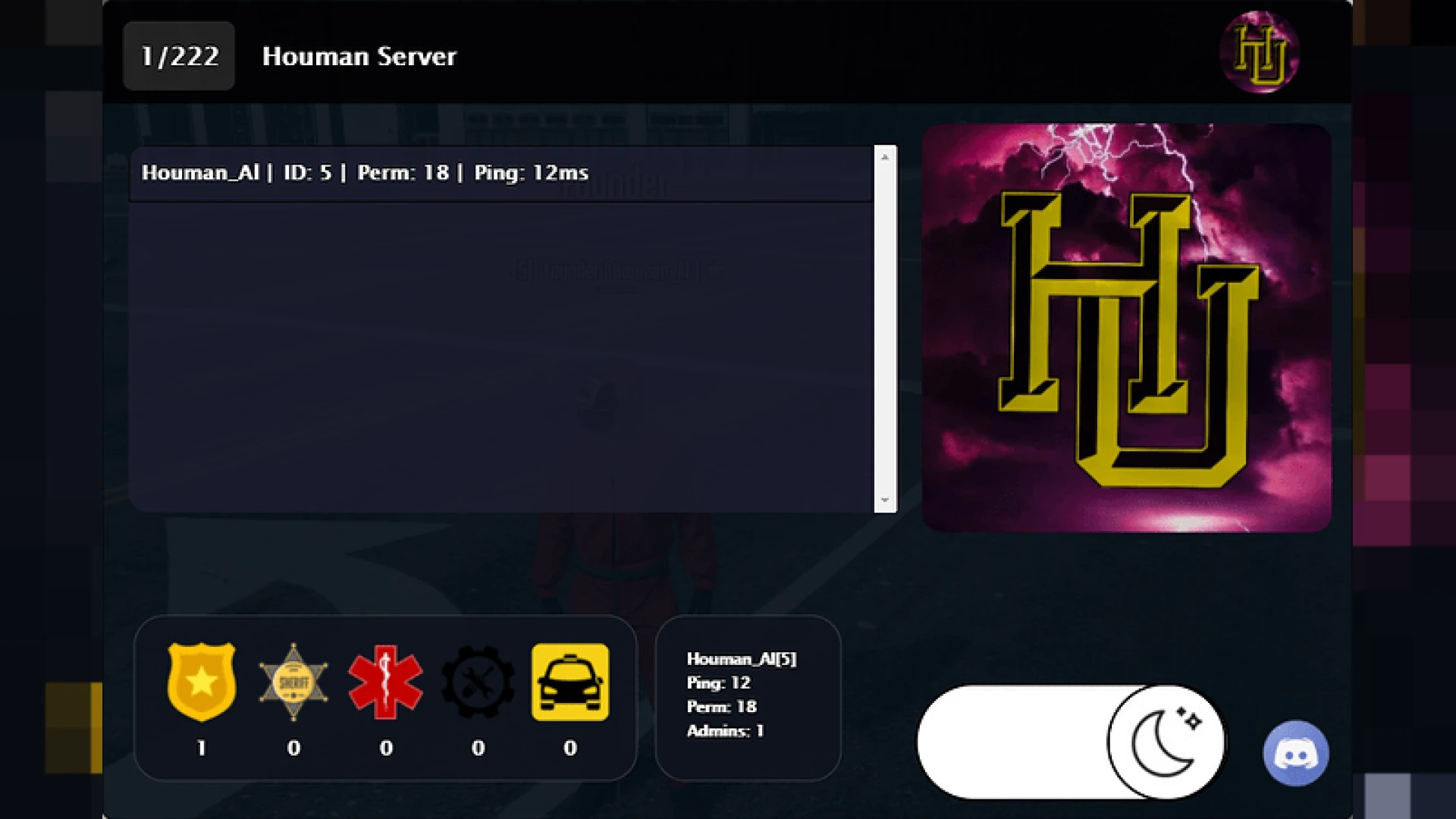
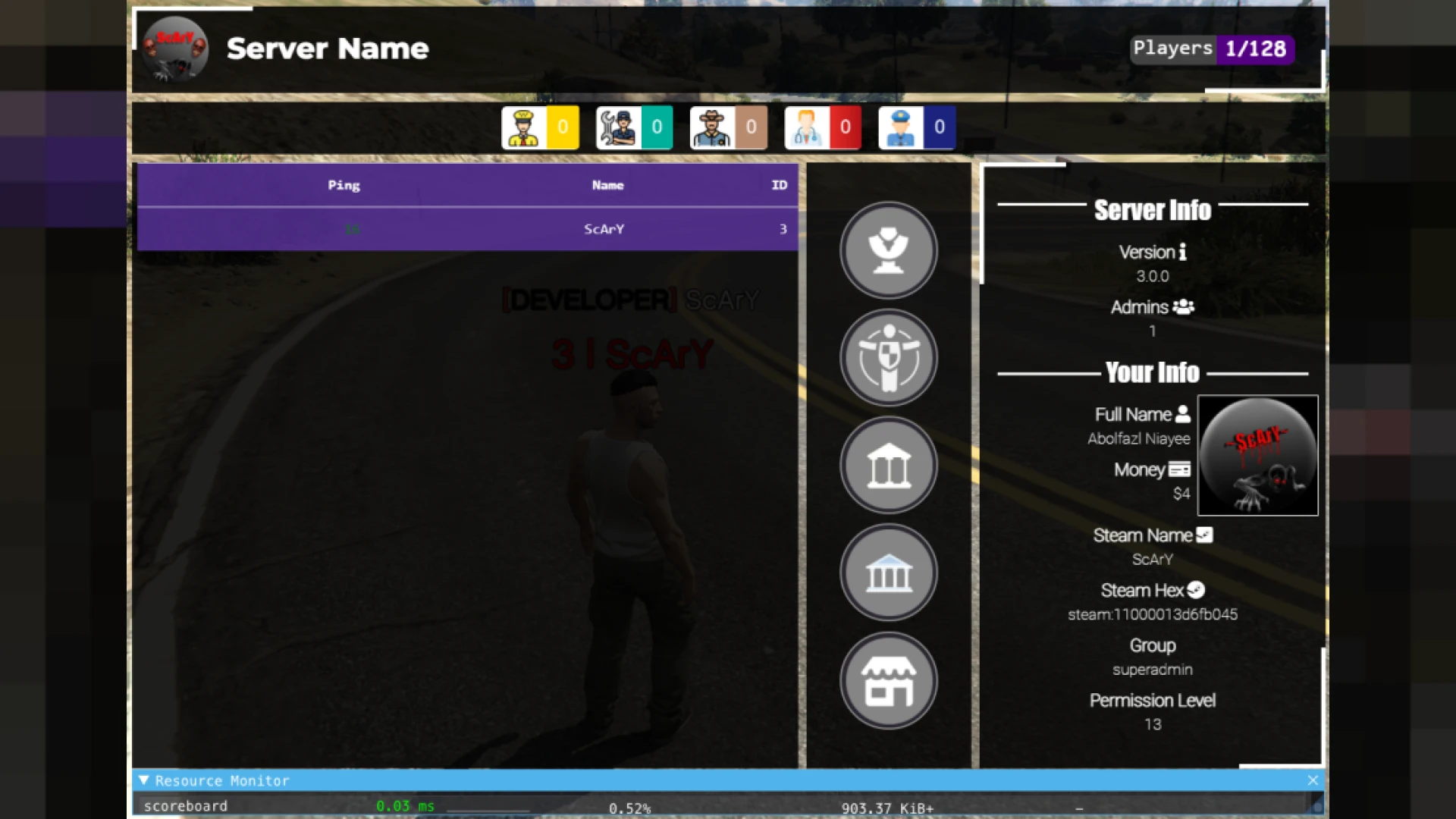
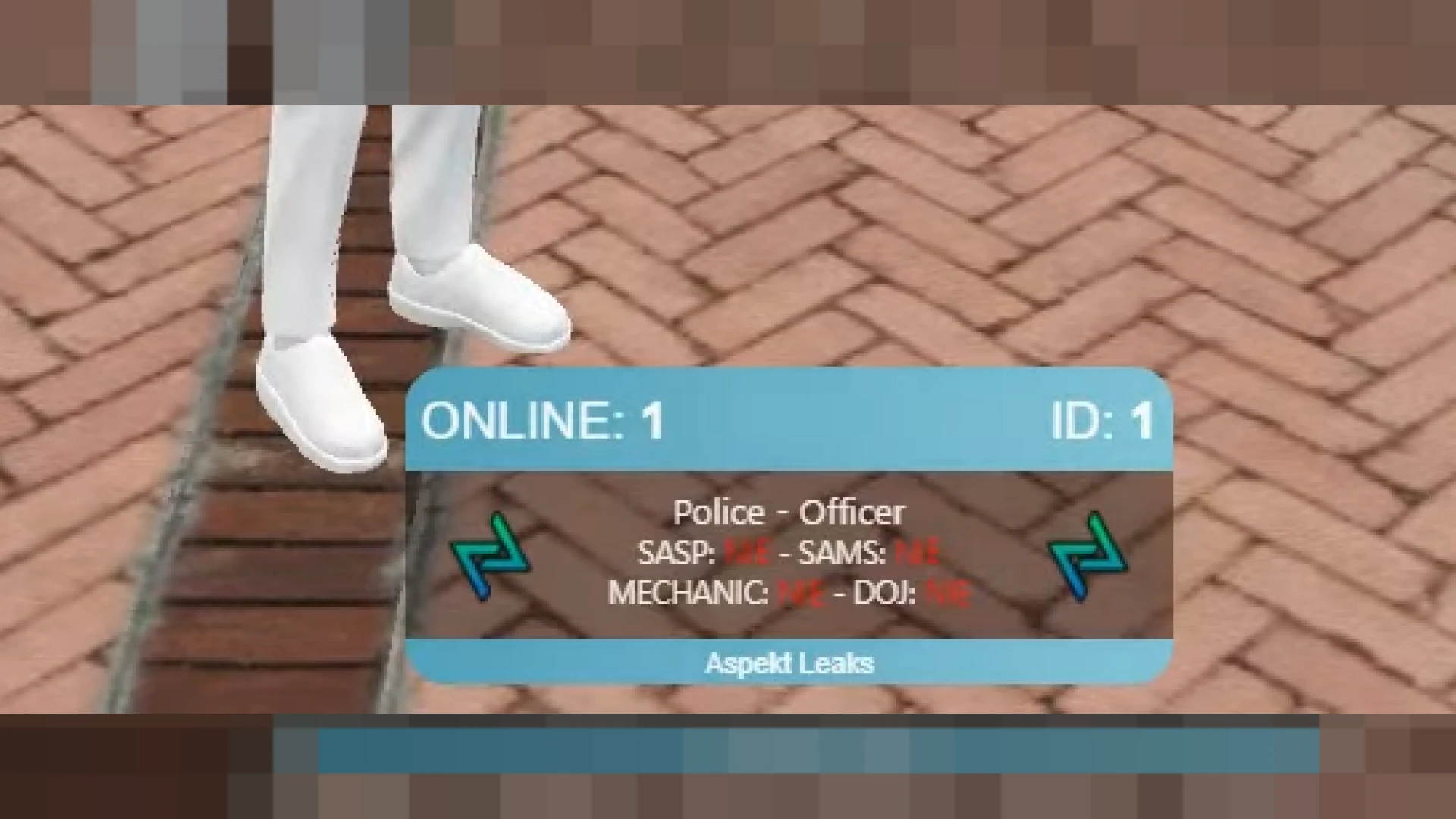
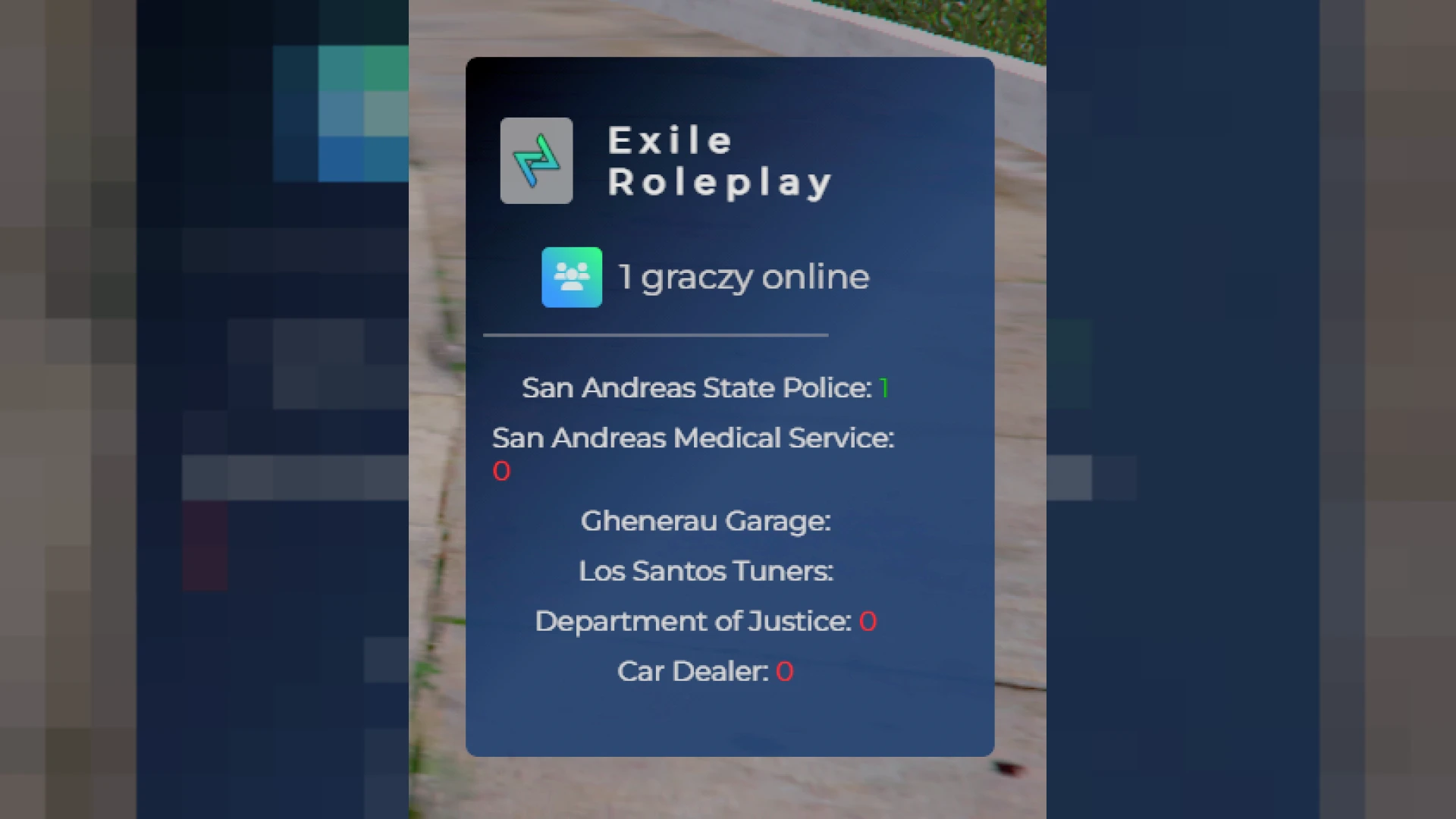
This nametag system displays clean player names and IDs above characters, making it far easier for your community to identify each other during busy roleplay scenes. Instead of squinting to work out who is who in a crowd, players get clear, readable tags that appear exactly where they need them, keeping interactions smooth and reducing the confusion that slows down large events. Clear identification is one of those quiet quality-of-life upgrades that staff and players both notice the moment it is missing.
Immersion matters, so the tags are designed to be subtle rather than intrusive. Names fade in within a sensible range and stay out of the way when players are apart, while mask support automatically hides real identities so anonymity actually means something. The result is a display that helps organisation without ever breaking the illusion that makes roleplay feel real.
What this nametag system provides
- Readable player names and IDs shown above characters.
- Range-based display so distant players stay uncluttered.
- Mask support that hides identities when faces are covered.
- Toggle commands for your own tag and others.
- Lightweight rendering that respects server performance.
Made for large roleplay communities
- Line-of-sight handling so tags feel natural in scenes.
- Customisable colours to match ranks or factions.
- Simple config for ranges, styling, and defaults.
- Stable behaviour even on high-population servers.
- Quick setup that works across common frameworks.
On a packed server, knowing who you are talking to changes everything, and clear tags help both players and staff keep control of chaotic moments. Fights, negotiations, and public events run more smoothly when nobody has to stop and ask for a name, which means the story keeps moving and everyone stays immersed in the action. Keeping scenes readable means the story never stalls, and that momentum is what turns a busy server into a genuinely fun one.
Getting started is painless. Add the resource, adjust the config to set your ranges, colours, and toggle keys, then restart the server. The documentation explains each option in plain language, so you can shape the tags to fit your community and have them live for players without touching complex code.
Bring order to your busiest scenes and explore more interface tools in our HUD and UI scripts collection, or browse the wider range of FiveM scripts for your server.