This QBCore HUD script delivers a clean, community-favorite status display based on the well-known PS-HUD. It surfaces the vital stats players need without cluttering the screen or distracting from the action.
A good HUD is glanceable. Players should read their health, armor and needs in a fraction of a second, then get back to roleplay. This overlay is tuned for exactly that kind of effortless clarity.
What this QBCore HUD script shows
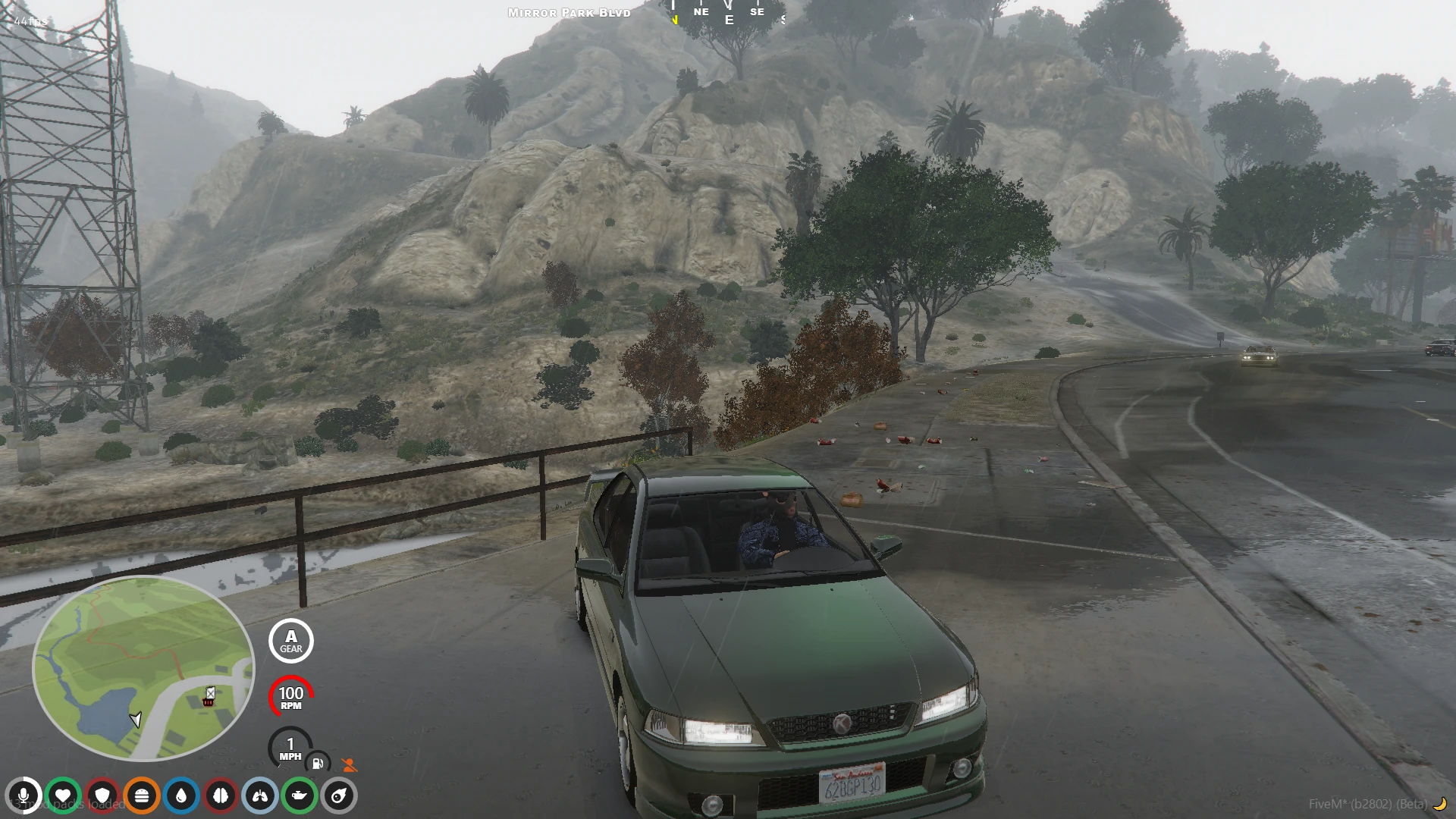
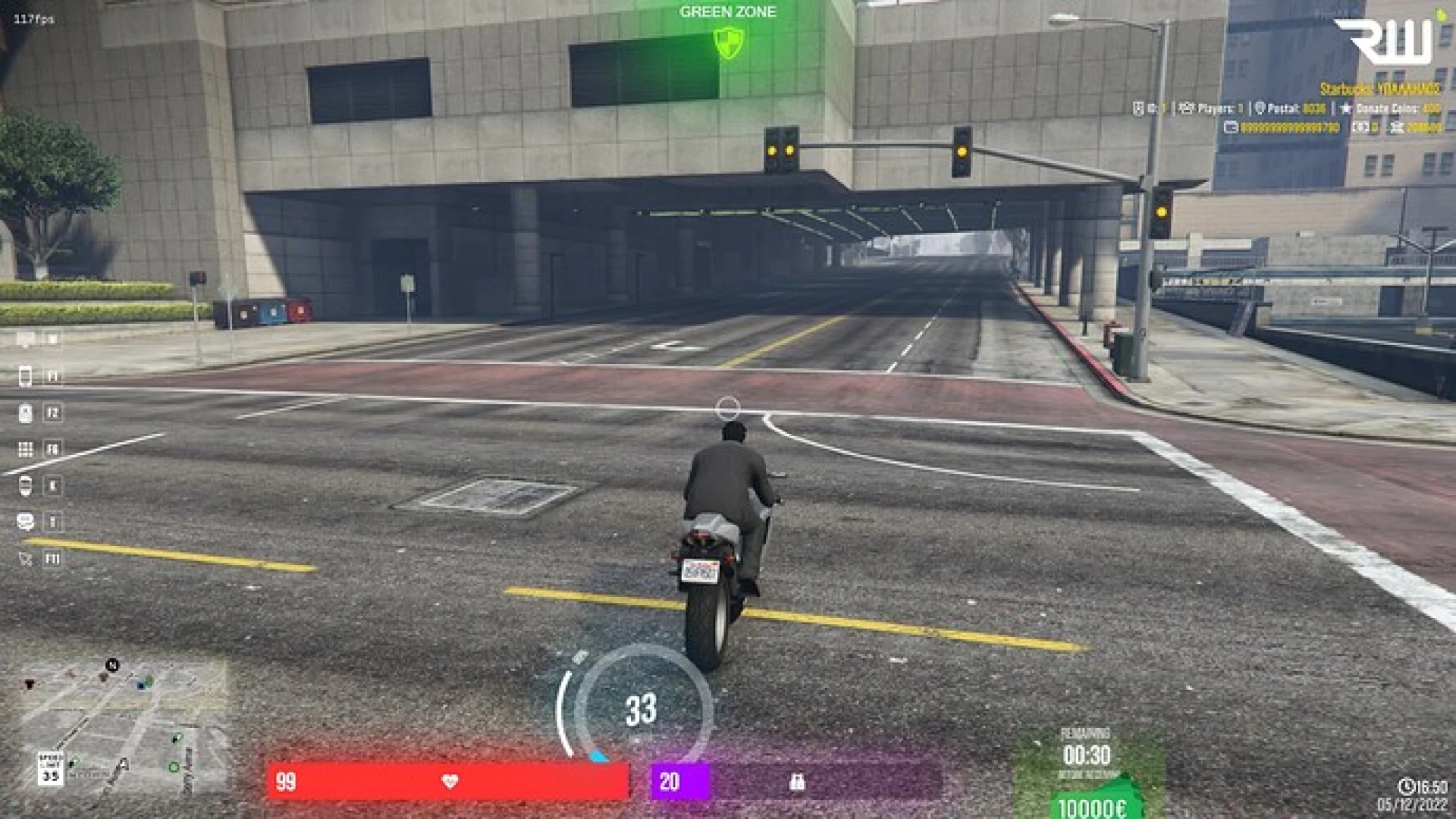
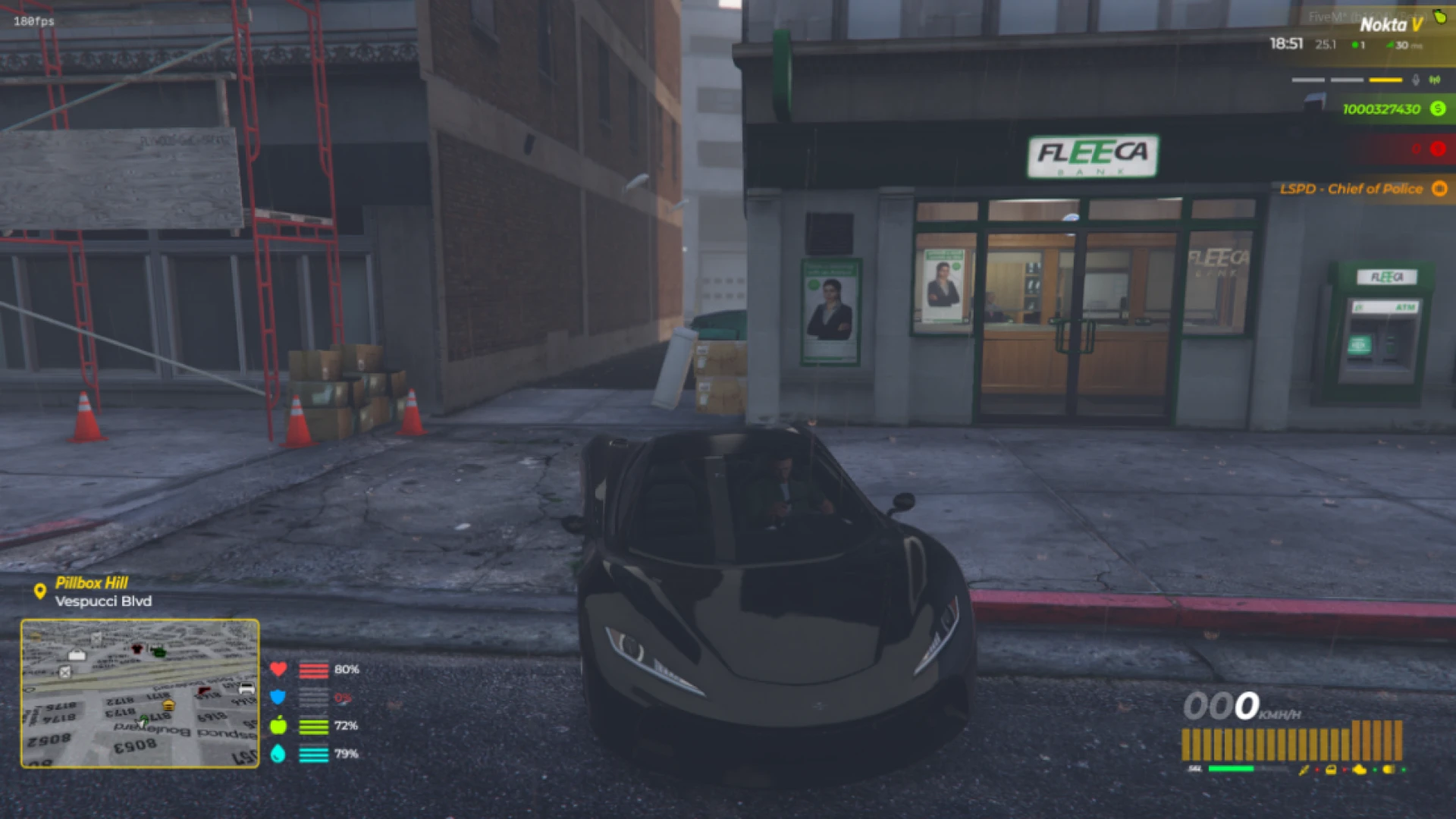
Every essential stat lives in one tidy cluster, with icons and rings that fill and empty smoothly. When you jump in a vehicle, the HUD expands to include speed and fuel without covering the road.
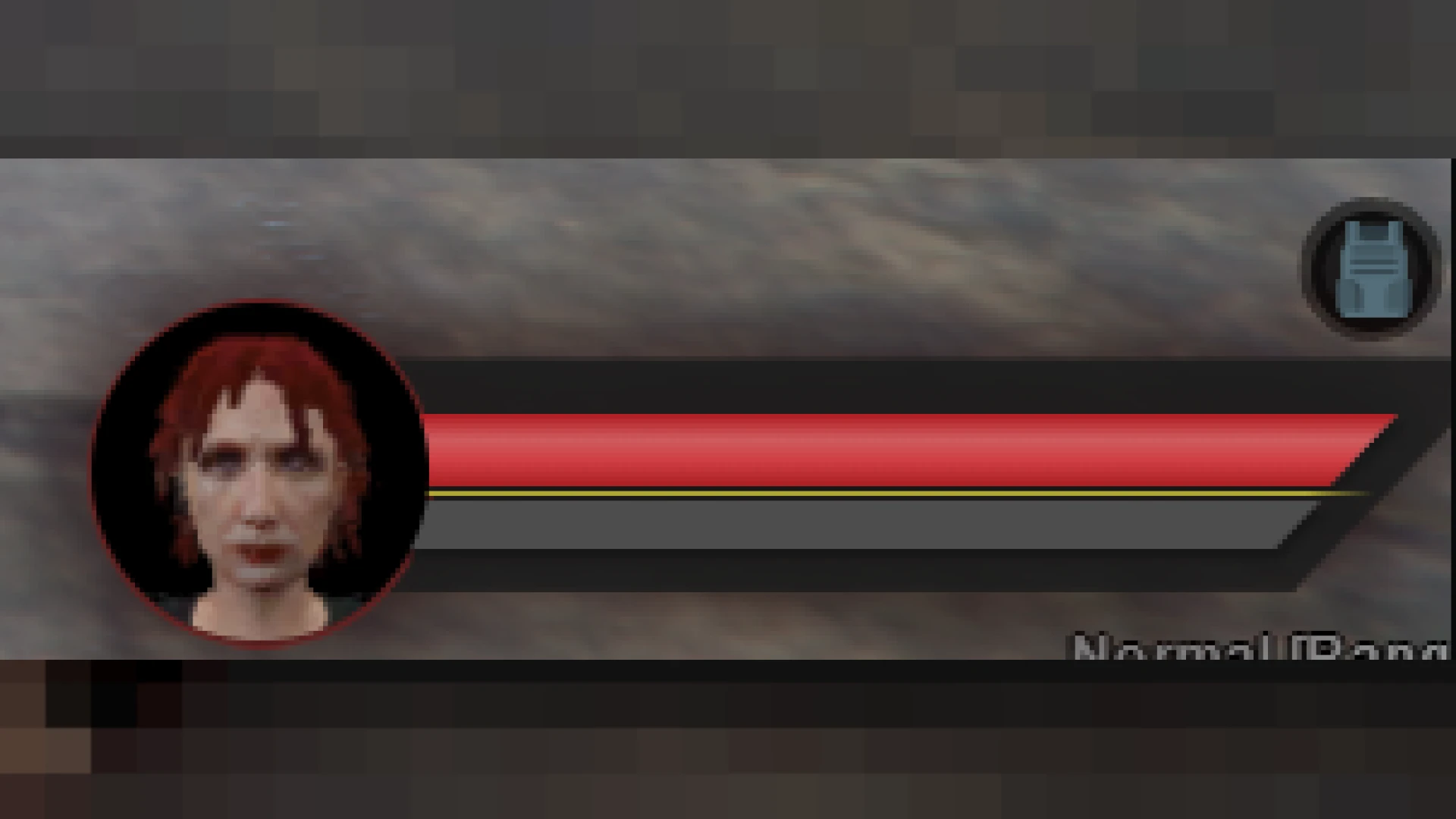
- Health, armor, hunger, thirst, stamina and oxygen indicators
- Vehicle panel with speedometer, fuel and gear
- Compass and street awareness for easy navigation
- Voice and radio status at a glance
- Clean icon set that reads instantly under pressure
Customizable and player friendly
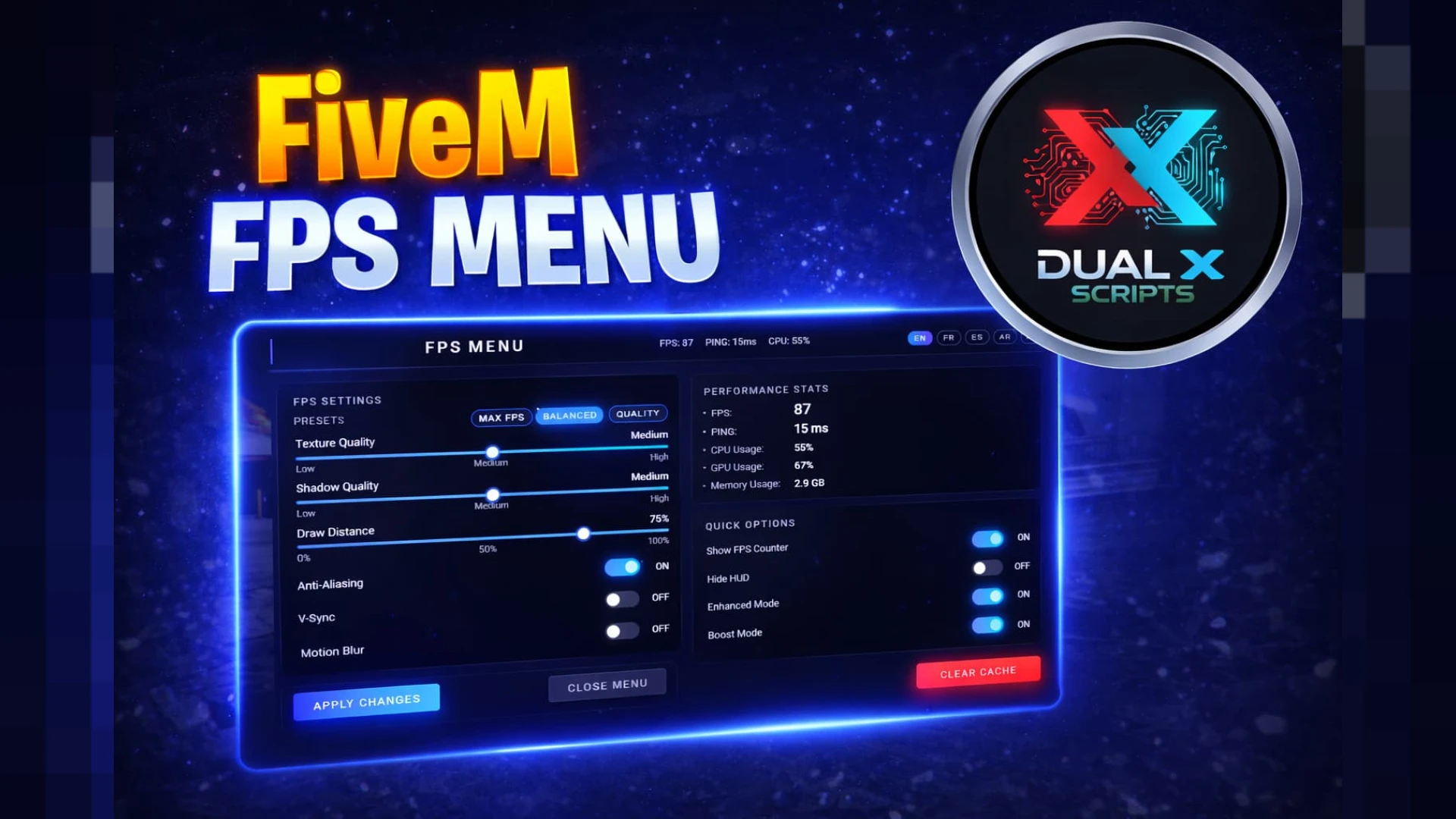
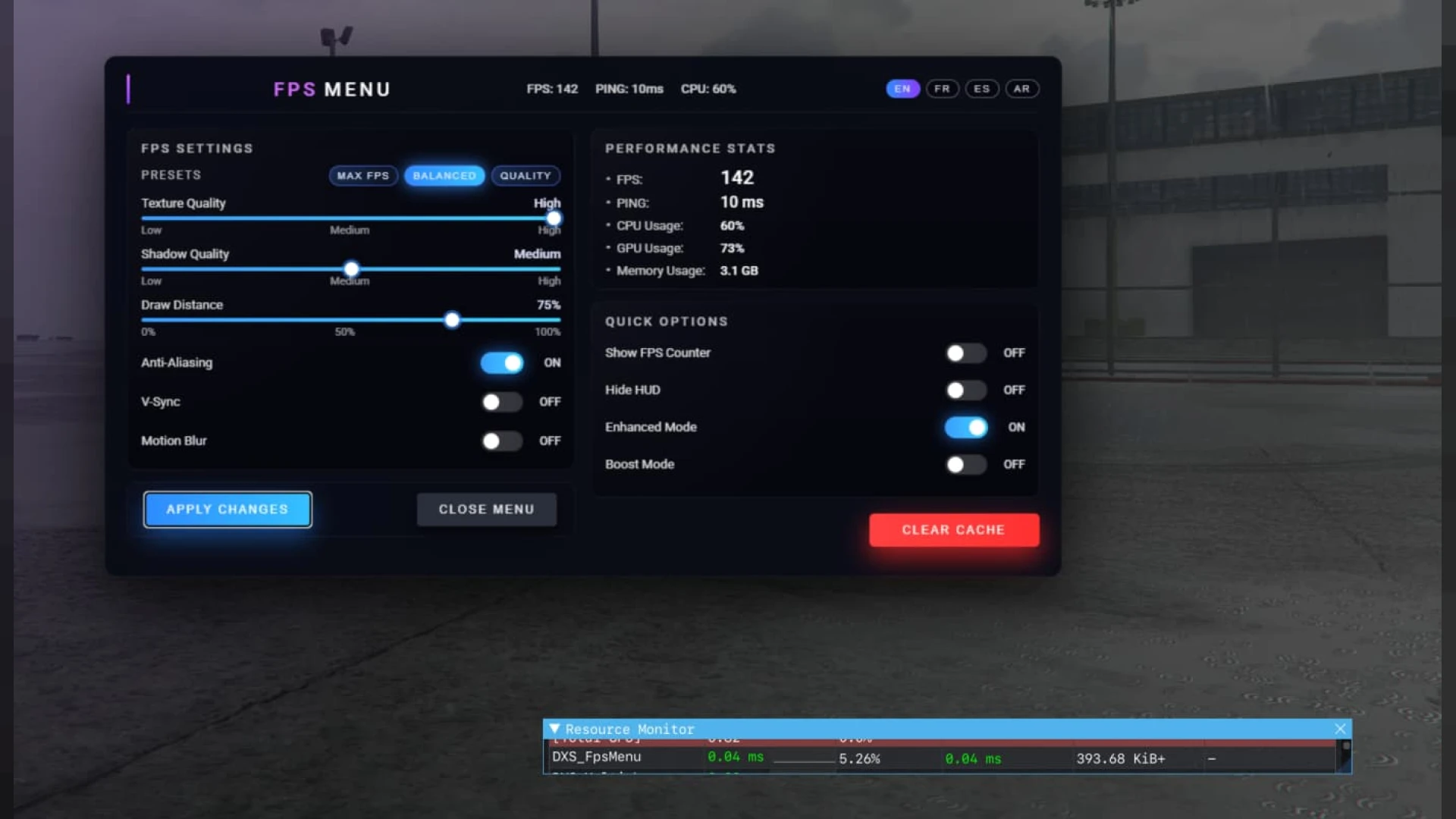
Players are not stuck with one look. The HUD menu lets them tune what shows, resize elements and adjust the feel so it fits how they play, which cuts down on support tickets and complaints.
- In-game menu to toggle and reposition elements
- Adjustable size, opacity and layout presets
- Broad compatibility with QBCore, ESX and Qbox
- Optimized draw logic that stays light in resmon
- Config defaults you can lock down server-wide
Because it is based on such a widely used foundation, most of your community will already feel at home the moment they load in. That familiarity is a real advantage when you want new players to settle quickly.
Under the hood, the resource is careful about performance, updating values efficiently rather than hammering the client every frame. Your server keeps its headroom for the systems that need it most.
Installation is straightforward: add the resource, set your defaults and restart. To keep polishing your interface, browse our hud-ui-scripts collection and the complete scripts library.
For a roleplay community the small things matter as much as the headline feature, and everything here is set up to feel deliberate and reliable in day-to-day play rather than janky or out of place, so it keeps paying off long after the first install.