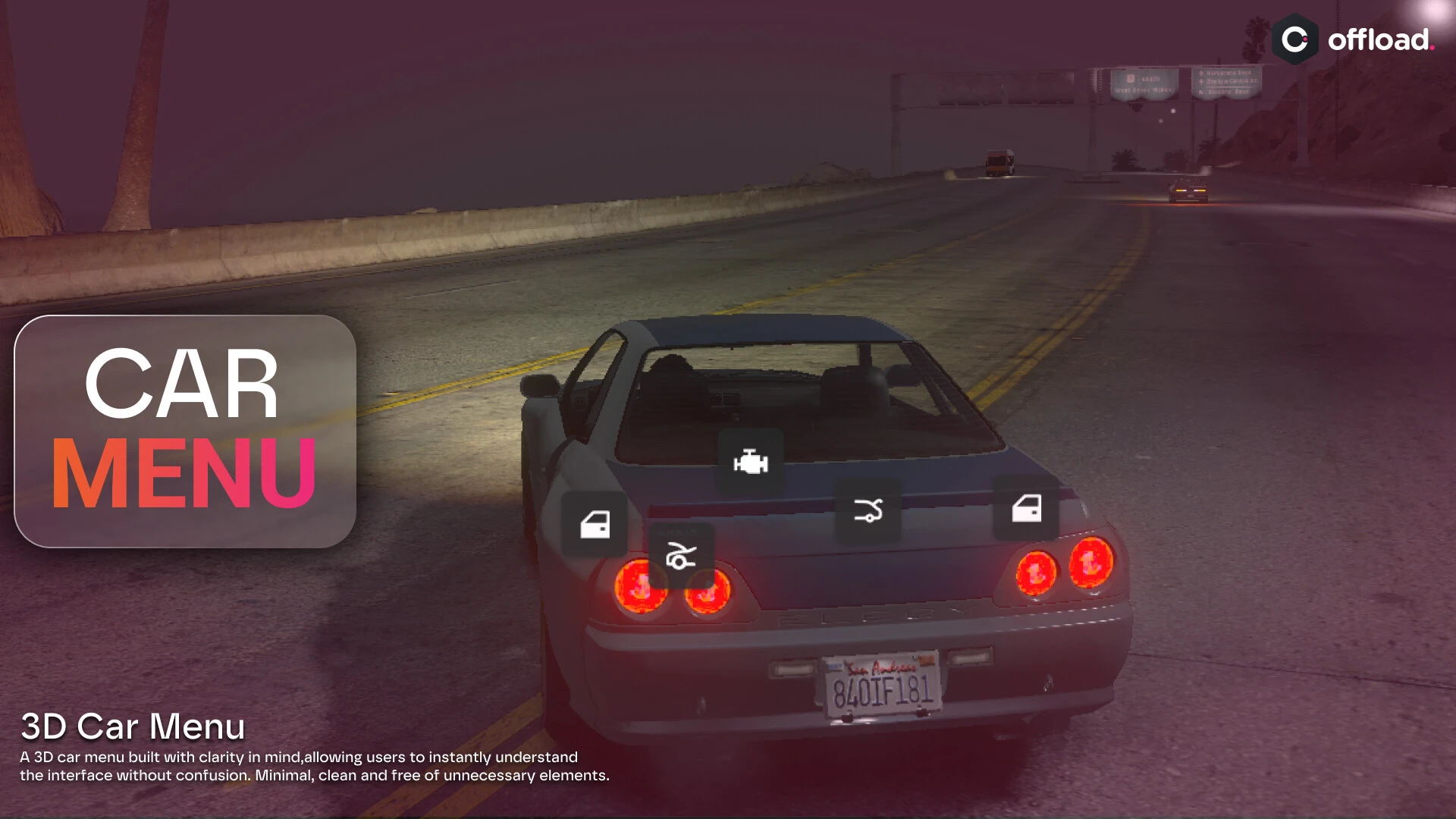
Clean floating 3D text and interaction prompts for markers and objects — any framework
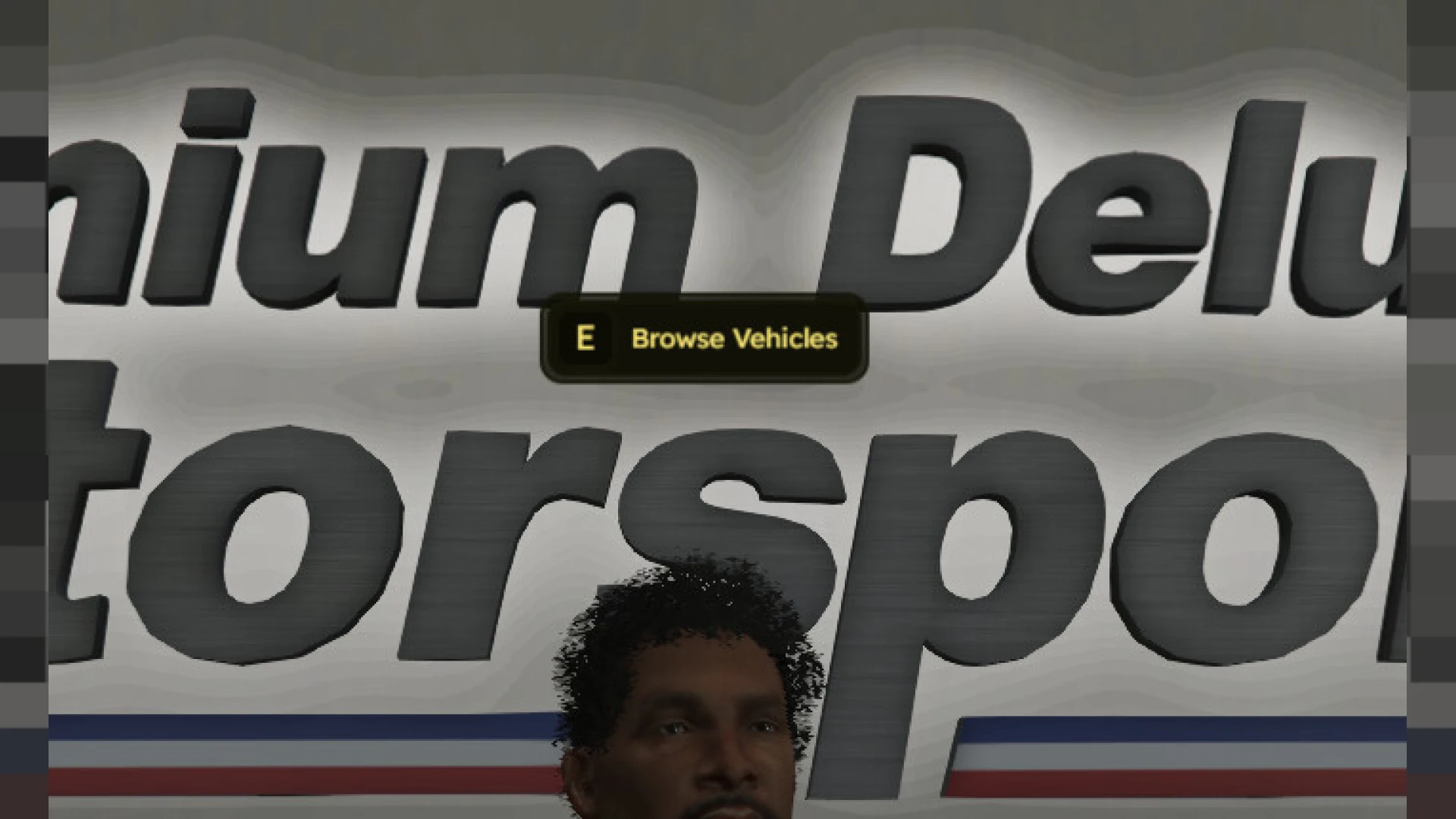
Interaction prompts are everywhere on a server — "press E to open," "hold to search," labels floating over shops and doors — and the default ones look dated. 3D Text UI replaces them with clean, modern floating text that any script can call, so every prompt and label in your city finally shares one sharp, consistent look instead of a mismatched jumble.
What the 3D text UI offers
- Clean floating 3D text anchored to markers, objects and locations.
- Modern styling that reads clearly at a glance and at distance.
- Simple exports any script can call to show a prompt or label.
- Configurable colors, sizes and icons.
- Smooth appearance so prompts fade in and out cleanly.
Why consistent prompts matter
- Every interaction on your server uses text like this — upgrading it upgrades everything.
- One consistent style makes your whole city feel coherent.
- Clear, readable prompts help players understand what they can do.
- Modern floating text looks premium next to the default drawtext.
- It is a tiny change with server-wide visibility.
Clean and light
- Standalone — works on ESX, QBCore, Qbox or vanilla.
- Drop-in exports let existing scripts adopt it instantly.
- Configurable everything in open, readable files.
- Optimized so a screen full of prompts stays smooth.
Because nearly every script on your server shows interaction text, a single clean 3D text system quietly raises the perceived quality of your entire city at once. It is one of the highest-leverage UI upgrades available, since one drop-in change touches every prompt and label your players read all day long.
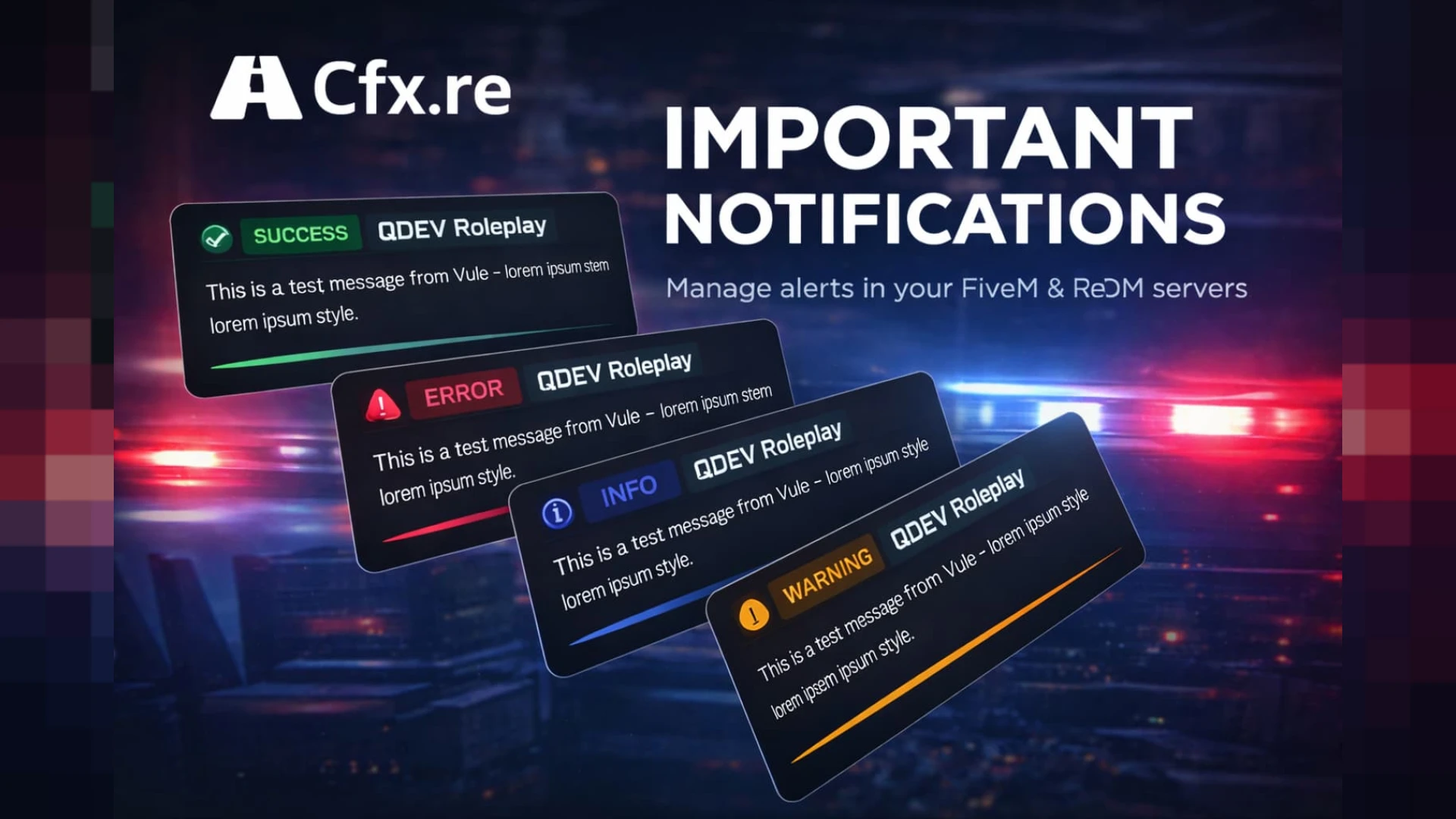
Pair it with our QDEV Notify and browse more HUD & UI scripts.
Because nearly every script shows interaction text, a single clean 3D system raises the perceived quality of your whole city at once, touching every prompt and label your players read all day long.