Create and manage map blips entirely in-game with icons, colors and categories for QBCore
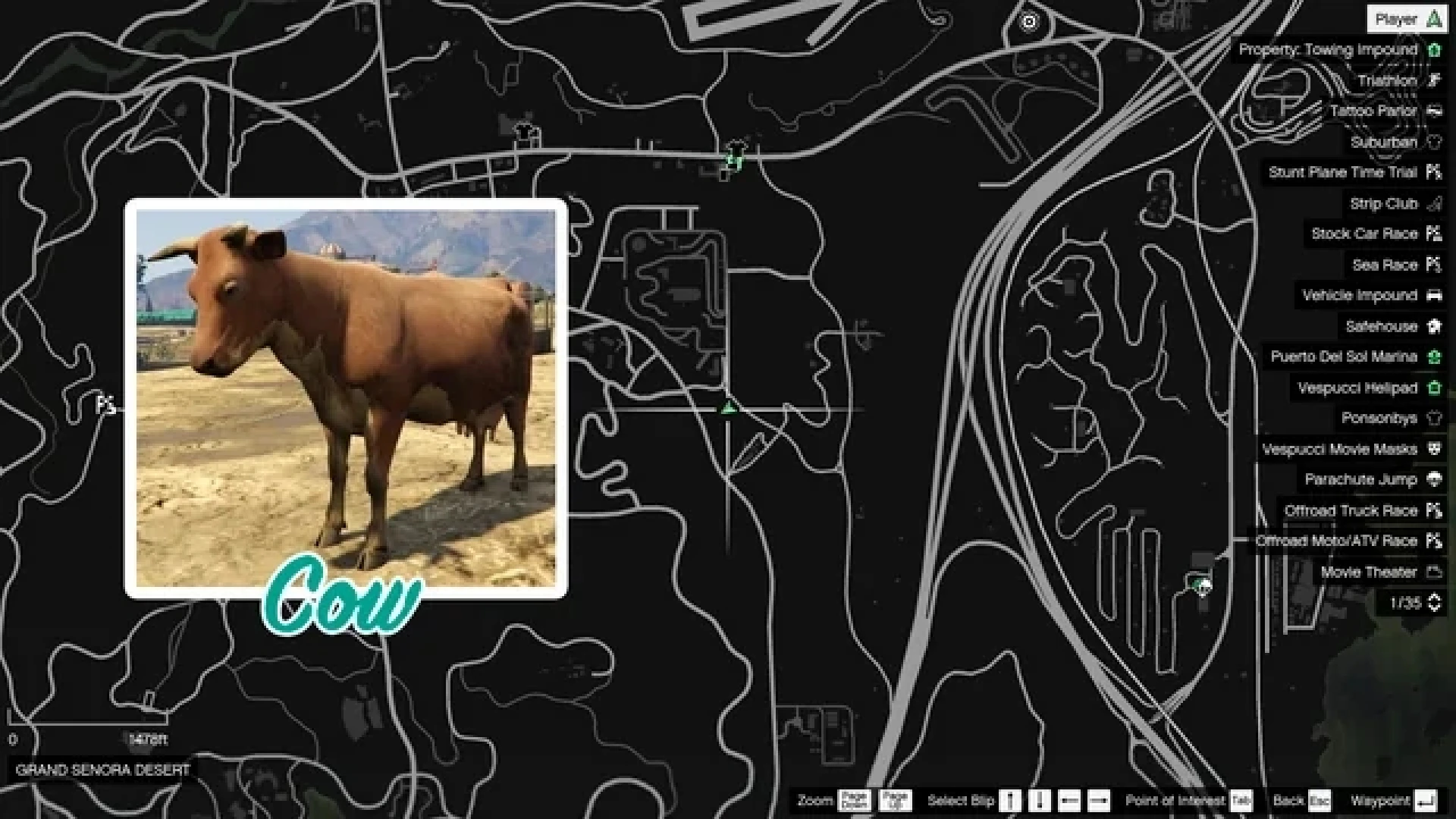
Map blips are how players find everything your city offers — shops, jobs, services, events — yet most servers manage them across a dozen scattered config files. Blip Creator centralizes the whole job and moves it in-game: stand where you want a marker, pick an icon and color, and it appears on the map. No coding, no restarts, no scavenger hunts.
What the blip creator does
- Add markers directly in-game at your current location.
- Choose from the full range of icons, colors and scales.
- Organize markers into categories you can toggle on and off.
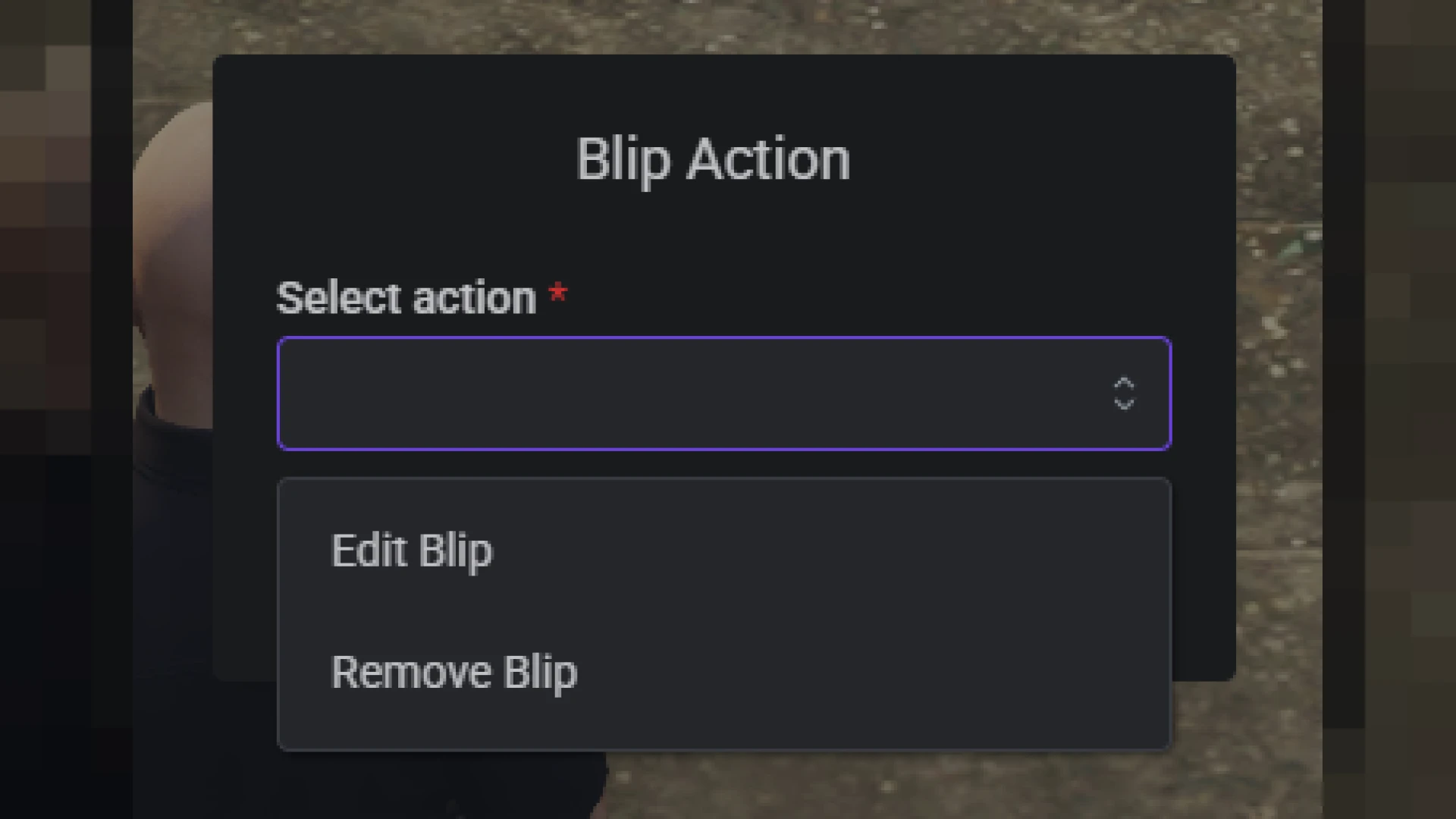
- Edit, move and remove existing markers from one panel.
- Everything saves persistently, surviving restarts.
Who reaches for it
- Owners marking new shops, jobs and services without a developer.
- Event teams adding temporary blips for festivals and storylines.
- Non-technical staff keeping the map tidy and current.
- Anyone opening districts or seasonal content on the fly.
- Servers that want a single, consistent source of truth for the map.
Clean and light
- Built for QBCore with a straightforward install.
- Configurable defaults and permissions in open files.
- Central management replaces blips scattered across resources.
- Lightweight and stable at any map size.
Navigation is a genuine first-impression feature — new players judge a city by how easily they find things — and centralizing blip management makes keeping the map clear a two-minute job instead of a treasure hunt through config files. It is quiet infrastructure that pays off every time your city changes.
Pair it with our Job Creator System and browse more admin & utility scripts.
Centralising this into one visual tool means a marker is drawn against the real world exactly where it should sit, and keeping the whole map current becomes a task any staff member can handle in a couple of minutes.
It is the kind of quiet, dependable utility that a growing server relies on constantly without ever thinking about it, which is the highest compliment a tool like this can earn.