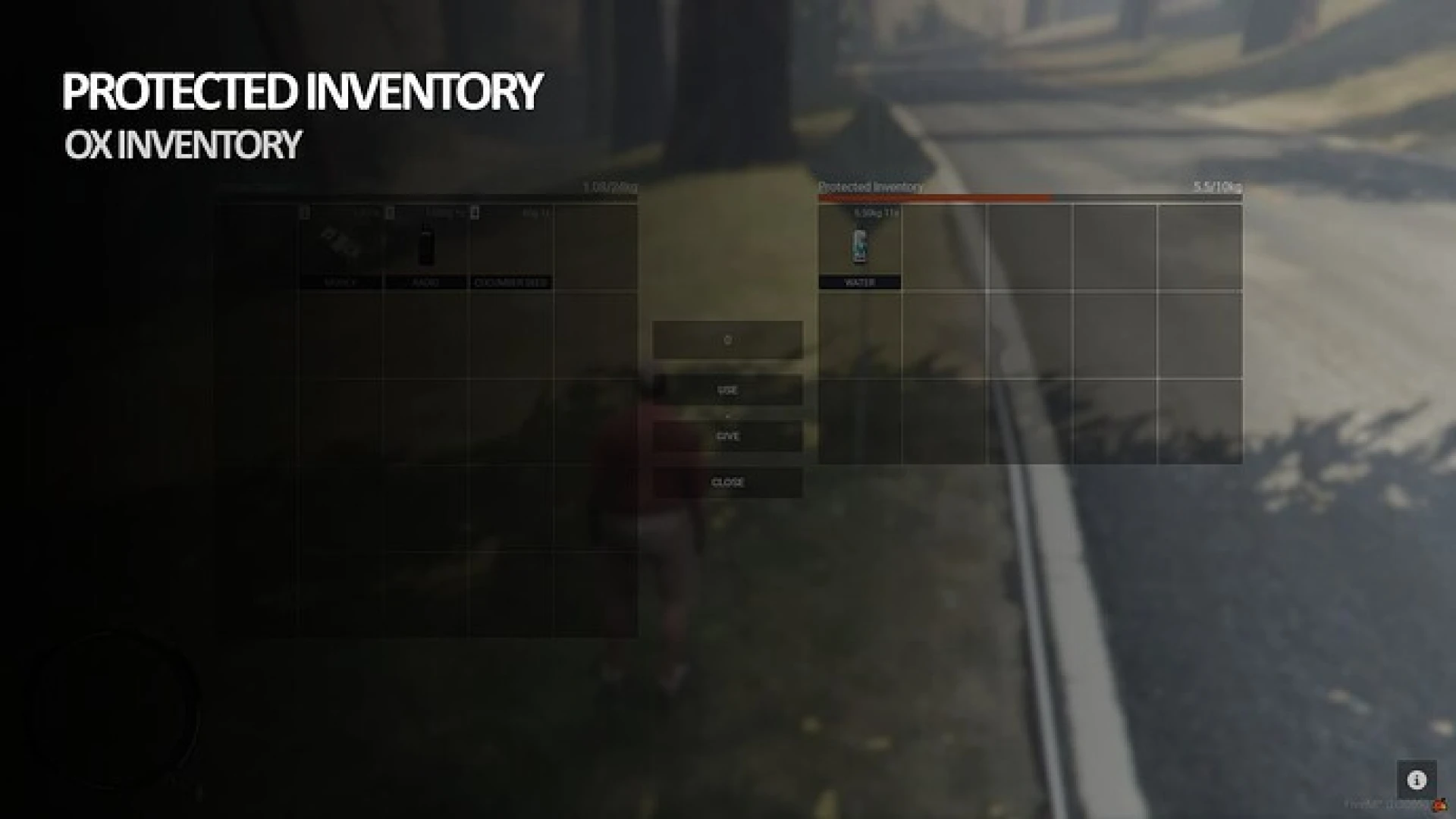
Starter pack of 50+ clean, consistent inventory item images for ESX, QBCore and OX
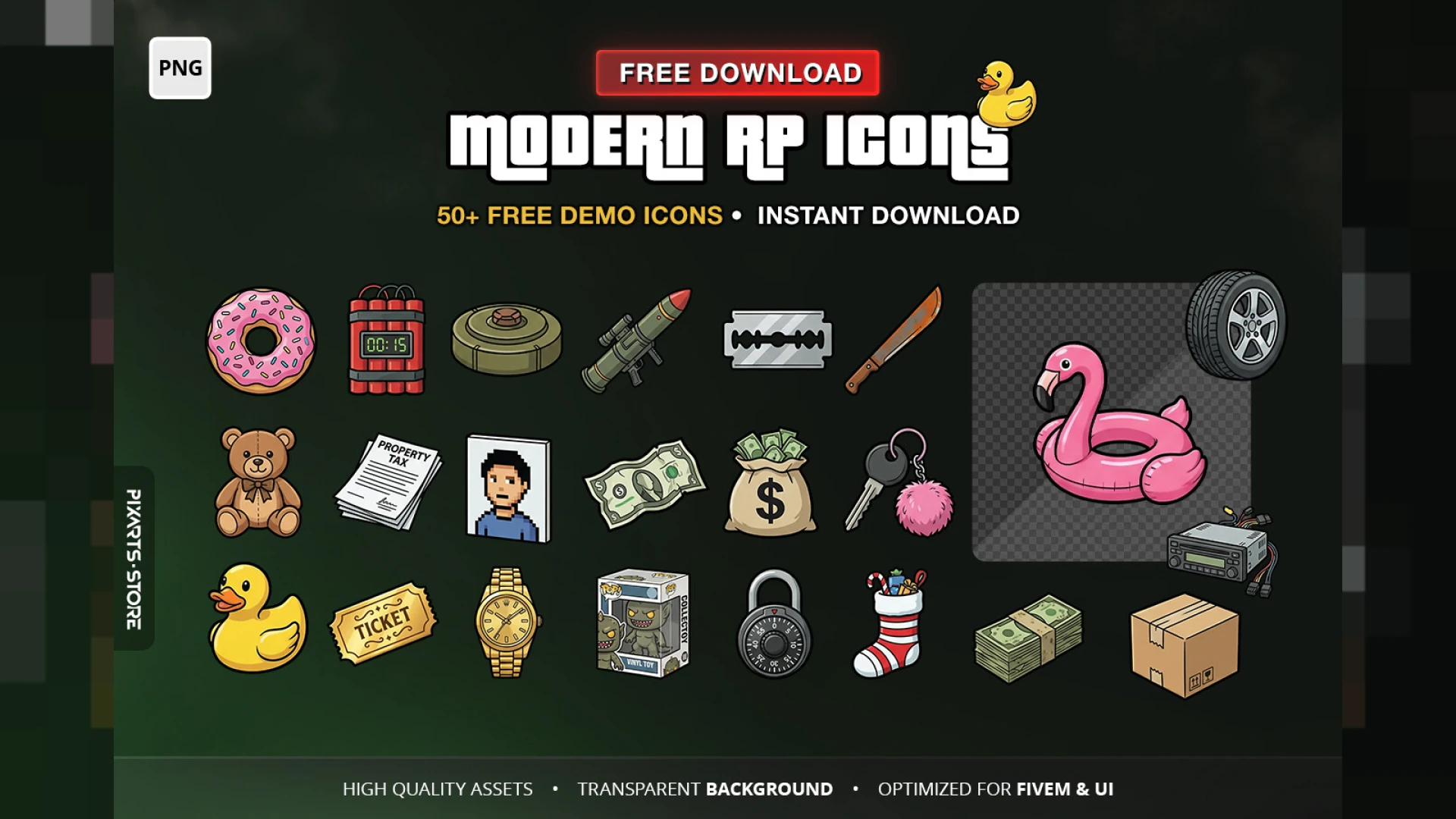
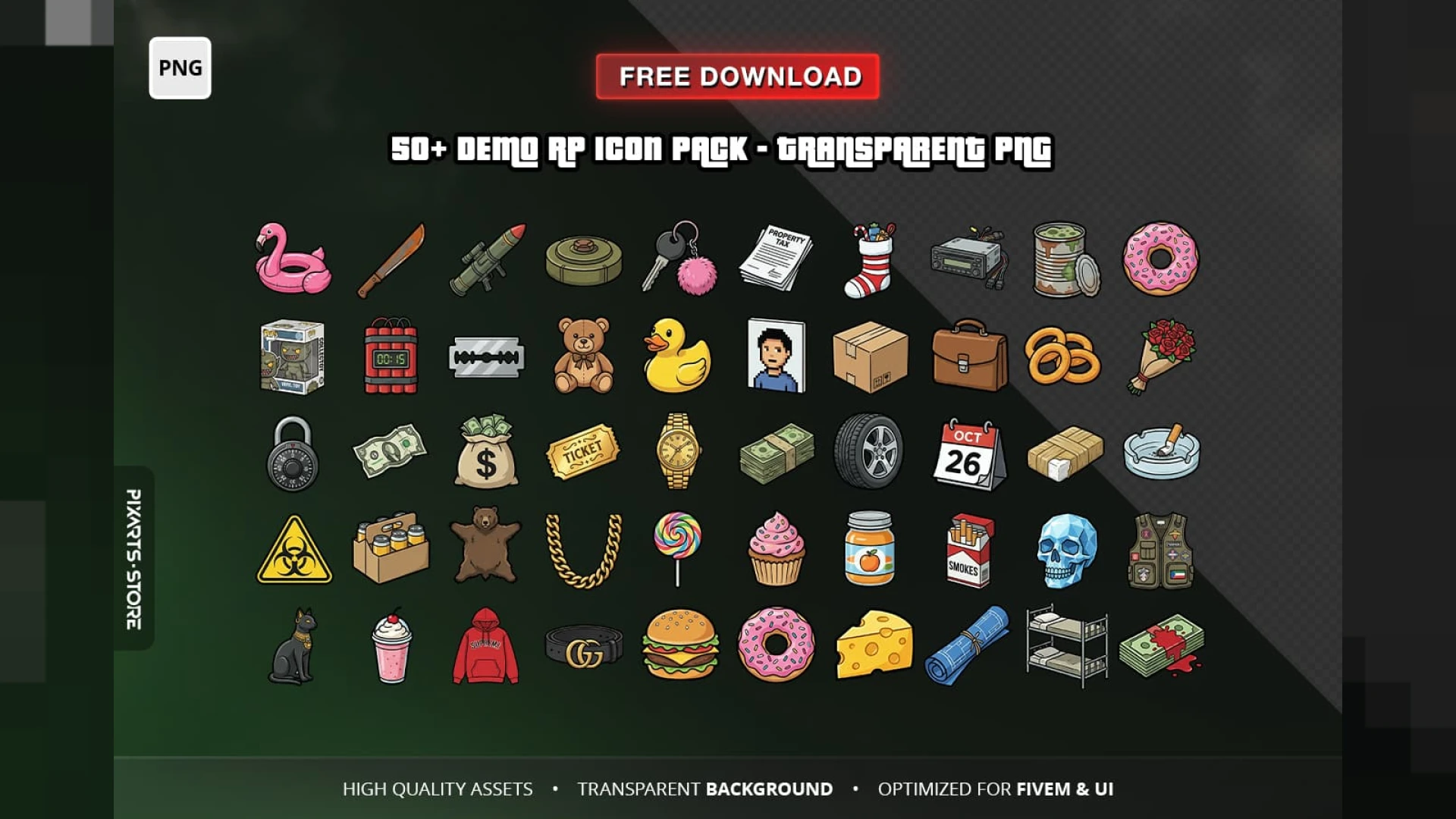
Nothing gives away a rushed server faster than an inventory full of mismatched item images — a photo here, a cartoon there, three different lighting styles in one row. This inventory icons pack fixes that instantly with 50+ clean, consistent images designed to sit together, so your whole item grid finally looks like it belongs to one polished city.
What is in the inventory icons pack
- Over 50 item images covering the essentials most roleplay servers use every day.
- One consistent art style — matching lighting, framing and background across every icon.
- Clean, readable silhouettes that stay clear even at small inventory sizes.
- Transparent, drop-in files ready for your inventory's image folder.
- Named sensibly so wiring them to items is quick and obvious.
Why consistent icons matter
- A coherent item grid reads as a professional, cared-for server on first sight.
- Players identify items faster when the visual language is consistent.
- Screenshots and streams of your inventory look clean instead of cluttered.
- New items you add later have a clear style to match going forward.
- It saves your team hours of hunting and editing mismatched images.
Works everywhere
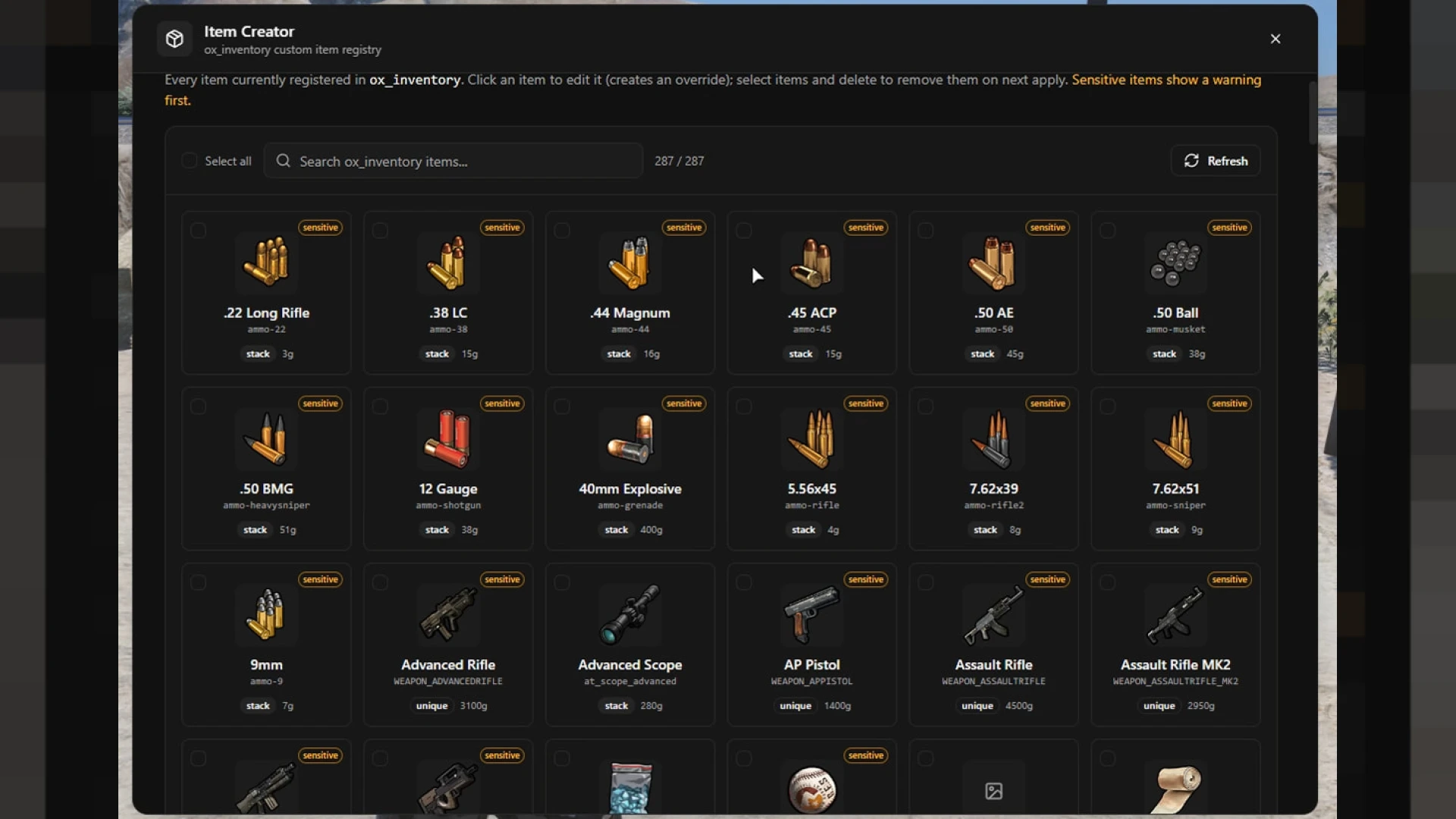
- Compatible with ESX, QBCore and OX inventories — images are just files.
- Drop them into your inventory resource and reference them per item.
- Standard formats that any inventory system can display.
- A great starting set you can extend in the same style.
Presentation is a huge part of how players judge quality, and the inventory is one of the interfaces they open most. A matching icon set is one of the cheapest, highest-impact polish passes you can make to your entire server at once.
Pair it with a strong base like Quasar Inventory and browse more inventory & crafting scripts.
A single consistent icon set is one of those upgrades that quietly lifts the perceived quality of your whole server the moment players open their bag.