Weapon holding animation fivem scripts fix one of the most visible gaps in roleplay, the stiff pose a character falls into the moment a weapon comes out. This guide pairs that script with eleven admin and utility resources that are easy to overlook, from staff menus and door tools to a drone, time sync and an FPS helper for players.
Treat these weapon holding animation fivem scripts as the starting point, then add the utility tools that keep your staff and builders productive. Each title links to its product page, and the table below summarizes each pick.
Why weapon holding animation fivem scripts matter for roleplay
Weapon Holding Animation
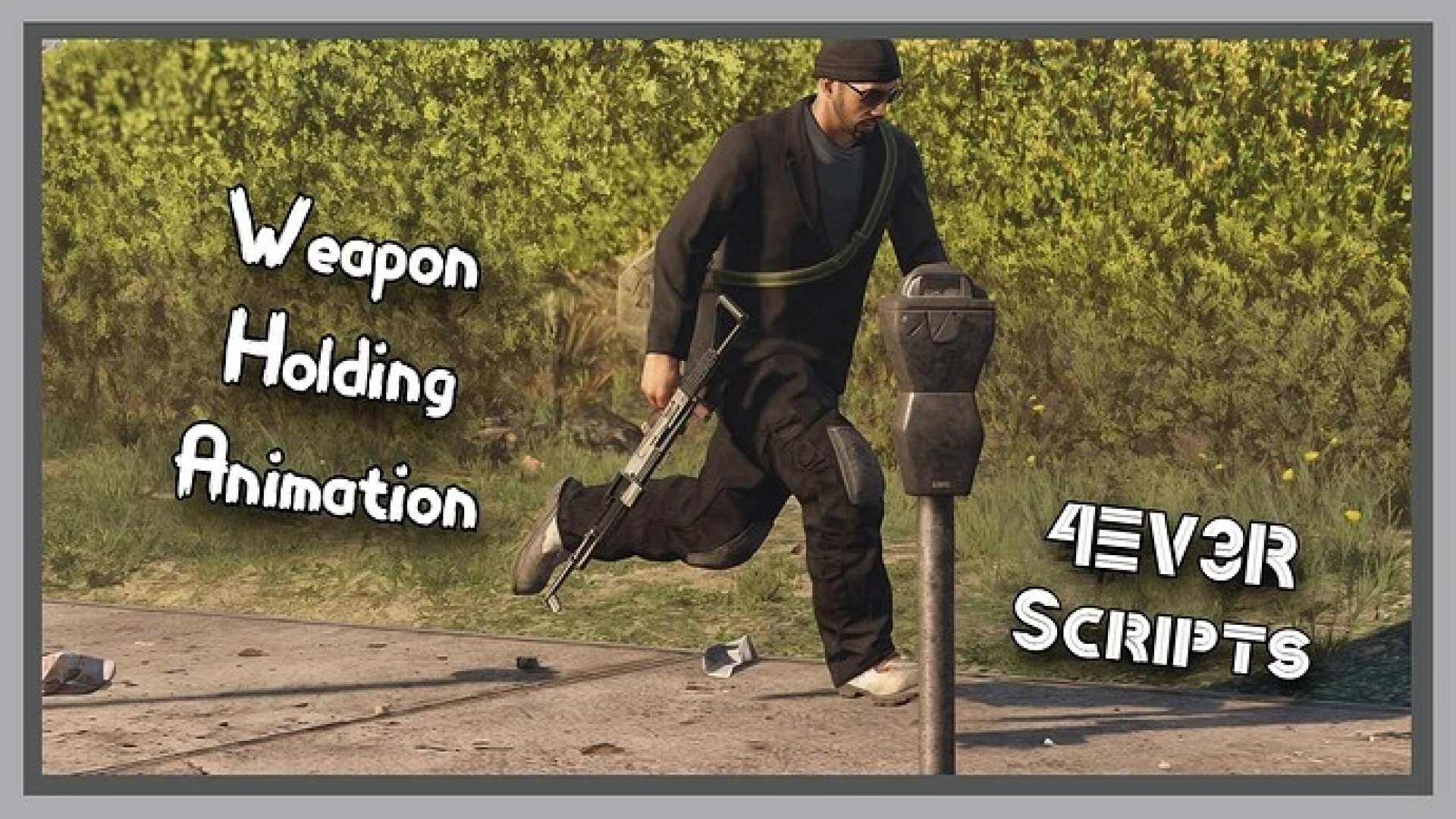
The Weapon Holding Animation script replaces the rigid, arms-extended pose that default GTA V characters strike once a weapon is drawn. Its listing describes natural low-ready stances in its place, which makes armed scenes read as more deliberate. It is a small change that pays off in every tense scene on a serious roleplay server.
Best for: any server where armed scenes need to look grounded.
Jota Admin Menu
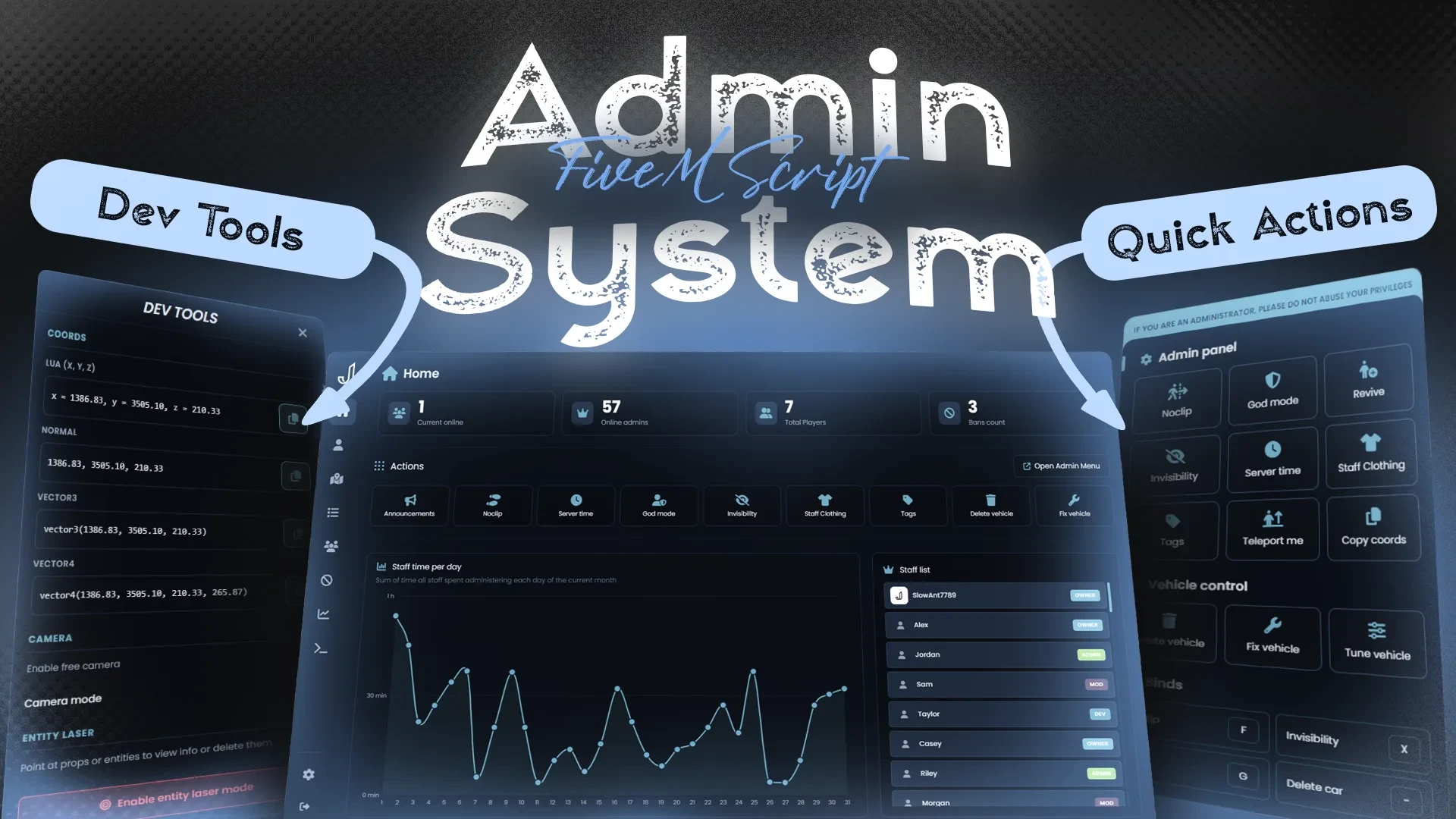
The Jota Admin Menu gives staff a modern control panel for player management, vehicle tools and server controls. Its listing says the layout lets a moderator reach the right action in two clicks, even when several reports arrive at once. It is a sensible first upgrade for a team that handles reports every day.
Best for: moderation teams that handle reports under pressure.
LondonStudios Smart Signs
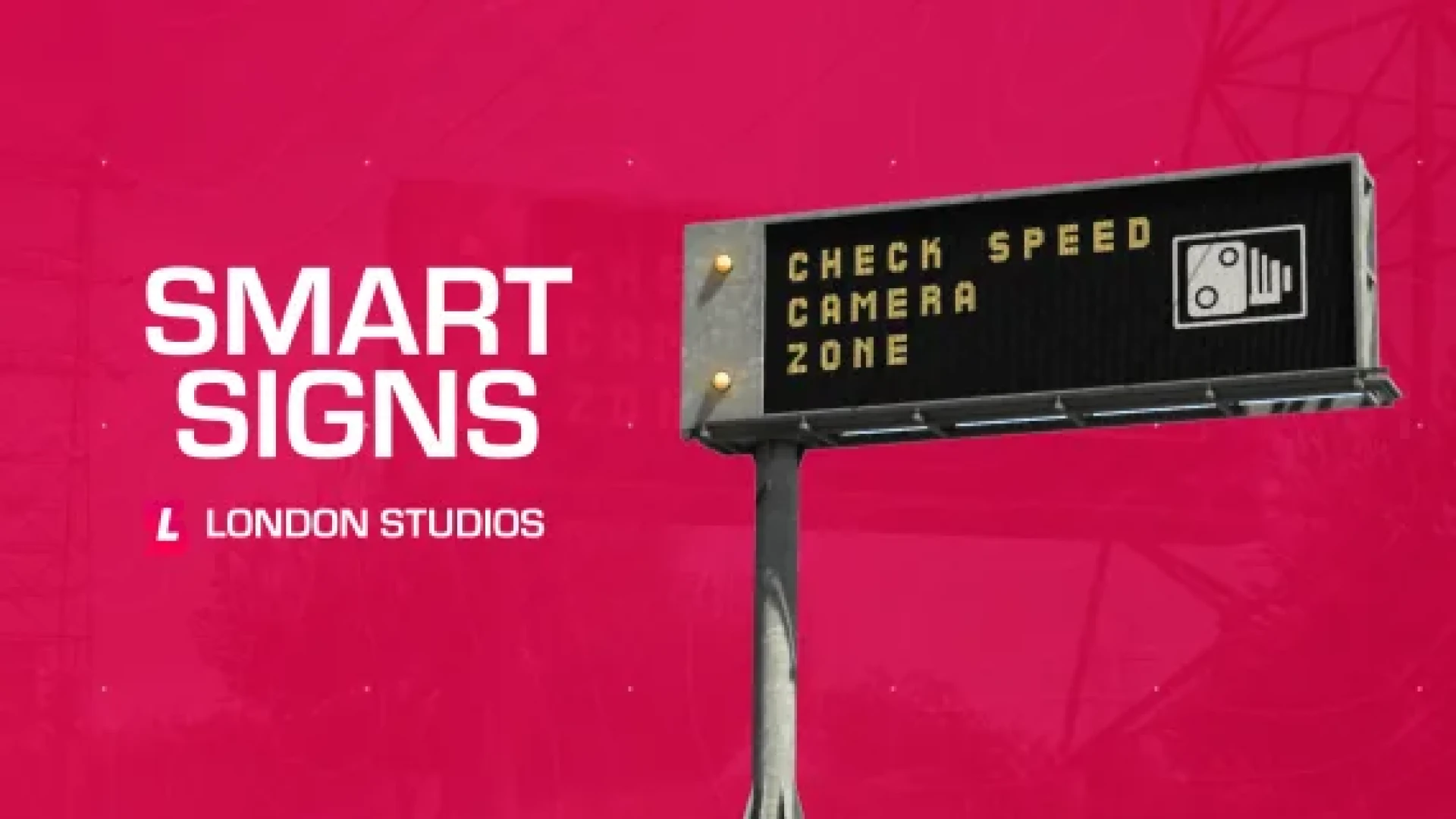
The LondonStudios Smart Signs lets owners edit road and info boards live in-game. Staff can post event directions, closures, warnings or business boards as things change. It turns static scenery into a tool that responds to what is happening in the city.
Best for: event teams and roleplay hosts who need live road information.
Luxu Admin Menu V2
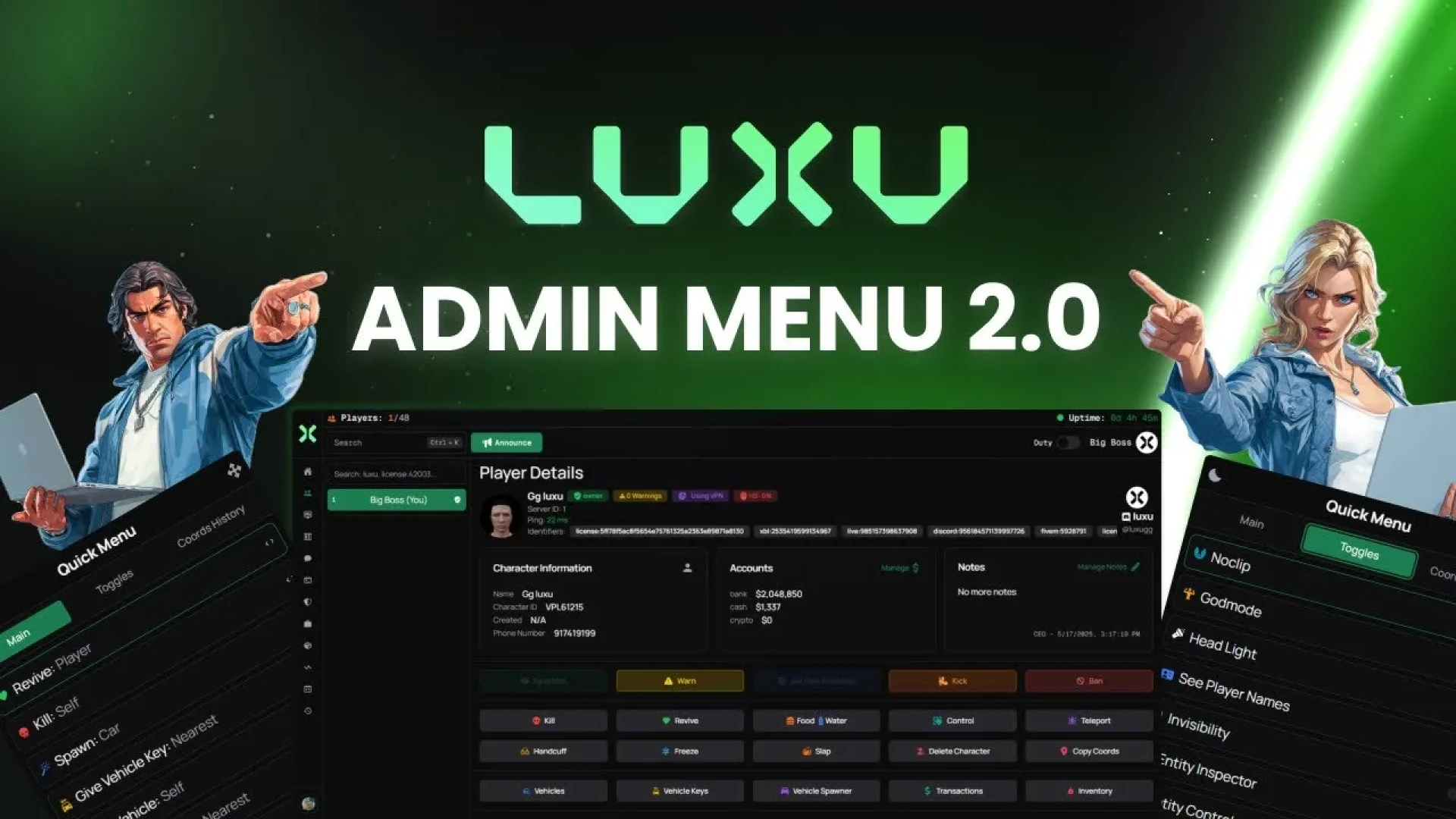
The Luxu Admin Menu V2 is a polished admin panel with a live player list, search and per-player actions grouped in one place, such as teleporting. Its listing presents it as fast, organized control over players, vehicles and the server itself. It is a good alternative when your team wants to compare two admin menus.
Best for: staff teams that want a second polished admin panel to compare.
Jaksam Doors Creator
The Jaksam Doors Creator moves door setup into the game itself. You walk up to any door, register it and choose who can change its lock state, without hunting door hashes or editing config files. Its listing describes it as a quick way to lock down job, gang and business doors.
Best for: job, gang and business owners who need lockable doors.
Ak4y In-Game Map Editor
The Ak4y In-Game Map Editor lets builders spawn props, move and rotate them live, and save finished scenes. Its listing describes a hands-on build session in place of guessing coordinates in code. It suits anyone decorating a custom scene, event stage or business.
Best for: builders who want to place props visually in-game.
Zone Creator
The Zone Creator lets you draw polyzones, box zones and circular areas in live 3D by placing points in the world. You see what your scripts will see before any config is written. Its listing describes it as a way to skip the teleport, copy and restart loop.
Best for: scripters setting up job, shop or event zones.
Advanced Time Sync
The Advanced Time Sync makes the city's clock one shared fact, so every client renders the same moment. Its listing describes server-authoritative time, which keeps sunrise, storms and scheduled events consistent for every player. It fixes the problem of one player's noon being another's midnight.
Best for: servers running scheduled events and time-sensitive scenes.
glitchdetector | Aerial Tramway
The glitchdetector | Aerial Tramway adds a working cable car that carries players between stations. Its listing describes synced cabins that ride smoothly up a mountainside or across a valley. It turns a landmark into a functional part of the map.
Best for: scenic transport and map landmarks.
CrispyDevs | monoAdmin Cloud Panel
The CrispyDevs | monoAdmin Cloud Panel is a cloud and in-game admin panel that brings server activity into one real-time view. Its listing says it replaces scattered web tools and clunky menus, giving owners and staff a clear picture of a large community. It is built for situational awareness rather than a basic command list.
Best for: owners who want one dashboard for a large community.
Danzo | Denzo Advanced Drone
The Danzo | Denzo Advanced Drone adds a controllable aerial camera. Its listing says the camera steers with the mouse, which makes flight easy to learn. News crews, realtors and event hosts can capture aerial shots that a ground camera cannot.
Best for: event hosts, filmmakers and news roleplay.
FPS Optimization Tool
The FPS Optimization Tool gives players client-side graphics tweaks and one-click presets that recover frames. Its listing says players can adjust these settings from inside the server without editing config files. It helps newer players on modest hardware stay in your city.
Best for: players on modest hardware who struggle with frame rate.
Quick comparison of the twelve picks
| Product | Category | Best for |
|---|---|---|
| Weapon Holding Animation | Admin & Utility Scripts | Grounded armed scenes |
| Jota Admin Menu | Admin & Utility Scripts | Moderation teams |
| LondonStudios Smart Signs | Admin & Utility Scripts | Live road information |
| Luxu Admin Menu V2 | Admin & Utility Scripts | Second admin panel |
| Jaksam Doors Creator | Admin & Utility Scripts | Lockable doors |
| Ak4y In-Game Map Editor | Admin & Utility Scripts | Visual prop placement |
| Zone Creator | Admin & Utility Scripts | Job and event zones |
| Advanced Time Sync | Admin & Utility Scripts | Shared server time |
| glitchdetector | Aerial Tramway | Admin & Utility Scripts | Scenic transport |
| CrispyDevs | monoAdmin Cloud Panel | Admin & Utility Scripts | Large community dashboard |
| Danzo | Denzo Advanced Drone | Admin & Utility Scripts | Aerial filming |
| FPS Optimization Tool | Admin & Utility Scripts | Modest hardware players |
Frequently asked questions
Do weapon holding animation fivem scripts need a specific framework?
The product page is the place to confirm framework compatibility and install steps, so check it before adding the script to a live server. Each listing states its own requirements, and they are not all identical.
Can I give staff admin tools without giving them full control?
Most admin tools in this group expose powerful actions such as player management and vehicle controls, so grant access by role. Test each menu on a staging server first, so you know exactly what each rank can do.
Which admin or utility script should a new server add first?
Start with the admin menu your staff will use every day, then add the map editor and zone creator when builders need them. Weapon holding animation fivem scripts can follow once the staff workflow is settled.
For the rest of the set, browse the admin and utility scripts collection on FiveM Shops. Pair the visual upgrade of weapon holding animation fivem scripts with the tools your staff uses every day, and your roleplay gets both better looks and better control. Start small, test each script on a staging server, and expand as your community grows.