In-game zone creation tool with live 3D editing for script developers and server owners
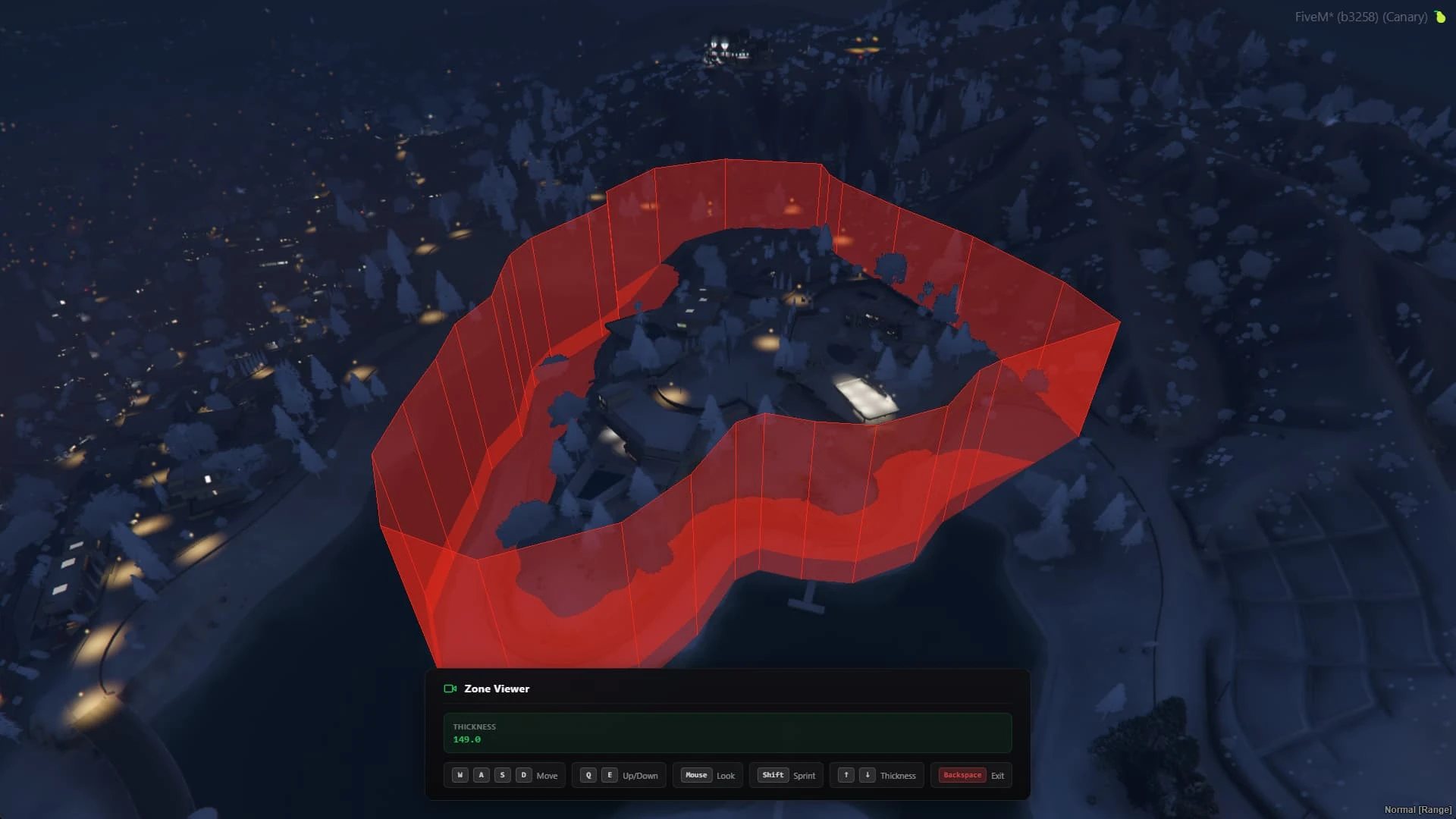
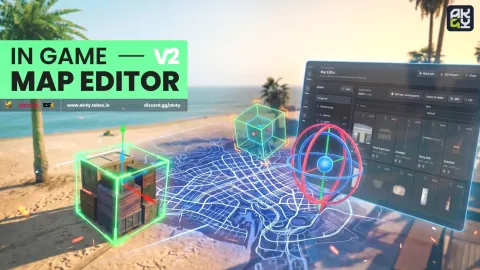
Every zone creator eventually replaces the same painful ritual: teleport, jot coordinates, alt-tab, paste, restart, discover the polygon is crooked, repeat. This tool moves the whole job in-game — you walk the world and draw your zones directly in live 3D, seeing exactly what your scripts will see before a single line of config is written.
What the zone creator does
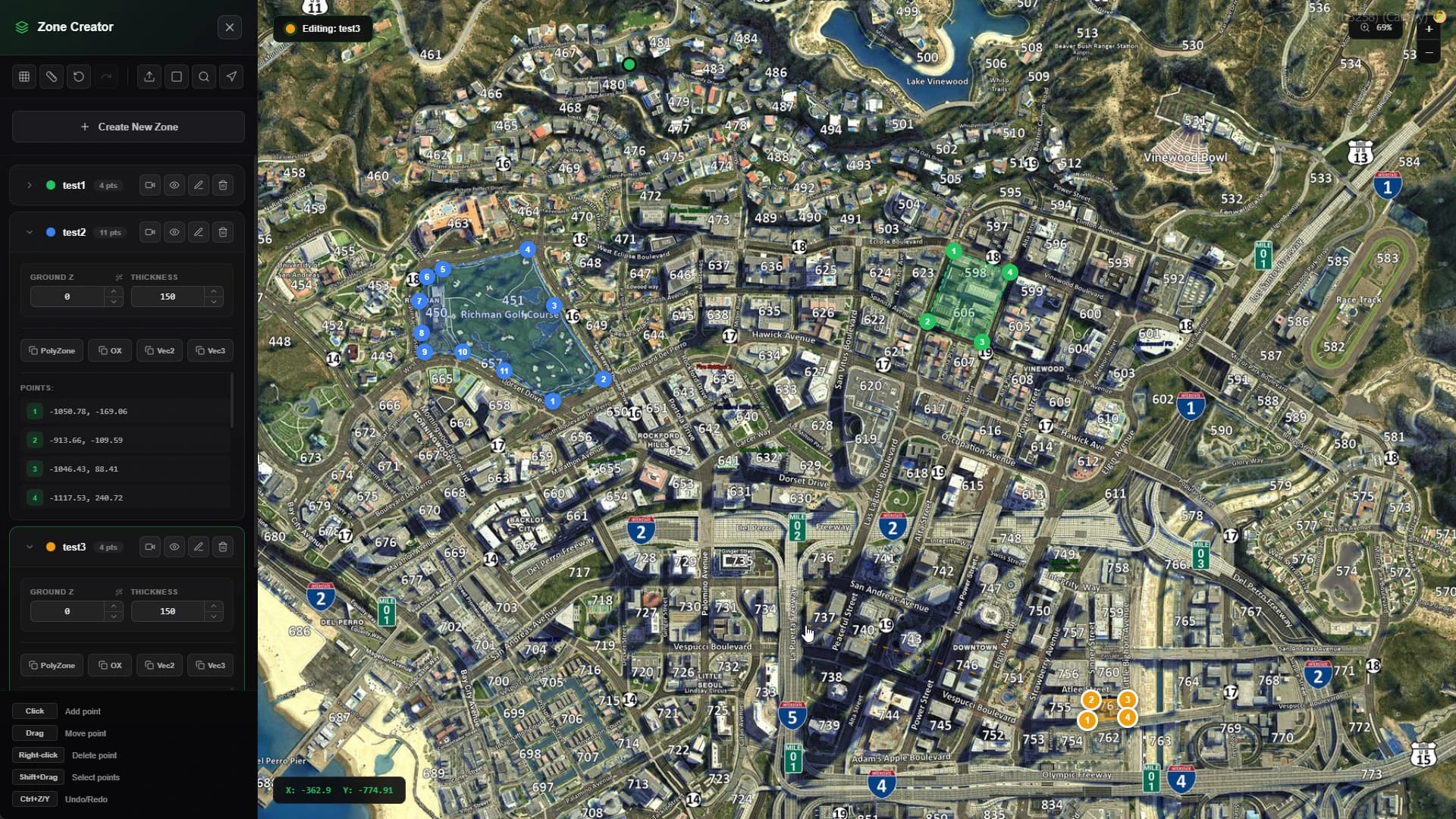
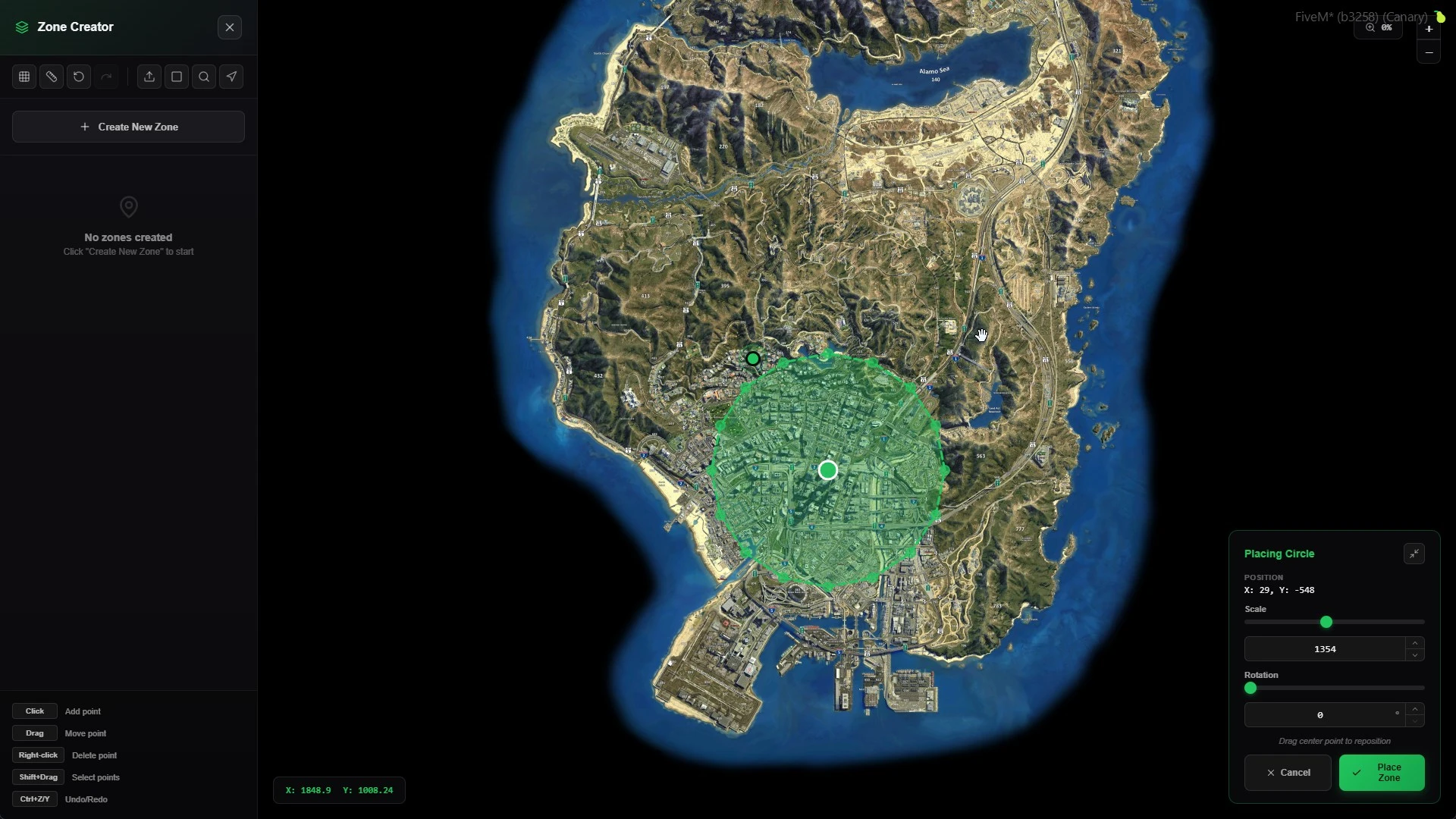
- Draw polyzones, box zones and circular areas by placing points in the world, with boundaries rendered live as you work.
- Edit existing zones visually: drag points, adjust heights and watch the volume update in real time.
- Name, list and manage all your zones from one clean panel instead of a folder of scattered snippets.
- Export ready-to-paste zone definitions for your scripts the moment a shape is right.
Who reaches for it daily
- Developers building job scripts, heists and interactions that depend on precise trigger areas.
- Server owners marking safe zones, green zones, drug fields and gang territories without waiting on a developer.
- Mappers pairing new MLOs with accurate interaction volumes on the day the map ships.
Why visual beats manual
- A zone drawn against real geometry is right the first time — no more triggers that clip through walls or float above terrain.
- Iteration drops from minutes per attempt to seconds, because there is no restart loop.
- Non-technical staff can safely handle zone work, freeing your developers for real features.
Fits your stack
The tool runs on ESX and QBCore, plays nicely alongside the usual polyzone and target ecosystems, and ships with open files so you can match the output format to whatever your scripts expect. If your city is still hand-typing coordinates, a zone creator pays for itself the first afternoon. Find more workflow tools in our admin & utility scripts collection.
Zones also age well: as your city adds districts, events and seasonal content, the same zone creator keeps every new area consistent with the old ones. Teams that adopt a visual workflow rarely go back — the tool becomes part of how the server is built, not just a convenience.