Add lockable, job-restricted doors anywhere in-game with no coding for ESX, QBCore and Qbox
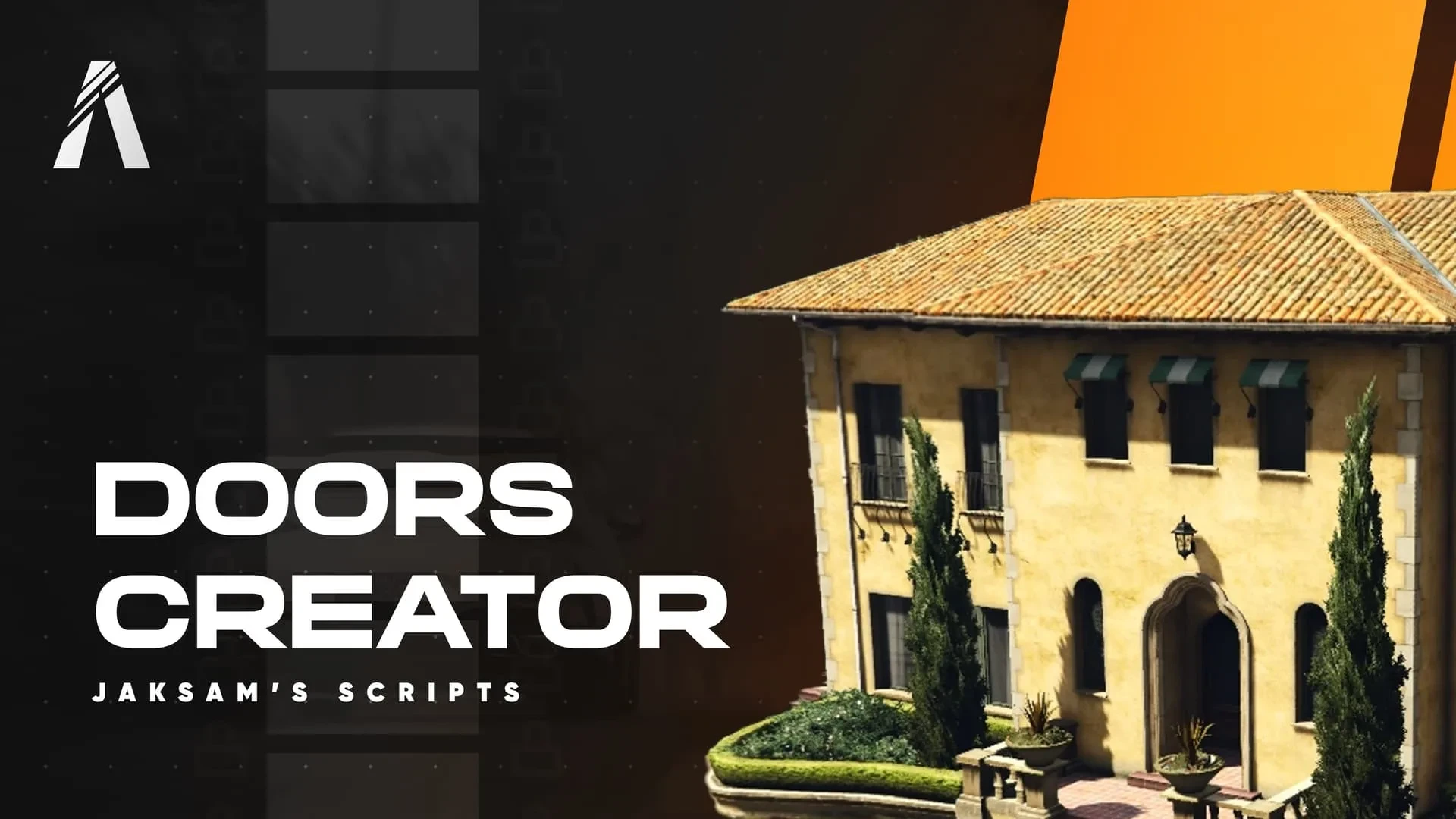
Every job, gang and business needs doors that lock, and setting each one up usually means hunting door hashes and editing config for hours. Doors Creator moves the whole job in-game: walk up to any door, register it, set who can unlock it, and it is done. No coding, no door hashes, no restart loops — just point at a door and lock it down.
What Doors Creator does
- Register any door in the world directly in-game.
- Set lock states and who is allowed to unlock them.
- Restrict doors by job, gang, item or key.
- Handle single and double doors cleanly.
- Everything saves persistently, surviving restarts.
Who reaches for it
- Owners securing job buildings, evidence rooms and armories.
- Gangs locking down their hideouts.
- Businesses controlling back-office and stockroom access.
- Non-technical staff setting up doorlocks without a developer.
- Anyone tired of hunting door hashes in config files.
Clean and light
- Runs on ESX, QBCore and Qbox from a single install.
- Configurable defaults, permissions and behavior in open files.
- Central management replaces scattered doorlock configs.
- Lightweight and stable at any number of doors.
Locked doors are the backbone of access control on a roleplay server, and setting them up the old way is one of the most tedious jobs a developer faces. Doing it visually in-game turns hours of hunting door hashes into a two-minute walk-and-click, and it opens door management up to any staff member instead of just your coders.
Pair it with our Stash Creator and browse more admin & utility scripts.
Setting up doorlocks the old way is one of the most tedious jobs a developer faces, and doing it visually in-game turns hours of hunting door hashes into a two-minute walk-and-click any staff member can handle.
It opens door management up to any staff member instead of just your coders.